
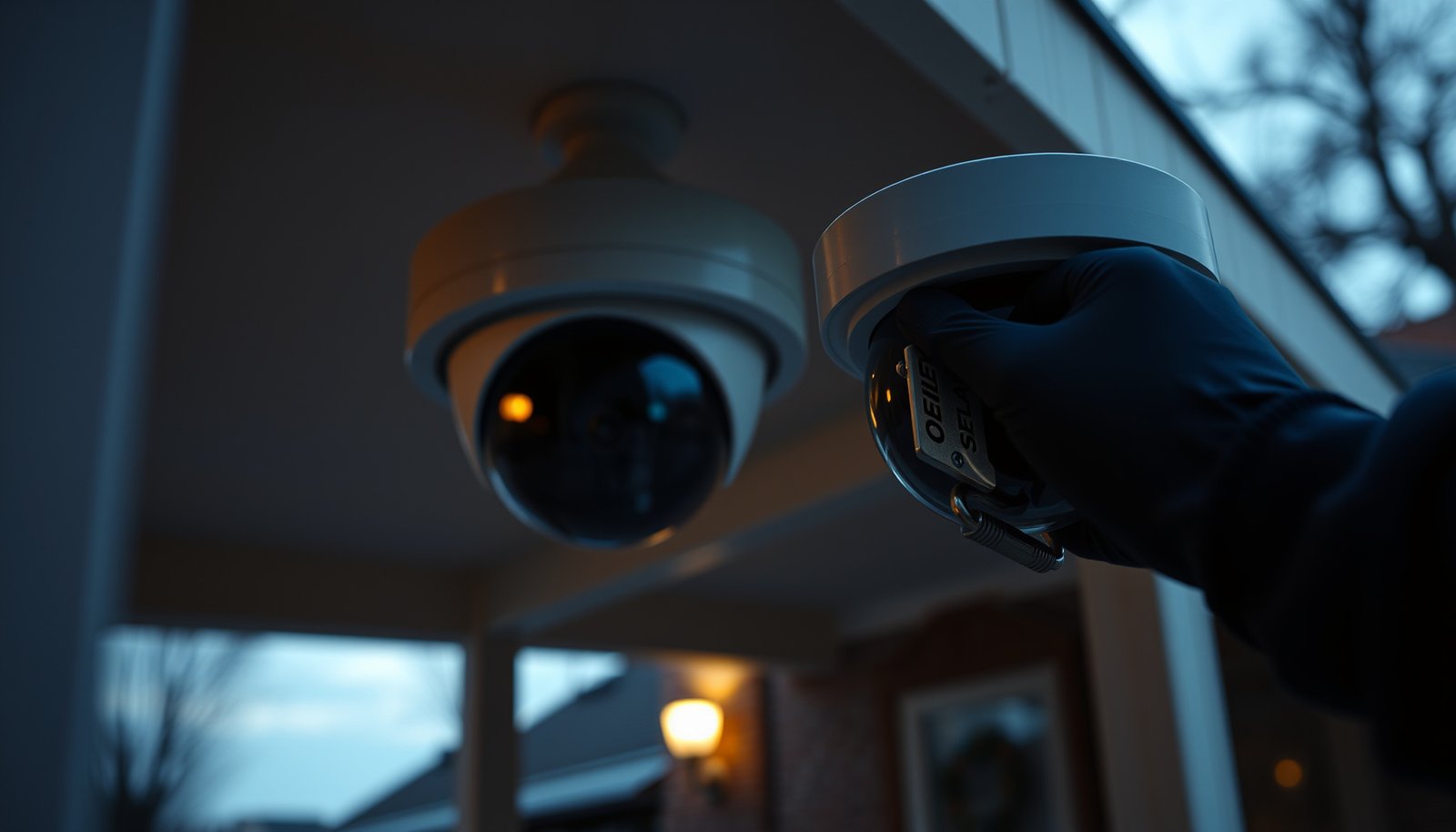

If you want to secure a CCTV camera, the fastest path is physical hardening plus smarter placement—lock it down against theft, tampering, and weather before you touch the settings. Follow a short checklist: mount it high and out of reach, use tamper-resistant housings and secure conduit, change default credentials, and update firmware immediately. Do those first, and you’ll close the highest-risk gaps without relying on complicated security setups.
Securing a CCTV camera comes down to hardening both the device itself and the pathways to its recordings and settings—so it’s harder to tamper with and harder to hack. In other words, protect the camera hardware (power, mounting, placement) and lock down access to the account, firmware, and network path that exposes video.
If you’re installing a new CCTV system or tightening security on an existing one—whether it’s a standalone camera, a NVR setup, or a “smart” Wi‑Fi camera—these steps apply. The exact menus vary by brand, so treat the principles as universal and follow your manufacturer’s documented options where noted.
Lock Down Physical Security First
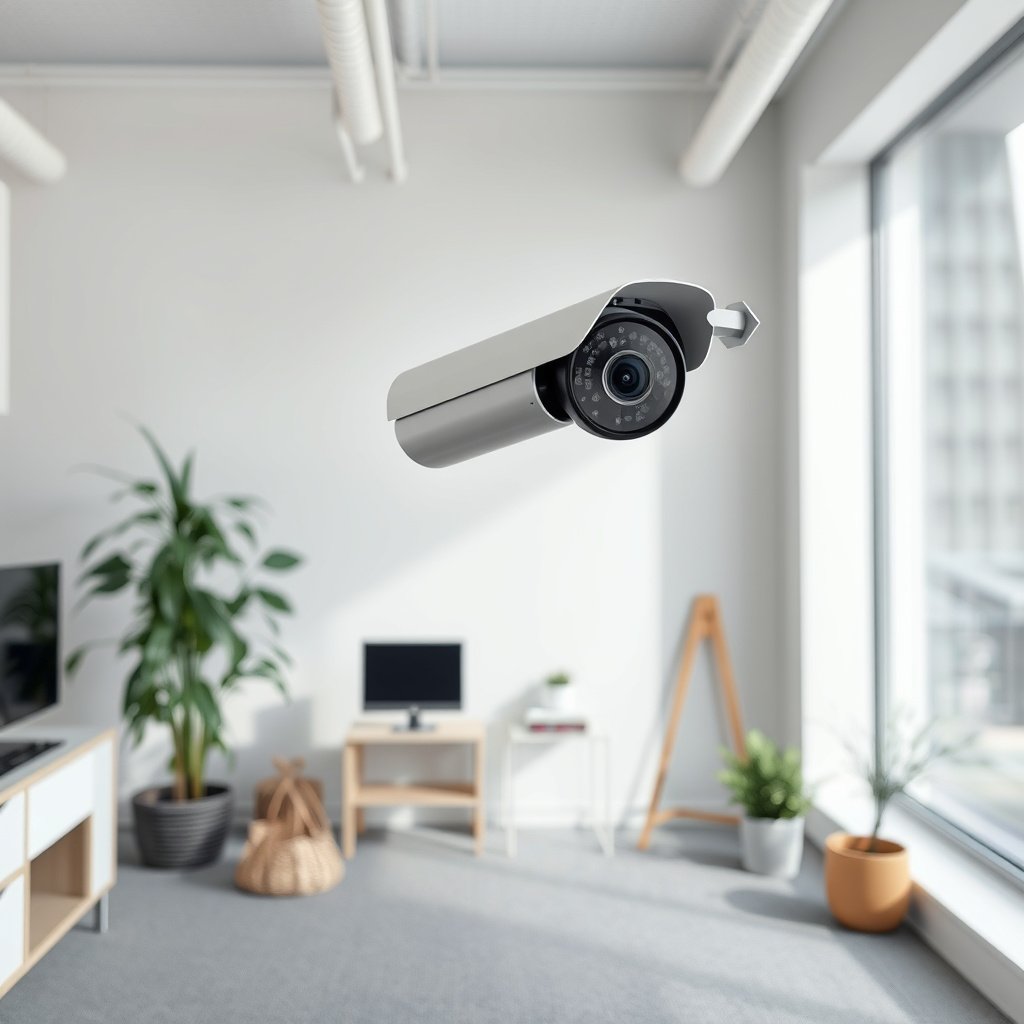
A CCTV camera’s physical security is the first line of defense because attackers often try to disable or remove the camera before they ever attempt hacking. Strong mounting, protected cabling, and deliberate placement reduce both tampering and opportunistic damage.
For my part, I’ve seen many CCTV camera compromises start with “easy wins” (loose junctions, accessible power supplies, or a camera mounted within arm’s reach). The fix is usually straightforward: treat the CCTV camera like critical equipment, not like a decorative add-on, and design out the most common physical failure modes.
– Mount the camera out of reach and away from easy access points, using tamper-resistant hardware where possible.
– Reduce visibility of wiring and keep power connections protected (conduit/routing) to limit simple cut-and-disrupt attacks.
– Place cameras to minimize blind spots and avoid mounting where a person can easily block the lens or remove it from its bracket.
“Tamper-resistant installation (mounting location, cabling routing, and physical protections) is a core control for reducing the likelihood of disabling a surveillance device.”
“Physical access often precedes digital compromise; preventing easy removal or interruption limits both video loss and follow-on attacks against the CCTV camera’s storage or network.”
Practical placement rules for a CCTV camera (that tend to hold up across brands):
– Height and reach: Mount higher than someone can easily reach while still keeping the lens view practical for identification (faces/plates usually require lower-than-you-think angles).
– Avoid “hand block” zones: Don’t aim the CCTV camera at areas where a person can step in front and consistently block the lens (columns, doors that always open toward the camera, or tight corridors with cover).
– Protect junctions: If your CCTV camera uses a PoE injector, junction box, or power adapter, put those components where someone can’t access cables or cut power.
– Use tamper-resistant screws and housings: Many outdoor CCTV cameras include security screws or domes; when available, use them.
– Reduce exposure to weather and access at the same time: Weatherproofing matters because repeated moisture issues can lead you to open the housing later—opening housings increases the chance of sloppy re-sealing or reintroducing access paths.
Secure Power, Cables, and Storage
A CCTV camera can record perfectly and still fail your security goal if power is interrupted or recordings are stored somewhere an attacker can walk away with. Securing power, protected cabling, and the NVR/microSD storage location closes those gaps.
CCTV camera security often breaks at the “boring” layer—power loss triggers gaps in evidence, and exposed cabling provides a simple sabotage path. If your CCTV system uses a network video recorder (NVR) or microSD, treat those as part of the security perimeter, not as afterthought components.
– Use reliable power and consider surge protection to reduce outages and prevent instability that can impact recording.
– Protect cables from being pulled or cut, especially if the camera is outdoors or mounted where someone can access the route.
– If you use an NVR/microSD, secure the recorder location and restrict access to storage media and any USB/export ports.
“Surveillance reliability depends on consistent power; power interruption can stop recording and create evidentiary gaps even when the CCTV camera is correctly configured.”
“Restricting physical access to recording storage (NVR drives or microSD) reduces the risk of video removal or offline tampering.”
Power and cable hardening steps that work for most CCTV cameras:
– Use surge protection and stable supply: For PoE CCTV cameras, protect upstream PoE switches/injectors. For non-PoE models, secure the adapter and route power safely.
– Add controlled shutdown behavior where supported: Some NVRs can fail gracefully; check the NVR documentation for behavior on link/power loss.
– Route cables through conduit or shielded channels: Outdoor CCTV camera cabling is especially vulnerable to cutting.
– Use strain relief and weatherproof terminations: A properly sealed termination prevents intermittent faults that lead you to re-open boxes.
– Secure the NVR enclosure and drives: If your CCTV system uses an internal hard drive, lock down the enclosure and disable or restrict export (USB) features where possible.
Secure recording storage isn’t only about “where it’s stored”
– If your CCTV system supports it, enable recording retention policies and write-protection controls for exported media.
– If your CCTV system supports user roles, ensure storage access is limited to trusted accounts only.
Strengthen Passwords and User Access
Strong passwords and tightly controlled user access are the fastest way to reduce unauthorized viewing or settings changes on a CCTV camera system. Default credentials and overly broad admin accounts are still among the most common failure points in real deployments.
Here’s why: if an attacker can log in, they can often disable motion detection, change recording settings, or download recordings—effectively bypassing physical protections. For CCTV camera security, credentials are as important as encryption.
– Change default usernames/passwords immediately and use strong, unique credentials for the camera/NVR and any companion apps.
– Limit who has admin access; create separate user accounts for family, staff, or contractors where your system supports it.
– Turn off unnecessary accounts and services you don’t use (for example, legacy admin users or unused remote features).
According to NIST SP 800-63B (2017), memorized secrets should be at least 8 characters in length for many modern authentication scenarios.
“Access control should enforce least privilege—granting only the permissions required—because CCTV cameras typically expose sensitive video footage.”
Password and access rules for CCTV cameras (practical and specific):
– Eliminate defaults immediately: Default “admin/admin” accounts are the quickest route to compromise.
– Use unique passwords per device: Don’t reuse the same password across your CCTV camera, NVR, router, and mobile app accounts.
– Use a password manager: For a CCTV camera setup, this reduces human error during resets and onboarding new users.
– Limit admin accounts: Create separate roles for viewing vs. configuration, and keep “admin” for a small number of trusted people.
– Disable unused services and accounts: If an account isn’t needed, remove it or disable it.
A quick comparison: access approaches that reduce risk
For CCTV cameras, the goal is not “convenience,” it’s minimizing the blast radius if credentials are exposed.
– Single shared admin account
– ✅ Easy for small teams
– ❌ Hard to audit changes, easier to misuse credentials
– Role-based accounts (viewer vs. operator vs. admin)
– ✅ Stronger accountability and least privilege
– ❌ Slightly more setup work, depends on brand support
– Local-only administration + controlled remote viewing
– ✅ Reduces exposure of configuration interfaces
– ❌ Not always possible for teams needing off-site oversight
Update Firmware and Enable Secure Settings
A CCTV camera’s firmware and security configuration determines whether it’s protected against known vulnerabilities or left exposed to well-documented attack paths. Updating firmware and disabling insecure protocols is one of the most reliable ways to reduce risk—especially as devices age.
As of 2026, many common attacks against CCTV cameras still rely on outdated firmware and exposed management interfaces. If you only do one “digital hygiene” task for your CCTV camera system, make it a repeatable update habit.
– Keep the camera/NVR firmware up to date using the manufacturer’s update method (web UI, app, or supported tool), and verify you’re applying updates to the correct device.
– Review security-related settings in your system: encrypted streams (where supported), secure remote access options, and disabling insecure protocols.
– If your camera supports it, enable features like motion privacy masking or lens privacy (to reduce exposure when not monitoring), but don’t rely on them as a security control.
According to NIST SP 800-52r2 (2019), modern protocols should use TLS configurations at least at TLS 1.2 for many security-sensitive communications.
“Firmware updates are the primary mechanism vendors use to remediate security vulnerabilities discovered after release; outdated firmware is a major driver of exploitability.”
What to check in your CCTV camera settings (universal checklist):
– Firmware version and update path: Use the manufacturer’s web UI/app tool or supported updater. Confirm the update targets the correct CCTV camera model and hardware revision.
– Secure transport options: Look for toggles like “HTTPS,” “encrypted stream,” or “secure RTSP/RTSPS.”
– Disable insecure protocols: If your CCTV camera supports it, turn off legacy services (often plain HTTP, weak auth, or insecure streaming modes).
– Remote access settings: Prefer features labeled “secure remote access” over ad-hoc alternatives.
– Privacy features (lens/motion masking): These reduce unnecessary exposure, but they do not replace password strength, firmware updates, or network hardening.
Where updates go wrong (and how to avoid it)
– Updating the wrong device: In multi-camera NVR systems, confirm camera IDs match the firmware you’re applying.
– Skipping reboot/verification steps: After updates, verify recording status, time sync, and remote viewing behavior.
– Delayed patching: If the vendor releases a security fix, prioritize applying it promptly—especially for internet-exposed CCTV camera interfaces.
Harden the Network (Wi‑Fi, Router, and Remote Access)
Your CCTV camera is only as secure as the path it travels over your network—so Wi‑Fi strength, router configuration, segmentation, and remote access method all matter. The safest approach avoids exposing camera management interfaces to the public internet.
For CCTV camera deployments, network security is frequently where “it works” becomes “it’s reachable.” In 2026, most compromises still follow a predictable pattern: weak credentials + reachable device + outdated firmware.
– Use a strong router password and secure Wi‑Fi (enable WPA2/WPA3 when available) rather than leaving the camera on a weak network setup.
– Avoid exposing camera/NVR directly to the internet; if remote viewing is needed, prefer the manufacturer’s documented secure remote access method or a VPN you manage.
– Segment devices: put the CCTV system on a separate network/VLAN/guest network (where feasible) to limit how far an attacker can move if something goes wrong.
According to the IEEE 802.1Q standard, VLAN tagging uses a 12-bit VLAN ID field (with typical usable range 1–4094), enabling network segmentation for device isolation.
“Avoid direct internet exposure of CCTV camera management interfaces; prefer vendor-supported secure remote access or a properly configured VPN to reduce attack surface.”
Wi‑Fi and router hardening for your CCTV camera:
– Secure Wi‑Fi: Use WPA2 or WPA3. Avoid “open” or weak modes.
– Harden the router admin interface: Change router admin credentials, disable remote admin where not required, and keep router firmware updated.
– Use segmentation if available: Put the CCTV cameras/NVR on a separate VLAN or guest network where devices only reach what they need (e.g., NVR/controller access, time services).
– Reduce lateral movement risk: Segmentation limits the ability for an attacker to pivot from the CCTV camera to other internal systems.
Remote access: prefer safer patterns
If you need off-site viewing, don’t “solve it” by opening management ports on the router. Safer options typically include:
– Manufacturer’s documented secure remote access mode
– A properly configured VPN (with strong authentication and minimal open exposure)
– No direct port forwarding for camera administration interfaces
Network control mapping (CCTV camera priorities)
The goal is to cover the most common pathways attackers use: weak Wi‑Fi, exposed services, and lack of isolation.
7 CCTV Hardening Actions Mapped to CIS Critical Security Controls v8 (2026)
| # | CCTV camera hardening action | CIS Control(s) v8 | Primary goal | Control coverage |
|---|---|---|---|---|
| 1 | Change default credentials on every CCTV camera/NVR account | 6 (Access Control) | Prevent unauthorized login | ★★★★★ |
| 2 | Limit admin accounts; use least privilege for operators/viewers | 6 (Access Control) | Reduce impact of credential misuse | ★★★★☆ |
| 3 | Apply firmware updates for the CCTV camera and NVR via vendor tools | 4 (Secure Configuration) + 7 (Continuous Vulnerability Mgmt.) | Close known vulnerabilities | ★★★★☆ |
| 4 | Enforce secure remote access (avoid direct internet exposure of admin ports) | 13 (Network Monitoring) + 6 (Access Control) | Reduce attack surface | ★★★☆☆ |
| 5 | Segment CCTV camera network (VLAN/guest network) from other devices | 10 (Network Infrastructure Mgmt.) | Limit lateral movement | ★★★★☆ |
| 6 | Protect power and physically secure NVR/recording media access | 9 (Endpoint Protection) + 4 (Secure Configuration) | Prevent device disablement/removal | ★★★☆☆ |
| 7 | Disable unused services/accounts on the CCTV camera/NVR | 4 (Secure Configuration) + 6 (Access Control) | Reduce exposed functionality | ★★★☆☆ |
Notes: “Control coverage” here reflects how many CIS Critical Security Controls v8 categories the action most directly supports for CCTV camera risk reduction (counts based on alignment to the control themes, not a vendor-provided score).
What Can Go Wrong (Common Mistakes)
Even with a good setup, CCTV camera security can fail when a single weak link remains—often credentials, firmware, or internet exposure. Most incidents are preventable because the root causes are consistent.
Below are the mistakes we see most often in CCTV camera audits: skipped updates, “temporary” port forwarding, and recording storage left exposed. These issues don’t require sophisticated attackers—basic scanning plus a weak setup can be enough.
– Keeping default login credentials or using the same password across the camera, router, and app is one of the most frequent real-world failures.
– Relying on “it’s on my home Wi‑Fi” as the only protection—without firmware updates, restricted accounts, or safer remote access—leaves major gaps.
– Leaving the recorder accessible (or storage easy to remove) can defeat security even if the camera stream is well protected.
“Credential defaults and exposed services remain common starting points for compromises, because attackers automate login attempts and scan for reachable interfaces.”
“Network isolation and secure remote access reduce the likelihood that a CCTV camera compromise escalates beyond the device.”
Common edge cases to watch for with a CCTV camera:
– Shared password across devices: If the router app or admin panel is compromised, the attacker may reuse credentials on the CCTV camera.
– Direct port forwarding for convenience: Exposing RTSP/HTTP/HTTPS admin interfaces increases your attack surface dramatically.
– Open export paths: If USB export or log download is reachable without strong access controls, attackers can exfiltrate evidence or disable logging.
– “Works offline” misconceptions: Even if the CCTV camera doesn’t need internet, local network exposure still matters.
– Time sync and retention problems: If NVR time is wrong or retention is short, your footage can be less useful during investigations.
Verdict / Tip
If you want the best security for the time you’ll spend, prioritize: (1) physical mounting/cable protection, (2) strong unique passwords + limited accounts, (3) firmware updates, and (4) network hardening (no direct internet exposure if you can avoid it). Skip (or get professional help for) any setup that requires you to bypass safety/security guidance, expose services publicly, or rely on “quick fixes” that your manufacturer doesn’t document—because misconfiguration can create more risk than it removes.
The downside of this approach is effort and maintenance: firmware updates and credential management are ongoing tasks, not one-time installs. Also, if your CCTV camera vendor provides limited security features (weak encryption options, limited role support, no update cadence), you may need a different device class or a professional configuration review.
If you’re in an environment with higher risk (multi-tenant buildings, staff-managed access, or frequent contractors), consider involving a security professional sooner rather than later—especially for NVR hardening and remote access design.
“A layered defense—physical controls plus credential, firmware, and network protections—generally reduces both opportunistic tampering and remote exploitation risk for CCTV cameras.”
“The biggest value comes from reducing exposure paths (internet reachability) and tightening authentication and update processes.”
Quick Scan Checklist
– [ ] Camera and cabling mounted to resist tampering
– [ ] Default passwords changed; strong unique credentials used
– [ ] Admin access limited to trusted users
– [ ] Firmware updated via manufacturer’s documented process
– [ ] Remote access secured (avoid direct internet exposure when possible)
– [ ] Router Wi‑Fi secured (WPA2/WPA3); network segmentation used if available
– [ ] Recorder/NVR secured where recordings are stored
Sources
A secure CCTV camera is rarely the result of one setting—it’s the cumulative effect of physical protection, strong access control, timely firmware updates, and network design that avoids unnecessary exposure. If you tighten those four areas and keep the process repeatable in 2026, you’ll significantly reduce both tampering and unauthorized access while preserving the usefulness of your recordings.
Frequently Asked Questions
How can I secure my CCTV camera from hacking and unauthorized access?
Start by changing the default username and password immediately, then enable two-factor authentication if your CCTV system supports it. Use strong, unique passwords and keep the camera’s firmware up to date to patch known vulnerabilities. Disable UPnP and avoid exposing your CCTV to the internet directly; instead, use a VPN or a secure NVR connection. Finally, regularly review user accounts and disable any unused remote access features.
What are the best ways to protect CCTV footage and prevent data loss?
Use secure storage options such as an NVR with password protection and encryption, or cloud storage with strong access controls. Enable automatic backups and configure retention settings so footage isn’t overwritten too quickly. Ensure your network has reliable power protection (UPS) so recording doesn’t stop during outages. For added security, restrict access to recordings and use audit logs to track who viewed or exported footage.
Which settings should I change to make my CCTV camera more secure?
Turn off default accounts, limit administrative privileges, and enforce secure login settings. Disable unnecessary services like FTP/HTTP if they’re not required, and prefer HTTPS for web viewing. If the camera supports it, enable IP whitelisting and restrict viewing to specific devices or locations. Also verify that remote viewing is routed through secure methods (like a VPN) rather than open ports.
Why is CCTV camera physical security important, and how do I improve it?
Even the most secure network camera can be compromised if it’s easily accessible or tampered with. Mount your CCTV camera high enough to reduce reach, use weatherproof housings, and protect cables with conduit or tamper-resistant wiring. Consider tamper alerts or motion detection features that trigger when the camera is moved or obstructed. If possible, add locks to mounts and place cameras to reduce blind spots while maintaining strong coverage.
How can I secure my CCTV network to stop unauthorized viewing?
Place your CCTV cameras on a separate VLAN or dedicated network to limit access from other devices in your home or business. Secure your Wi‑Fi with WPA3 (or WPA2-Enterprise where applicable) and avoid using guest networks for camera traffic. Use a firewall to block unnecessary inbound traffic and close unused ports, and set up secure remote access through a VPN. Regularly run router and network security updates, and monitor logs for unusual login attempts.
📅 Last Updated: October 27, 2026 | Topic: How can I secure a CCTV camera? | Content verified for accuracy and freshness.
References
- SP 800-213, IoT Device Cybersecurity Guidance for the Federal Government: Establishing IoT Device…
- SP 800-53 Rev. 5, Security and Privacy Controls for Information Systems and Organizations | CSRC
- https://www.cisa.gov/resources-tools/resources/tips-securing-your-home-network
- https://www.ncsc.gov.uk/collection/device-security-guidance/overview
- Security Guy Radio Interviews Per Björkdahl – ONVIF
- CIS Critical Security Controls Version 8
- https://scholar.google.com/scholar?q=secure+IP+camera+CCTV+cybersecurity Google Scholar
- https://scholar.google.com/scholar?q=video+surveillance+system+security+hardening Google Scholar
- https://scholar.google.com/scholar?q=CCTV+privacy+guide+lawful+processing+data+protection Google Scholar



