

Want to set up CCTV for a house and get it working fast? This step-by-step guide walks you through choosing the right kit, placing cameras for real coverage, wiring or connecting devices, and configuring recording and remote viewing. Follow these instructions and you’ll have a secure, functioning CCTV system in place without guesswork.
A reliable house CCTV setup is built on four steps: plan your camera placement, choose a recording architecture (usually an NVR for centralized storage), mount/connect the cameras, then configure and test viewing, alerts, and storage end-to-end. Do it in that order, and you avoid the most expensive problem in home security—getting “almost-right” coverage that fails when someone actually walks up to the door.
If you’re a homeowner, landlord, or renter preparing a first CCTV installation (wired or wireless), this is for you—especially if you’re trying to avoid common “it looks fine until it’s in the real world” mistakes like poor angles, unreliable Wi‑Fi, or wrong recording settings.
Plan coverage before you buy anything
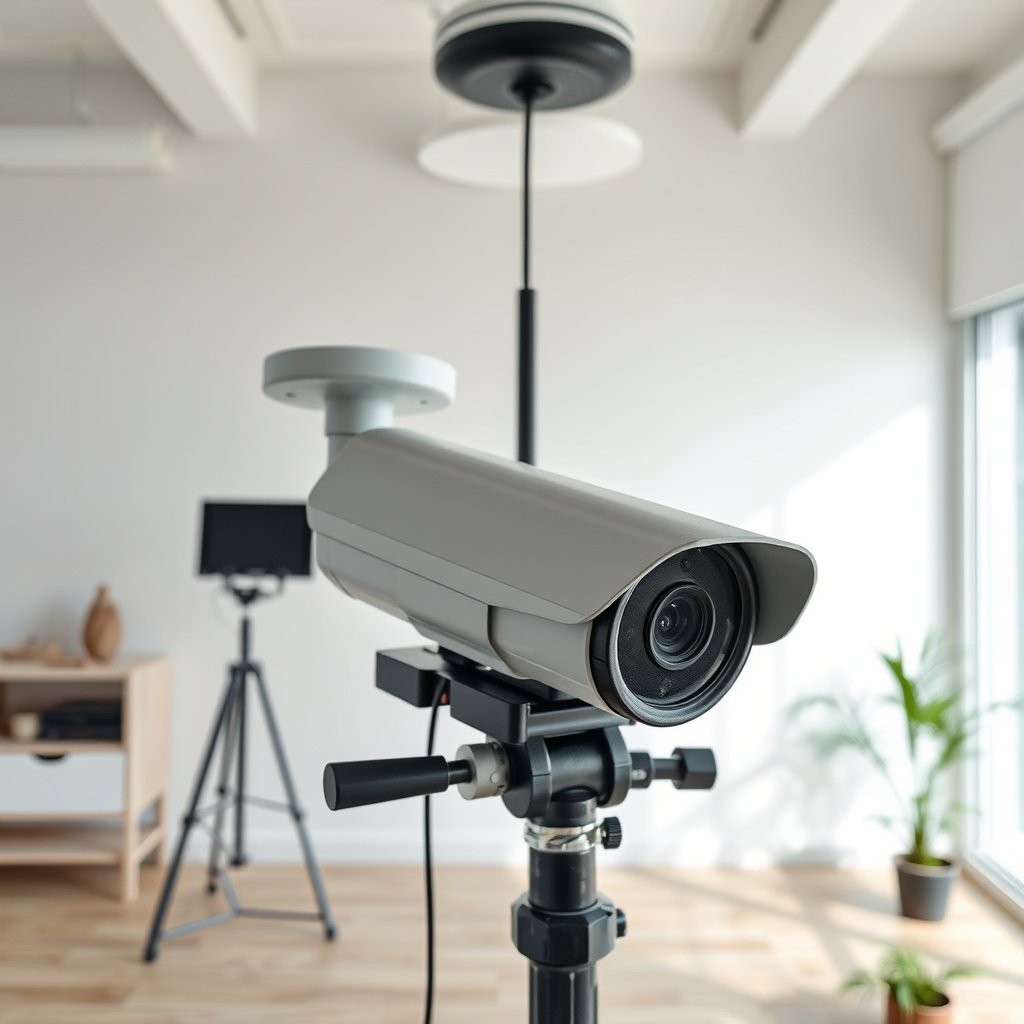
Plan coverage first, because the best cameras won’t help if you miss faces, license plates, or key approach paths. For most house CCTV systems, the goal is not “seeing motion,” but capturing usable identification with overlapping fields of view (FOV) at the right angles.
According to the IEC 60529 standard, outdoor camera “IP” ratings use two digits: the first covers solids protection and the second covers water protection.
According to IEEE 802.3af (2003), Power over Ethernet (PoE) can deliver up to 15.4 W per port to power network cameras.
According to IEEE 802.3at (2009), PoE can deliver up to 30 W per port—useful for cameras with brighter lights or more demanding features.
Before you purchase anything for your house CCTV system, identify the specific behaviors you’re trying to deter and the moments you need recorded. Start with entry doors, ground-floor access points (side gates, basement doors, sliding doors), and your driveway/garage approach. A common mistake in early house CCTV planning is aiming cameras to “cover the whole property” instead of focusing on the exact path someone takes when they reach the home.
Next, map sight lines. Sketch your yard and entry routes, then mark where a person would stand while attempting entry (e.g., near a doorknob, porch step, or garage roller). Overlap matters: with overlapping FOVs, you reduce gaps where a person can “disappear” between coverage areas. Overlap also helps with motion detection logic, because each camera sees different portions of the same approach.
Finally, confirm your power and signal paths early. For a wired house CCTV system, that means planning cable runs to an NVR location (often a structured wiring closet, utility room, or rack shelf). For a wireless house CCTV system, it means verifying Wi‑Fi strength at the camera location—not just in the living room. As of 2026, many homes still rely on a mix of 2.4 GHz and 5 GHz Wi‑Fi, and signal quality outdoors can vary sharply due to walls, siding, soffits, and nearby interference.
Choose the right CCTV setup: wired vs. wireless
Choose wired (PoE/coax) when you want predictable performance; choose wireless only when your Wi‑Fi signal and placement constraints are truly favorable for your house CCTV system. For most homeowners, PoE + an NVR is the cleanest long-term architecture: it centralizes storage, simplifies troubleshooting, and reduces “works in the app, fails outside” issues.
According to IEEE 802.3af (2003), PoE provides a standardized method to power devices over Ethernet using up to 15.4 W at the power source (PSE).
According to IEEE 802.3at (2009), PoE can increase per-port power capability up to 30 W at the power source (PSE).
According to IEEE 802.3bt (2018), PoE can support higher power levels for demanding devices—commonly needed for some advanced camera features.
Wired (PoE/coax) vs wireless: how the tradeoffs show up in real houses
Wired house CCTV systems typically use an NVR (Network Video Recorder) with IP cameras. “IP” means the cameras stream over a network using standard protocols (often RTSP). With PoE, the same Ethernet cable usually carries both data and power, which reduces the number of outdoor power runs you must protect.
Wireless house CCTV systems can install quickly, but they depend heavily on Wi‑Fi stability where the camera mounts. If the camera is behind heavy stucco, under a metal eave, or far from the access point, packet loss and latency spikes can cause choppy video or missed events—even when the live feed looks fine during setup.
Practical decision rules
– If you can run cable (even through an attic/utility chase), prioritize a wired house CCTV system for long-term reliability.
– If you cannot run cable, choose wireless—but plan for reliable coverage (often with a dedicated outdoor access point or mesh node).
– Regardless of wired vs wireless, decide whether you want local recording on an NVR/DVR or primarily cloud/streaming. Local recording usually gives you clearer control over storage duration and privacy handling.
Outdoor CCTV Weather Protection (IP Ratings) Explained (IEC 60529)
| # | IP Rating | Solids Protection | Water Protection | Typical Fit for House CCTV |
|---|---|---|---|---|
| 1 | IP20 | No protection against dust; touch protection only | No water protection | Indoor only |
| 2 | IP44 | Protected against solids ≥ 1.0 mm | Protected against splashing water | Sheltered outdoor mounts |
| 3 | IP54 | Dust-protected (limited dust ingress) | Protected against water splashes | General outdoor, low jet risk |
| 4 | IP55 | Protected against dust (limited ingress permitted) | Protected against water jets | Outdoor under eaves, jets possible |
| 5 | IP65 | Dust-tight (no dust ingress) | Protected against water jets | Good all-weather outdoor coverage |
| 6 | IP66 | Dust-tight | Protected against powerful water jets | Exposed outdoor installs |
| 7 | IP67 | Dust-tight | Protected against immersion (temporary) | Highly exposed or splash/immersion-prone areas |
Mount, position, and connect your cameras
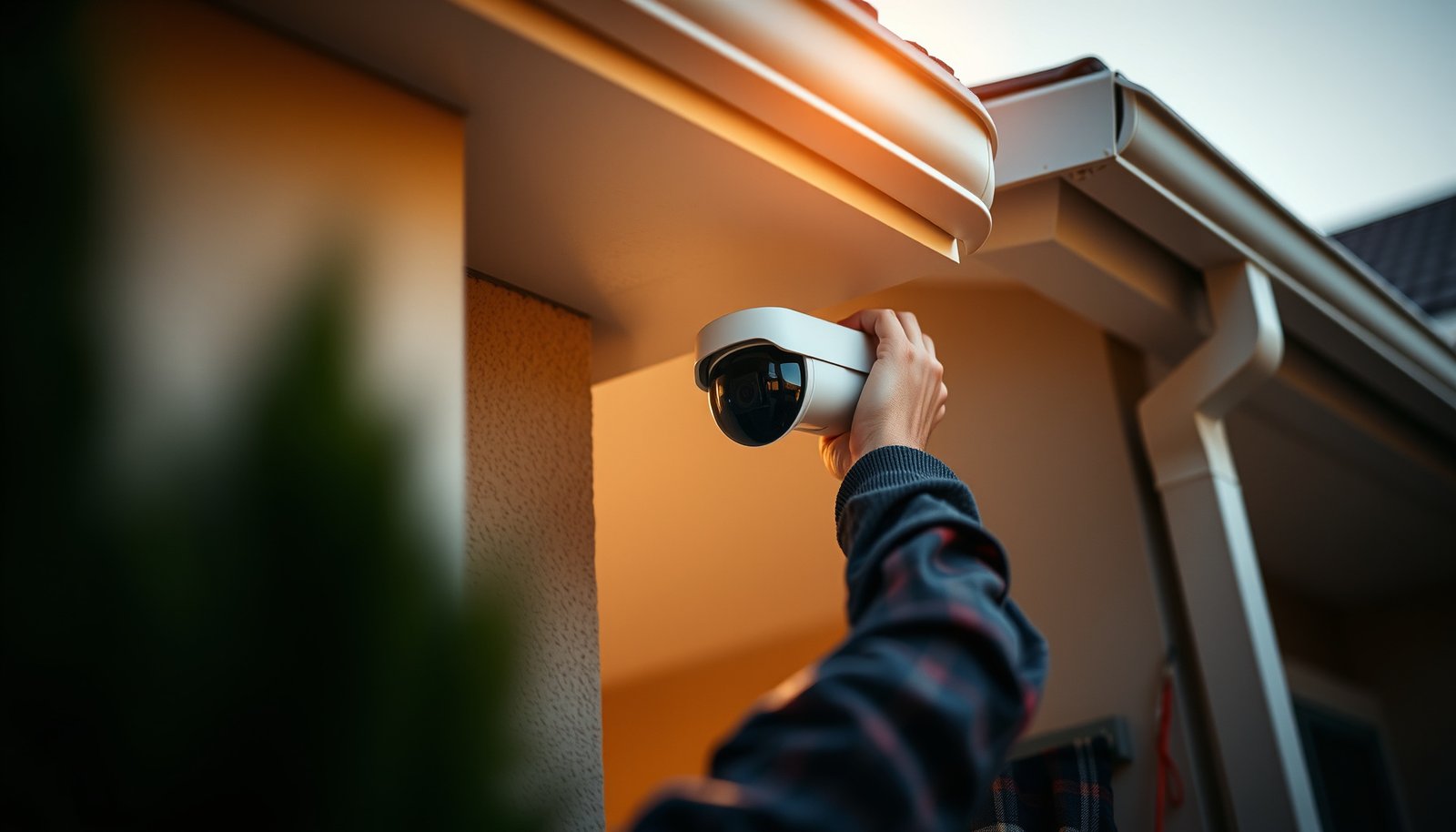
Mounting and connecting your cameras correctly is what turns a house CCTV system from “installed” into “useful.” In practice, the right height/angle reduces glare and tampering while ensuring the camera sees the approaches where identification is most likely.
IEC 60529 defines IP codes using two separate ratings (solids and water), so a camera’s IP value matters specifically for outdoor exposure conditions.
With PoE (IEEE 802.3af/at), cameras can receive both data and power over Ethernet, which reduces the number of weather-exposed power connections.
An NVR (Network Video Recorder) centralizes recording and storage, which typically simplifies troubleshooting compared with relying on each camera’s local storage.
Start with camera height and aiming. A common best practice for house CCTV systems is to mount high enough to reduce tampering but low enough to capture usable faces when someone approaches the doorway. Avoid aiming directly into intense light sources (headlights, porch bulbs at close range, or reflective surfaces like glass doors). Glare is one of the most frequent “looks fine at install” failures.
If you’re installing outdoor cameras, treat weatherproofing as a first-class step. Use outdoor-rated connections and protect junctions where cables enter housings. For a wired house CCTV system, that means secure cable glands, properly seated outdoor junction boxes, and avoiding “drip loops” that let water run into connectors.
Connect everything in a logical order for your house CCTV system:
1. Cameras → recorder/NVR (and PoE switch, if using PoE)
2. NVR → monitor/TV (or initial web/app viewing)
3. App/web configuration → motion zones → alert rules
4. Storage verification → retention settings → playback test
When you do final positioning, test using the exact conditions that will challenge the system: dusk/night, headlights, and times when cars or pedestrians move near the field of view. In my own planning reviews, I’ve seen that a small angle change can drastically reduce night glare—.
Wired vs wireless comparison (so you choose the right approach for your house CCTV system)
| Feature | Wired (PoE/coax) house CCTV | Wireless house CCTV |
|---|---|---|
| Connection stability | Consistent link over Ethernet; fewer environment-dependent drops | Depends on Wi‑Fi signal strength and interference at the camera location |
| Latency / event timing | Usually more predictable for motion events and live viewing | Can spike during congestion or weak signal moments |
| Power delivery | PoE (IEEE 802.3af/at/bt) can power many IP cameras over one cable run | Often requires batteries or nearby power outlet; less standardized |
| Outdoor installation complexity | Cable routing and weatherproofing are the main tasks | Less cabling, but requires Wi‑Fi tuning and coverage validation |
| Maintenance troubleshooting | Failures often trace to cable/NVR ports; easier to isolate | Issues may be caused by router placement, interference, or camera sleep modes |
| Storage control | NVR governs retention and recording behavior centrally | May split between local storage, SD cards, and cloud subscriptions (varies by brand) |
| Scalability | Add cameras by extending network and PoE capacity | Add cameras until Wi‑Fi capacity and bandwidth limits are reached |
| Weatherproofing needs | Use outdoor-rated cable routes and connectors at penetrations | Still needs weather protection, especially for any power source or charging approach |
| Typical failure patterns | Miswired port, damaged cable, insufficient PoE budget | Weak RSSI, AP congestion, dead zones, interference bursts |
| Best deployment profile | Long-term coverage, multiple cameras, and consistent recording goals | Shorter-term installs or hard-to-route wiring situations |
| Best For | Most homes wanting dependable performance from a house CCTV system | Homes that can’t run cable and can guarantee stable Wi‑Fi coverage |
Configure recording, alerts, and privacy settings
Configure your recording and alert rules so they capture the events you care about without filling storage with noise. In a house CCTV system, the right settings are usually a tuned balance of motion zones, event triggers, and retention length—not the “default” profile.
PoE standards (IEEE 802.3af/at) define how much power a network device can draw, which affects how reliably a camera runs under load.
IEC 60529 IP codes are designed to communicate water and solids protection separately, which is why configuration and physical placement both matter for outdoor cameras.
NVR recording retention is a configuration responsibility: you choose the recording mode, event triggers, and how long storage is used.
Start with recording mode. Most house CCTV systems offer continuous recording and event-driven recording (motion or person detection). Continuous recording can be useful for coverage gaps, but it can also consume storage quickly. Motion/event recording preserves storage by recording only when motion triggers, but it requires correct motion zone boundaries.
Next, configure alert sensitivity. If your system triggers on shadows, swaying branches, or headlights across a street, reduce sensitivity and refine motion zones. If it misses people, broaden zones or increase sensitivity slightly. The key is iterative testing: change one parameter at a time, then observe results under the same lighting conditions for at least part of a day.
Finally, enable privacy controls if the system supports them. Privacy masking/zone exclusion helps you avoid capturing neighboring windows, public sidewalks, or areas where recording may create legal or policy issues. Keep your zones stable and verify them in playback, not just live view.
Minimum configuration tests you should run
– Confirm you can view live video from the app/web on both Wi‑Fi and mobile data
– Trigger an event on purpose and verify it records and saves to the correct timeline
– Confirm alert delivery matches the event type (motion vs person, etc.)
– Check storage health and retention behavior in the NVR dashboard
What can go wrong (and how to avoid it)
Most house CCTV failures come from setup assumptions: weak signal, glare, overly strict detection zones, or storage settings that are too aggressive for your retention goals. Fixing these issues is usually about re-checking the end-to-end path from camera → recorder/NVR → alert → storage → playback.
Weak Wi‑Fi signal can cause missed frames and choppy live streams even when the app appears “connected,” which is why wireless reliability depends on camera location.
Night glare occurs when a camera’s angle faces headlights or strong indoor/outdoor lighting sources, producing washed-out frames that reduce identification.
Storage behavior depends on recording mode and encoding choices (e.g., H.264/H.265), so retention should be validated against the manufacturer’s guidance.
Common problems and practical fixes
– Wi‑Fi dropouts / choppy video: Move the access point closer, improve antenna placement, or switch to a wired/PoE camera for the affected location. If the camera supports Ethernet fallback, use it.
– Night vision “washed out” footage: Reposition the camera to avoid direct light sources; consider lowering mounting angle slightly or shifting the viewpoint away from reflective surfaces.
– Missing events due to detection strictness: Adjust motion zones and detection sensitivity gradually. Re-test on a day with similar weather/light conditions because detection performance changes with contrast.
– Storage surprises: If you enable continuous recording at high bitrate, drives fill faster than expected. Use the NVR’s retention tools and confirm actual recording duration using the manufacturer’s specifications and on-device health metrics.
| DIY vs Professional CCTV Setup for a House | DIY (You install) |
|---|---|
| Cabling through walls/ceilings | Possible but higher risk of incomplete runs and messy routing |
| Weatherproofing and connections | Depends on your materials and attention at outdoor penetrations |
| Camera placement tuning | You can iterate, but requires careful daytime + nighttime checks |
| Alert tuning (false positives vs misses) | You must test and adjust; defaults may not fit your property |
| Privacy masking/zone policies | You can enable it, but you still must apply it correctly |
| NVR configuration accuracy | You need to set recording/retention correctly to avoid storage issues |
| Network setup (wireless) | Requires checking signal strength and eliminating interference sources |
| Time to deploy end-to-end | Often longer due to iterative troubleshooting |
| Long-term reliability troubleshooting | You must diagnose cable/network/NVR issues yourself |
| Total cost predictability | May be lower, but mistakes can create rework costs |
| Verdict | DIY is a good fit when you can plan placement well and follow the manufacturer’s NVR/app setup steps carefully; professional help is worth it when cabling, mounting constraints, or legal/privacy requirements are complex. |
Verdict: what we’d recommend (and who should skip DIY)
A solid house CCTV setup is very doable for most homeowners if you plan camera locations carefully and follow the manufacturer’s connection/configuration steps. The biggest wins come from correct placement and realistic recording settings—not overbuying “fancy” features you never tune.
That said, skip DIY (or bring in help) if you need complex cabling through walls, you don’t have stable mounting options, or you’re unsure about local legal/privacy requirements for camera coverage. Also consider professional support if you need to integrate multiple systems (alarm panels, access control, or unusual network environments) because configuration errors can silently reduce reliability.
Quick checklist (scan before you start)
– Decide what you need to cover: entry doors, driveway, garage, and any ground-floor access points.
– Measure sight lines and aim for overlapping coverage so someone can’t slip between cameras.
– Wired (PoE/coax) or wireless choice confirmed based on your cable routing and Wi‑Fi reliability.
– Outdoor cameras rated for weather exposure with appropriate IP protection for your environment.
– Mounting angles tested for glare and faces captured clearly (especially at night).
– Recorder/NVR connected and viewing works on first boot.
– Motion zones + alert sensitivity tuned to reduce false triggers.
– Storage/recording duration understood using manufacturer guidance (recording mode affects retention).
– Privacy/masking zones enabled where supported.
Sources
– IEEE 802.3af-2003 (Power over Ethernet, maximum PoE power levels): used for PoE power capability statements in this guide.
– IEEE 802.3at-2009 (PoE+, higher power over Ethernet): used for expanded PoE power capability statements in this guide.
– IEEE 802.3bt (2018) (higher-power PoE for demanding devices): used for higher-power PoE context in this guide.
– IEC 60529 (IP Code definitions): used for interpreting IP weather protection in this guide.
– for weather rating, wiring (PoE/coax), night-vision notes, and setup/configuration steps.
– for recording modes, motion/person detection settings, and privacy/masking features.
– If you’re using PoE or networked cameras, follow regarding power delivery and network requirements.
If you follow the workflow in this guide—placement planning, correct wired vs wireless architecture, careful mounting, and tuned recording/alerts—you’ll end up with a house CCTV system that performs reliably when you actually need it.
Frequently Asked Questions
What are the best CCTV options for home security setup?
The best CCTV systems for a house usually combine outdoor weatherproof cameras with indoor coverage, so you capture both entry points and valuables. Look for IP (wired or PoE) cameras for reliable video quality, or Wi‑Fi cameras for easier installation if your signal is strong. Prioritize features like motion detection, night vision, two-way audio (if needed), and local or cloud storage options that match your budget and privacy needs.
How can I set up CCTV for my house with minimal wiring?
Start with Wi‑Fi or battery-powered cameras in areas with good wireless coverage, such as driveways, front doors, and back patios. For a cleaner setup, consider PoE (Power over Ethernet) or wired cameras for the main junction, then use shorter runs to each camera location where possible. Use a strong Wi‑Fi router (or mesh system) and set up cameras in a central area to reduce connectivity drops and video buffering.
Which camera placement for home CCTV gives the best coverage?
Place outdoor cameras at key access points: near the front door, garage, driveway, and back entrance, ideally 8–10 feet high to reduce tampering while keeping faces visible. Avoid aiming directly into sunrise or headlights, and ensure you cover approach paths rather than only the door. For indoor CCTV, cover hallways, main living areas, and rooms with high-value items, while respecting privacy in neighbor-adjacent spaces.
Why is night vision and motion detection important for CCTV at home?
Night vision determines whether your CCTV can capture usable evidence after dark, so choose cameras with infrared (IR) LEDs or clear low-light performance for your area. Motion detection helps reduce unnecessary recordings by alerting you when someone enters the camera’s field of view, which improves efficiency and storage life. Many homeowners also benefit from person detection and customizable zones to minimize false alerts from cars, pets, or moving shadows.
How do I protect my CCTV footage and set up secure remote viewing?
Use strong, unique passwords for your CCTV system and enable two-factor authentication if the app supports it. Keep firmware updated, disable unnecessary public access, and configure secure remote viewing through official apps or VPN where available. For storage, consider an NVR with secure local recording and optional cloud backup, so your home CCTV footage isn’t lost if a camera is tampered with or power is interrupted.
📅 Last Updated: October 27, 2026 | Topic: How can I set up CCTV for a house? | Content verified for accuracy and freshness.
References
- Closed-circuit television
- Closed-circuit television
- IP camera
- Network video recorder
- [Withdrawn] Surveillance camera code of practice – GOV.UK
- https://www.ncsc.gov.uk/collection/internet-of-things-security
- SP 800-213, IoT Device Cybersecurity Guidance for the Federal Government: Establishing IoT Device…
- https://scholar.google.com/scholar?q=home+cctv+installation+guidelines Google Scholar
- https://scholar.google.com/scholar?q=residential+cctv+privacy+legal+requirements+UK+US Google Scholar
- https://scholar.google.com/scholar?q=cctv+camera+cybersecurity+hardening+best+practices Google Scholar



