
How to Properly Set Up a PoE CCTV System: Step-by-Step
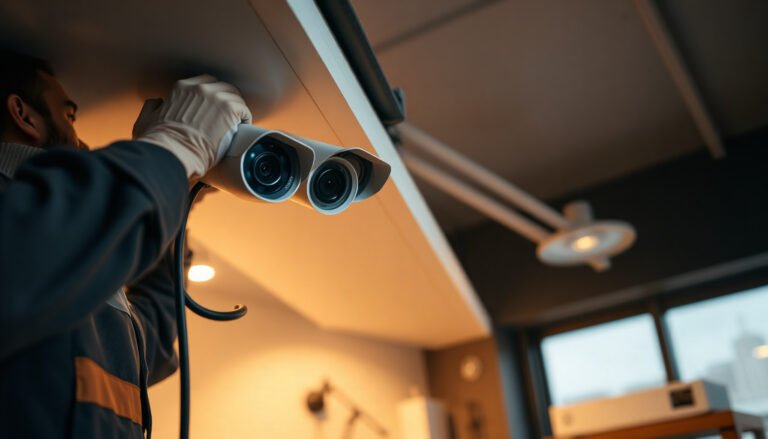
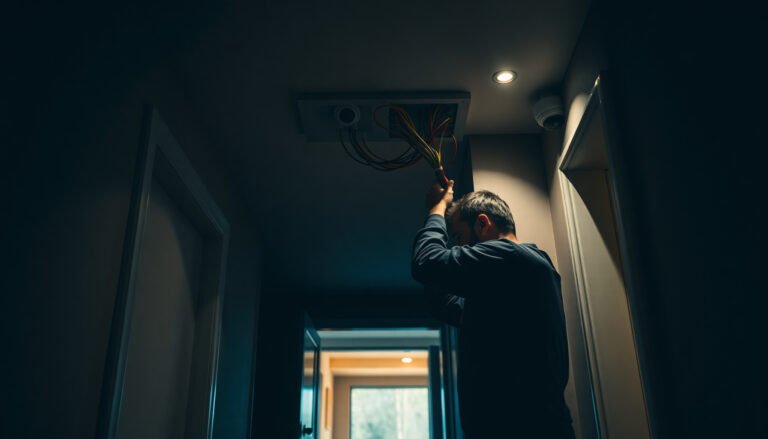
Properly wiring multiple CCTV cameras requires routing power and video (or data) runs correctly so each camera gets stable power and a clean signal to the recorder. You can usually complete a straightforward multi-camera install in a few hours, but…

How do you properly install an indoor CCTV camera without losing video quality or coverage? Start by choosing the right mounting spot, securing power, and setting up the app or recorder so the camera views your entryways clearly. You can…

You’re reviewing footage after a break-in and notice the entrance and the side door are oddly blurred or missing entirely. Proper CCTV planning prevents those blind spots by mapping key risk areas to camera placement, lens choice, lighting, and recording…

During a power outage, many people discover their CCTV setup goes dark because the camera and recorder lose power and never restart. With the right backup power—such as a UPS or a properly sized 12V battery—and compatible wiring, you can…
Setting up a Dahua CCTV camera can feel intimidating because you have to get the network details, app or NVR connection, and basic settings right in the correct order. The good news is you can complete a working installation in…

For remote PTZ control, the simplest option is using the camera’s web interface or its supported mobile/desktop app to send pan-tilt-zoom commands over your network. This matters because it lets you aim and track a scene from any location without…

What is the easiest way to set up CCTV for a retail store without creating a complicated system? Start by choosing a simple camera kit that matches your layout, then mount cameras at key entry and sales points, connect them…

Set up an apartment CCTV system that streams live video to your phone, records footage when motion is detected, and covers your main entry points with clear, reliable night views. This article walks you through the simplest shopping and installation…

Leaving an IP camera on default credentials or default network settings is the most common way it becomes vulnerable. You can lock it down with a handful of straightforward changes—updating firmware, creating a strong unique password, enabling encryption, and limiting…