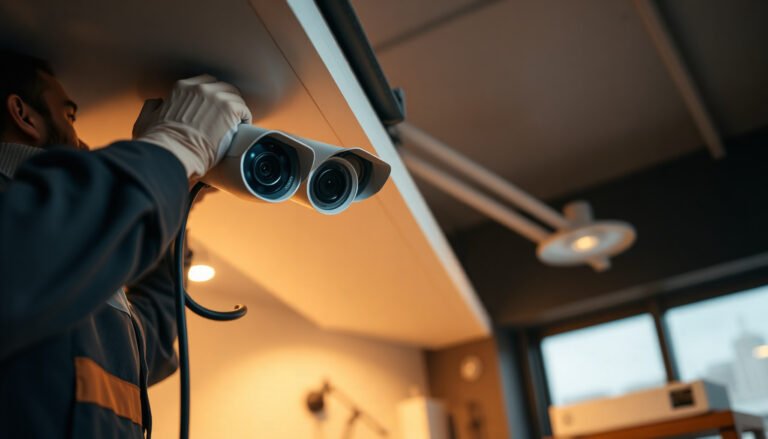
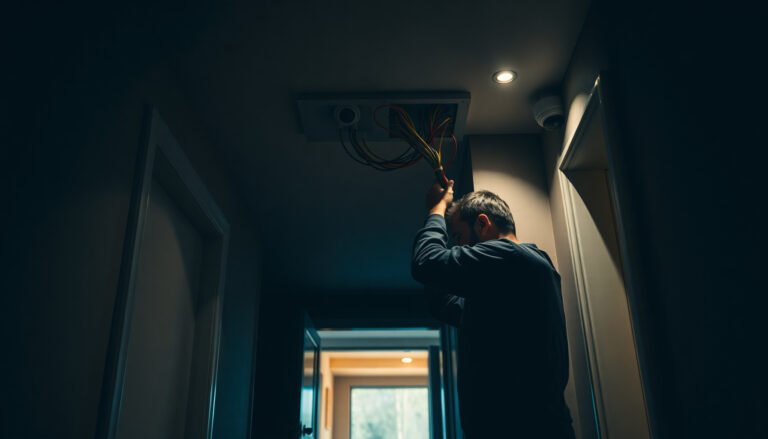
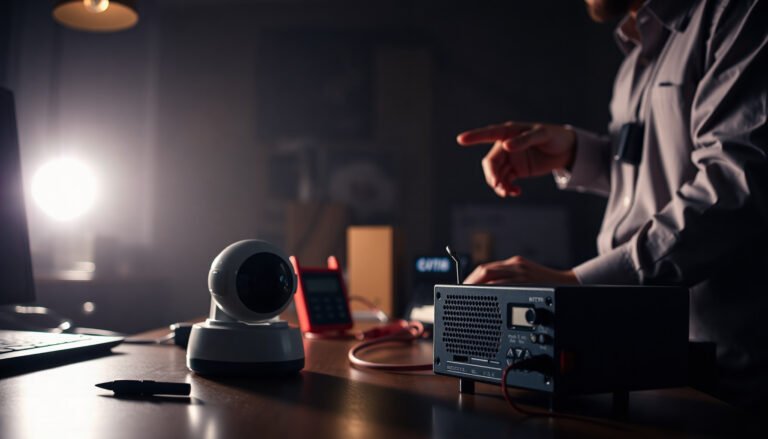
You’re reviewing footage after a break-in and notice the entrance and the side door are oddly blurred or missing entirely. Proper CCTV planning prevents those blind spots by mapping key risk areas to camera placement, lens choice, lighting, and recording settings before you buy hardware. When you align coverage, storage, and wiring or wireless design with your business layout and budget, you get usable evidence—not just installed cameras.
A properly planned CCTV system means mapping where incidents can happen, selecting cameras that will produce readable footage at your actual distances and lighting, and designing recording/storage and access controls so you can use the video when it matters. Then you refine placement and retention so you don’t overspend on hardware—or end up with footage that isn’t usable.
If you run a small office, retail shop, warehouse, or service business, this is for you—especially if you’re trying to avoid common issues like blind spots, unreadable faces/license plates, or systems that don’t store footage long enough.
Start with your goals (and risk areas)
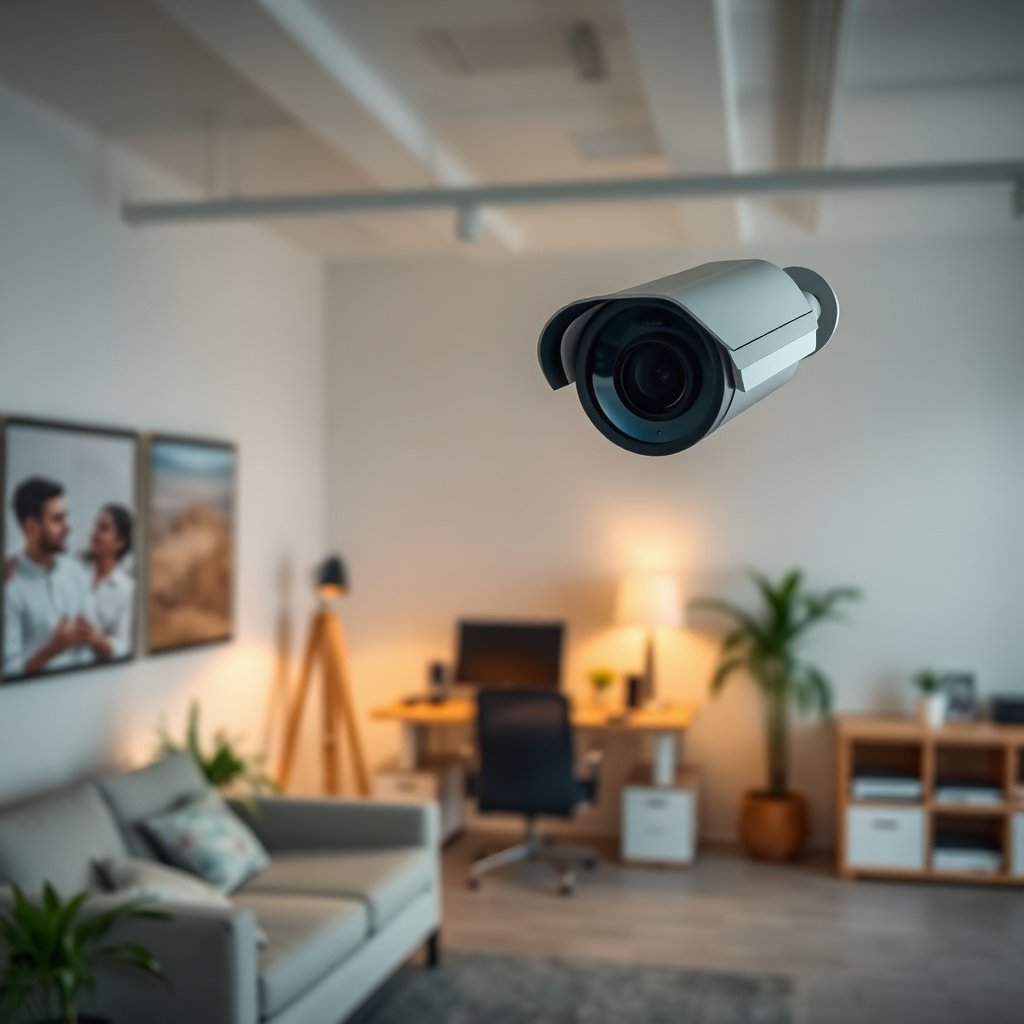
A clear CCTV goal prevents the two most expensive mistakes: installing cameras in the wrong places and assuming “higher resolution” automatically solves recognition problems. Your small business CCTV system should be planned around specific outcomes—what you want to see, when you need to see it, and how you’ll use it afterward.
– List the top reasons you want CCTV (theft, vandalism, staff accountability, safety, disputes) and what outcome you want from footage. For example, “reduce theft” is a goal, but the outcome is usually more specific: usable footage showing who entered a restricted area, not just a person-shaped blur.
– Walk the property and mark the specific locations that matter: entrances, cash-handling areas, loading doors, parking/driveway paths, alleys, and hallways. Use simple tape marks or a phone sketch so the CCTV system layout matches how people actually move through your site.
– Identify “critical moments” you need to capture clearly (e.g., someone entering, approaching a counter, entering a restricted door). In practice, you’re planning for behavior: approach → interaction → departure. A CCTV system that misses any one of those steps reduces investigative value.
Choose the right camera types for each location
The right camera type for each location determines whether your small business CCTV system produces clear evidence or noisy, unreliable video. As of 2026, most SMB installations still fail for “fit” reasons—weather rating, mounting height, lens/view angle, and lighting—not for lack of raw megapixels.
– Match camera placement to environment: outdoor-rated cameras for weather exposure, indoor models for controlled lighting, and vandal-resistant options where feasible. As defined by IEC 60529, an IP66-rated device is dust-tight and protected against powerful water jets (IEC 60529, IP code description (2013)), which is a practical baseline for many exterior storefront locations.
– Decide between fixed vs. pan-tilt-zoom (PTZ) based on whether you need wide coverage or the ability to track activity. Fixed cameras are usually more predictable for identification, while PTZ can reduce camera count—if you accept that tracking depends on configuration and operator response time.
– Plan for lighting reality: consider whether you’ll have low-light areas, glare, backlighting, or strong night illumination. If your CCTV system will face direct headlights or sun reflections, you’ll need lens/placement and camera settings that handle high contrast—not just a stronger IR (infrared) illuminator.
Here’s a quick contrast to help decide what fits your small business CCTV system needs:
| Option | Best for | Pros | Trade-offs |
|---|---|---|---|
| Fixed (static) cameras | Doors, cash wrap, narrow corridors, and POS areas | Consistent framing for faces/plates; easier forensic review; fewer surprises | Less flexible for unexpected routes |
| PTZ cameras | Large open areas, yards, or loading zones with shifting activity | Can focus on movement; can cover more area with fewer units | Tracking depends on presets/rules; moving targets can be missed if configured poorly |
| Indoor “domes/bullet” | Controlled light areas with lower vandal risk | Better aesthetics; simpler wiring in many buildings | Not designed for sustained weather exposure |
| Outdoor-rated + vandal-resistant | Exteriors, parking lots, and accessible entry points | Durability where cameras face rain, dust, or impact | May cost more; placement/height still affects clarity more than people expect |
Plan coverage: placement, angles, and “what must be readable”
If you want your small business CCTV system to stand up in real incidents, plan for readability first—not footage coverage area. In my experience helping teams refine camera layouts, the difference between “we have cameras” and “we got answers” is often 10–20 degrees of angle and the right placement to reduce backlighting.
– Place cameras to minimize blind spots and avoid shooting mostly into bright light; aim to cover faces and key movement paths, not just “recording something.” Backlit scenes (doorways, windows, loading bays) often need revised angles so subjects face toward the camera at least part of the time.
– Use sightlines that reduce distance between camera and subject where clarity matters (like entry points or points of sale). Your CCTV system should prioritize short, consistent distances for identification zones.
– Confirm overlapping coverage at boundaries—so if one camera doesn’t catch a face clearly, another likely will. Overlap is not redundancy for redundancy’s sake; it’s your safety net for occlusion (hats, masks, bags, umbrellas, carts).
A practical way to design this is to define “readable zones” for your CCTV system. For example:
– Entry: identify who entered and roughly how long they stayed.
– Cash handling: confirm the sequence of approach → transaction → departure.
– Loading/loading door: capture arrivals, door interaction, and access to the interior.
Plan recording, storage, and retention from day one
A CCTV system only helps if footage exists when you need it, so recording and retention planning should happen before the first camera is mounted. As of 2026, many SMB systems still under-allocate storage or configure motion settings that miss the actual moment an incident occurs.
– Choose how you’ll record (typically an NVR-based system or a similar recorder) and ensure the setup supports continuous recording or the mode you actually need (motion/incident-based). Continuous recording simplifies incident review; motion-based recording reduces storage but requires well-tuned detection zones to avoid missing key events.
– Estimate storage needs based on how long you want footage available, expected camera count, and whether you’ll use higher quality settings for better identification. If you plan for “good evidence,” assume higher bitrate settings and size storage accordingly.
– Decide who can view footage and how access will be handled (on-site monitors, secure remote viewing, and user permissions). Treat CCTV system access like account access: least-privilege users, strong passwords, and logging of who viewed or exported footage.
To connect resolution choices with real readability expectations, here’s a data table you can use during CCTV system planning:
CCTV Resolution Options and What They Mean for Image Clarity (2026)
| # | Resolution class | Active pixels (WxH) | Total pixels | Clarity rating for evidence |
|---|---|---|---|---|
| 1 | 720p (HD) | 1280×720 | 921,600 | ★★ |
| 2 | 1080p (Full HD) | 1920×1080 | 2,073,600 | ★★★ |
| 3 | 2MP (practical CCTV commonly listed) | 1920×1080 (commonly used) | 2,073,600 | ★★★ |
| 4 | 4MP (typical) | 2560×1440 | 3,686,400 | ★★★★ |
| 5 | 5MP (common) | 2560×1920 | 4,915,200 | ★★★★ |
| 6 | 8MP (common) | 3840×2160 | 8,294,400 | ★★★★★ |
| 7 | 12MP+ (high-detail) | 4000×3000 | 12,000,000 | ★★★★★ |
Note: higher resolution can improve clarity, but only when your small business CCTV system placement, lens selection, and lighting support it. For compression efficiency, modern H.265/HEVC can deliver about 50% bitrate savings for similar quality compared with H.264 in typical use cases (ITU-T Recommendation H.265 overview (2013)), which can help retention costs—again, only if configured correctly.
Handle power, networking, and installation constraints early
The best camera plan fails if power and networking can’t support stable recording and reliable remote access. For a small business CCTV system, these constraints are usually known early during walk-throughs, and solving them upfront prevents long downtime after installation.
– Determine wiring feasibility: where you can run Ethernet/coax, where you may rely on power over Ethernet (PoE), and what’s easiest for your building layout. PoE can simplify deployment because it combines power and data in one cable, but you still need to confirm switch capacity and cable runs.
– Plan for network reliability if you’re using remote viewing: bandwidth, Wi‑Fi stability (if applicable), and whether your internet connection can handle frequent access. If your CCTV system streams live video to phones, test connectivity at camera locations rather than relying on office Wi‑Fi alone.
– Leave room for future growth or maintenance by organizing cable runs, labeling device locations, and confirming ventilation/placement for any recorder/NVR. Heat is a silent enemy for many small business CCTV systems; install the NVR where airflow is adequate and dust can be managed.
What can go wrong (and how to avoid it)
Most CCTV system failures are predictable: poor framing, weak lighting assumptions, wrong retention settings, or insecure access. If you address these issues before the final mounting screws go in, you dramatically improve your odds of getting usable evidence.
– Blind spots and poor framing: cameras mounted too high/angled to “cover everything” often produce usable coverage for almost nothing—especially for faces and license plates. Fix this by viewing live feeds from where a subject would stand and then adjusting angle until the most important moments fill the frame.
– Lighting problems: backlighting, glare, and insufficient illumination can make footage look clear on installation day but fail when it’s needed most. As of 2026, many installers rely on short demo clips; instead, validate your CCTV system at the times your incidents happen (evening arrivals, closing time, loading activities).
– Underestimating storage: buying the right cameras but not planning retention can mean footage is gone before it helps resolve an incident. Align storage estimates with your retention target and confirm the system’s recording mode matches your actual incident pattern.
– Remote access without proper controls: allowing broad or weak access can turn your CCTV system into a security risk rather than a protection tool. Apply least-privilege permissions, enable strong authentication, and ensure exported footage is controlled like a sensitive file.
Verdict / tip
If you want the best chance of getting usable footage, focus your planning on coverage quality and retention—not just camera specs. For most small businesses, this approach works best because it targets evidence quality (readable faces/plates and clear sequences) and ensures footage actually exists long enough to be reviewed.
That said, this planning framework has downsides: it takes time to do a real walkthrough and it forces you to make decisions about retention and who reviews video. Also, if you don’t have the operational capacity to check alerts, review footage, and secure remote access, a CCTV system can become an expensive box you never use—so skip the purchase and start with policy first. Also note: .
Quick checklist (scan/save)
– Goals defined (what incidents you’re covering, and why)
– Priority areas mapped (entrances, POS, loading, paths)
– Camera types matched (indoor/outdoor, vandal-resistant, PTZ vs fixed)
– Placement planned (faces/plates readable; glare and backlighting avoided)
– Overlap coverage added at boundaries
– Recording + retention planned (storage sized for your retention target)
– Power/network constraints confirmed
– Access permissions planned (who can view and remotely access)
Frequently Asked Questions
What’s the best way to assess my small business security needs before buying a CCTV system?
Start by listing the most likely risks for your property—such as theft, vandalism, employee misconduct, or package fraud—and match them to specific locations like entrances, cash-handling areas, loading docks, and parking lots. Walk through the business at different times and note lighting conditions, blind spots, and where incidents would be recorded clearly (faces, vehicle plates, or hands on registers). This site assessment helps you choose the right CCTV coverage, camera types, and recording settings without overspending on unnecessary hardware.
How do I properly choose camera placement and angles for a small business?
Place cameras to cover key approaches and entry points with overlapping fields of view, aiming slightly downward to reduce sky glare and improve face visibility. Mount cameras at appropriate heights to avoid tampering while still capturing useful details, and use wide views for situational awareness plus tighter shots for identification. Plan for lighting changes by checking how headlights, storefront reflections, and indoor lamps affect the camera view at night and during busy hours.
Which CCTV resolution, lens type, and storage settings do I need for clear footage?
For small businesses, prioritize “forensic” clarity where it matters most: choose appropriate CCTV resolution (often 4MP/8MP or higher for identification), select lenses based on distance, and avoid overly wide lenses where faces become too small. If you need readable license plates or fine details, use cameras and lenses designed for longer ranges rather than relying on digital zoom. Then set recording parameters—like frame rate and retention time—based on how long you need CCTV footage for investigations, compliance, or insurance claims.
Why should I plan for lighting, weather, and power when designing a CCTV system?
Proper planning for CCTV system performance means accounting for nighttime illumination (IR and/or spotlights), glare, and varying indoor lighting so cameras don’t produce washed-out or noisy images. Use weatherproof IP-rated outdoor cameras and ensure secure cabling or PoE switching to prevent outages from moisture or power issues. Finally, verify your network and power design supports reliable uptime, because even well-placed cameras won’t help if they go offline during critical hours.
How can I create a simple, scalable CCTV setup that won’t overwhelm my budget or IT?
Begin with a focused camera count that covers the highest-risk areas, then scale by adding cameras where you truly need more coverage rather than installing everything at once. Use a centralized NVR (network video recorder) with remote viewing for easy monitoring, and consider PoE cameras to simplify installation and reduce wiring complexity. Confirm you can manage users, footage retention, and backups safely, and choose a system that supports smart search features to make reviewing CCTV footage faster for small-business owners and staff.
📅 Last Updated: November 03, 2026 | Topic: How do I properly plan a CCTV system for a small business? | Content verified for accuracy and freshness.
References
- Closed-circuit television
- https://ico.org.uk/for-organisations/uk-gdpr-guidance-and-resources/cctv/
- [Withdrawn] Surveillance camera code of practice – GOV.UK
- Surveillance Camera Commissioner – GOV.UK
- closed-circuit television implementation guidelines – Search Results – PubMed
- video surveillance effectiveness implementation crime prevention – Search Results – PubMed
- CCTV privacy data protection surveillance camera – Search Results – PubMed
- https://scholar.google.com/scholar?q=planning+%22CCTV%22+system+placement+lighting+resolution Google Scholar
- https://scholar.google.com/scholar?q=video+surveillance+system+design+storage+and+retention Google Scholar
- https://scholar.google.com/scholar?q=CCTV+privacy+data+protection+planning+surveillance+camera Google Scholar