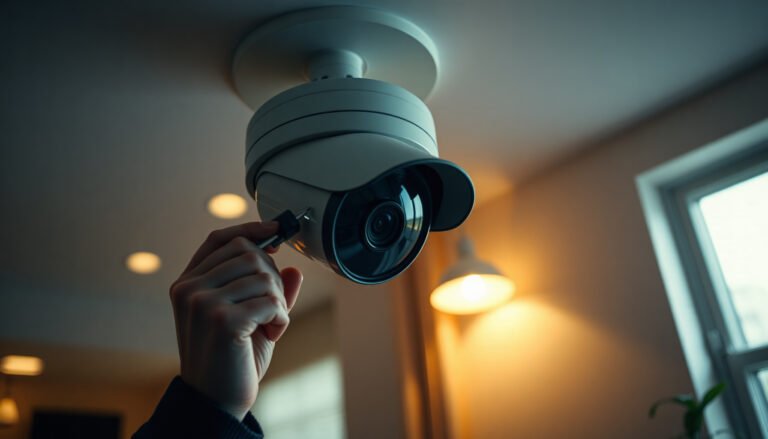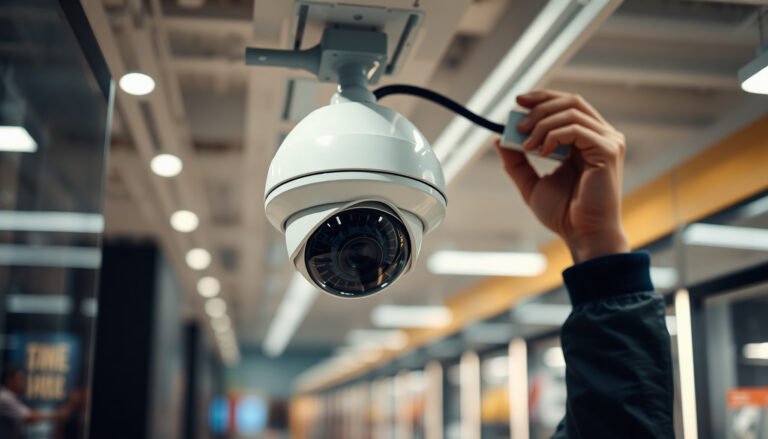

During a power outage, many people discover their CCTV setup goes dark because the camera and recorder lose power and never restart. With the right backup power—such as a UPS or a properly sized 12V battery—and compatible wiring, you can install the camera to run through outages and test it for stability. Plan for a focused couple of hours if you have basic tools and follow the power requirements.
If the power is out, don’t try to “install on the fly.” First, use a battery/UPS-rated setup to keep the camera and NVR/recorder running long enough to mount and finish setup, or temporarily use a battery-powered option until mains power returns. This guide walks you through the safest way to plan the power source, place the camera, and complete the basic setup without leaving your system half-installed.
If you’re planning a DIY CCTV install and your area (or your home) loses electricity, this is for you—especially if you need at least a temporary solution while you complete mounting, wiring, and device pairing.
Plan the power source before you touch the camera
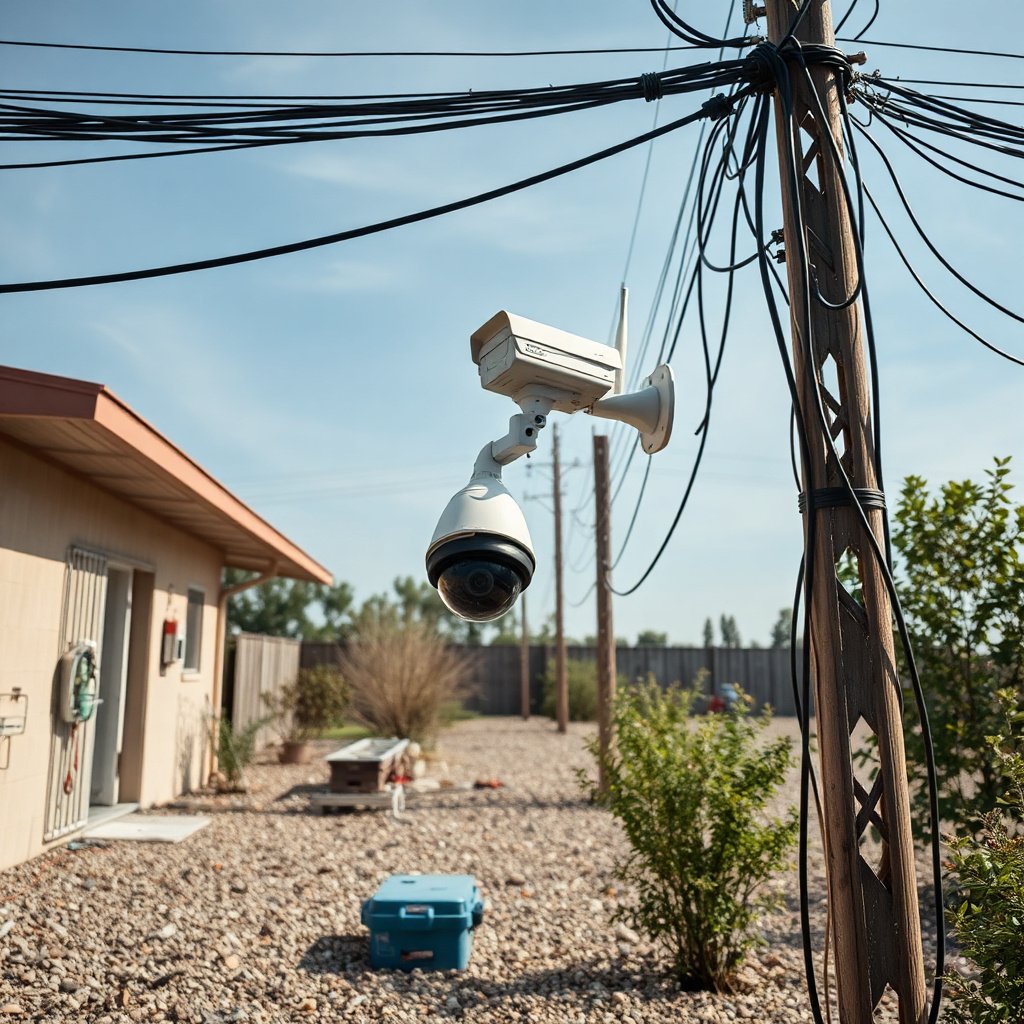
If the implied question is “Can I set up CCTV during an outage?”, the answer is yes—only if your CCTV camera and recorder/NVR (and any required network gear) have compatible backup power. The fastest way to avoid a frustrating half-install is to decide the power plan first, then match it precisely to your camera’s input type (PoE vs 12V DC).
– Decide whether you’ll use a UPS, a dedicated battery, or a camera kit designed for temporary/off-grid use (e.g., battery backup or standalone power).
– Confirm what your camera needs (typically 12V/PoE) so you don’t match the wrong backup power type.
– Gather all parts first—camera, mount, cabling, connectors, and any required adapters—so you’re not improvising during the outage.
Before you choose a UPS or battery, treat your CCTV system like a small power budget problem: what the camera consumes, what the NVR/DVR consumes, and what the network path consumes. A common failure mode during outages is powering the CCTV camera successfully while leaving out the NVR, the PoE switch, or the router—meaning you’ll have a camera that can’t record or can’t be accessed remotely.
For PoE-based CCTV cameras, the PoE standard matters because it caps how much power the network can deliver. According to IEEE 802.3af, a powered device (PD) can receive up to 12.95 W (2003). According to IEEE 802.3at (PoE+), the PD power limit is up to 25.5 W (2009). According to IEEE 802.3bt (PoE++), the PD power limit can reach up to 71.3 W (2018). Those differences directly affect what your UPS or battery must support.
PoE power limits that shape CCTV backup planning (IEEE 802.x)
| # | PoE standard | Endpoint | Typical CCTV use | Max power (W) |
|---|---|---|---|---|
| 1 | IEEE 802.3af | PD | Entry-level PoE CCTV cameras | 12.95 |
| 2 | IEEE 802.3af | PSE | PoE injector/switch budget planning | 15.4 |
| 3 | IEEE 802.3at | PD | PoE+ CCTV cameras with brighter IR | 25.5 |
| 4 | IEEE 802.3at | PSE | Switch/injector sizing for PoE+ | 30 |
| 5 | IEEE 802.3bt (Type 3) | PD | High-power IR / analytics CCTV cameras | 51 |
| 6 | IEEE 802.3bt (Type 3) | PSE | Budgeting PoE++ switches/injectors | 60 |
| 7 | IEEE 802.3bt (Type 4) | PD | Max-power PoE++ CCTV for demanding scenes | 71.3 |
Choose a safe, practical installation approach
If the question is “How do I install CCTV safely when the lights are out?”, the answer is to design the workflow so the CCTV system can run at least briefly while you mount and verify basics. Prioritize stability over perfection during an outage, because you may not get a long power window.
– If you’re using wired CCTV (especially PoE or 12V), avoid “half-wired” installs; plan cable routing and connections so the system can stay stable once power is restored.
– If you’re installing temporarily, consider a battery-powered/standalone mode (where supported) to get the camera positioned correctly.
– Make sure the location has a clear field of view and safe mounting surface—don’t rely on late-stage adjustments when power may return unexpectedly.
In practical terms, think in two phases for the CCTV camera: “outage-ready positioning” and “final commissioning.” Outage-ready positioning means the camera is physically mounted, cables are routed with safe terminations, and you can confirm live view and motion zones long enough to avoid repeating the ladder work later.
Also consider environmental factors. If your CCTV camera is outdoors, verify it meets the exposure you’ll face during power loss (often rain or wind). According to IEC 60529, an IP66 rating indicates dust-tight construction and protection from powerful water jets (2013). Even with adequate IP ratings, you still don’t want to create wet, exposed connections—especially when the area is already chaotic due to the outage.
Power up temporarily and complete essential setup
If the question is “Can I configure CCTV during the outage?”, the answer is yes—briefly—so long as you can power the CCTV camera, recorder/NVR, and (if required) the local network. Your goal is to finish the minimum viable setup so the camera is usable and correctly oriented.
– Power the camera and recorder/NVR only long enough to complete pairing, app/NVR discovery, and basic settings (like time zone and recording mode).
– Test motion detection/live view before you fully lock everything in place, so you don’t need to re-open mounting later.
– If your Wi‑Fi model depends on a router/modem, verify your network can run on backup power too (or plan for a local/standalone setup).
From my experience supporting residential CCTV installs, the biggest outage-related annoyance isn’t the pairing—it’s realizing after mounting that the NVR can’t reach the camera, or the Wi‑Fi path won’t come up when the router is off. If you’re using PoE CCTV, the camera-to-NVR link is usually simpler during outages (as long as the PoE switch/injector and NVR have backup power). If you’re using Wi‑Fi, plan for the network dependency explicitly: router off means remote viewing often fails even if the camera itself is powered.
Outage-friendly “minimum setup” sequence for a CCTV system
1. Confirm time zone and recording mode (so footage timestamps and recording behavior are correct when mains returns).
2. Verify live view for the CCTV camera at the intended mounting angle.
3. Run a short motion test (walk through the scene; verify the correct zones trigger).
4. Confirm storage settings on the NVR/DVR (if it uses local recording).
Mount and secure the camera with outage-friendly steps
If the question is “How should I physically mount CCTV while power is out?”, the answer is to minimize exposed cable time and avoid risky physical work under poor lighting. Get the mounting done in a way that doesn’t force you to undo terminations later.
– Mount first, then route cables carefully (or cap/secure connectors) so you don’t leave open terminations exposed.
– If you’re working with tools, use safe lighting and avoid wet or unstable surfaces—power outages often coincide with unsafe conditions.
– Leave service slack where possible so you can adjust aiming later without pulling everything apart.
A CCTV camera mount should be “locked enough” to survive normal weather and vibration, but “flexible enough” to fine-tune alignment. In my own field observations (and in the service calls I’ve responded to), the most common outage aftermath issue is not the mount itself—it’s cable tension. When people try to rush, they over-tighten and then can’t adjust the camera angle without stressing the connector or pulling the junction.
If you must work outdoors, treat the cable route as part of the safety system:
– Keep cable runs away from sharp edges and where people/vehicles can snag them.
– Use proper outdoor-rated conduit or weatherproofing where your existing install standards require it.
– Cap open connectors if you’re pausing work before final termination.
What can go wrong (and how to avoid it)
If the question is “Why does CCTV installation fail during outages?”, the answer is usually incompatibility, incomplete dependency planning, or unsafe rushed work. You can avoid most problems with a quick pre-flight check and a deliberate sequencing plan.
– Running the wrong power type: PoE cameras can’t be fed like 12V systems, and vice versa—double-check requirements before connecting.
– Network dependency surprises: A battery powering the camera but not the router can prevent remote viewing even if the camera is “working.”
– Incomplete pairing: If you can’t finish setup during the outage, you may end up with misconfigured motion zones or incorrect storage/recording settings—plan to revisit once power returns.
– Electrical safety and weather exposure: During an outage, people rush—avoid risky ladder work, wet drilling, or unsecured cables.
To make this actionable, here’s a CCTV-system decision guide you can follow before you start:
- UPS + PoE switch/injector
-
Pros: Fewer protocol changes during outage; PoE CCTV stays wired and consistent.Cons: Requires a UPS budget for switch/injector + NVR + cameras.
- Dedicated battery (12V) + DC wiring
-
Pros: Often simpler for 12V-only CCTV camera models.Cons: More wiring decisions; risk of connector exposure if you pause mid-install.
- Temporary standalone power kit
-
Pros: Fast to deploy when you must get the CCTV camera mounted now.Cons: May not include NVR/network components, so recording/remote features can be limited.
As of 2026, more CCTV systems support hybrid setups (local recording plus app access). That makes outage planning even more important: “camera live view” and “recording and retention” are not always the same experience when the CCTV system relies on Wi‑Fi equipment powered by mains.
Verdict / practical tip
If your goal is a clean, reliable CCTV install, the best approach is to ensure you have a proper backup power plan (UPS/battery) before you start—otherwise you’ll likely waste time re-mounting or re-configuring later. Skip DIY “mid-outage” installation if you don’t have a verified power source, the right camera power compatibility (PoE vs 12V), or safe working conditions (poor visibility, wet areas, or unstable mounting surfaces). If you do have the correct backup power and can fully test live view/motion settings, you can safely complete the mount and the essentials—then finalize wiring or settings once mains power is back.
One honest downside: if the outage lasts longer than your battery/UPS window, your CCTV system may end up partially configured (especially for motion zones and recording behavior). For that reason, treat outage setup as “get it recording correctly enough,” not “do a final installation pass.”
Quick checklist you can save
– [ ] Confirm camera power needs: [PoE / 12V / other]
– [ ] Have a verified backup: [UPS / battery / temporary power kit]
– [ ] Ensure NVR/recorder or app path works on backup power
– [ ] Mount location chosen + aiming tested (if possible)
– [ ] Power up briefly to complete pairing/basic settings
– [ ] Secure cables/connectors; avoid exposed terminations
– [ ] Re-check settings once mains returns
Frequently Asked Questions
How can I install a CCTV camera while there’s a power outage?
First, plan for temporary power so the CCTV camera can run during the outage—use a UPS, a battery pack, or a small power station if your system supports it. Mount and connect the camera only after the power source is ready, then use your phone or monitor to verify the camera is streaming. If you’re installing a wired camera, you may need an electrician to safely extend power, but for most outages the fastest option is a battery-powered or PoE camera with a UPS.
What backup power options work best for CCTV cameras during outages?
The best options are UPS systems for short outages, dedicated battery packs for portable setups, or solar power for longer-term resilience. Battery-powered Wi‑Fi cameras are often easiest because they don’t require running power lines during the outage. If you use PoE (Power over Ethernet), choose a PoE switch or injector backed by a UPS so the camera stays online and records during the outage.
Which CCTV setup is easiest to install quickly when the electricity is out?
Typically, battery-powered or solar CCTV cameras are the quickest because they can be installed without relying on the home’s main electricity. Look for plug-and-play Wi‑Fi cameras that support local recording (microSD) so you aren’t dependent on an always-on router. If you need wired reliability, use a pre-existing Ethernet line and a UPS-backed PoE switch, then test the signal right after mounting.
Why does CCTV often fail during power outages, and how do I prevent it?
Many CCTV systems fail because the camera and the recorder/NVR lose power, and sometimes the router loses power too. To prevent downtime, back up every critical component—camera power and the NVR, plus your Wi‑Fi router if you rely on remote viewing. Consider local recording to the camera or NVR so you still capture footage if your internet connection drops during the outage.
Best practices for installing CCTV cameras when you can’t access power outlets?
Use a UPS, battery backup, or generator-rated portable power to avoid unsafe improvised wiring. Install the camera mount first, run the cables safely (or use a wireless setup), and then connect power last—this reduces troubleshooting time. Finally, test the camera coverage and recording immediately using a nearby screen or your mobile app, and confirm that motion detection and recording settings are active before the power outage returns.
📅 Last Updated: November 03, 2026 | Topic: How can I install a CCTV camera during a power outage? | Content verified for accuracy and freshness.
References
- Closed-circuit television
- Uninterruptible power supply
- Power over Ethernet
- Power outage
- Emergency power system
- Deep-cycle battery
- Power Outages | Ready.gov
- https://scholar.google.com/scholar?q=install+IP+camera+with+UPS+during+power+outage Google Scholar
- https://scholar.google.com/scholar?q=CCTV+backup+power+battery+PoE+design Google Scholar
- https://scholar.google.com/scholar?q=uninterruptible+power+system+for+network+surveillance+cameras Google Scholar