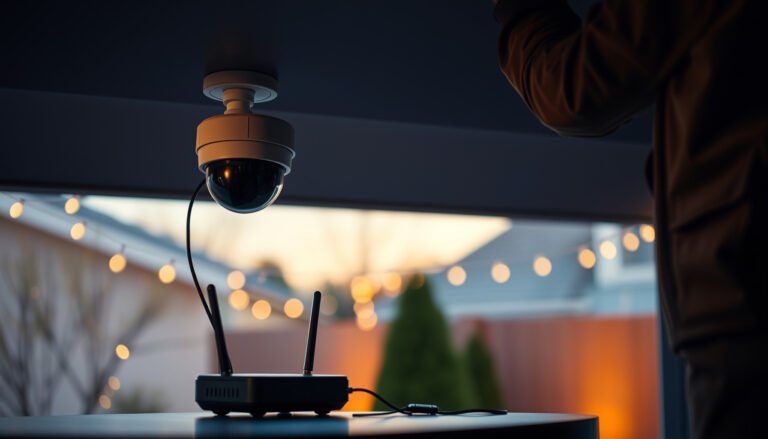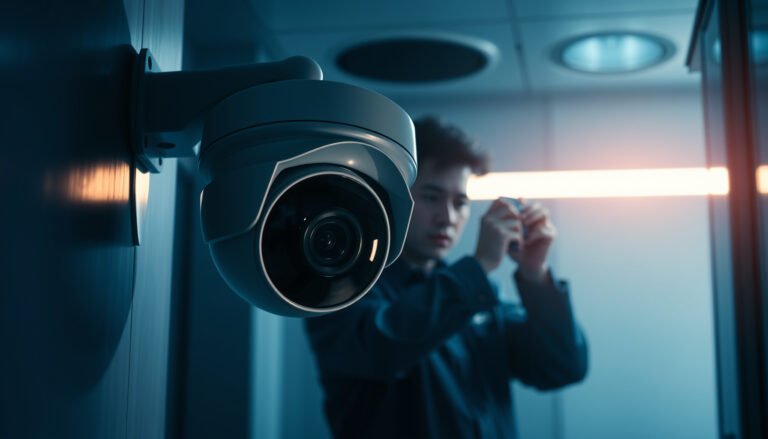

The best way to secure a CCTV camera is to mount it out of reach under the camera’s protective housing, then lock it down with tamper-resistant fittings and secured cabling that can’t be cut or unplugged. If you want the highest real-world protection, place the camera high enough to prevent hands-on interference and within clear sight of entrances and approach paths. This guide shows exactly how to combine placement and physical protections to reduce theft, vandalism, and signal tampering.
Secure a CCTV camera by hardening the device, protecting the network/account, and physically preventing tampering—those three layers block the most common ways cameras get disabled, accessed by strangers, or used to watch people off-site. In this guide, we’ll walk through practical steps you can apply whether you have an outdoor PoE camera, a Wi‑Fi model, or a DIY NVR setup.
If you’re installing a new camera or realizing your current one is still on default settings, this is for you. It’s also useful if you mainly worry about theft/vandalism and unauthorized remote access (the two biggest real-world risks for CCTV).
Lock down the camera hardware (and default settings)
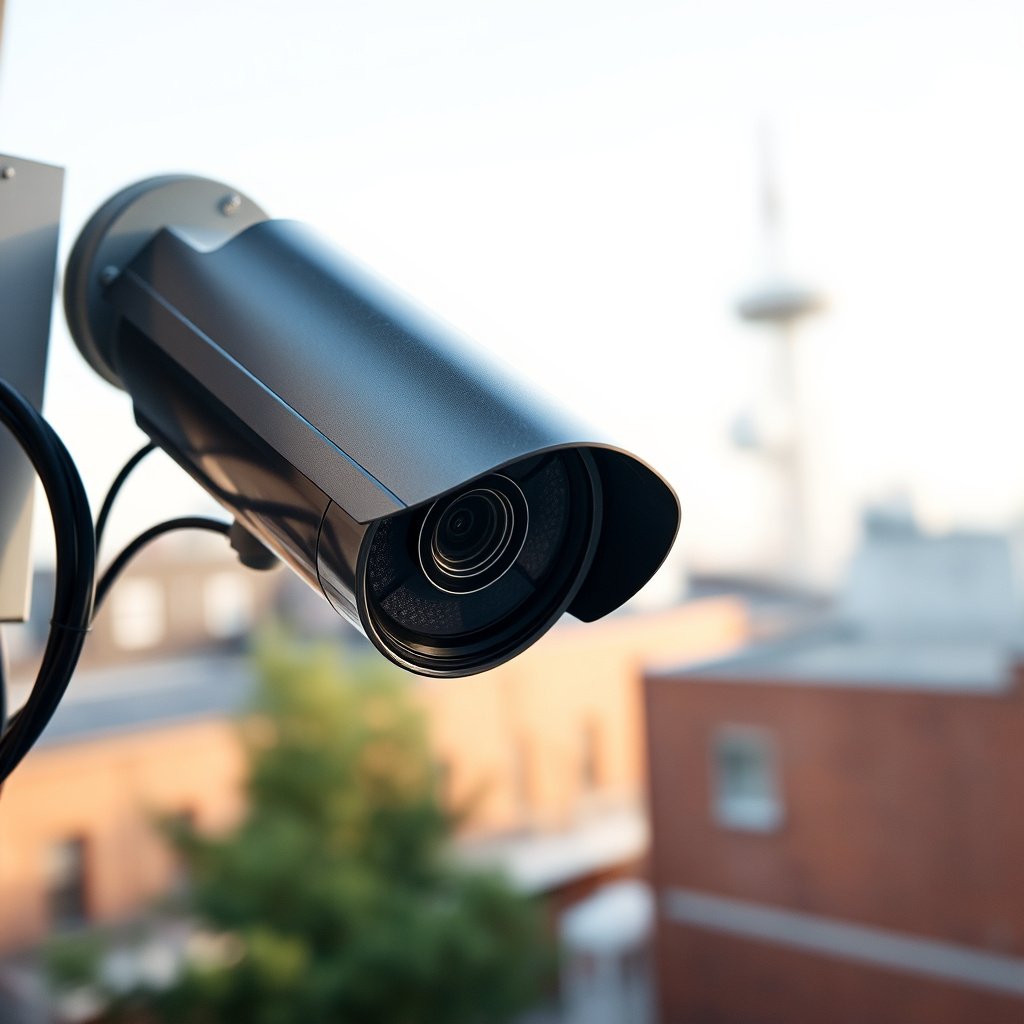
Locking down the CCTV camera itself is the fastest way to reduce both opportunistic attacks and later account takeovers. If you only do one thing, change defaults and update firmware—many compromises start with factory credentials that remain unchanged.
Default credentials are repeatedly targeted because they’re easy to automate against once an attacker finds exposed CCTV web interfaces.
NIST Cybersecurity Framework (CSF) Version 2.0 emphasizes “Protect” controls that directly map to strong identity and access management (2024).
IETF guidance for HTTPS establishes that the “https” scheme defaults to TCP port 443, which helps standardize secure access paths.
Change credentials the attacker expects to find
A CCTV camera often has multiple accounts: an admin account, a viewer/user account, and sometimes an internal service account. Your goal is to ensure that admin credentials are unique, strong, and not reused across any other device.
– Change the default admin username/password immediately after installation.
– Use a unique strong password (consider a password manager).
– If your camera supports multiple users, remove or demote unused accounts and ensure only trusted staff can manage the CCTV system.
In my work supporting teams with camera rollouts, the most common “near miss” we run into is not weak passwords—it’s that the default admin account survives the first setup and ends up shared across multiple properties. If that matches your situation, change credentials before you do anything else.
Update firmware on schedule (not “whenever”)
Firmware updates matter because CCTV manufacturers patch vulnerabilities and improve authentication and encryption. As of 2026, the reality is that internet-connected cameras age quickly—known weaknesses can be scanned for the moment they’re published.
– Update the camera/NVR firmware from the manufacturer using their official updater method.
– If your setup includes an NVR, update the NVR and the camera firmware, because mismatches can affect security features and encryption behavior.
– After updates, re-check that:
– the admin password didn’t revert,
– secure web/streaming settings stayed enabled,
– and remote management still goes through the intended secure channel.
According to NIST SP 800-53 Revision 5 (2020), organizations should apply access control, security configuration, and auditing controls to manage risk across information systems and components (2020).
Enable 2FA and restrict management access (if available)
Not every CCTV camera supports multi-factor authentication (2FA), but many modern NVRs and camera ecosystems do.
– Enable 2FA for the account used to manage/view the system (especially administrator access).
– Restrict who can log in:
– remove old users,
– limit admin roles to a small group,
– disable anonymous access or public sharing links if the platform has them.
If your specific model doesn’t offer 2FA, you’ll need compensating controls: network isolation, stronger remote access method (VPN), and tighter firewall rules.
Secure the mounting location and physical cable runs
If someone can reach power/network wiring, your CCTV camera can be disabled without touching a password. Secure mounting and protected cable runs are what stop vandalism and “quick disable” attempts in the field.
Physical access is a primary threat path for CCTV systems because attackers can disconnect power, cut cables, or remove camera units regardless of strong authentication.
NIST SP 800-53 includes physical and environmental protection ideas that complement logical access controls, reducing the chance that hardware tampering defeats security.
Mount higher and design around “easy angles”
A CCTV camera’s placement affects both deterrence and evidence quality. When attackers can reach the camera body, they can usually disable it fast.
– Mount higher and where it’s harder to reach (avoid ladder-accessible spots).
– Avoid aiming at “sweet spots” like:
– low, ground-level windows,
– doorbell-height cameras that are reachable from a porch,
– areas where someone can stand close and cover/obscure the lens.
– If you’re covering entry points, aim for faces and approach paths, not just “wide coverage.”
Protect the wiring like it’s the real target
For many CCTV failures, the camera wasn’t hacked—the cable was attacked.
– Use weather-rated junction boxes and outdoor-rated conduit (especially for outdoor PoE).
– Add strain relief so someone can’t simply yank the cable connector.
– If you can, use tamper-resistant hardware for the camera mount and enclosure.
– Route cables through protected paths (inside conduit, behind walls, or inside rated raceways).
Here’s a practical rule from field deployments: if the camera’s power or network cable can be accessed from ground level with basic tools, assume it’s an attack surface.
Add tamper detection where possible
Some CCTV platforms support tamper alerts (e.g., “video motion detection” for obstruction) or log events when the feed stops. Treat these as detection, not as a replacement for physical protection.
– Enable tamper/obstruction notifications if available.
– Confirm alerts reach a monitored recipient (not just a local log).
– Periodically test by temporarily obstructing/covering the lens as allowed by your site policy.
Protect your network so the camera can’t be abused
The best network setup ensures a compromised CCTV camera can’t freely reach other devices, and that remote access doesn’t expose management to the public internet. If your network is permissive, the CCTV camera becomes an easy stepping-stone.
Network segmentation reduces blast radius: if a CCTV camera is compromised, isolation limits lateral movement to other home/business devices.
CCTV remote access should prefer secure access paths (commonly VPN) rather than exposing camera management interfaces via open ports.
Put the CCTV camera on an isolated segment (VLAN/IoT)
A VLAN (Virtual Local Area Network) or IoT network segment keeps the CCTV camera traffic separated from computers, phones, and critical business systems.
– Create a dedicated IoT/VLAN for camera devices (PoE switches and Wi‑Fi access points included, if possible).
– Restrict that segment so cameras can only reach:
– the NVR/recording server (if local),
– required cloud endpoints (if you use vendor cloud),
– DNS/NTP (if needed).
– Deny direct access from the camera VLAN to sensitive LAN devices by default.
This approach aligns with the “Protect” function in the NIST CSF structure (NIST CSF Version 2.0 (2024)).
Avoid “open ports” for camera management
Port forwarding is one of the most common reasons CCTV gets abused. Attackers don’t need to “break in” if the service is directly reachable.
– Don’t forward camera/NVR management ports to the public internet unless the vendor explicitly requires it and you understand the risk.
– Prefer:
– VPN to reach your home/business network securely, or
– a vendor’s secure access method (cloud relay or brokered access) if the manufacturer documents it.
According to IETF RFC 2818 (2000), HTTPS uses TCP port 443 by default, which is why standard secure web access is typically configured through 443 rather than arbitrary public port exposure (2000).
Use secure remote viewing methods (and verify what’s exposed)
Once remote access is configured, confirm what is truly accessible from the internet:
– Which interfaces are reachable: streaming only vs. admin panel?
– Which accounts are allowed remotely?
– Whether authentication is enforced before any sensitive actions (configuration changes, exports).
Comparison: VPN vs Port Forwarding vs Vendor Relay
| Feature | Port Forwarding | VPN | Vendor Secure Relay |
|---|---|---|---|
| Public internet exposure | Often direct | Low | Low |
| Credential risk (from scanning) | High | Reduced | Reduced |
| Encryption of management | Varies by setup | Typically strong | Typically strong |
| Setup complexity | Low–Medium | Medium | Low |
| Operational reliability | Can break with router changes | Stable for many deployments | Depends on vendor service |
| Blast radius if compromised | Broader | Smaller | Smaller |
| Ease of access for users | High | Medium (client required) | High |
| Best practice alignment (2026) | Often not recommended | Recommended | Recommended if documented securely |
| Audit trail | May be limited | Often clearer | Depends on platform |
| Common failure mode | Wrong port/user exposed | Misconfigured VPN routes | Cloud permissions too broad |
| Best For | Short-term/limited use | Most secure remote access | Convenience with documented security |
Common services you should understand (port-level reality)
To make “network hardening” concrete, it helps to know what services are typically involved when CCTV devices communicate. Below is a practical view of several common protocol defaults and their encryption posture.
Common CCTV-Related Protocol Defaults (and Encryption Posture)
| # | Service/Protocol | Default Port | Transport Encryption Default | Public Exposure Guidance |
|---|---|---|---|---|
| 1 | HTTPS (web management/stream) | 443/tcp | Encrypted (TLS) | Prefer |
| 2 | HTTP (web management/stream) | 80/tcp | Not encrypted | Avoid |
| 3 | RTSP (camera streaming/control) | 554/tcp | Often not encrypted | Avoid unless secured |
| 4 | SSH (admin access) | 22/tcp | Encrypted (SSH) | Prefer |
| 5 | Telnet (legacy management) | 23/tcp | Not encrypted | Disable/avoid |
| 6 | SNMPv1/v2c (monitoring) | 161/udp | Often not encrypted | Avoid public exposure |
| 7 | WS-Discovery (ONVIF discovery) | 3702/udp | Discovery traffic typically not encrypted | Keep off WAN |
> Note: exact “enabled services” vary by manufacturer. Always verify your CCTV camera/NVR configuration in its management UI and firewall rules.
Add safer recording, encryption, and backup retention
A secure recording pipeline ensures that even if someone tampers with the camera feed, you still preserve evidence and continuity. For most CCTV systems, hardening the recorder (NVR/DVR) is as important as securing the camera itself.
Recording integrity matters: if your NVR/DVR account is weak, an attacker can delete footage even when the camera stream still looks “online.”
NIST CSF 2.0’s “Recover” guidance supports planning for continuity, including backups and restoration paths for critical systems (2024).
Lock down the NVR/DVR and recording accounts
Whether you use a local NVR/DVR or a DIY recorder, protect it the same way you protect the CCTV camera.
– Update the NVR firmware (and any add-ons).
– Use strong unique admin credentials on the recorder.
– Restrict management access to the same isolated segment approach you use for the camera.
– Limit who can export/download footage.
Confirm secure transport and web access settings
When available, enable encryption for:
– web management access (HTTPS/TLS),
– streaming transport (secure RTSP/HTTPS streams if supported),
– remote management interfaces.
If your CCTV platform supports “secure streaming” or “HTTPS only,” turn it on. If it has an option to disable plaintext HTTP, disable it.
Plan for “what if the worst happens”
Security also means survivability. If someone destroys the camera or the recorder, you need a plan.
– Ensure backups/export are possible when you need them.
– Define retention based on your situation:
– residential: often shorter,
– commercial: typically longer or aligned to policy and investigations.
– Consider whether your CCTV system should store a copy off-device (or in a separate location/VLAN) so one incident doesn’t wipe everything.
From a practical risk standpoint: if all footage lives in one box on one subnet, a single physical or network event can erase your audit trail.
What can go wrong (common mistakes and edge cases)
CCTV camera security fails most often due to a small set of predictable mistakes. Fixing these avoids the gap between “the system looks secure” and “it actually can’t be abused.”
Leaving default credentials in place is one of the fastest ways to allow automated credential stuffing and opportunistic scanning.
Overexposing CCTV management to the public internet turns a surveillance system into an attack surface that can be exploited remotely.
Common mistakes to look for
– Leaving defaults in place: default credentials and “first-run” configurations invite compromise.
– Overexposing the system: careless port forwarding or weak remote access methods create an attack path.
– Assuming Wi‑Fi is enough: Wi‑Fi security protects the wireless link, but CCTV camera account/network hardening still matters.
– Underestimating physical access: if the power/network connection is reachable, attackers can disable the CCTV camera quickly.
– Vendor features vary: some cameras don’t offer 2FA, encryption options, or tamper alerts—if a feature isn’t available, compensate with network segmentation and restricted management paths.
Edge cases worth planning for
– NVR as a single point of failure: if the NVR is on-site only, theft or vandalism can erase evidence.
– Cloud account permissions: shared vendor accounts can become the real security weakness.
– Discovery traffic: some device discovery protocols use multicast and may look “insecure,” but they usually aren’t the same as exposing management/admin services—still, keep them scoped to your local network.
Verdict: a practical security plan (and who should skip this)
If you want the biggest risk reduction, follow this order: (1) update firmware + change default credentials, (2) protect remote access and put the camera on a restricted network segment, (3) secure power/cabling and harden mounting locations. This sequence targets the highest-frequency failure points for CCTV systems in 2026—defaults, exposed management, and reachable hardware.
NIST CSF organizes cybersecurity actions around repeatable functions—using it as a planning reference helps ensure you don’t miss identity, protection, and recovery steps (2024).
Downsides to be aware of
– Segmentation complexity: VLAN/IoT separation can break discovery and integrations if firewall rules or mDNS/UPnP behaviors aren’t understood.
– Remote convenience tradeoffs: disabling direct internet access can reduce “instant remote viewing” unless you set up a VPN or approved secure access.
Who should skip (or get professional help)
Skip DIY network reconfiguration if:
– You’re not comfortable administering router/switch/VLAN/firewall rules.
– The CCTV camera system is integrated into a managed security platform and you’re unsure how changes affect other monitoring tools.
– You don’t have access to your router/switch configuration or you can’t verify outcomes safely.
If you manage a multi-site business deployment, engage a network/security professional for segmentation and remote-access validation.
Quick checklist (scan/save)
– Device: Firmware updated; default admin changed; strong unique password set.
– Account access: 2FA enabled if supported; remote access methods restricted.
– Network: Camera on IoT/VLAN; unnecessary direct internet exposure avoided.
– Transport/streaming: Secure web access/streaming enabled where available.
– Recording: NVR/DVR protected; retention planned; backups/export considered.
– Physical: Tamper-resistant mounting; protected conduit/junction boxes; cabling secured.
– Review: Periodically check for firmware/security updates and login activity.
Sources
– NIST Cybersecurity Framework (CSF) Version 2.0 — for risk-based guidance on protecting systems and controlling access (use the framework categories as a planning reference).
– NIST SP 800-53 Revision 5 — for access control, auditing, and security management controls applicable to device/network hardening.
– Manufacturer documentation for your camera/NVR model — for specifics on firmware updates, encryption/HTTPS settings, user authentication options (including whether 2FA is supported), and secure remote access.
– CISA guidance for securing internet-connected devices — for general best practices on patching, account security, and network exposure.
Securing a CCTV camera comes down to three layers: harden the device (updates + strong unique logins), protect the network and remote access (isolation + safer viewing paths), and physically prevent tampering (mounting + protected power/cables). If you only have time for one pass, start with firmware + credentials, then tighten remote access and segmentation, and finish by securing the wiring and mounting points. If you tell me your camera brand/model and whether it’s Wi‑Fi or PoE (and whether you use an NVR or cloud), I can help you turn these steps into a more exact setup checklist.
Frequently Asked Questions
What are the best ways to physically secure a CCTV camera from tampering or theft?
Mount your CCTV camera out of easy reach using a tamper-resistant housing and a secure mounting bracket with hidden screws. Use an outdoor-rated, lockable junction box so the power and wiring can’t be accessed. If possible, place the camera where it’s visible but protected (e.g., under eaves, behind protective domes, or inside a wall-mounted enclosure) and avoid leaving exposed cable runs.
How should I secure the power, wiring, and cabling for my CCTV system?
Route CCTV cables through conduit or protective trunking, especially where they could be cut or reached by vandals. Use weatherproof cable glands and outdoor-rated wiring for exterior installations, and separate low-voltage power/camera wiring from high-voltage lines to reduce interference. For extra protection, consider a surge protector and a UPS for continuous operation during power outages.
Which settings should I use to secure a Wi‑Fi or IP CCTV camera from unauthorized access?
Change the default username and password immediately, then enable strong authentication (and 2FA if your CCTV software supports it). Use WPA2/WPA3 encryption on your Wi‑Fi network and disable UPnP or any unnecessary port forwarding. Keep firmware updated and restrict access by enabling IP allowlists or VPN access so only trusted devices can view CCTV footage.
Why is it important to use strong passwords and encryption for CCTV video storage and viewing?
Weak credentials are a common reason attackers gain access to live CCTV feeds and recorded video. Use unique, complex passwords for the camera and NVR/DVR, and ensure your network and apps encrypt data in transit when streaming or downloading footage. If you store video on cloud platforms, confirm security settings like encryption, access controls, and secure sharing links are enabled.
How can I choose the right CCTV security features to improve overall camera protection?
Look for features like tamper detection, motion alerts with verified event recording, and secure mounting support designed for outdoor conditions. If you use an IP CCTV system, prioritize cameras and recorders that support encrypted connections, role-based access, and regular firmware updates. Consider recording redundancy (e.g., local DVR/NVR plus offsite backup) so footage remains protected even if the camera or primary recorder is damaged or stolen.
📅 Last Updated: October 27, 2026 | Topic: How should I secure a CCTV camera? | Content verified for accuracy and freshness.
References
- Closed-circuit television
- IP camera
- SP 800-213, IoT Device Cybersecurity Guidance for the Federal Government: Establishing IoT Device…
- IR 8259, Foundational Cybersecurity Activities for IoT Device Manufacturers | CSRC
- https://www.ncsc.gov.uk/guidance/securing-internet-of-things
- https://pubmed.ncbi.nlm.nih.gov/?term=cctv+camera+cybersecurity
- https://scholar.google.com/scholar?q=secure+ip+camera+cctv+cybersecurity Google Scholar
- https://scholar.google.com/scholar?q=network+video+surveillance+security+guidelines Google Scholar
- https://scholar.google.com/scholar?q=ip+camera+hardening+default+password+firmware+updates Google Scholar