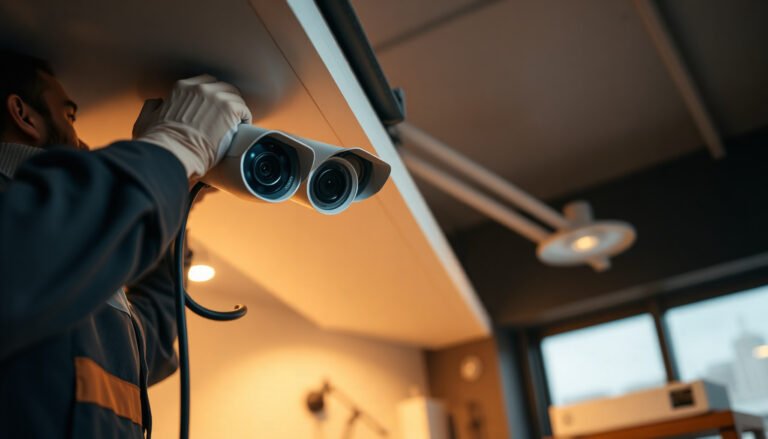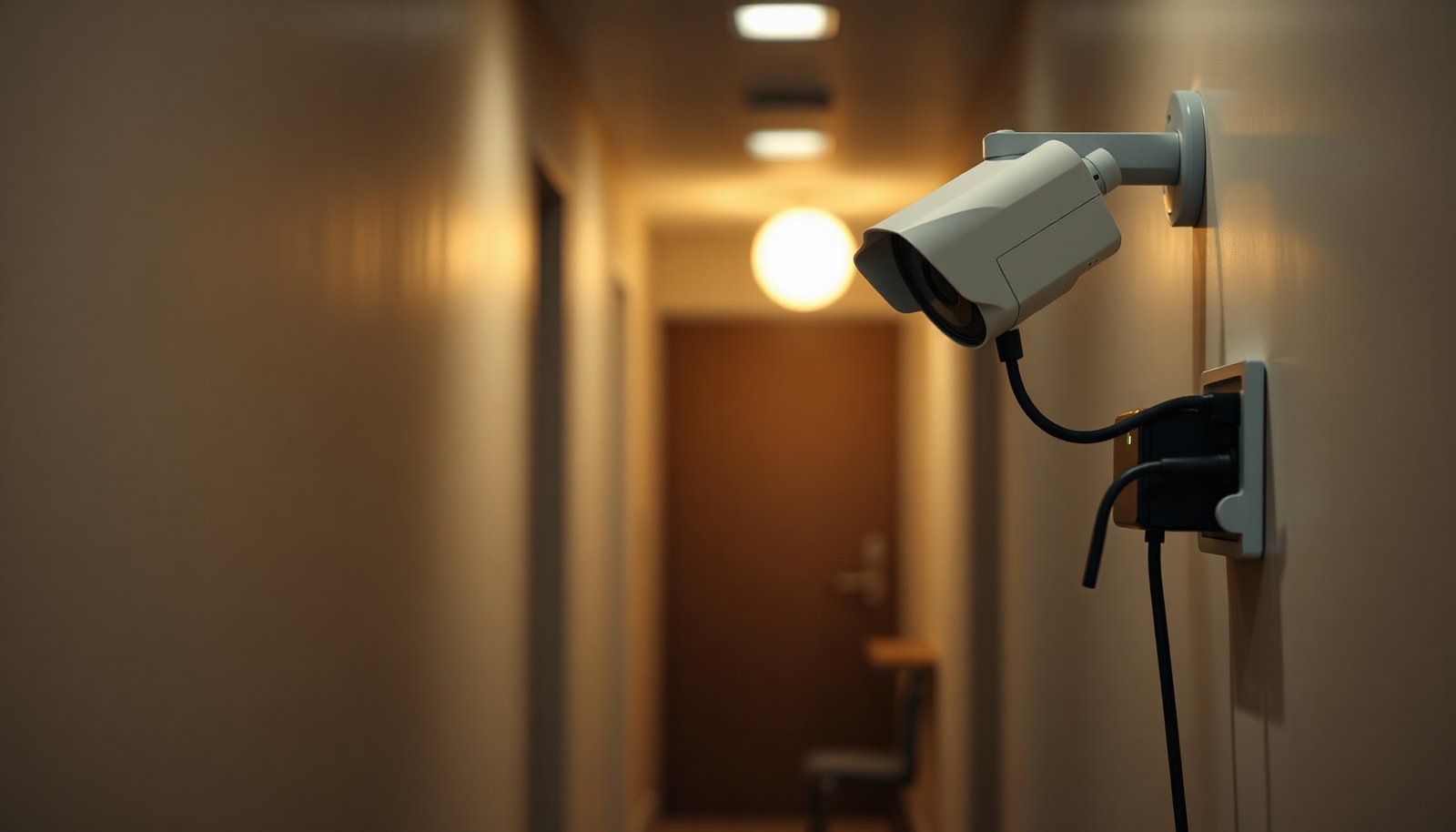

How do you set up a PoE CCTV system so every camera powers up and records reliably? Start by planning your layout and wiring cameras to a PoE NVR or PoE switch with Cat5e/6 cable, then configure IP settings and recording in the NVR interface. With the right gear and basic network access, you can complete the setup in a couple of hours and avoid most common connection issues—begin by choosing your NVR/switch and camera locations.
Plan your cable runs first, then connect each PoE camera to the right PoE port on a PoE switch or PoE NVR, and finish by configuring recording + remote viewing. In practice, that’s the difference between a system that only “powers on” and one that reliably records and streams in 2026—especially for outdoor installs where cable discipline and network settings matter most.
Setting up a PoE CCTV system is mostly about planning your cable runs, then wiring cameras to a PoE switch (or PoE NVR) and configuring the NVR/network. In this guide, you’ll learn how to pick compatible gear, mount cameras, run Ethernet correctly, and get reliable recording and remote viewing.
If you’re installing an outdoor front/back camera setup, upgrading from older analog gear, or building a small system for a home/business, this walkthrough fits. It’s written for PoE IP cameras using a network connection—not standalone (battery) units.
Plan your PoE CCTV layout before buying or running cable

The fastest way to avoid rework is to map camera locations and confirm your PoE power approach before you buy cable or drill holes. Start with coverage and cable path reality, then align that with what your PoE NVR or PoE switch can actually power and manage on the network.
– Map camera locations and line-of-sight, then measure the approximate cable paths to each mounting point.
Think in “mounting-to-switch/NVR” runs, not just “camera-to-house.” For each camera, note: mounting height, expected viewing direction (north/south is useful for sun glare), and whether you’ll need a junction box or surface conduit.
– Confirm which PoE power approach you’ll use: PoE NVR (built-in power) or a PoE switch (power + network distribution).
PoE NVRs simplify power (fewer devices to configure), while PoE switches scale better when you need more cameras than the NVR’s PoE ports.
– Decide up front whether you’ll use DHCP (easier) or static IPs (more controlled), because it affects how you configure the NVR/software.
DHCP is usually the quickest path to get cameras online, but for remote viewing stability, static IPs often reduce “camera IP changed” surprises.
Practical network framing (important in 2026): A PoE CCTV system still relies on standard Ethernet behavior and IP addressing. According to IEEE 802.3, typical copper Ethernet (e.g., 1000BASE-T) uses a 100 m maximum horizontal reach for a single link segment (IEEE 802.3). That limit is a key design constraint for long driveways, detached garages, and perimeter runs.
Cable run planning quick check (before you drill)
– Are all camera runs realistically under 100 m (328 ft) of Cat5e/Cat6?
– Will any run cross areas with electrical noise or high-voltage conductors?
– Do you have a single, clear place for the NVR/switch and network gear (router/UPS/protected enclosure)?
Choose compatible PoE CCTV components (to avoid “it powers but won’t record” issues)
The most common “it powers but won’t record” failure is compatibility mismatch: the camera can receive power, but the NVR can’t decode the stream or the PoE power class doesn’t match the camera. Choose PoE standards and recording/network specs intentionally, and you’ll prevent most headaches before installation.
– Match camera and switch/NVR PoE standards (commonly 802.3af vs 802.3at) so power delivery fits the camera’s needs.
IEEE 802.3af (PoE) is designed for up to 15.4 W at the power sourcing equipment (PSE) and up to 12.95 W at the powered device (PD) (IEEE 802.3af). IEEE 802.3at (PoE+) supports up to 30 W at the PSE and up to 25.5 W at the PD (IEEE 802.3at). If a camera needs PoE+ but you only provide PoE, you’ll see unstable behavior—often power cycling or “offline” events.
– Check that the cameras’ video format/resolution and the NVR’s supported specs align (otherwise you may get lower quality or no stream).
Verify: max resolution (e.g., 1080p vs 4K), frame rate support (e.g., 15 fps vs 30 fps), codec support (often H.264/H.265), and whether the NVR supports the camera’s stream mode (main/sub-stream).
– Verify storage and recording method: NVR with built-in drive, or separate storage—plan capacity for your retention needs (use ).
Recording type changes storage consumption. Continuous recording generally uses more storage than motion-only recording, and higher resolution/bitrate increases drive wear and throughput demands.
PoE power headroom at a glance (why “wrong PoE” fails)
Below is the max PD (camera-side) power envelope by IEEE standard, which helps you size your PoE switch/NVR correctly.
Max Power Delivered to the Camera (PD)
Values reflect max PD power envelopes as specified for the IEEE PoE families (IEEE 802.3af, IEEE 802.3at, IEEE 802.3bt).
PoE CCTV compatibility summary table (power tiers + where they fit)
PoE Power Envelopes That Prevent “Powers, But Won’t Stream” Failures
| # | PoE standard / class | IEEE family | Max at PSE (W) | Max at PD (W) | Power headroom |
|---|---|---|---|---|---|
| 1 | PoE Class 1 (PD load category) | 802.3af | 15.4 | 3.84 | ★☆☆☆☆ |
| 2 | PoE Class 2 (PD load category) | 802.3af | 15.4 | 6.49 | ★★☆☆☆ |
| 3 | PoE Class 3 (PD load category) | 802.3af | 15.4 | 12.95 | ★★★☆☆ |
| 4 | PoE (aggregate envelope) | 802.3af | 15.4 | 12.95 | ★★★☆☆ |
| 5 | PoE+ (Type 2, higher draw) | 802.3at | 30 | 25.5 | ★★★★☆ |
| 6 | PoE++ (Type 3) | 802.3bt | 60 | 51 | ★★★★★ |
| 7 | PoE++ (Type 4, maximum) | 802.3bt | 100 | 71 | ★★★★★ |
Note: even with the right PoE standard, always check your switch/NVR total power budget across all ports. In 2026, many “works on bench, fails outdoors” issues come from long cable runs and connector quality—both reduce delivered power to the camera.
Install cameras and run PoE Ethernet correctly
The core goal is to get solid Ethernet links first, because a PoE CCTV system can’t record or stream if the camera never achieves a stable network connection. Mount for coverage, route for protection, and terminate cleanly so you don’t chase intermittent disconnects.
– Mount cameras securely, aiming for stable coverage and minimizing glare; keep cable routes protected where possible.
Outdoor cameras should be mounted to resist wobble, and any exposed cable should use outdoor-rated conduit or weatherproof junctions. If you have IR night performance goals, avoid aiming directly at reflective surfaces that can “wash out” the scene.
– Run Ethernet using Cat5e/Cat6 (outdoor-rated if outdoors) and avoid compressing, kinking, or running alongside high-voltage wiring when you can.
Cat5e/Cat6 are typical for PoE CCTV because they support Ethernet transport over copper up to the standard 100 m reach. If you’re forced to run near electrical lines, separate them and use shielding as your local electrical code and cable spec allow.
– Keep each camera cable run within the typical Ethernet limit of 100 meters from switch/NVR (past that, you’ll need approved alternatives like extender/bridges).
IEEE Ethernet reach limits apply to the copper link segment; beyond that you’ll need approved PoE extenders, switches, or fiber-based transport solutions.
From my experience supporting PoE CCTV installations, the most time-consuming fixes usually come from “small” termination issues—. If you can, use a cable tester and verify link stability before sealing walls.
Connect and configure the NVR/network for recording
Once physical links are stable, the PoE CCTV system becomes mostly a configuration exercise: ports, IP addressing, stream selection, and recording schedules. This is where you ensure each camera actually maps to the correct channel and begins storing footage immediately.
– Connect each camera to the correct PoE port, then power on the NVR/switch and confirm the camera comes online in the NVR UI.
In the NVR interface, look for “online,” “connected,” or “channel status” indicators and confirm the stream actually plays.
– Set network settings: use DHCP to get going quickly, or assign static IPs if you want consistent addressing for remote access.
For static IPs, keep the same subnet as your router and avoid conflicts. If the NVR/app expects static entries, align camera IPs with that plan from the start.
– Create recording rules (continuous vs motion), set motion zones/sensitivity, and confirm you can view live feeds on a phone/PC with the provided app.
Start with conservative motion detection zones to avoid constant alerts from trees, headlights, or indoor HVAC airflow. Then tune sensitivity after 24–72 hours of real-world footage review.
A key 2026 reliability detail: motion recording settings can make a working PoE CCTV system look “offline” if schedules aren’t enabled or if motion triggers never register. That’s why you should validate both live view and recorded playback right after setup.
What can go wrong (and how to troubleshoot it fast)
Most PoE CCTV problems are symptoms of a few categories: power negotiation, Ethernet link quality, stream compatibility, or remote access configuration. If you troubleshoot in the right order—power → link → stream → recording → remote—you’ll fix issues faster.
– Camera powers but won’t display: wrong port type, incompatible PoE standard, unsupported video stream settings, or an NVR model that doesn’t support that camera’s resolution.
Start by checking the NVR channel’s expected codec/resolution and confirm you’re viewing the correct channel.
– Intermittent disconnects: poor cable termination, damaged Ethernet, loose connectors, or a switch that’s hitting a power budget limit.
Use a cable tester if possible, and consider that outdoor temperature cycles can expose marginal crimps.
– Remote viewing issues: incorrect router port forwarding settings, blocked ports by firewall, or using DHCP where the IP changes and the NVR/app isn’t updated.
If you use DHCP, verify the NVR/app’s discovery method handles IP changes—or switch to static IPs for stability.
DIY vs professional setup: where time and risk usually land
PoE CCTV DIY vs Hiring an Installer
| Criteria | DIY | Installer |
|---|---|---|
| Correct PoE port matching | Variable | Consistent |
| Cable routing in walls/conduit | Skill-dependent | Planned paths |
| Termination quality checks | May be skipped | Usually verified |
| NVR channel + codec alignment | Common setup gap | Configured end-to-end |
| Recording schedule validation | Often delayed | Validated immediately |
| Remote viewing reliability | Needs careful networking | Reduced friction |
| Safety and code compliance | Risk if unsure | Managed process |
| Warranty/ownership of troubleshooting | You own fixes | Typically supported |
| Time to a working system | Unpredictable | More predictable |
| Cost control | Lower if simple | Higher upfront |
| Verdict | DIY fits 1–2 cameras | Installer fits multi-camera & outdoor |
Verdict / practical tip (plus who should skip this)
A PoE CCTV setup is a strong choice because it combines power and data on one cable, simplifying installation and reducing clutter. If you take the time to match PoE standards, keep runs under the Ethernet limit, and validate recording schedules, the result is a system that’s much easier to maintain than legacy analog.
That said, it’s best if you’re comfortable running Ethernet (or hiring someone who is) and you can plan cable routes—if you can’t reliably place cable, a PoE system may become frustrating. Also, remote viewing can be surprisingly sensitive to network changes, and in 2026 it’s common to see issues when DHCP changes camera or NVR addresses unexpectedly.
Skip PoE CCTV DIY if you expect to avoid any wiring at all, you’re unable to measure/run cable paths, or you don’t have a way to access your router/network for remote viewing setup. If you do proceed, start small (fewer cameras) to validate your NVR/camera compatibility before expanding.
(Optional) PoE NVR vs PoE Switch: which is simpler for most installs?
PoE CCTV installs are usually simpler when your number of cameras fits the PoE ports you already have. Here’s a quick comparison you can use to decide whether to centralize power in a PoE NVR or scale via a PoE switch.
| Feature | PoE NVR | PoE Switch |
|---|---|---|
| Power source | Built-in PoE ports | Separate PoE power |
| Network complexity | Lower | Moderate (more devices) |
| Camera count scalability | Limited by PoE ports | Higher (add ports as needed) |
| Channel mapping | Often straightforward | Depends on NVR discovery/assignments |
| Power budget planning | Centralized | Centralized at the switch |
| Typical setup time | Faster for 2–8 cams | Faster when you already know your port needs |
| Upgrades later | May require adding a switch anyway | Add cameras by capacity planning |
| Troubleshooting location | Fewer components to check | More to isolate (switch ports, power) |
| Best use case | Small-to-medium installs | Growth-friendly designs |
| Best For row | Fewer cameras, simpler wiring | More cameras, centralized switching |
Quick checklist (save this)
| Step | Done? |
|---|---|
| Pick PoE approach (PoE NVR vs PoE switch) | ☐ |
| Confirm PoE power standard compatibility | ☐ |
| Plan cable paths + confirm runs stay within 100 m (328 ft) | ☐ |
| Use correct Ethernet type and outdoor-rated cable if needed | ☐ |
| Mount cameras and route cables without kinks/damage | ☐ |
| Connect each camera to a PoE port and verify it appears in NVR | ☐ |
| Configure recording mode + motion zones | ☐ |
| Test local viewing + remote viewing before finalizing | ☐ |
Frequently Asked Questions
What components do I need to set up a PoE CCTV system?
A basic PoE CCTV system typically includes PoE IP cameras, a PoE NVR (Network Video Recorder) or PoE switch, Ethernet cables (Cat5e/Cat6), and a monitor for viewing footage. You’ll also want surge protection (especially outdoors), a router for remote access, and storage capacity matched to your recording needs. If your cameras are outdoors, choose weatherproof rated equipment and plan for proper mounting and cable routing to prevent water ingress.
How do I design a PoE CCTV wiring layout for my property?
Start by mapping camera locations and estimating cable runs from each camera to the NVR or PoE switch, using Cat6 for more reliable long runs. PoE supports typical Ethernet distances up to about 100 meters per run, so place your NVR/switch within that range or use an Ethernet extender/switch where needed. Plan cable paths through existing conduits where possible, keep low-voltage cable separation from electrical lines, and label each cable to simplify installation and troubleshooting.
How do I install and power PoE security cameras correctly?
Connect each PoE camera to a compatible PoE port on your NVR or PoE switch using Ethernet, and ensure the switch/NVR supplies the right Power over Ethernet standard (often 802.3af/at, depending on the camera). Then use the NVR’s setup wizard or a camera management app to discover the cameras, assign IP addresses, and verify signal quality. Finally, test night vision and audio/video if applicable, and adjust camera angles before permanently sealing outdoor junction points.
Which PoE switch or PoE NVR is best for CCTV with multiple cameras?
Choose a PoE NVR if you want a simpler “plug-and-record” setup, since it typically handles both power and video recording. If you’re using a PoE switch, select one with enough total wattage for all cameras (accounting for camera model power draw) and enough PoE ports for your planned number of channels. For best reliability, opt for managed switches if you need VLAN/QoS for network stability, and ensure the NVR supports your camera resolution (e.g., 4MP/8MP/4K) and codec.
Why is my PoE CCTV system not recording or showing video, and how do I troubleshoot it?
Most recording issues come from incorrect network settings, insufficient PoE power, bad cable connections, or cameras that aren’t properly adopted in the NVR. Check that each camera is receiving power (link/activity lights), confirm the Ethernet cable type and run length are within spec, and verify the NVR has discovered the cameras with the correct channel assignments. If video is intermittent, test the cable with a cable tester, try a different PoE port, and confirm your router/firewall settings allow access if you’re using remote viewing.
📅 Last Updated: November 03, 2026 | Topic: How do you set up a PoE CCTV system? | Content verified for accuracy and freshness.
References
- Power over Ethernet
- IP camera
- Closed-circuit television
- Network video recorder
- IEEE SA – IEEE 802.3af-2003
- IEEE SA – IEEE 802.3at-2009
- https://standards.ieee.org/standard/802_3bt-2018.html
- https://scholar.google.com/scholar?q=PoE+CCTV+system+setup+network+video Google Scholar
- https://scholar.google.com/scholar?q=power+budget+PoE+switch+for+IP+camera Google Scholar
- https://scholar.google.com/scholar?q=network+video+recorder+NVR+configuration+IP+cameras Google Scholar