
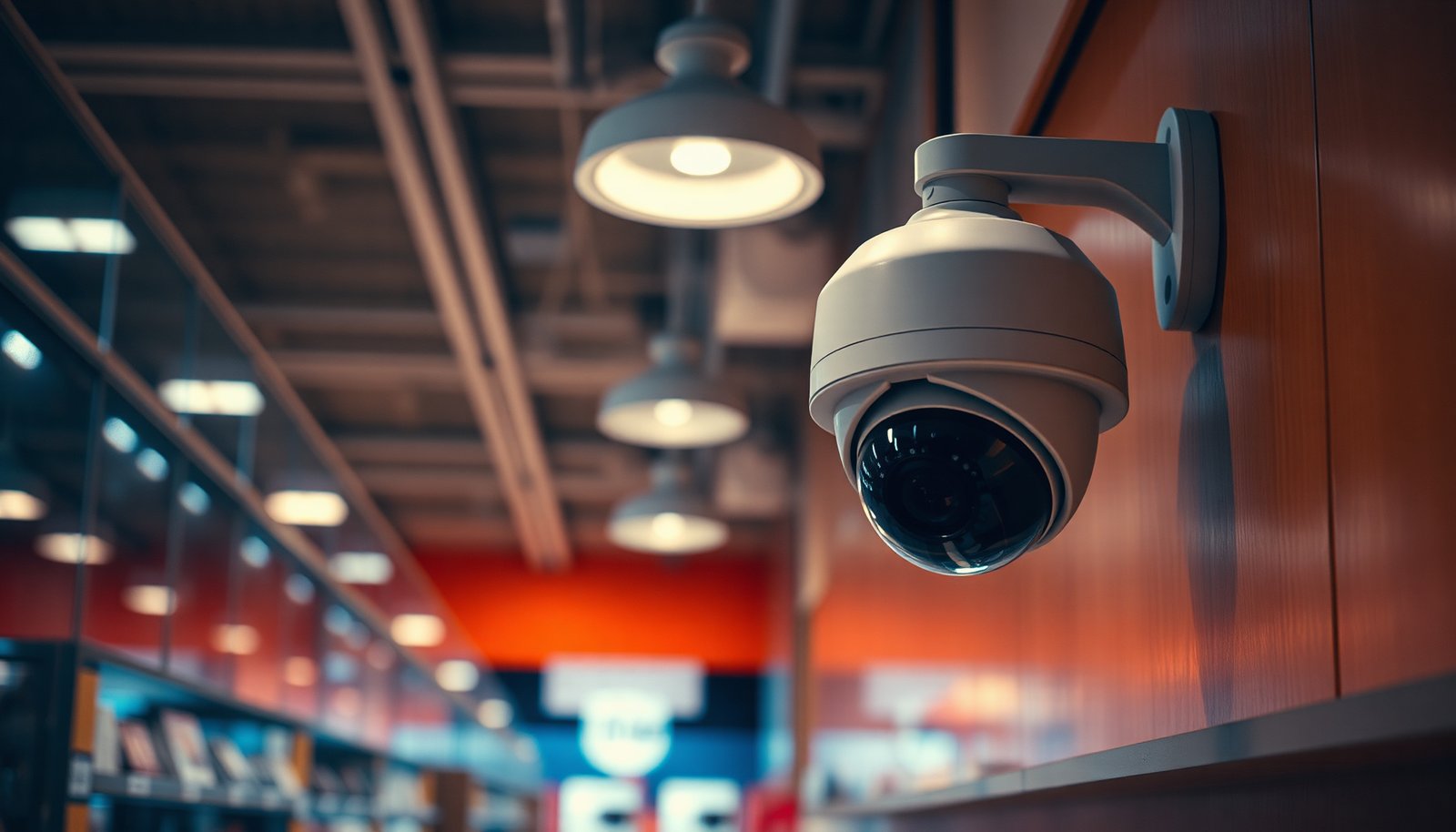

When your retail store CCTV is set up correctly, you’ll have clear footage of entrances, aisles, and cash areas, along with a reliable way to review incidents and deter theft. This walkthrough shows you what to plan—camera types, placement, recording method, storage, and network needs—so you can go from choosing equipment to mounting, configuring, and testing in a methodical order. With the right planning, the process is straightforward and can typically be completed over a weekend to a few days, depending on store size and wiring access.
Set up CCTV for a retail store by planning camera coverage first (entrances, aisles, checkout, stock areas), then choosing the right resolution, placement height, and recording setup. Aim to capture faces at entry and checkout, reduce blind spots, and ensure the footage is stored reliably for your retention needs. This guide walks you through a practical setup plan and the most common mistakes to avoid.
If you’re a store owner, manager, or facility decision-maker outfitting a small shop, chain branch, or kiosk, this is for you—especially if you’re comparing “plug-and-play” systems vs. professional installs and need a checklist that won’t miss the basics.
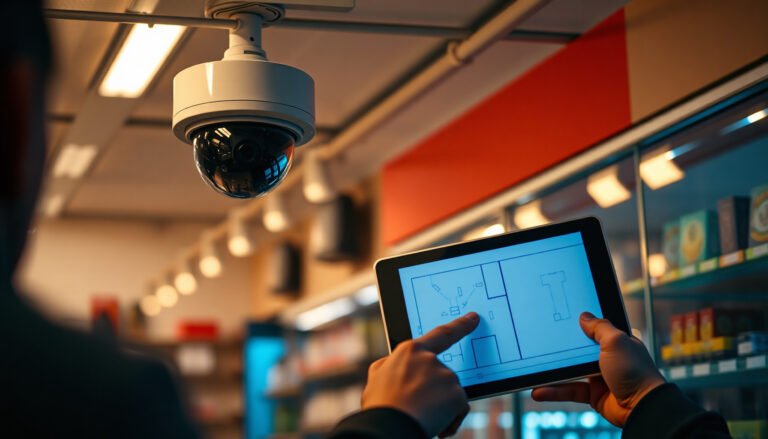
Map your retail store camera coverage (start here)
The fastest way to get CCTV that actually helps is to map coverage to decision points—places where events begin and where you’ll need identification later. In retail CCTV planning, your goal isn’t “record everything,” it’s “record the right angles, at the right moments, at a readable distance.”
Start with a simple store walkthrough (even if you’ve walked it a hundred times). For each camera location you’re considering, ask what the footage must prove: who entered, whether items were taken, and who paid (or didn’t). Retail CCTV should capture both activity views (situational awareness across aisles) and identification views (faces and details near entry and checkout). If you only plan for wide coverage, you often end up with “evidence that shows movement,” not “evidence that identifies people.”
Common “decision points” to prioritize in your retail camera coverage plan:
– Front door / entry: capture faces as people step in, not while they’re already halfway across the store.
– Checkout lane: capture faces and the hands/transactions as customers approach and pay.
– High-value pathways: routes that connect shelves or end caps with opportunity (e.g., from a candy end cap to the register).
– Stock access: receiving doors, back-of-house corridors, and any areas where inventory is accessible.
Then mark blind-spot risks in your layout:
– Corners and end caps that block sightlines
– Shelving “occlusion” (people standing naturally behind displays)
– Areas where people pause (queueing at checkout, waiting for a staff member, browsing at eye level)
After you map these areas, you’re ready to choose camera types that can support both wide and identification coverage within the same retail CCTV system.
Choose the right camera types and placements
The right camera types and placements turn your coverage map into usable evidence—especially for faces and transaction moments. For retail CCTV, the common failure mode is buying the “best resolution” but placing the camera where glare, tampering, or sightline issues prevent identification.
A practical approach is to use a mix of viewpoints:
– Wide-angle overview cameras for situational awareness across aisles and general movement.
– More direct, narrower angles near entrances and checkout for identification (faces, receipts, barcodes—whatever is realistic in your store).
Place cameras to reduce tampering and obstruction
In retail CCTV installs, placement is as important as the sensor. Mounting higher reduces easy tampering, but it also changes perspective. In my own review work for retail CCTV designs, I’ve repeatedly seen that cameras mounted too high often capture the “top half” of faces in busy stores—so don’t rely on a single universal height.
Placement tips that consistently improve retail CCTV usability:
– Avoid pointing directly into harsh glare (high sun near windows, reflective flooring).
– Position so customers approach the camera’s field of view naturally (entering and walking toward checkout).
– Cover likely obstruction zones (end caps, tall displays, “standing areas” near registers).
– If you have outdoor or loading areas, prioritize weather resistance and night performance in the camera choice—not just resolution.
Match indoor vs. outdoor requirements
If you have a back door or loading bay, your retail CCTV needs different performance requirements:
– Outdoor cameras need weatherproof enclosures rated for your conditions.
– Night capability matters more outdoors due to lower ambient light and longer distances.
If you’re unsure what your indoor/outdoor boundaries look like, treat every “dark boundary” (back door, dock area, side entrance) as its own retail CCTV problem with its own test.
- Plug-and-play retail CCTV kits
- Pros: faster setup, easier onboarding for small teams, simpler expansion.
- Cons: limited control over advanced placement/encoding, sometimes weaker identification performance at distance, more risk of gaps if you skip a coverage map.
- Best for: very small stores with straightforward wiring routes and a team that can run a proper viewing-angle test.
- Professional installation
- Pros: more reliable sightline planning, better cable/power design, configuration matched to your lighting and retention needs.
- Cons: higher upfront cost, scheduling lead time, and you still need to verify that the installer tests identification goals (faces/checkout) in your real environment.
- Best for: multi-floor layouts, complex cabling, multiple entrances, higher-loss areas, or any situation where you can’t easily validate footage readability.
Decide on resolution, night visibility, and recording setup
The simplest rule for retail CCTV is: choose the resolution and night mode that can still identify people at the distances you actually have. In practice, that means planning for low-light conditions (entry, corridors, behind-lighting changes near doors) rather than only daytime performance.
Resolution: clarity where it matters
Pick resolution based on your identification needs. Wider shots can be helpful, but faces and transaction details often require closer, more controlled views near entrances and checkout. In retail CCTV, a 1080p camera placed far away may produce less usable identification than a higher-detail view mounted with the right angle.
Night visibility: test with your store lighting
Night performance is where many retail CCTV plans disappoint. Infrared (IR) illumination, low-light sensors, and lens settings all interact with your store’s lighting and reflective surfaces. As of 2026, the most reliable approach is to confirm what your footage looks like after hours:
– Walk into the store under nighttime lighting conditions.
– Replay footage from your planned camera angles.
– Look specifically at faces at entry and near the checkout approach.
Recording method and storage capacity
Most retail CCTV systems rely on an NVR (Network Video Recorder) setup, which centralizes recording and playback. Your recording setup must match both your operational workflow and your retention requirements.
From a compliance standpoint, privacy and storage limits matter. Under GDPR, personal data must be kept no longer than necessary for the purposes collected (2016) (Regulation (EU) 2016/679). Many jurisdictions also provide guidance that retention should be proportionate to the reason for surveillance (for example, UK CCTV guidance discusses keeping data no longer than needed) (UK Information Commissioner’s Office CCTV guidance). Because the rules vary, your exact retention window should follow your local rules/policy.
To size recording storage correctly, you also need:
– Expected number of channels (cameras)
– Target frame rate and resolution per stream
– Compression method (commonly H.264/H.265 in many retail CCTV deployments)
– Whether you record continuously or only motion/event triggers
Resolution options that map to real retail CCTV identification needs
Below is a practical reference for how common retail CCTV resolution tiers compare for identification goals.
Retail CCTV Resolution Tiers for Identification (16:9 and Common Sensor Modes)
| # | Resolution label | Pixel dimensions | Megapixels | Typical retail use | Face ID suitability |
|---|---|---|---|---|---|
| 1 | 720p (HD) | 1280×720 | 0.92 | Small areas, close-by views | ★★ |
| 2 | 1080p (Full HD) | 1920×1080 | 2.07 | Aisle overviews + nearer entry/checkouts | ★★★ |
| 3 | 1440p (QHD / 2.5K) | 2560×1440 | 3.69 | Better ID at typical retail distances | ★★★★ |
| 4 | 4MP (common surveillance mode) | 2688×1520 | 4.09 | Identification-focused entry angles | ★★★★ |
| 5 | 5MP (common sensor mode) | 2592×1944 | 5.04 | Checkout face capture + close ID details | ★★★★ |
| 6 | 8MP / UHD 4K | 3840×2160 | 8.29 | Stronger ID at moderate distance | ★★★★★ |
| 7 | 12MP (high detail mode) | 4000×3000 | 12.00 | Close identification + larger crops | ★★★★★ |
Install, angle, and test like you’re the person reviewing footage
The best retail CCTV setup is the one you can re-check quickly when something goes wrong. During installation, you should aim for camera angles that let an investigator answer the question: “What happened, who was involved, and when did it occur?”
When you install, focus on identification moments:
– Capture faces when people enter and when they approach checkout.
– Avoid angles that show the ceiling/wall instead of faces (a surprisingly common retail CCTV issue).
– Ensure the transaction area is readable where possible (counter, register interaction, bag handoff).
Then do a movement test that matches customer flow. Walk the route you expect customers to take during peak periods:
– Enter → browse → approach checkout → pay → exit
As you walk, check that the moments you care about remain readable in playback. In retail CCTV installations, it’s common for a camera to “look great” live but fail during review due to motion, blur, or the way customers block each other in narrow aisles.
Also verify these practical setup details:
– Cabling runs: secure and protected to reduce service interruptions
– Power stability: avoid intermittent power conditions that create recording gaps
– Monitor visibility and user permissions: correct date/time display and who can access footage
– Date/time accuracy: drift can break incident investigations and retention searches
– Motion alerts (if used): tune sensitivity so alerts help operations instead of flooding staff
From my experience guiding teams through retail CCTV configuration reviews, I recommend that you require one end-to-end “find it fast” test: pick a time, replay the expected event window, and confirm you can locate the exact moment without guesswork.
What can go wrong (and how to prevent it)
Retail CCTV often fails for predictable reasons: blind spots, poor night performance, weak identification angles, and storage mistakes. If you prevent these issues upfront, you’ll avoid the costly scenario where cameras record continuously but don’t provide usable evidence.
Blind spots after the store is stocked
The biggest blind-spot risk in retail CCTV comes after you install, when the store is fully merchandised. Re-check line-of-sight once shelves, end caps, signage, and seasonal displays are in place:
– Shelving can block faces at the exact moment customers approach checkout
– Promotional tables can block cameras from the most likely walking paths
– Angled mounting can create “side-entry visibility” that misses faces
Poor night results
Night problems show up as motion blur, washed-out IR glare, or dark faces. The fix is usually one of the following:
– Adjust camera angle toward the primary face direction
– Add or improve lighting so IR isn’t the only solution
– Verify the camera’s night mode behavior after doors open/close (transient lighting can confuse exposure)
Over-reliance on wide shots
Wide coverage is good for context, but it rarely provides identification by itself. For retail CCTV, plan close enough coverage near entrances and checkout so that a face occupies a meaningful portion of the frame—even when people walk naturally at a typical speed.
Storage and retention surprises
If storage is too small, you’ll lose the footage window you need. If it’s too large without planning, you can run into capacity or operational issues (and end up with unclear retention behavior). Ensure your recording strategy matches your expected retention window: .
Also confirm that footage is reliably backed up or exported if your policy requires it. “Recording exists” isn’t the same as “you can retrieve it quickly when you need it.”
Verdict / tip: invest in coverage and testing, not just hardware
If you want the simplest path to better results, focus on correct placement, enough detail for identification, and a recording setup you can actually manage. This approach reduces the chance of paying for cameras that technically record but don’t capture what matters. Skip DIY if you can’t test viewing angles in your exact store lighting, or if you’re unsure about local compliance and retention expectations—those situations often benefit from a professional walkthrough. In retail CCTV decisions, your lowest risk move is always to verify identification goals (faces at entry/checkout) before the store is fully staffed and merchandised.
Quick checklist (scan this before you drill holes)
– [ ] Coverage plan: entry, checkout, high-value aisles, stock access
– [ ] Identification views: faces near entry/checkout (not only wide overview)
– [ ] Mounting approach: tamper-resistant placement, sightline checks
– [ ] Night performance verified with your store lighting conditions
– [ ] Recording/storage planned for your retention needs ()
– [ ] Time/date correct and footage review tested end-to-end
– [ ] Alerts (if used) tuned to reduce useless notifications
– [ ] Access to recordings restricted to authorized staff
Frequently Asked Questions
What CCTV camera placement works best for a retail store?
Place cameras to cover every public entry/exit, including doors, loading bays, and the customer checkout area, so incidents are captured from the moment someone enters the frame. Use overlapping fields of view at key choke points like aisles and corridors to reduce blind spots, and ensure the camera angles don’t point into bright sunlight or directly at reflective surfaces. Position cameras at heights that deter tampering but still capture faces and product activity, typically high enough to avoid easy interference while maintaining clear identification.
How should I choose between indoor and outdoor CCTV cameras for my retail location?
Select indoor CCTV cameras for sales floors, back offices, and storage areas, and choose outdoor-rated cameras (with weatherproof housings and appropriate IP ratings) for entrances, exterior parking, and loading areas. For retail storefronts, prioritize models designed for day/night use with IR illumination or low-light performance so license plates and faces are visible at night. Match lens type and field of view to the space—wide-angle for general coverage and telephoto/varifocal options for identifying people or reading details in specific zones.
Why is proper lighting and positioning important for retail CCTV footage?
CCTV cameras depend on consistent, sufficient lighting to deliver usable images for identification and incident review, especially after dark. Avoid glare and reflections by steering clear of direct light sources, using anti-glare positioning, and considering external lighting near entrances and cash handling areas. If your store has dim zones, add uniform illumination or use cameras with strong low-light sensors so footage remains clear and reduces motion blur.
Which CCTV system features should I look for to reduce theft and improve investigations?
Look for a CCTV setup that includes reliable motion detection, continuous recording, and enough storage to retain footage for your investigation window (often 14–30+ days for retail). Consider analytics such as intrusion alerts, line crossing, and queue/loitering detection to quickly flag suspicious behavior around high-risk areas like entrances, ATMs, and checkout. Ensure your retail CCTV system supports easy remote viewing, secure access controls, and clear time synchronization so evidence is credible for loss prevention and law enforcement.
How do I set up CCTV for cash registers, storage rooms, and staff areas safely?
Focus cameras on customer-facing cash handling areas (with clear views of the register and customer interactions) while placing storage room cameras to monitor access without obstructing safe workflow. For staff-only rooms, position cameras to cover doorways and sensitive inventory areas, and configure settings to comply with local privacy laws and store policies. Use secure user permissions, encrypted network access if you use remote viewing, and disable unnecessary audio unless your jurisdiction and policy require it, so your retail CCTV setup protects both assets and customers.
📅 Last Updated: November 03, 2026 | Topic: How should I set up CCTV for a retail store? | Content verified for accuracy and freshness.
References
- https://ico.org.uk/for-organisations/surveillance-cctv/
- https://ico.org.uk/for-organisations/surveillance-cctv/the-use-of-surveillance-cameras-and-personal-data/
- https://nvlpubs.nist.gov/nistpubs/ir/2014/NIST.IR.7628.pdf
- https://www.ftc.gov/system/files/documents/reports/federal-trade-commission-report-internet-things-privacy-and-security-connected-world/140526iotrpt.pdf
- Closed-circuit television
- Closed-circuit television camera
- https://www.britannica.com/technology/closed-circuit-television
- https://scholar.google.com/scholar?q=CCTV+setup+retail+store+camera+placement Google Scholar
- https://scholar.google.com/scholar?q=CCTV+privacy+guidance+signage+retention+policy Google Scholar
- https://scholar.google.com/scholar?q=IP+camera+security+best+practices+NIST+7628 Google Scholar

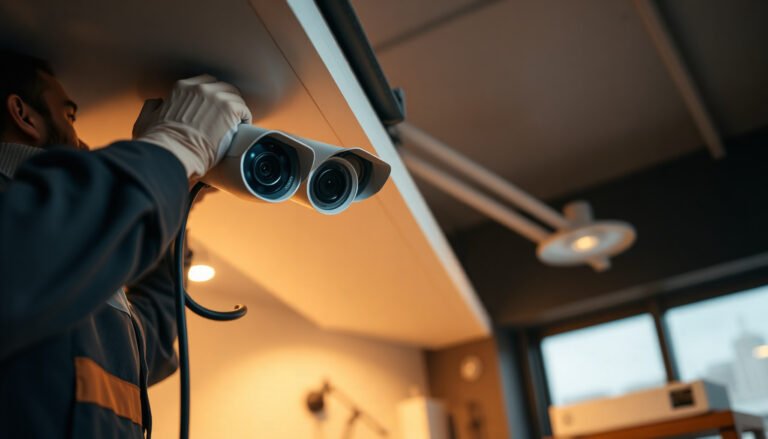
[…] confirming recording), and if you’re uncomfortable drilling or managing Wi‑Fi/app permissions, professional installation may be a better […]