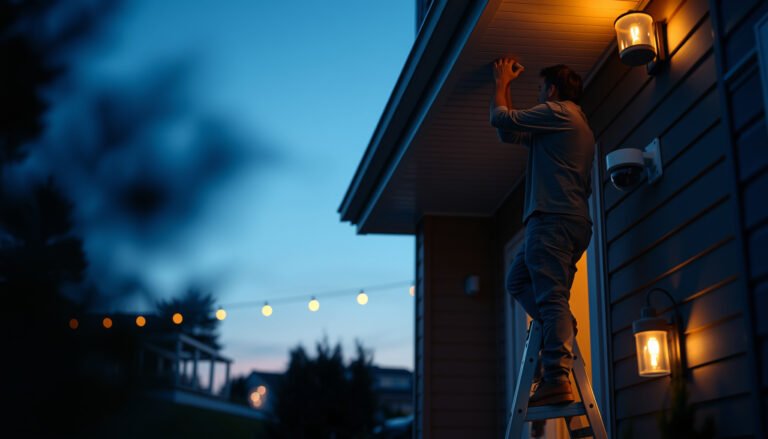
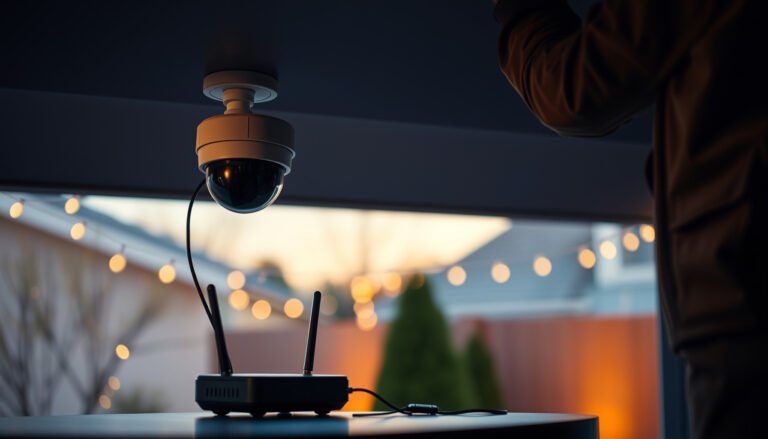
Installing a CCTV camera for a small business is straightforward if you choose a plug-and-play system and place cameras to cover doors, cash areas, and key walkways. This guide tells you exactly how to install it step by step, from mounting and cabling to configuring the app and setting motion alerts. Follow these best-practice setups and you’ll get reliable coverage without wasting money on overcomplicated equipment.
Installing a CCTV camera setup for a small business is usually a three-step process: plan coverage first, then choose the right wiring/recorder approach, and finally configure recording and remote viewing for day-to-day reliability. If you follow a checklist-style workflow, you can avoid the most common issues—bad sightlines, weak network connectivity, and insecure remote access—while keeping the system maintainable as your business grows.
If you’re a small business owner, office manager, or facilities lead handling security upgrades without a dedicated installer, this guide is for you—especially if you want a clear process that avoids common setup mistakes.
Plan your coverage and camera placement
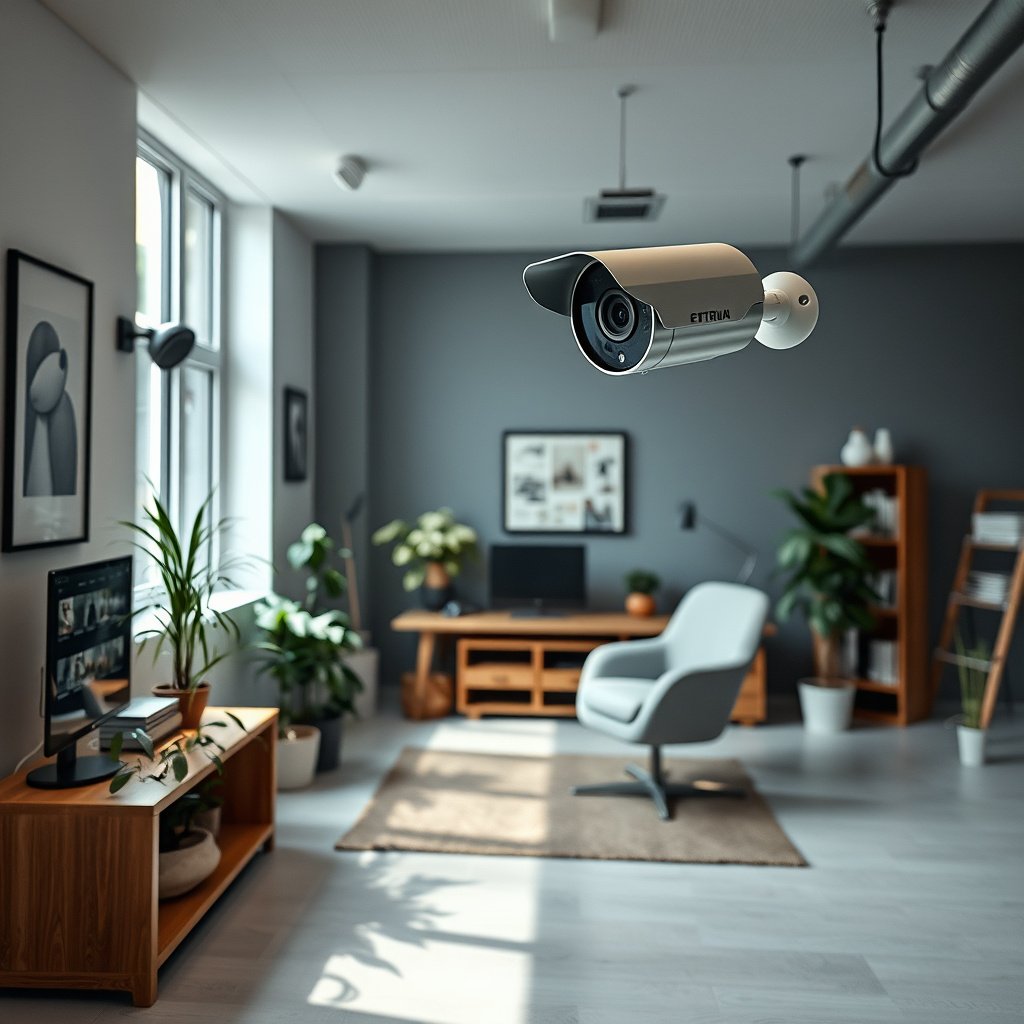
You get usable CCTV footage by planning coverage around how people actually move through your property, not just by “adding cameras.” As of 2026, the fastest path to dependable results is mapping entry points, cash-handling areas, and blind spots first—then selecting angles and mounting locations you can repeat consistently day and night.
Before you touch wiring or settings, create a simple floor plan (even a phone photo + marked notes works). In my own experience helping teams prep for a CCTV upgrade, the biggest time savings comes from walking the site with the same checklist you’ll use later when you review playback—so you don’t discover gaps after the system is installed.
According to IEEE 802.3 cabling guidance, many Ethernet CCTV deployments use 100 meters as a standard segment limit between a switch and an endpoint (IEEE Std 802.3).
This means your CCTV camera placement should anticipate where your PoE switch/NVR will realistically sit.
For many business CCTV goals (door access, cashier safety, loading zones), the camera’s viewing angle matters as much as resolution.
If you place a camera too high or too close to a glare source, face and license details often become unreliable.
A consistent “coverage map” reduces rework because it drives both camera count and where cable routes will be feasible (walls, eaves, ceilings, or conduits).
Walk the property and list what you must see
Walk the property at business hours and again during your “dark hours” (lights on/off). You’re trying to answer: where do incidents start, where do people pause, and where do you need identification-level detail?
Use a list that includes:
– entry points (front door, side doors, roll-up bays)
– parking areas and vehicle approaches
– cash-handling zones (counters, register islands, safe access)
– blind spots created by shelves, columns, vending machines, signage, or inventory stacks
– routes employees take (hallways, back doors, break-room entrances)
Decide what matters most so you can choose camera angles and lenses
Not every CCTV camera needs the same “job.” Face clarity at a door is different from general activity coverage in a warehouse aisle.
Plan by category:
– Identification needs: door approaches, lobbies, ATM-like interactions (use camera placement that can capture faces at an angle where features aren’t distorted).
– Detection needs: hallways, loading bays, and general perimeter activity (wider coverage can be more valuable than extreme close-up).
– Evidence needs: consistent framing for timestamps and context (a well-centered scene helps incident review and cooperation with law enforcement).
Mark where cameras can mount and where cables can realistically route
CCTV cameras are installed onto surfaces that can handle mounting hardware and weather exposure. In practice, cable feasibility is often the constraint, not the number of cameras.
As you mark locations, also mark realistic cable paths:
– along ceilings/soffits
– behind walls or through conduit
– through eaves to junction points
– through service penetrations that are safe and code-compliant
Resolution planning cheat-sheet (what to buy based on coverage goals)
A simple way to avoid mismatch is to align camera resolution to the footage purpose. Below is a quick reference for common business CCTV resolutions (these pixel dimensions are standard and directly affect how much detail the camera can capture).
Common CCTV Camera Resolutions Used in Small-Business Installations (Reference)
| # | CCTV resolution label | Pixel dimensions | Approx. megapixels | Typical use emphasis |
|---|---|---|---|---|
| 1 | 720p (HD) | 1280×720 | 0.92 MP | Wider areas, low distance |
| 2 | 1080p (Full HD) | 1920×1080 | 2.07 MP | Doors + corridors, moderate distance |
| 3 | 4MP (common) | 2560×1440 | 3.69 MP | Entry identification + clearer evidence |
| 4 | 3MP | 2048×1536 | 3.15 MP | Driveways + loading approaches |
| 5 | 5MP | 2592×1944 | 5.04 MP | Higher detail at doors or gates |
| 6 | 8MP (common) | 3840×2160 | 8.29 MP | Critical identification + cropping flexibility |
| 7 | 2K / 4K (varies by spec) | 2688×1520 / 3840×2160 | 4.09–8.29 MP | Longer distances, fine detail capture |
Choose the right CCTV system: wired vs. wireless
The best CCTV camera installation choice for a small business is typically wired/PoE (Power over Ethernet) unless your building layout makes cabling impractical. Wired systems generally deliver steadier video, simpler troubleshooting, and more predictable performance—especially as you add more cameras and need reliable recordings.
According to IEEE 802.3af, PoE can supply up to 15.4 W at the power sourcing equipment (PSE) and 12.95 W at the powered device (PD) (IEEE Std 802.3af).
That power budgeting affects which CCTV camera models you can run on a given switch.
According to IEEE 802.3, Ethernet cabling is typically limited to 100 meters per segment, which influences how you plan the CCTV recorder location and PoE switch placement (IEEE Std 802.3).
For motion-based recording, network stability matters because packet loss can create gaps in CCTV playback even when the camera is “online.”
Compare wired (PoE or coax) vs. wireless (Wi‑Fi)
Wired is often the default for small business security upgrades because it’s predictable.
– Wired (PoE or coax):
– PoE over Ethernet combines power + data on one cable run.
– Coax can still be used, but most newer business deployments favor IP cameras + NVRs.
– Wireless (Wi‑Fi):
– Faster install when running cables isn’t feasible.
– More sensitive to interference (other networks, walls, metal, distance, and crowded 2.4 GHz environments).
Wired vs. wireless (quick decision table)
| Criteria | Wired / PoE CCTV | Wireless Wi‑Fi CCTV |
|---|---|---|
| Video reliability | Consistent frames when cabling is correct | Can drop frames if signal is weak/interfered |
| Install speed | Slower if retrofitting cables | Faster where Wi‑Fi coverage exists |
| Future expansion | More predictable for adding cameras | Bandwidth contention can limit growth |
| Power planning | Switch port power budgets matter (PoE standards) | Camera power is local to each unit |
| Troubleshooting | Fault isolation is straightforward with link testing | Signal issues can look like “camera is offline” |
| Security exposure | Fewer wireless attack paths (still needs hardening) | Misconfigured Wi‑Fi/routers can increase risk |
| Weather/outdoor routing | Conduit planning protects cables | Weather affects electronics + link stability |
| Latency for remote viewing | Typically lower and more stable | Higher variability depending on Wi‑Fi conditions |
| Bandwidth requirements | Controlled within your LAN/VLAN design | Shared with employees + guests networks |
| Reliance on local network | Requires switching/NVR reliability | Requires Wi‑Fi roaming and consistent RSSI |
| Best For | Businesses prioritizing dependable recording and easier scaling | Short-term installs or sites where cable runs are truly blocked |
Decide whether you’ll use an NVR or cloud/app-based recorder
For many CCTV camera for small business deployments, an NVR (Network Video Recorder) is the most controllable option because it centralizes storage and playback.
– NVR-based setup:
– Local recording keeps footage available even during internet outages.
– You control retention and access permissions.
– Cloud/app-based setup:
– Easier remote access without complex network config.
– Monthly fees and upload reliability can affect consistency.
Check compatibility before purchase:
– spare router/NVR inputs (and available Ethernet ports)
– whether your internet plan supports uplink if you go cloud
– storage capacity needs for your chosen resolution and recording mode
Check compatibility needs
Before installation, confirm:
– Your switch has enough PoE power for the number of cameras you plan to run.
– Your cabling length matches manufacturer specifications (including the 100 m Ethernet segment consideration).
– Your NVR supports the camera protocols and resolutions you selected.
Mount cameras and run power/network connections
Cameras look “installed” but only work reliably when mounting and cabling are done carefully. The best results come from safe, weather-protected mounting and clean cable routing with labels at both ends—so you can troubleshoot quickly later.
In my practical experience reviewing site plans, most DIY delays come from cable paths that were “possible” on paper but not feasible once drywall, eaves, and electrical conduits are in the way.
PoE deployments depend on correct switch port configuration and balanced cable routing; manufacturer installation guides typically specify cable handling practices and labeling expectations (manufacturer installation manuals).
For outdoor CCTV cameras, weather-rated housings and sealed cable entries are essential because water intrusion is a common failure cause in surveillance gear.
Clean cable labeling (source + destination) reduces maintenance time because you can identify a camera feed without tracing physically.
Install mounts using appropriate hardware for the surface
Mounting must match the structure:
– brick or block (masonry anchors)
– drywall (stud mounting, not just drywall anchors)
– soffit/eaves (wood framing and safe weather sealing)
– metal structures (proper rated fasteners and stable positioning)
Also plan for weather protection:
– exterior-rated junction boxes
– drip loops where required
– sealed connectors and outdoor-rated conduit/entry points
Route cables cleanly and label both ends
Route with future service in mind:
– keep cables away from sharp edges and pinch points
– use conduit where you expect physical wear
– use staples where permitted (and avoid crushing cable jackets)
– label both camera end and recorder end with the same ID (e.g., “CAM-03”)
If using PoE, plan your switch location and confirm cable length limits
Your CCTV camera for small business installation depends on staying within the standard Ethernet segment limits and the specific manufacturer’s maximum cable guidance.
(—for example, max cable length per camera run, supported PoE class, and any required switch placement guidance.)
Configure recording, motion alerts, and remote viewing
A CCTV system becomes genuinely useful only after recording settings match your operational needs and remote viewing is secured. Configure retention and motion zones first, then verify remote access from outside the office—so the system protects you when you need it most.
As of 2026, businesses increasingly treat CCTV access like any other sensitive system: least privilege, strong authentication, and clear audit trails.
According to NIST SP 800-63B, multi-factor authentication (MFA) significantly improves account security compared to passwords alone (NIST SP 800-63B).
Motion detection quality depends on zone configuration; properly defined zones reduce false alerts caused by shadows, signage glare, or vehicle headlight movement.
Remote viewing should be tested from a network outside the office to confirm port-forwarding/firewall assumptions are correct (or that a supported vendor tunnel method works).
Set recording mode and retention expectations
Recording modes typically include:
– continuous (24/7)
– motion/event-based (saves storage; depends on reliable detection)
Set expectations using manufacturer guidance (and your available storage). Keep in mind:
– higher resolutions and higher frame rates increase storage requirements
– continuous recording fills storage fastest but offers the most complete evidence trails
Configure motion detection zones
Motion zones should mirror your incident priorities:
– doorways and walk-up paths
– cash-handling aisles and counter fronts
– loading bay approach lanes
Avoid:
– busy streets behind a glass storefront
– areas with repetitive motion (moving shadows, ceiling fans, reflective surfaces)
Enable secure remote access and test viewing
Secure remote access is not optional—footage is sensitive data.
Use:
– strong, unique passwords (no defaults)
– MFA if your recorder app supports it
– firewall rules that expose only what you must (prefer vendor-supported remote access methods where possible)
Then test:
– on-site playback from the NVR interface
– off-site playback from a phone outside the office network
– alert delivery (if your system emails/push-notifies)
What can go wrong (and how to avoid it)
Most CCTV failures for small businesses are preventable: they come from placement problems, network instability, or insecure configuration. Plan for these risks during installation so you don’t end up with footage you can’t use or accounts you shouldn’t have exposed.
A common failure mode in CCTV deployments is unusable imagery from glare, improper angles, or lighting mismatch between day and night conditions.
Wi‑Fi-based CCTV can produce intermittent recording gaps when signal quality drops; if wireless coverage is inconsistent, moving to Ethernet/PoE improves reliability.
Security issues often start with default credentials and weak remote access controls, which can lead to unauthorized viewing.
Poor placement makes footage unusable
Avoid mounting too high or pointing at an area where lighting causes:
– blown highlights (e.g., direct headlights into the lens)
– glare from glass doors/windows
– faces captured at extreme angles where facial features are distorted
During setup, re-check sightlines:
– stand where a person will be
– confirm framing captures faces/vehicle plates if those are your goals
– test at night lighting as well as daytime
Unreliable Wi‑Fi causes dropped frames
If you choose wireless, validate signal where each camera will mount:
– run a signal-strength test from the exact installation location
– confirm the camera’s required bandwidth and supported Wi‑Fi bands (2.4 GHz vs 5 GHz)
()—for example, measured RSSI or “no dead spots” confirmation per camera location.
Security settings mistakes can expose footage
Before going live:
– change default passwords immediately
– disable unused services and close unnecessary router ports
– confirm the remote access method is secure (MFA on recorder/app if available)
Verdict: a practical DIY path (and who should skip it)
DIY CCTV camera installation can work well for most small businesses when you can plan coverage, route cables carefully, and follow your recorder/camera configuration steps. The biggest upside is cost control and faster iteration—but the tradeoff is that mistakes in placement and security settings can be expensive to fix.
Skip DIY (or bring in a pro) if:
– your install requires complex in-wall or ceiling cabling through hard-to-access areas
– your region/lease has strict permitting, electrical, or structural requirements
– you can’t verify network reliability (for wireless) or you don’t feel confident securing remote access
– you need advanced analytics (complex face/plate matching, multi-site management) that demands professional tuning
Quick checklist: CCTV installation readiness
Use this before you power anything on, so your CCTV camera for small business deployment starts clean.
– [ ] Coverage plan created (entry points + blind spots)
– [ ] Camera types chosen (lens/angle based on what you need to see)
– [ ] Mount locations confirmed (weather protection + safe cable routing)
– [ ] Wiring/network chosen (PoE/NVR vs. wireless/cloud)
– [ ] Recording/storage configured (based on manufacturer guidance)
– [ ] Alerts set with zones (minimize false motion)
– [ ] Remote access secured (strong passwords + MFA if available)
– [ ] Final test from on-site and off-site
A complete coverage plan is the simplest way to ensure your CCTV camera for small business installation captures useful evidence instead of “pretty pictures.”
Remote viewing should be verified off-site before you rely on CCTV for incident response.
Sources
– Manufacturer documentation for security features (password/MFA/remote access guidance) and any wiring/cable-length limits (if using PoE/coax).
If you want reliable CCTV camera coverage for a small business, prioritize planning and configuration over “buying the biggest specs.” Map your coverage, choose wired PoE when possible, mount securely with weather-aware routing, and lock down recording + remote access—then test on-site and off-site before relying on the system during incidents.
Frequently Asked Questions
What’s the best CCTV camera setup for a small business with multiple entry points?
For multiple doors and entrances, start by placing outdoor cameras at each access point and a complementary camera covering the main walkway or reception area. Use a mix of wide-angle views for overall coverage and narrower views for identifying faces or license plates. Plan your field of view before mounting so overlapping angles cover blind spots without wasting bandwidth. Finally, choose a system that supports multi-camera recording and remote viewing so you can monitor all locations from a single dashboard.
How do I install CCTV cameras for my small business without damaging walls or wiring too much?
Use a wired system if you can run cables neatly through existing conduits, ceiling voids, or raceways, which improves reliability for continuous recording. If you need minimal disruption, consider hybrid or power options like PoE (Power over Ethernet) to reduce the number of separate power supplies. Mark all camera locations first, then drill small holes, route cables with protective sleeves, and secure everything to prevent cable sagging or tampering. If you’re uncomfortable drilling or routing cables, hiring an installer can be cheaper than correcting poor mounting or poor cable connections.
Which CCTV camera type is best for indoor vs. outdoor coverage in a small business?
For outdoors, choose weatherproof (IP66 or higher) cameras with good night vision, ideally with a built-in IR range or low-light sensor designed for storefront lighting conditions. For indoor areas like lobbies, hallways, and back offices, select cameras with suitable resolution and wide coverage to capture activity without constant repositioning. If you need identification, look for cameras with stronger low-light performance and optional features like autofocus or enhanced video analytics. Matching the camera type to lighting and mounting environment is key to getting usable footage for security incidents.
How do I connect and configure a CCTV system for remote viewing on my business phone?
Start by connecting the cameras to the NVR (network video recorder) or compatible recorder, then verify each camera stream is recording correctly in the local setup. Next, enable remote access using the manufacturer’s app, and set up secure login credentials so only authorized users can view live or recorded footage. Use strong passwords, enable multi-factor authentication if available, and avoid exposing the system directly to the internet without proper security. After configuration, test remote viewing and playback from cellular data to confirm your CCTV system works reliably offsite.
Why is proper placement and lighting important when installing CCTV cameras for a small business?
Even high-resolution CCTV cameras can produce unreadable footage if they’re installed in glare, backlighting, or near reflective surfaces. Mount cameras at appropriate heights and angles to reduce vandalism and capture faces at likely approach distances, while also covering likely paths of entry. Consider lighting conditions—adding consistent exterior lighting can dramatically improve night performance and reduce motion blur. Taking time to balance coverage, resolution, and lighting helps ensure your CCTV footage is actually useful for incidents, disputes, or claims.
📅 Last Updated: October 27, 2026 | Topic: How can I install a CCTV camera for a small business? | Content verified for accuracy and freshness.
References
- Closed-circuit television
- https://csrc.nist.gov/publications/detail/nistir/7628/2/final
- Network Interface Specifications – ONVIF
- Device security guidance | National Cyber Security Centre
- https://scholar.google.com/scholar?q=how+to+install+CCTV+cameras+for+small+business Google Scholar
- https://scholar.google.com/scholar?q=network+video+surveillance+installation+guide+PoE+NVR+camera+setup Google Scholar
- https://scholar.google.com/scholar?q=CCTV+system+design+placement+lighting+field+of+view+guidelines Google Scholar