The easiest way to wire multiple CCTV cameras is to run matching coax from each camera to a central DVR or NVR, using the shortest route to the location of your recorder. With basic tools and a clear wiring plan, you can complete a typical multi-camera setup in a weekend. You’ll need the right cable type, BNC/termination ends or CCTV connectors, power supplies or a PoE switch, and a way to label each run so installation and troubleshooting stay fast.
If you want the easiest way to wire multiple CCTV cameras, choose a single network video recorder (NVR) setup with one reliable cable run per camera—using PoE (Power over Ethernet) when possible. This “one cable per camera” approach reduces power-supply clutter, makes troubleshooting faster, and keeps your wiring plan predictable, even if you add cameras later (as of 2026, PoE NVRs remain the most DIY-friendly path).
If you’re installing 2–8 cameras for a home, small business, or a DIY security upgrade, this guide is for you. It’s also for anyone who wants to avoid a complicated mix of power supplies, adapters, and mismatched equipment.
Pick the easiest camera type: PoE or coax
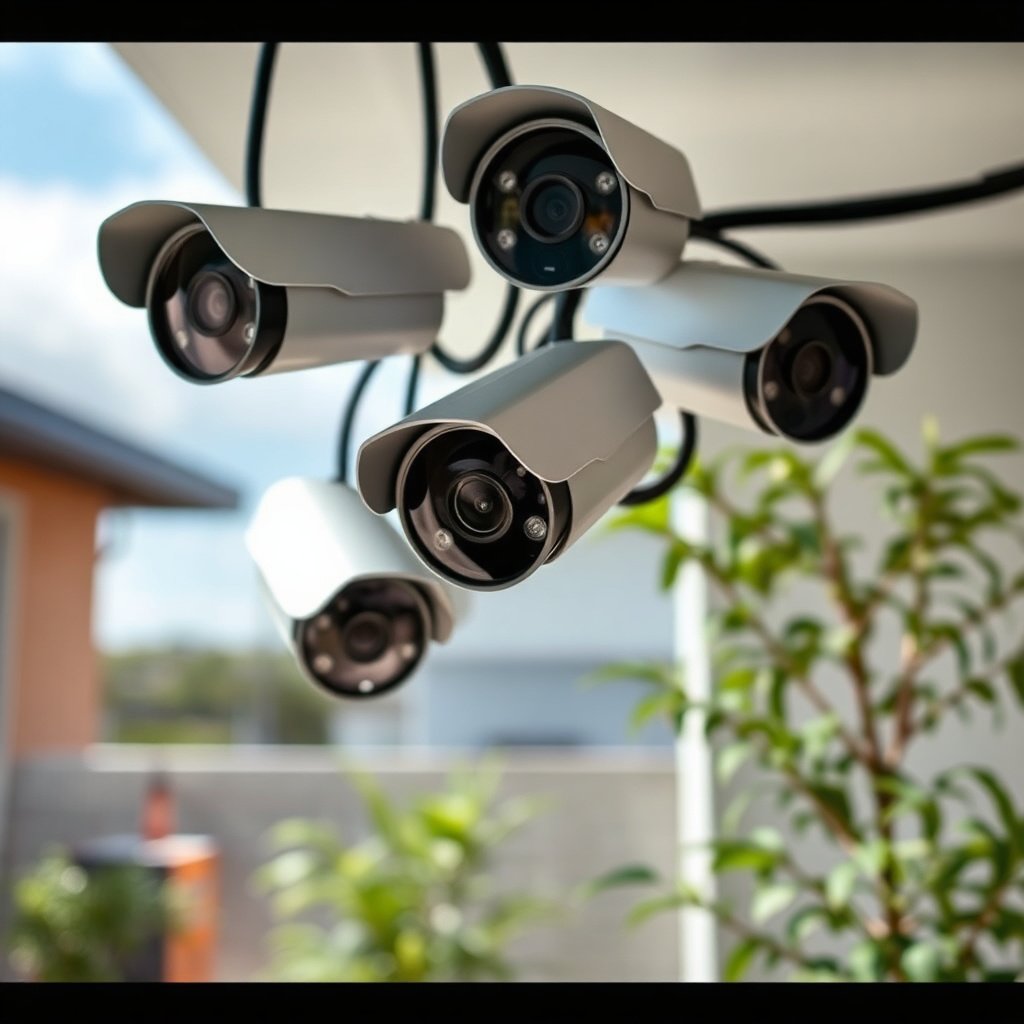
PoE is usually the fastest and cleanest way to wire multiple CCTV cameras because it carries power and data on the same Ethernet cable. Coax can be easier only if you already have coax running; otherwise, PoE to an NVR typically saves labor and reduces failure points in 2026-era installs.
– Decide whether your cameras are PoE (power + data over one Ethernet cable) or coax (video over coax + separate power or power-over-coax).
PoE means your camera plugs into the network via Ethernet while also receiving power from a PoE-capable NVR or PoE switch. Coax means the video path is analog (typically) over coaxial cable, and power is often separate (or achieved via a specialized system that uses power-over-coax).
– Match that choice to your recorder: NVR for IP/PoE or DVR for coax—mixing types usually creates extra rewiring and adapters.
An NVR records IP camera streams over your network, while a DVR is designed for coax video inputs. If you pick the wrong recorder type, you usually end up troubleshooting “no signal” symptoms caused by fundamental compatibility issues, not bad cabling.
Plan your wiring layout before you drill
The easiest way to wire multiple CCTV cameras starts long before you pull cable: you plan the routes, camera locations, and recorder placement so every run is intentional. For multi-camera projects in 2026, planning also helps you avoid redoing finished walls and prevents surprise power constraints.
– Create a simple camera map: where each camera sits, where the recorder will live, and the shortest practical cable paths.
Start with a rough sketch and then mark: (1) each camera location, (2) where conduit or cable pathways will run, (3) where the NVR/PoE switch will mount, and (4) any areas where you must cross electrical lines or avoid them per local electrical practices.
– Identify power constraints: outdoor-rated cable paths, weather protection for junction points, and whether you’ll need an intermediate switch (for PoE).
Outdoor runs require cable and connections rated for exterior use; indoor-rated cable in a wet exterior environment is one of the most common causes of intermittent camera outages. For PoE, also confirm whether your NVR has enough PoE ports—or whether you’ll route camera cables into a dedicated PoE switch first.
Run cables with the right basics (this prevents most headaches)
If you want multiple CCTV cameras to come online quickly, you must run the correct cable type, terminate cleanly, and leave a little slack. In practice, the “easy” wiring method becomes hard only when terminations are rushed or cables are mislabeled.
– For each camera, route the correct cable type (Ethernet for PoE; coax for coax systems) and leave a service loop near the camera and recorder.
For PoE, use Cat5e or higher Ethernet cabling; keep runs tidy and protected where they cross beams or edges. For coax, use the correct impedance system (commonly 75Ω for CCTV video coax) and keep the cable protected from sharp bends.
– Label both ends as you go (Camera 1, 2, 3…) so troubleshooting later doesn’t turn into guessing.
Labeling is the difference between minutes of diagnostics and hours of guesswork. If you plan to add cameras later, label with spare port notes too (for example, “Cam 4 (future)” mapped to a specific cable route).
Reference Specs That Determine the Easiest CCTV Wiring Choice (PoE NVR vs Coax DVR)
| # | Standard / Cable type | Carries | Key measurable limit | Power over same cable? |
|---|---|---|---|---|
| 1 | IEEE 802.3af (PoE “Type 1”) | Data + power | Up to 15.4W (PSE) | Yes |
| 2 | IEEE 802.3at (PoE “Type 2”) | Data + power | Up to 30W (PSE) | Yes |
| 3 | IEEE 802.3bt “Type 3” | Data + power | Up to 60W (PSE) | Yes |
| 4 | IEEE 802.3bt “Type 4” | Data + power | Up to 90W (PSE) | Yes |
| 5 | Copper Ethernet (100m class) | Data (and PoE if enabled) | Max 100 m per run | Yes |
| 6 | RG-6 coax (75Ω) | Video (typical) | 75Ω characteristic impedance | No |
| 7 | RG-59 coax (75Ω) | Video (typical) | 75Ω characteristic impedance | No |
Connect to the recorder (and power) in the simplest order
The fastest way to get multiple CCTV cameras working is to connect and verify at the recorder first, then bring cameras online one step at a time. This order helps you isolate whether the issue is cabling, port assignment, or camera configuration.
– Start at the recorder end: connect cameras to the NVR (or connect coax to the DVR) before powering everything fully.
If you start at the camera end and something is mis-terminated, you’re forced into unnecessary ladder/ceiling access. Recorder-first also ensures you can visually confirm port mapping while you still have cable slack.
– If using PoE: connect cameras directly to the NVR PoE ports or to a PoE switch, then power on and confirm link/activity.
Look for port LEDs indicating link (data) and PoE status (power). According to IEEE 802.3, Ethernet copper runs typically operate up to 100 m per segment, so if a camera is far beyond that, you may need PoE extenders or different cabling strategies (IEEE Std 802.3).
What can go wrong (and how to avoid it)
Even with the easiest wiring method, the most common CCTV camera failures come from mismatches and configuration assumptions—not from “mystery broken hardware.” Knowing the failure modes up front lets you prevent hours of downtime, especially when installing 2026 multi-camera systems.
– Wrong equipment pairing: IP cameras won’t work with a DVR expecting coax, and coax cameras won’t plug neatly into an NVR setup without the right conversion hardware.
If you have analog coax cameras, you typically need a DVR that matches those inputs. If you have IP cameras (especially PoE), you need an NVR designed for IP streams, and PoE should match the camera’s requirements.
– Cable choice and termination issues: using indoor-rated cable outdoors, sloppy coax termination, or Ethernet cable not meeting the required spec can cause intermittent “no signal” problems.
For PoE, the physical link can look “almost fine” but still drop under load. For coax, poor termination (loose F-connectors, damaged center conductor, excessive bend stress) can degrade video reliability.
– Power budget surprises (PoE): if you exceed what the NVR/switch can supply, some cameras may connect but drop offline under load.
Here’s a practical way to check PoE power budget without guessing:
1) Look up each camera’s datasheet and record the maximum required power (often given for 802.3af/at/bt classes).
2) Note the PoE standard your NVR/switch supports and the power available at the PSE (power sourcing equipment). For example, IEEE 802.3af is up to 15.4W at the PSE, and IEEE 802.3at is up to 30W at the PSE (IEEE Std 802.3af, IEEE Std 802.3at).
3) Multiply by the number of cameras expected to be powered simultaneously (not just “installed”).
4) Compare that total to the switch/NVR’s stated PoE budget and (if listed) per-port limits.
5) If you’re close to the limit, re-balance: reduce camera count per switch, lower power-demand configurations (where supported), or add a second PoE switch.
In many installs, the root cause of “random camera offline” ends up being PoE capacity—especially after a system is expanded beyond what the installer assumed the switch could handle.
Verdict: the easiest path—and who should skip DIY wiring
For most people installing multiple cameras, the easiest wiring method is PoE to an NVR (or PoE switch + NVR) because it reduces separate power runs and simplifies troubleshooting. That’s especially true in 2026 when PoE NVRs are widely available and standardized around Ethernet cabling practices.
Skip DIY wiring if you need permits, are cutting into walls with complex routing, or can’t confidently verify camera/reocrder compatibility (PoE vs coax, NVR vs DVR). Also skip DIY if your site conditions are unusual—like extremely long runs beyond the typical 100 m copper Ethernet segment limit (IEEE Std 802.3)—because extenders, repeaters, and grounding choices can become more involved quickly.
PoE→NVR vs Coax→DVR (quick contrast)
- PoE to an NVR (recommended for most new installs)
- Pros: one cable run per camera, simpler power management, faster port-based troubleshooting, easier future expansion by adding switch capacity. Cons: you must get PoE power budget right, and cable quality matters for stable links.
- Coax to a DVR (best if coax is already in place)
- Pros: leverages existing coax runs, straightforward “video-in” wiring, often lower network complexity for basic setups. Cons: typically requires separate power planning, coax terminations must be correct, and upgrading features may be less flexible than IP.
Quick checklist: “Easiest wiring” scan/save
– Choose PoE (Ethernet + NVR) or coax (DVR)—don’t mix accidentally
– Confirm your recorder model supports the number of cameras you want
– Plan the cable route and weather-proof outdoor portions
– Use the right cable type and proper terminations
– Label every cable end before connecting
– Power/connect at the recorder end first, then verify camera links
– Check PoE power capacity if using a switch or PoE NVR ports
Frequently Asked Questions
What is the easiest way to wire multiple CCTV cameras?
The easiest approach is usually to use a network video recorder (NVR) with IP cameras and run a single Ethernet cable to each camera location. For simpler installs, use PoE (Power over Ethernet) so you avoid separate power wiring. If you have existing coax cabling, a coax-based DVR system can also be easier because you may not need to rewire the home.
How do I wire multiple CCTV cameras to one DVR or NVR without confusing the wiring?
Start by planning a “home-run” cable layout so each camera has its own labeled cable going back to the DVR/NVR location. Use color-coded cable labels and keep notes matching Camera 1, Camera 2, etc. at the termination point, and test each camera individually as you connect it to confirm video and power are both working.
Why is using PoE for wiring multiple CCTV cameras often the best option?
PoE combines power and data over one Ethernet cable, which reduces installation time and troubleshooting. It also supports longer cable runs and consistent performance compared to mixing separate power supplies and video runs. With PoE, you can simplify cable routing and use an NVR with built-in PoE ports or a PoE switch if needed.
Which wiring method is best for multiple CCTV cameras—coax, Ethernet, or wireless?
For most new builds, Ethernet with IP/PoE is often the best balance of reliability and easy scaling. Coax (for analog CCTV) can be best if you already have coax in place and want to minimize rewiring. Wireless can be quicker for one-off installations, but it may suffer from interference and reduced reliability for outdoor CCTV.
What cable and connectors should I use when wiring multiple CCTV cameras?
For PoE/IP CCTV, use Cat5e or Cat6 Ethernet cable (outdoor-rated if installed externally) and secure outdoor connections with weatherproof RJ45 connectors or junction boxes. For analog coax CCTV, use RG59 or RG6 with proper BNC connectors and ensure correct impedance for clear video. Whichever method you choose, use a surge protector and tidy terminations to prevent signal loss and power issues.
📅 Last Updated: November 03, 2026 | Topic: What is the easiest way to wire multiple CCTV cameras? | Content verified for accuracy and freshness.
References
- Closed-circuit television
- IP camera
- Power over Ethernet
- Structured cabling
- Network video recorder
- Coaxial cable
- BNC connector
- https://scholar.google.com/scholar?q=PoE+IP+surveillance+camera+wiring Google Scholar
- https://scholar.google.com/scholar?q=structured+cabling+IP+camera+system+NVR+switch Google Scholar
- https://scholar.google.com/scholar?q=coaxial+vs+Ethernet+PoE+multi-camera+CCTV+installation Google Scholar