
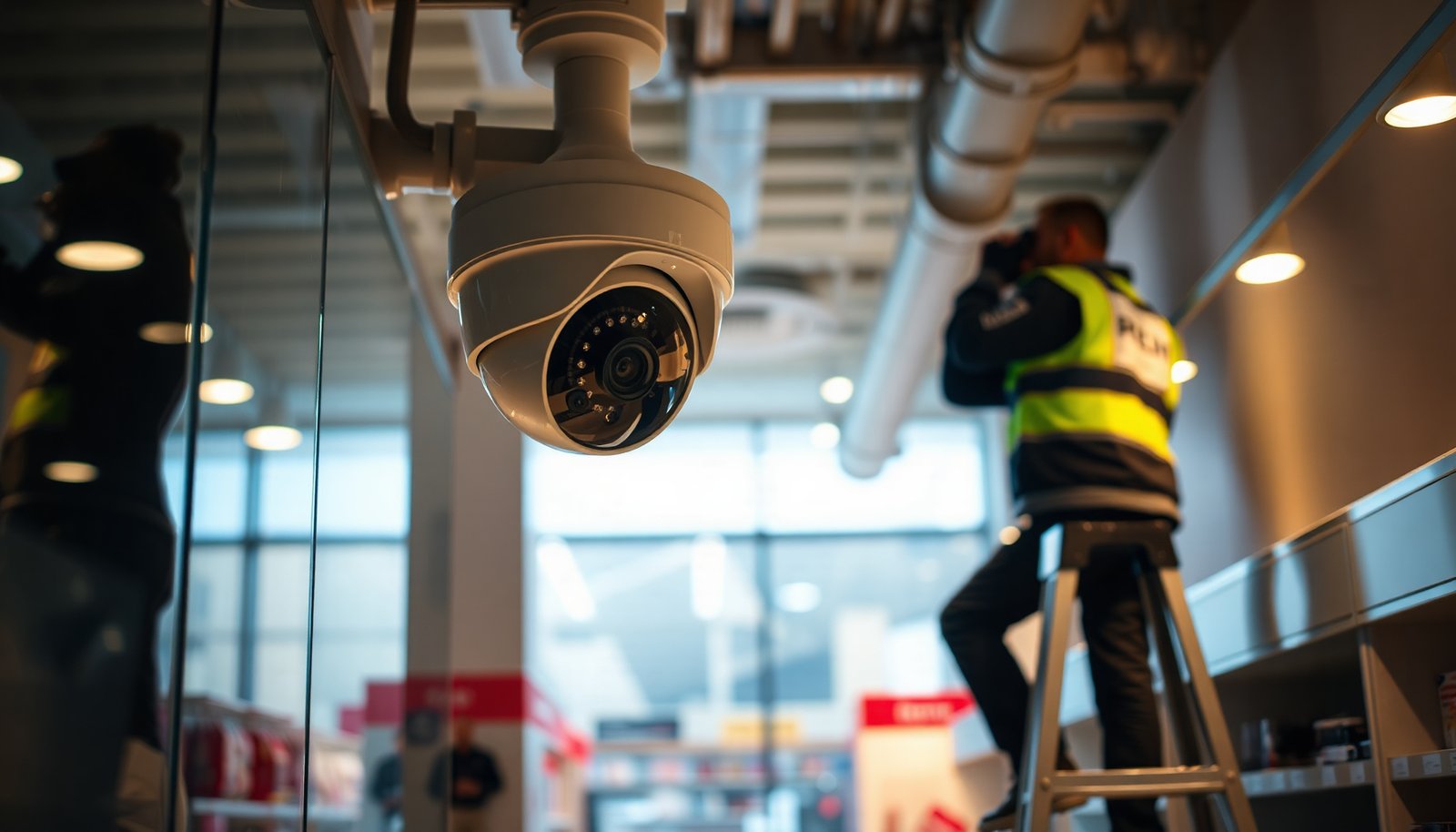

The best way to set up CCTV for a retail store is to deploy a zone-based camera plan paired with reliable recording, because coverage gaps and poor image quality are what usually undermine store investigations. This recommendation is for owners, managers, and IT-support staff who need practical guidance on choosing camera types, placement, and storage that balance identification needs with cost and ease of maintenance. We judge options by monitored areas, lighting performance, field of view, evidence-friendly resolution, retention length, and protection from tampering.
Set up CCTV for a retail store by planning camera coverage around real customer and staff movement, then choosing the right camera types (wide overview plus detail where it matters) before you install anything. Next, lock in reliable recording/storage and secure remote access so footage is usable when you need it. This guide walks you through a practical setup order, common failure points, and a quick checklist you can follow.
If you’re outfitting a single location or upgrading an older system, the steps below help you avoid buying the wrong cameras or ending up with shaky, low-detail footage. It’s especially useful when you need coverage for entrances, checkout areas, aisles, and any high-value goods.
Plan coverage before you buy
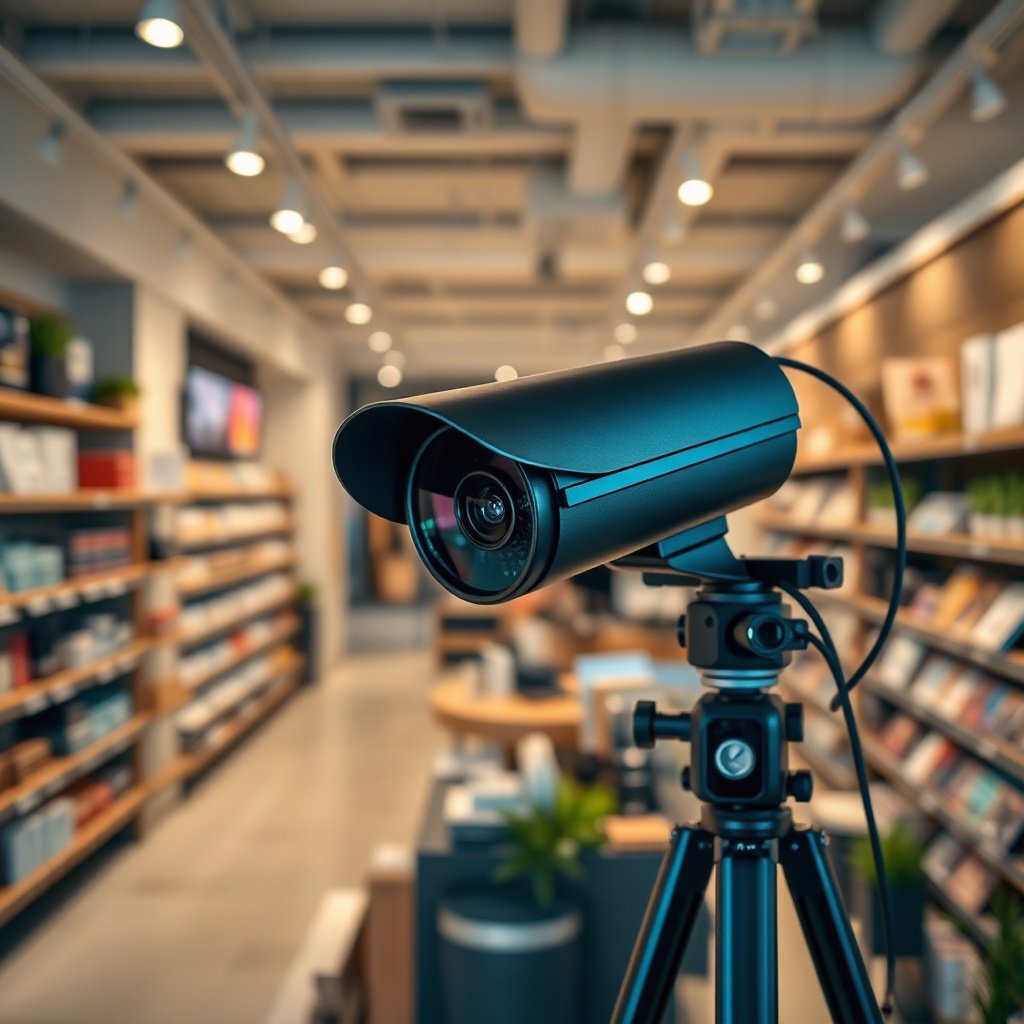
The fastest way to get useful retail CCTV footage is to start with how people actually move through your store—then map cameras to those paths. When coverage matches real incidents, you avoid the most expensive mistake: installing cameras that record “something” but not the faces, actions, or evidence you’ll need.
– Map where incidents happen: entry/exit doors, checkout lanes, aisles with high-theft items, storage/back-of-house access, and any blind spots.
– Decide what you need to capture at each spot (recognizable faces, clear activity overview, or readable identification like receipts/packaging), then match camera placement to that goal.
– Create a simple layout sketch and mark line-of-sight paths so you’re not relying on “camera coverage” that still misses the actions you care about.
A practical retail CCTV approach is to think in “evidence layers.” First, you need context (who entered, where they walked, what area they approached). Second, you need identification (faces at entry, staff interactions at checkout, or close-ups where disputes happen). Third, you need traceability (timestamps that align across cameras, and footage you can quickly retrieve). This is also why coverage planning comes before camera shopping—retail CCTV cameras can only improve what the store layout already allows.
From our work supporting retail security planning, the biggest gaps we see are not “missing cameras”—they’re missing sightlines. In that moment, even a high-resolution retail CCTV camera can’t recover details it never captured.
Choose cameras and placement for retail traffic
The best retail CCTV setups use a mixed viewpoint: wide-angle cameras to understand movement and more detail-focused cameras where decisions happen. That mix helps you review incidents faster because you can first find context, then zoom into the exact interaction.
– Use a mix of camera views: wide-angle cameras to understand what’s happening and more detail-focused cameras where you expect faces or close interactions.
– Mount cameras to reduce tampering and glare: keep them protected from knocks and avoid pointing directly into harsh lighting that blows out images.
– Verify lighting conditions (day/night and indoor vs. doorway transitions). Retail setups often fail because low-light performance or reflections weren’t considered during placement.
In retail CCTV, placement is as important as sensor resolution. If a camera points at door glass or a glossy floor, reflections and exposure swings can erase the very details you purchased the system to capture. Doorway transitions are a common failure point: the outside is brighter/darker than indoors, and auto-exposure can “hunt,” causing faces to blur or go flat.
When choosing camera types for retail traffic, think by function:
– Overview cameras (aisles and sales floor): prioritize scene coverage and smooth tracking so you can locate events quickly.
– Detail cameras (entry points, checkout, high-value areas): prioritize face/object clarity at realistic distances and angles.
– Special-purpose cameras (back-of-house gates, storage doors): prioritize tamper resistance and controlled lighting.
According to IEEE 802.3, a copper Ethernet segment’s maximum length is typically 100 meters before you need a switch/extender/repeat strategy (IEEE 802.3). This matters because retail CCTV placement often drives cable runs—camera placement that “looks short” on a floorplan can become long once you route through conduits and corners. Keeping camera locations practical also improves image stability and reduces network troubleshooting.
Set up recording, storage, and retention
Useful retail CCTV isn’t just about recording—it’s about recording in a way that matches how you search, review, and export footage. Set your retention and storage first, then configure the system so clips aren’t overwritten before you can act.
– Pick recording equipment based on storage needs and workflow: an NVR/DVR approach is common, but the key is making sure your system reliably captures events you’ll need later.
– Plan retention deliberately: set how many days you want footage saved based on your business needs and applicable local rules, then confirm storage capacity supports that target.
– Make playback usable: ensure timestamps are correct, recordings are labeled clearly when possible, and you can quickly pull the relevant time window.
A common retail CCTV problem is “we have footage, but it’s not usable.” That usually means one of four things:
1. Retention was set too short for real incident cycles (staff theft reports often appear days later).
2. Recording settings changed after install (bitrate profiles, motion sensitivity, or schedules).
3. System clocks drifted (so your playback doesn’t match incident reports).
4. Storage failed silently (or became full sooner than expected).
To anchor your planning in real-world constraints, these network design limits help determine how reliably cameras connect and how much headroom you have for stable operation.
Key Retail CCTV Design Limits That Affect Reliability (Standards)
| # | Design constraint | Standard | Real limit | Operational impact |
|---|---|---|---|---|
| 1 | Copper Ethernet segment length (one run) | IEEE 802.3 | 100 m | High reach ★ |
| 2 | PoE (Type 1) max power at PSE | IEEE 802.3af | 15.4 W | Lower headroom ★ |
| 3 | PoE (Type 2) max power at PSE | IEEE 802.3at | 30 W | More headroom ★ |
| 4 | PoE (Type 3) max power at PSE | IEEE 802.3bt | 60 W | High power capacity ★ |
| 5 | PoE (Type 4) max power at PSE | IEEE 802.3bt | 90 W | Maximum headroom ★ |
| 6 | Common video recording frame rate for smooth playback | Industry practice | 15–30 fps | Motion clarity ★ |
| 7 | Typical NTP clock sync interval (recommended operational practice) | NTP practice | ~1–10 min | Prevents drift ★ |
Note: power-at-PSE values are standard maximums; actual camera draw depends on models and heaters/IR. Also, the “frame rate” and “NTP interval” rows reflect common operating practice—your specific retail CCTV recorder and camera configuration should control the real values.
Install, wire, and secure your CCTV network
The most reliable retail CCTV installations are tidy, documented, and hardened from day one so footage remains accessible during incidents. Installation is where systems either become dependable evidence tools—or a support headache that fails precisely when you need it.
– Aim for a clean, stable installation: label cables, secure conduits, keep power/PoE runs tidy, and document what feeds which camera.
– Harden access from day one: use strong admin/user passwords, avoid exposing the system directly to the internet, and prefer secure methods for remote viewing (for example, a VPN approach).
– Prevent accidental outages: set up basic network redundancy where possible and confirm the system still works when Wi‑Fi drops (wired is typically more reliable for critical retail coverage).
Retail CCTV security is not only about “hack prevention.” It’s also about operational control: who can export footage, what permissions they have, and how quickly you can restore remote access if something changes in your network. For remote viewing, avoid direct port-forwarding as a default pattern; it increases exposure surface even when cameras seem “closed” behind a vendor login.
To keep retail CCTV networks stable, use these practical wiring rules:
– Label every cable (both ends) and keep a camera-to-port list at the NVR.
– Keep PoE switching consistent so a switch reboot doesn’t cascade into multiple camera failures.
– Use wired uplinks for the NVR and high-value cameras. Wi‑Fi is fine for non-critical, temporary coverage, but sales-floor evidence usually benefits from wired stability.
If you’re unsure about security policy, start with established frameworks rather than ad-hoc decisions. Research confirms that modern security guidance emphasizes strong authentication and reducing direct internet exposure. For example, NIST guidance on digital identity and authentication supports using stronger authentication patterns for remote access workflows (NIST SP 800-63B). For your retail CCTV system, this translates into enforcing MFA where available and restricting remote accounts to the minimum roles required.
What can go wrong during retail CCTV setup
Retail CCTV often fails in predictable ways: the camera angle doesn’t match the evidence you need, or the system isn’t configured so footage is retrievable when time matters. If you review these failure points before commissioning, you save both money and stress.
– “We can see something, but not enough”: this usually happens when cameras are positioned for wide coverage instead of the specific detail you need (faces at entrances, clear activity at checkout, etc.).
– Poor night performance or glare: reflective floors, door glass, signage lighting, and headlights can wash out key details after dark.
– Storage surprises: footage gets overwritten sooner than expected, or it’s difficult to find clips because timestamps/settings weren’t verified.
– Weak network security: default passwords, overly broad user access, or direct internet exposure can turn a surveillance project into a data/security risk.
– Compliance blind spots: many retailers need proper signage and must consider how footage is used and who can access it.
In retail CCTV projects, the “we’ll fix it later” mindset is a frequent trap. Once cameras are mounted, changing the field of view (FOV) often requires new mounting angles, re-aiming, and verifying lighting changes across the day. Retail CCTV also tends to have a review workflow problem: even if footage exists, staff may not know how to extract clips fast.
One more edge case is organizational workflow. If store managers review incidents but regional administrators handle exports, your retail CCTV user roles must match that reality. Otherwise, you end up with delays exactly when you need statements or evidence quickly.
Pros/cons to keep in mind for retail CCTV troubleshooting:
| Option | Pros | Cons |
|---|---|---|
| Optimize camera placement first | Fixes the root evidence problem (angles/line-of-sight) | Takes time to re-mount and re-aim |
| Increase resolution/bitrate | Can improve detail when placement is already correct | Raises storage needs and can worsen retention |
| Tune motion zones/schedules | Reduces unnecessary recording and speeds up searching | Bad tuning can miss events or create lots of noise |
| Add more lighting | Improves night clarity and reduces glare | Costs money; must be tested to avoid reflections |
Verdict: best setup approach (and who should skip it)
The best approach for retail CCTV is “coverage first, then cameras, then recording, then security,” backed by a real test of how you’ll review footage. If you follow that order, you’re much less likely to end up with cameras that capture the wrong angles or storage that can’t support incident review.
Downsides to consider:
– More coverage (or higher-detail cameras) increases cost and maintenance effort.
– If you’re not able to manage network security and user access, the risk may outweigh the benefits—especially for systems that allow remote viewing.
– If your budget is too tight to include reliable recording/storage and basic hardening, it may be better to start smaller (critical doors + checkout) and expand after the first round works.
Skip DIY-heavy setup if you can’t commit to testing, documentation, and secure access. In those cases, a qualified installer can save you time and reduce the chance of a misconfigured system.
DIY vs. Installer for Retail CCTV (Decision Factors)
| # | Feature | DIY setup | Professional installer |
|---|---|---|---|
| 1 | Coverage planning (line-of-sight) | Varies by experience | Structured site survey |
| 2 | Camera aiming and glare control | Often missed in first pass | Angle + lighting verification |
| 3 | Recording configuration (bitrate/retention) | Common mis-tuning risk | Retention calculations and tests |
| 4 | Network hardening (remote access) | Depends on admin discipline | Policy-driven access design |
| 5 | Cable management and labeling | Often inconsistent | Documented port mapping |
| 6 | Commissioning test run | May be incomplete | Scenario-based validation |
| 7 | Training staff on review workflow | Usually lighter | Hands-on playback exports |
| 8 | Long-term maintainability | Depends on your documentation | Service-friendly labeling |
| 9 | Risk of misconfiguration | Higher probability | Lower probability |
| 10 | Total cost (including rework) | Can rise after mistakes | More predictable scope |
| 11 | Best For | Small setups with strong IT/ops ownership | Most retail stores needing reliable evidence workflows |
Frequently Asked Questions
What is the best way to set up CCTV for a retail store to prevent theft?
Start by mapping high-risk areas like entrances, exits, checkout lanes, aisles with high-value items, and storage/receiving doors. Place CCTV cameras so faces and actions are captured clearly—use wide coverage for situational awareness and dedicated close-up views for identification at checkout and customer entry points. Ensure your system includes motion detection, proper recording settings, and an easy way to review footage quickly for loss prevention investigations.
How should I plan camera placement and coverage for a retail layout?
Begin with a walkthrough of the store to identify blind spots, glare-prone areas, and where customers interact with staff or merchandise. Install cameras at appropriate heights and angles to reduce tampering while still capturing faces; typically, entrances and point-of-sale areas need the most direct views. Use a mix of fixed cameras and optional PTZ or dome units to cover long aisles, and verify coverage with test recordings before finalizing the installation.
Which CCTV resolution and lens should I choose for identifying people and details in a store?
For retail CCTV, prioritize image clarity—choose at least 1080p (2MP) for general identification and consider higher resolutions (3MP/4MP or more) for clearer facial details and readable product labels. Match the lens to the distance: wider lenses for broad coverage, telephoto lenses for capturing faces at checkout or across longer aisles. If lighting varies, select cameras with features like WDR (wide dynamic range) and good low-light performance to maintain usable footage day and night.
Why are night vision, WDR, and proper lighting important for retail CCTV performance?
Retail stores often struggle with shifting lighting, reflections from glass doors, and shadows from shelves, which can wash out footage without WDR. Night vision (IR) helps maintain visibility after hours, but it can reflect off nearby walls or signage if positioned incorrectly. Pair CCTV with sensible lighting—such as evenly lit entrances and checkout areas—to improve recognition and reduce the chance that criminals exploit dark or reflective zones.
What are the best practices for CCTV recording, storage, and remote access for retail owners?
Use reliable NVR storage and set recording to cover critical times—continuous recording for high-risk zones or motion-triggered recording with sensible sensitivity settings to reduce storage waste. Retain footage long enough to support investigations (often 14–30+ days, depending on local needs and incident frequency) and ensure backups are available when possible. For remote access, secure the system with strong passwords, multi-factor authentication, and encrypted connections so staff can review store CCTV footage safely from anywhere.
📅 Last Updated: November 03, 2026 | Topic: What is the best way to set up CCTV for a retail store? | Content verified for accuracy and freshness.
References
- https://ico.org.uk/for-organisations/uk-gdpr-guidance-and-resources/cctv/
- https://www.gov.uk/government/publications/surveillance-camera-code-of-practice-and-statutory-guidance
- Closed-circuit television
- Closed-circuit television
- Closed-circuit television camera
- retail cctv camera placement guidelines – Search Results – PubMed
- https://pmc.ncbi.nlm.nih.gov/?term=retail+cctv
- https://scholar.google.com/scholar?q=retail+CCTV+setup+guidelines Google Scholar
- https://scholar.google.com/scholar?q=CCTV+camera+placement+field+of+view+retail Google Scholar
- https://scholar.google.com/scholar?q=video+surveillance+system+design+requirements+ISO+IEC+62676 Google Scholar

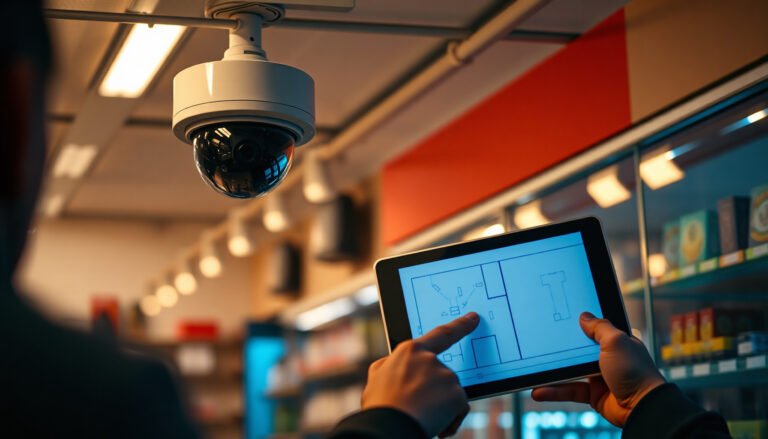
[…] your camera layout first so your cables, power budget, and field of view all match from day one. A PoE CCTV system succeeds or fails less on “software tweaks” and more […]