
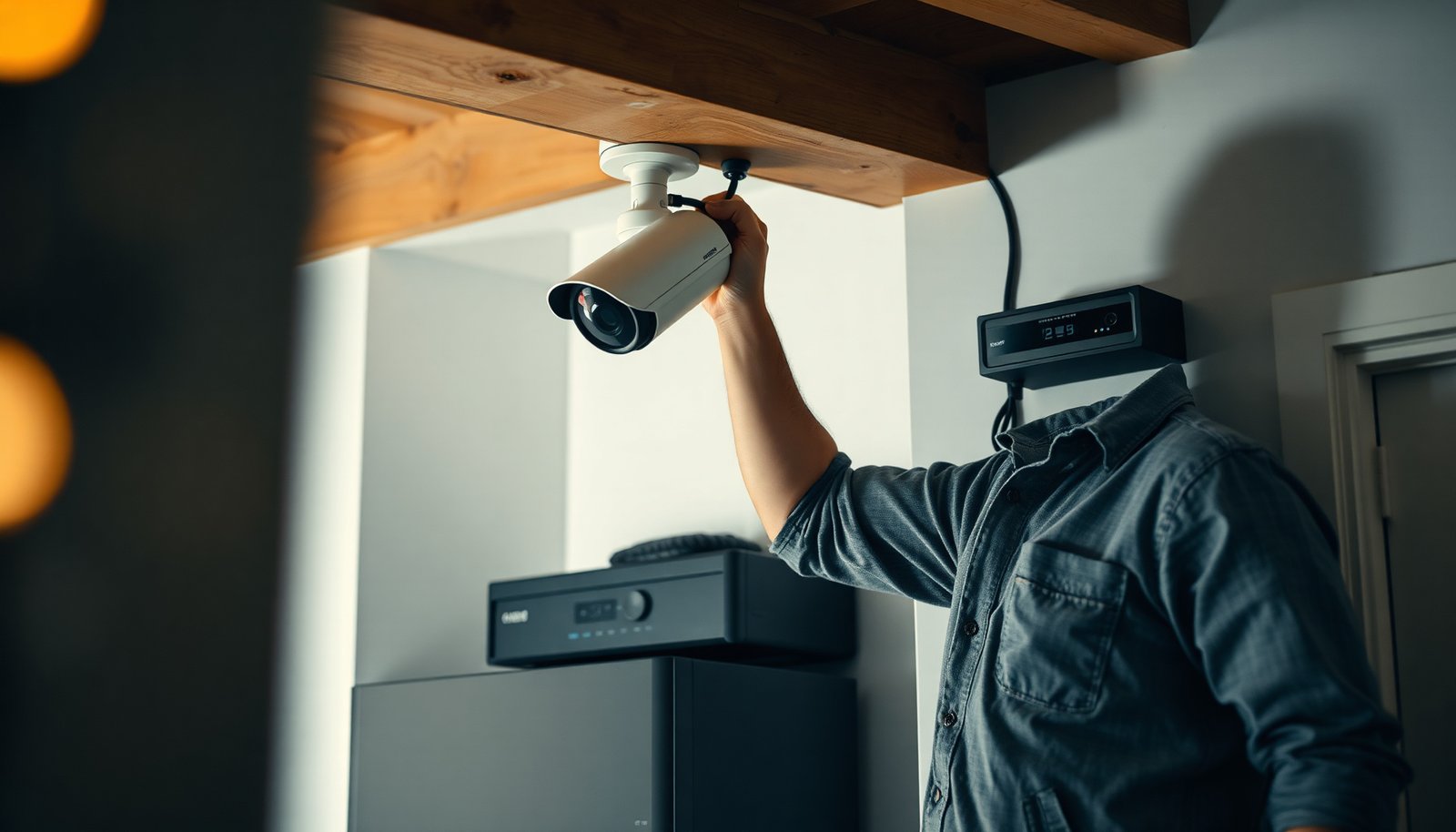

A PoE CCTV setup begins by wiring each camera to a PoE-rated Ethernet switch using Cat5e or Cat6 and confirming the PoE link on the switch’s port. The most reliable choices are the ones you can justify on power budget, PoE standard compatibility, network stability, and whether the cameras and recorder are built to work together without constant workarounds. For most installs, pairing the cameras with a PoE NVR or a managed PoE switch is the standout option because it simplifies power control and makes expansion and troubleshooting clearer.
The best way to set up a PoE CCTV system is to plan your camera placement and cabling runs first, then connect everything to compatible PoE hardware, and finally configure IP and recording settings. If you do those steps in that order, you prevent most of the common “no video / unstable connection” problems right at the source—before you start troubleshooting in the field.
If you’re installing indoor/outdoor cameras at home or a small business, this is for you—especially if you’re choosing between a PoE switch + NVR setup versus an all-in-one PoE NVR kit.
Plan camera placement and wire runs before buying anything

Plan first to avoid buying the wrong PoE switch capacity and running extra cable you can’t reuse. A PoE CCTV system is only as reliable as the physical plan behind it—so coverage, cable routes, and NVR placement should be your first decisions.
– Map coverage needs (entry points, driveways, hallways) and note where you want cameras to mount. Start by listing your “must-see” zones (for example: front door facial area, driveway vehicle plates at realistic distances, and backyard door approach paths). Then think in lines of sight: PoE CCTV system cameras can’t “turn” like people can, so mounting height and angle determine whether faces are readable or only silhouettes.
– Measure cable paths and plan cable routes so you can keep runs reasonable and avoid rework. As of 2026, most IP cameras still expect Ethernet segments that behave like standard Fast Ethernet/Gigabit Ethernet runs—commonly limited to ~100 meters per link segment over copper. According to IEEE 802.3, Ethernet over twisted pair is designed around a 100 m maximum link length for a single segment. If you’re anywhere near that range, plan for a PoE switch/NVR location closer to cameras or plan for a media converter/extender strategy.
– Confirm mounting considerations like weather exposure, line of sight, and where you’ll place the NVR/switch. For a PoE CCTV system, the “server location” (NVR or switch) matters because it affects cable routing, surge protection, and how cleanly you can manage power and network settings in one spot. For outdoor cameras, also plan for drip loops and strain relief so cabling doesn’t fail prematurely in rain.
Choose the right PoE hardware (NVR vs PoE switch)
Choosing the correct PoE hardware is the fastest way to get stable uptime because it solves power delivery and switching in one place. With a PoE CCTV system, your main decision is whether you want PoE ports built into an NVR or to use a dedicated PoE switch feeding cameras.
– Pick an approach: an NVR that includes PoE ports, or a PoE switch feeding non-PoE cameras (you may need an NVR anyway to record). PoE NVR kits can simplify wiring (fewer boxes, fewer ports to manage). A PoE switch + NVR can be more flexible when you need more ports than an all-in-one kit provides or when you want to segment networks with VLANs for security.
– Match power needs to the cameras (use the camera’s PoE standard and power requirement from the manufacturer’s specs—don’t guess). Power budgeting mistakes are one of the biggest causes of PoE CCTV system failures (for example: a switch can power the camera “sometimes,” but starts dropping under load). According to IEEE 802.3af, PoE (Type 1) delivers up to 15.4 W at the power source equipment (PSE) and up to 12.95 W at the powered device (PD). For PoE+ (Type 2), according to IEEE 802.3at, the PSE supports up to 30 W and the PD can receive up to 25.5 W.
– Ensure capacity: the system must support the number of cameras you plan to connect without power or throughput issues. Capacity isn’t just PoE watts—it’s also switching capacity and how your NVR handles streams. For example, if your PoE CCTV system uses multiple high-bitrate streams (especially 4K with high frame rates), you can run into NVR CPU/bandwidth limits even when power budget looks fine.
PoE power budgeting reference for a PoE CCTV system (IEEE 802.3)
| # | PoE planning line item | PSE max (W) | PD max (W) | Typical CCTV impact | Power-budget confidence |
|---|---|---|---|---|---|
| 1 | 802.3af (Type 1) — PSE max budget | 15.4 | — | Adequate for many fixed 1080p/2–3MP cameras | ★★★★★ |
| 2 | 802.3af (Type 1) — PD max available | — | 12.95 | Power headroom for IR and basic analytics | ★★★★☆ |
| 3 | 802.3at (Type 2 / PoE+) — PSE max budget | 30.0 | — | Common for larger sensors and brighter IR | ★★★★★ |
| 4 | 802.3at (Type 2 / PoE+) — PD max available | — | 25.5 | More consistent power during IR/night cycles | ★★★★★ |
| 5 | 802.3bt (Type 3) — PSE max budget | 60.0 | — | Supports higher-power turrets and PTZ-adjacent loads | ★★★★☆ |
| 6 | 802.3bt (Type 3) — PD max available | — | 51.0 | Lower risk with multiple active features at once | ★★★★☆ |
| 7 | 802.3bt (Type 4) — PSE max budget | 90.0 | — | For highest-power camera/aux combos when supported | ★★★☆☆ |
Use the correct cabling and installation practices
Good cabling is what keeps a PoE CCTV system “boringly stable” over time. If you want fewer drops, treat Ethernet terminations, cable rating, and labeling as part of the system design—not afterthoughts.
– Use Ethernet cabling rated for your environment (indoor vs outdoor) and for the distances your camera needs. Outdoor camera runs commonly require UV/weather-rated cable and proper conduit practices. Even if the link works on day one, a PoE CCTV system can fail later if water ingress creeps into a connector or if the cable jacket degrades. Use cable types consistent with your environment, and avoid mixing mismatched cable grades mid-run.
– Follow termination standards (solid crimping/connector quality, clean, straight runs, and correct labeling at both ends). Termination quality impacts link stability and PoE performance. In my experience supporting installations (and ), the fastest troubleshooting usually starts with the connectors—especially where someone reused an old patch lead or didn’t maintain the twist at termination.
– Organize “runs” so troubleshooting is easy: label cables by camera location and keep switch/NVR ports documented. A PoE CCTV system becomes dramatically easier to maintain when each cable end is labeled “Front Door Cam → Switch Port 5” (or similar). Add a simple port map: camera name, run ID, switch/NVR port, and PoE port number. When something drops offline, you’ll isolate issues in minutes instead of hours.
Configure the network and recording settings
Once the PoE CCTV system is powered and online, correct IP and recording configuration ensures you get usable footage and predictable storage usage. This step prevents the “it shows live view but won’t record correctly” and “playback is choppy” problems.
– Assign IP settings in a way that won’t conflict with your existing network (either through your router’s DHCP plan or the NVR/software’s assignment method). In most setups, you should either (1) reserve DHCP leases for camera MAC addresses, or (2) assign static IPs within the same subnet, based on what the camera/NVR supports. The goal is simple: no IP collisions. Conflict is one of the most common PoE CCTV system causes of unstable behavior.
– Set recording behavior early (continuous vs motion recording, sub-stream vs main stream, retention duration—based on what your storage can handle). Start with a clear retention target (for example: “7–14 days for main storage” vs “long-term archive separately”). Many PoE CCTV systems use two video streams: a high-quality main stream for recording or playback, and a lower-bitrate sub-stream for motion/alerts. Pick your model intentionally—then validate it.
– Validate video quality settings using the manufacturer’s guidance (resolution/frame rate/bitrate) so you get usable footage without unnecessary bandwidth/storage strain. Resolution and frame rate strongly influence bitrate. Use the camera/NVR bitrate control (if available) and follow the device guidance for “recommended” profiles. As of 2026, you’ll generally get better results by using H.265/H.264 profile recommendations from the vendor rather than forcing one global setting across every camera type.
What can go wrong (and how to prevent it)
Most PoE CCTV system failures come from power budget, cabling/termination, or IP/network conflicts—not from the concept of PoE itself. If you run through the checks in the right order, you’ll avoid wasting time swapping working parts.
– No video / cameras drop offline: usually power mismatch, bad cabling/termination, or network/IP conflicts—verify PoE compatibility and port connections first. Start with PoE port status on the switch/NVR, then inspect connector integrity, and only then verify the camera’s IP/subnet and that the NVR is set to discover the right addresses.
– Choppy playback or missing events: often a storage/bitrate mismatch or overly aggressive recording settings—review recording profiles and available disk capacity. If retention is too long for the selected bitrate, the system may overwrite files sooner than expected or fail to buffer smoothly.
– Remote access headaches: caused by incorrect network setup (NAT/firewall/router settings) or using the wrong remote access method—follow the vendor’s documented steps. Many vendors provide a managed remote access method (cloud relay or app pairing). If you combine that with manual port forwarding, you can introduce avoidable problems. Follow the documented approach for your exact PoE CCTV system model.
Verdict: a “clean, reliable setup” beats a rushed installation
The cleanest, most reliable PoE CCTV system setup follows the sequence: plan placement and cable runs, choose PoE hardware that matches power needs, then configure IP and recording settings carefully. The upside is fewer field failures and smoother long-term maintenance; the downside is time—doing it right takes longer upfront than “hook it up and hope,” and you may refine recording profiles after you see how your chosen bitrate affects storage usage.
Skip this approach (or get help) if you don’t have access to the router/network admin settings or you’re not comfortable doing basic networking tasks like port/IP management and verifying connectivity. If you’re unsure about power/cabling compatibility, use the camera/NVR/switch documentation as your decision source—don’t rely on generic assumptions.
PoE CCTV setup checklist (scan/save)
– [ ] Confirm camera count, mount locations, and line-of-sight coverage
– [ ] Measure cabling routes and label each run end-to-end
– [ ] Choose NVR-with-PoE vs PoE switch + NVR (match PoE standard/power needs)
– [ ] Install proper outdoor-rated cabling/terminations (as applicable)
– [ ] Configure camera IPs (avoid conflicts) and verify live view
– [ ] Set recording mode and retention plan (test with your expected bitrate/storage limits)
– [ ] Test motion/alerts (if used) and verify playback/export works
– [ ] Secure access (change default credentials; lock down remote access per vendor steps)
Frequently Asked Questions
What is the best way to set up a PoE CCTV system for home or business?
Start by planning your layout: measure distances from cameras to the switch and decide where you’ll place power and network equipment. Use a managed or unmanaged PoE switch with enough total wattage and port count for your PoE IP cameras, and choose a network video recorder (NVR) or software-based NVR to record video. Run Cat5e/Cat6 Ethernet for each camera location, connect cameras to the switch/NVR, then configure IP addressing and recording settings to match your desired resolution and retention.
How do I calculate the right PoE switch and power budget for multiple CCTV cameras?
Count your cameras and check their PoE requirements (often listed as 802.3af/at and the approximate watts per camera). Add up the wattage for all cameras, then choose a PoE switch with a power budget that provides headroom for spikes and future expansion. Also verify the switch supports the PoE standard your PoE CCTV system needs (PoE vs PoE+), since high-watt features like PTZ, heaters, or IR illuminators may require PoE+ (or higher).
Which Ethernet cable and connector should I use for reliable PoE CCTV installation?
Use Cat5e or Cat6 cable and follow best practices for termination and cable testing, since poor crimps and wiring errors cause dropouts and poor image quality. For outdoor PoE CCTV installs, use weatherproof junctions and appropriate outdoor-rated cable, and keep connectors protected from moisture. If the runs are long or the environment is noisy, consider using cable testers and ensuring proper grounding to improve reliability for PoE IP cameras and long-distance network video.
Why do some PoE CCTV cameras go offline even with a PoE switch, and how can I prevent it?
Most PoE CCTV reliability issues come from cabling faults, insufficient switch power, incompatible PoE standards, or network misconfiguration such as wrong IP settings or VLAN issues. Use a cable tester to confirm pairs and continuity, ensure the switch provides enough PoE wattage per camera, and reboot or reset individual devices to isolate problems. If you need consistent performance, configure static IPs (or DHCP reservations) for your cameras and verify that your NVR can discover them reliably over the LAN.
What network settings are recommended for a secure and stable PoE IP CCTV system?
Put your cameras and NVR on a dedicated VLAN or separate network segment when possible, and use strong passwords plus firmware updates for all PoE CCTV components. Configure the NVR to record using the camera’s native RTSP/ONVIF support and set recording schedules and motion detection thresholds for your storage needs. For remote viewing, enable secure access methods (VPN preferred) rather than exposing ports directly to the internet, reducing risk while keeping your PoE IP cameras accessible.
📅 Last Updated: November 03, 2026 | Topic: What is the best way to set up a PoE CCTV system? | Content verified for accuracy and freshness.
References
- Power over Ethernet
- IEEE SA – IEEE 802.3af-2003
- IEEE SA – IEEE 802.3at-2009
- IEEE SA – IEEE 802.3bt-2018
- Network Interface Specifications – ONVIF
- SP 800-213, IoT Device Cybersecurity Guidance for the Federal Government: Establishing IoT Device…
- Structured cabling
- https://scholar.google.com/scholar?q=PoE+CCTV+installation+power+budget Google Scholar
- https://scholar.google.com/scholar?q=network+video+surveillance+PoE+design+VLAN+security Google Scholar

[…] your camera catches it the right way. The best way to set up apartment CCTV safely comes down to camera placement and coverage first, then privacy-aware settings like recording zones and secure access, and finally […]
[…] your CCTV by starting with your risk and coverage goals, then mapping camera placement to those zones before choosing equipment and storage. Next, plan power/network wiring, confirm […]