
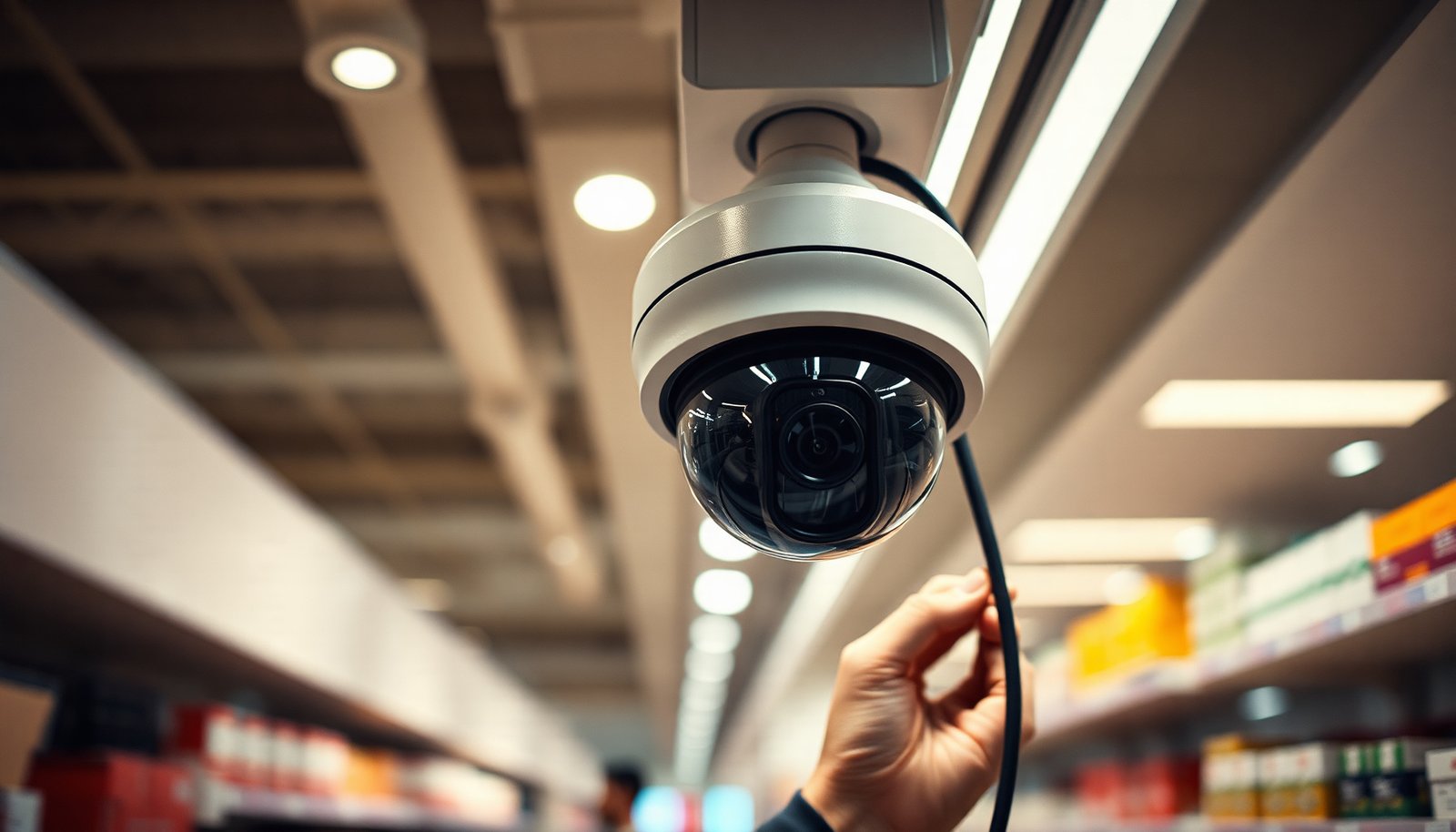

Setting up CCTV for a retail store can feel overwhelming, especially when you need clear coverage without disrupting daily operations. You’ll be able to plan the layout, choose the right camera types, run power and networking, configure your recorder or system, and test everything so it captures the areas that matter in a manageable timeline. Most installations take from a day or two to a few days depending on wiring and store size, and you’ll need a site plan, camera and recording specs, and access to the store’s power and network.
Set up CCTV for a retail store by planning coverage first, then matching the right cameras/recorder to your store layout, and finally locking down recording, access, and retention. If you follow that order—plan → hardware → install → configure/test—you’ll avoid most “we can’t see the footage we need” problems.
If this is your first time installing CCTV (or you’re upgrading an older system), this step-by-step layout helps you think through camera placement, wiring/network choices, recording settings, and practical checks before you rely on it for incidents.
Who this is for / when it applies: This guide is for store owners, facilities managers, and IT/general contractors setting up CCTV for a retail store—especially if you’re moving to IP cameras (network video) or standardizing around an NVR (Network Video Recorder). As of 2026, privacy expectations and cyber-risk awareness are higher than many teams plan for, so the configuration and security steps matter as much as camera selection.
Plan camera coverage (before you buy anything)
Planning coverage first is the fastest way to prevent blind spots and “unclear evidence” footage. For CCTV for a retail store, you want cameras aimed at the moments that actually matter—entry/exit movement, checkout interactions, and areas where incidents tend to occur.
– Walk the store layout and list the risk areas (entrances, aisles, checkout lanes, returns desk, storage doors, loading area).
– Be specific about what “risk” means in your store (e.g., concealed items in aisles, cash-handling at checkout, backroom access after hours).
– If you have multiple entrances, decide whether every door needs full capture or only certain doors need face-level detail.
– Decide what you need to capture clearly: faces, hands/transactions, shelf activity, or license plates (if applicable)—because that determines camera type and placement.
– Faces and hands require tighter angles, controlled lighting, and typically better positioning than “wide overview” cameras.
– Shelf activity may be better served by wider coverage and motion-triggered recording to avoid massive storage costs.
– Verify privacy constraints early (customer-facing areas, fitting rooms if any, employee-only zones) and note any signage or policy requirements with your local legal guidance ().
– CCTV for a retail store often fails audits not because the system doesn’t record, but because boundaries aren’t clear or retention is misaligned with local rules.
– Create a simple “allowed coverage” sketch so your installers don’t aim cameras into areas you shouldn’t record.
From my experience supporting retail CCTV rollouts, the first site walk usually reveals that the “best” location for a camera is often not the best location for evidence—people block views at checkout, glare hits at certain angles, and doorways create occlusions. That’s why coverage planning comes before hardware.
Choose the right CCTV cameras and recording setup
Choosing the right cameras and recorder is about evidence quality and system capacity, not just resolution numbers. For CCTV for a retail store, you’ll usually get better results by matching camera lens type, mounting position, and recording/channel capacity to your specific use cases.– Pick camera types based on needs: fixed vs. varifocal, indoor vs. outdoor rated, and whether you need wide coverage or tighter detail.
– Fixed cameras are simpler to aim and typically cost less.
– Varifocal (or motorized varifocal) cameras can reduce rework when your first placement isn’t perfect—useful for legacy stores where re-cabling is expensive.
– Indoor vs. outdoor rated (weatherproof) matters if you have exterior doors, loading docks, or eaves with rain exposure.
– Choose a recording method (commonly NVR-based systems for IP cameras) and plan for enough channels for current zones plus future expansion.
– If you run multiple entrances and several aisles, don’t “start small” on channels—add a cushion if you can.
– Consider whether you need a separate live-view monitor for security staff or whether everything is managed in the NVR/recorder interface.
– Plan storage from the start by estimating how long you need footage to be retained, what resolution/FPS you’ll use, and how much you expect motion activity—use your vendor’s calculator or specs ().
– In practice, storage planning is where many retail CCTV projects get derailed: motion-only sounds efficient, but motion triggers frequently (shadows, signage, carts, headlights from outside).
Evidence-focused comparison: NVR vs. DVR (so you don’t buy the wrong system)
If you’re installing CCTV for a retail store and you’re choosing between analog and IP, this quick comparison helps you avoid mismatched hardware.
| Option | Best For | Strengths | Limitations |
|---|---|---|---|
| DVR (analog CCTV + coax) | Legacy coax buildings | Often simpler wiring if you already have coax | Limited camera flexibility; upgrades can be harder |
| NVR (IP CCTV + Ethernet/PoE) | Most new retail installs | Better scalability, centralized control, easier expansion | Requires proper network design and secure access |
| Hybrid (mixed systems) | Partial upgrades | Leverages existing cabling/devices | Can increase complexity during future maintenance |
Plan power, cabling, and the network (where most installs break)
Power and networking are where retail CCTV projects most often stall—even when cameras are perfect. For CCTV for a retail store, you want predictable cabling runs, confirmed device compatibility (especially with PoE), and a security model that prevents unauthorized access.
– Prefer power and data designs that fit your building: PoE (Power over Ethernet) is common for IP cameras, but confirm your device support and cabling run lengths ().
– According to IEEE 802.3, typical copper Ethernet link length limits are 100 meters (328 ft) per segment, which directly affects how you place switches, junctions, and camera locations.
– PoE budgets also matter:
– According to IEEE 802.3af, PoE (Type 1) provides up to 15.4 W at the power sourcing equipment (PSE) and up to 12.95 W at the powered device (PD).
– According to IEEE 802.3at, PoE+ (Type 2) provides up to 30 W at PSE and up to 25.5 W at PD.
– If you pick cameras with heaters, large IR arrays, or motorized lenses, verify real power draw—not just “supports PoE.”
– Use network security practices: restrict camera access to the right users, keep default passwords off, and consider segmenting cameras on a dedicated VLAN if your router/switch supports it.
– For CCTV for a retail store, a “working” system that’s exposed to the internet without strong access controls can create bigger operational risk than the incidents CCTV was meant to address.
– Don’t forget reliability: plan for a stable internet connection for remote viewing (if you need it) and consider UPS/back-up power for the recorder/network gear ().
– Many retailers only think about power during business hours, but outages and brownouts happen when traffic is low or after hours—exactly when you still need recording.
Install cameras and place them to capture usable evidence
Mounting and aiming determine whether your CCTV for a retail store produces evidence or unusable footage. If your system is installed correctly but aimed poorly, you’ll still face “we can’t see faces/hands” moments during incidents.
– Mount cameras at appropriate heights/angles to reduce tampering and glare, and aim them so customers don’t block the field of view at the key moments (checkout and entrances).
– Use shielding where required and avoid placing cameras where they’re easy to vandalize.
– In areas like checkout, plan for people leaning, bags blocking hands, and reflections from glossy surfaces.
– Run and label cables carefully (both ends), and keep wiring tidy and protected—especially across door thresholds, conduits, and high-traffic areas.
– Labeling matters during troubleshooting, warranty work, and future expansion.
– If you expect seasonal maintenance (e.g., signage changes, layout refreshes), plan conduit pathways now so you’re not re-damaging finishes later.
– Seal outdoor enclosures and weatherproof connections to match the camera’s rating, and confirm you can access junctions later without dismantling half the store.
– For CCTV for a retail store, outdoor reliability directly impacts legal defensibility—intermittent outages look like “missing footage” to investigators.
Configure recording settings, alerts, and user access
Configuration is where “coverage” becomes “actionable evidence.” For CCTV for a retail store, you must balance recording strategy, motion detection sensitivity, and access controls so staff can retrieve footage quickly without compromising privacy or security.
– Set up recording strategy: continuous recording vs. motion-triggered recording, and choose which streams go to recording vs. live viewing (based on your system’s options).
– Continuous recording can simplify incident review because you don’t rely on motion timing.
– Motion-triggered recording can reduce storage—but only if motion detection zones and thresholds are tuned correctly for your environment.
– Configure zones for motion detection so you don’t get flooded with alerts from reflections, moving signage, or traffic outside windows.
– Start with conservative zones and expand only after reviewing several days of “normal” activity.
– If you have automatic doors, ceiling fans, or bright outdoor light changes, you’ll need zone tuning.
– Apply strict access controls: create separate user accounts, limit who can export/share footage, and enable secure remote access only if you truly need it.
– For CCTV for a retail store, shared logins destroy accountability and can create compliance issues during investigations.
What can go wrong (common retail CCTV mistakes)
Most retail CCTV failures fall into a small set of predictable problems: visibility gaps, underestimated storage, weak security, and privacy non-compliance. For CCTV for a retail store, these mistakes usually show up during the exact moment you need the footage most—after an incident.
– Poor placement: cameras mounted too high/sideways often capture heads but not faces or hands—fixing it later usually means re-drilling and re-aiming.
– Before you close ceilings or cover conduits, verify live view and recorded playback from each camera position.
– Underestimating storage: motion-only settings still add up fast, and low-light footage can increase data size; always validate your retention goal against actual system behavior ().
– Remember that nights, holidays, and after-hours foot traffic change the motion profile.
– Weak security: reused passwords, open remote access, or shared logins make incidents worse because accountability and safety are undermined.
– A camera system can become a backdoor if network access is not controlled.
– Privacy missteps: recording where you shouldn’t (or leaving employee/customer boundaries unclear) can create compliance risk; check signage and policy requirements early ().
– If your retail CCTV system captures spaces that should remain off-limits, technical fixes alone won’t fix the compliance issue.
Quick “retail CCTV readiness” table (based on common IP network cabling realities)
This data table helps you understand why network limits and cabling choices directly affect CCTV for a retail store installation success—especially with IP cameras and NVRs.
Copper Ethernet Link Limits Relevant to IP Retail CCTV (Typical 100 m Segments)
| # | Ethernet standard | Max copper distance | Typical cable category | Retail CCTV headroom |
|---|---|---|---|---|
| 1 | 10BASE-T | 100 m | Cat 3 | ★ ★ |
| 2 | 100BASE-TX | 100 m | Cat 5 | ★ ★ ★ |
| 3 | 100BASE-T4 | 100 m | Cat 3 | ★ ★ |
| 4 | 1000BASE-T | 100 m | Cat 5e | ★ ★ ★ ★ |
| 5 | 2.5GBASE-T | 100 m | Cat 5e | ★ ★ ★ ★ |
| 6 | 5GBASE-T | 100 m | Cat 5e / Cat 6 | ★ ★ ★ ★ ★ |
| 7 | 10GBASE-T | 100 m | Cat 6a | ★ ★ ★ ★ ★ |
Verdict / tip (plus a quick checklist you can scan)
If you want the best results with the least rework, treat CCTV setup like a process: confirm coverage needs, match camera/recorder specs to your layout, then configure retention and access before you “go live.” The downsides: you may need to run new cables, you’ll still need staff procedures for incident requests, and storage/network costs can rise with higher resolution or longer retention periods—so this may be more effort than a plug-and-play hobby project.
Use this scan checklist during your install:
| Task | Done? | Notes |
|---|---|---|
| Identify key zones (entrances, checkout, aisles, storage, loading) | ☐ | |
| Confirm privacy constraints and required signage/policies | ☐ | |
| Select camera types (indoor/outdoor, wide vs. detail) | ☐ | |
| Choose recorder/NVR setup and number of channels | ☐ | |
| Plan storage/retention based on your settings | ☐ | |
| Verify power (PoE vs. other) and network design | ☐ | |
| Install and label cables; aim/height for usable evidence | ☐ | |
| Configure recording, motion zones, and alert thresholds | ☐ | |
| Create user accounts and lock down remote/export access | ☐ | |
| Test: live view quality + recorded playback from each camera | ☐ |
If you’re a very small store with minimal requirements, a simpler configuration may be enough—but if you need strong identification (faces/hands) across multiple entrances, or you want reliable incident exports, it’s worth budgeting time for correct placement, testing, and security setup.
Set your plan first, install carefully, and only then finalize recording and permissions. Next step: write down your store’s key areas and retention goal (), then choose cameras/recording settings that specifically support those targets—your future self (and your staff) will thank you.
Conclusion
CCTV for a retail store works best when you treat it as an end-to-end system: plan the evidence you need, select cameras and recording capacity that match your layout, install with careful aiming and cabling, and then configure retention and access so footage is retrievable when it matters. If you complete coverage planning → hardware selection → install → configuration/test in that order, you’ll prevent the most expensive failures—blind spots, storage shortfalls, and insecure access—while keeping your setup compliant and operational in 2026.
Frequently Asked Questions
What steps are needed to set up CCTV for a retail store?
Start by defining your goals (theft prevention, safety, staff monitoring, or evidence capture) and mapping camera coverage for entrances, checkout areas, aisles, and storage rooms. Choose the right system type—IP or analog—and select appropriate camera resolution, lens type, and night/low-light performance. Plan the wiring or network infrastructure, install cameras at correct heights and angles, and configure recording settings like motion detection and retention period. Finally, test live viewing and playback, secure the system with strong passwords and updates, and train staff on basic use for incident reporting.
How do I choose the right CCTV system and camera placement for a retail store?
For retail, prioritize cameras over cash handling locations, where faces and transactions must be clear, and ensure cameras cover both wide-area context and close-up details. Consider IP cameras for easier scaling and remote viewing, and select varifocal lenses or wide-angle lenses depending on aisle length and ceiling height. Place cameras to minimize obstruction from shelves and displays, avoid backlighting at entrances, and ensure views include entry/exit paths. Also plan overlapping fields of view at key choke points so you don’t miss a suspect’s approach or escape route.
Which CCTV features should I look for to prevent theft and improve evidence quality?
Look for high-resolution imaging (at least 4MP for most retail use), true day/night performance, and wide dynamic range to handle bright windows and changing lighting. Features like person/vehicle detection, advanced motion alerts, and analytics can reduce missed events and help you quickly review footage. Use reliable recording settings such as continuous recording in critical zones (cashier areas) plus motion-triggered recording for other areas, and set a retention period that matches your store’s incident investigation needs. Confirm that your CCTV system supports exporting clips in common formats for police or insurance claims.
Why is network security and access control important when installing CCTV in retail?
Retail CCTV systems often connect to local networks and may be accessed remotely, which makes them a target if not secured properly. Use unique strong passwords, enable multi-factor authentication where available, and restrict access by user roles so only authorized staff can view or manage footage. Keep firmware updated, disable unnecessary services, and consider isolating cameras on a dedicated VLAN or network segment to limit exposure. These steps help protect sensitive video evidence and prevent tampering with recordings or settings.
What’s the best way to install and configure CCTV storage, recording, and monitoring?
Choose the right storage based on resolution, frame rate, and how long you need footage retained; then estimate total disk or NVR capacity accordingly. Configure recording modes by zone—continuous recording for checkout and entrances, and event-based or motion recording for lower-risk areas—to balance cost and evidence needs. Set up monitoring so staff can view live feeds when required, and define an escalation process for incidents (who checks alerts, who exports footage, and how evidence is saved). After installation, test camera time sync, verify that all cameras record consistently, and confirm playback quality to ensure the CCTV system captures usable evidence.
📅 Last Updated: November 03, 2026 | Topic: What steps are needed to set up CCTV for a retail store? | Content verified for accuracy and freshness.
References
- Closed-circuit television
- https://ico.org.uk/for-organisations/guide-to-data-protection/cctv/
- https://ico.org.uk/for-organisations/guide-to-data-protection/assessing-risk-and-harm/data-protection-impact-assessments/
- https://ico.org.uk/for-organisations/guide-to-data-protection/retention-and-disposal/
- [Withdrawn] Surveillance camera code of practice – GOV.UK
- https://www.ncsc.gov.uk/guidance/secure-your-internet-connected-cameras
- https://csrc.nist.gov/publications/detail/nist/ir/8259/final
- https://scholar.google.com/scholar?q=retail+store+CCTV+installation+planning+camera+placement+lighting+and+recording Google Scholar
- https://scholar.google.com/scholar?q=CCTV+system+design+requirements+video+surveillance+retail+checklist Google Scholar
- https://scholar.google.com/scholar?q=internet-connected+IP+camera+CCTV+security+hardening+default+passwords+firmware+updates Google Scholar

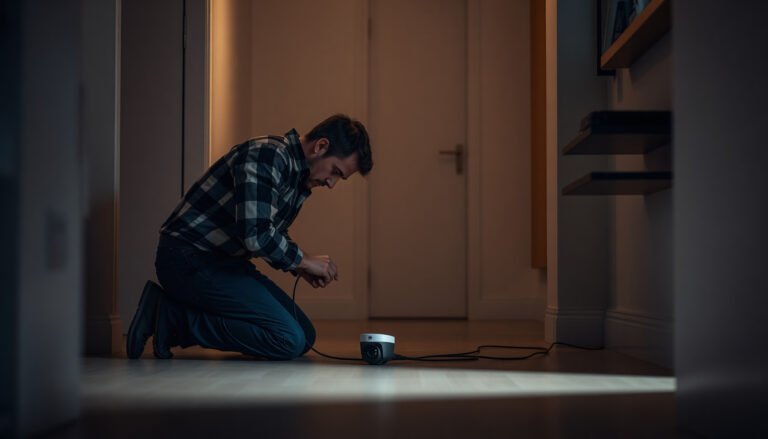


[…] PoE (Power over Ethernet): Delivers both data and power over Ethernet cabling, which often simplifies offline […]