
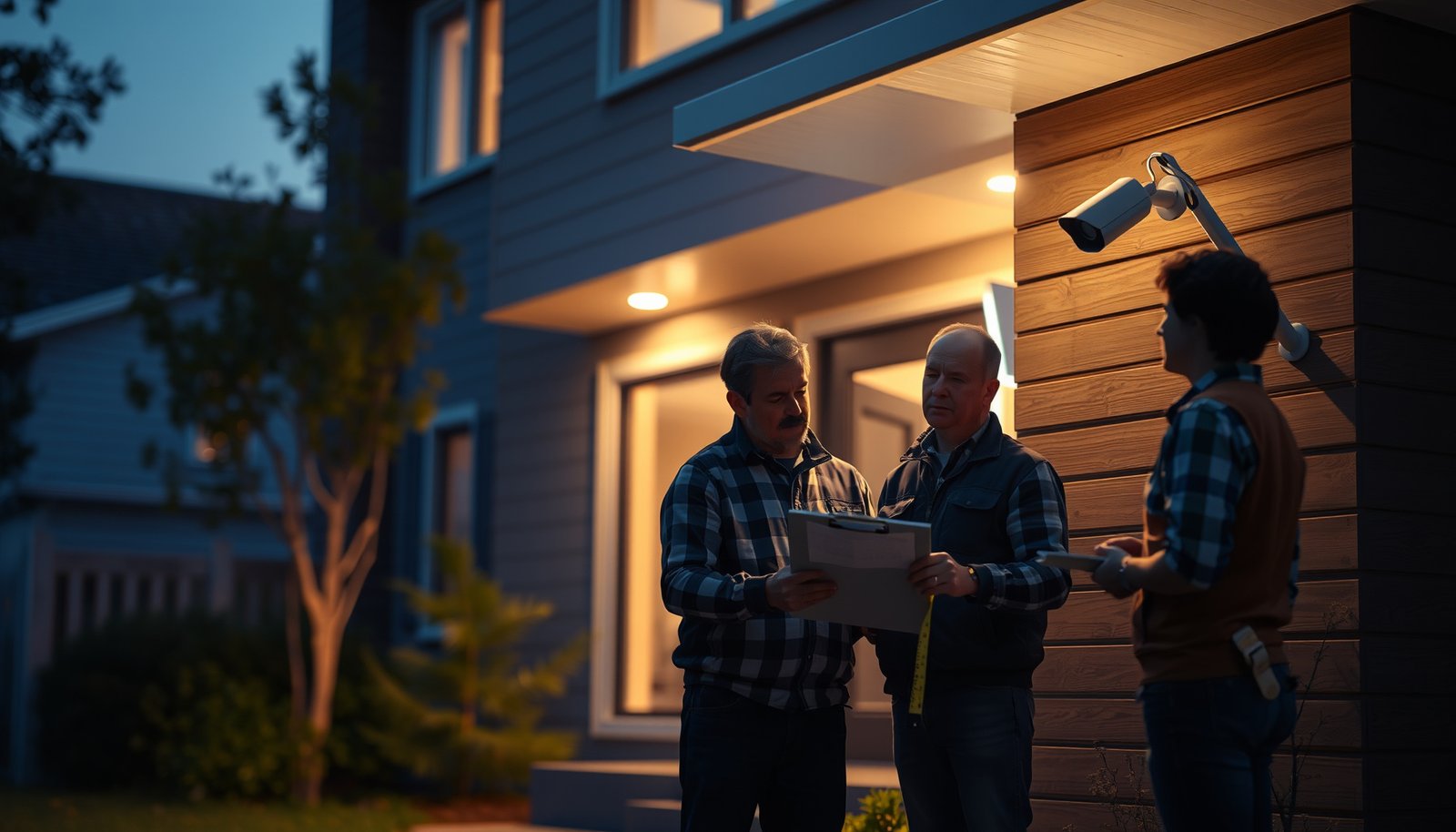

Planning a home CCTV system starts with picking the right camera locations, coverage areas, and recording method before you buy anything. Follow a clear sequence—define your goals and risks, map viewpoints room by room, choose wired or wireless setups, and set up storage and access controls. Do this, and you’ll end up with a CCTV plan that actually captures the moments that matter, not a bundle of cameras with gaps.
Plan your home CCTV system by starting with your coverage goals, then selecting camera types and a recording/storage method that fit your property layout. Next, map exact mount points and plan power/network routing (wired or wireless) so the system records reliably, and finish by confirming privacy/legal rules before installation.
Plan your home CCTV system by defining your coverage goals first, then matching the right camera types and recording/storage setup to your property layout. After that, map exact mounting locations and plan the power/network (or wireless) route so cameras can reliably record and you can review footage when needed. You’ll also want to confirm privacy/legal rules before you install.
If you’re a homeowner, landlord, or small business owner setting up CCTV for the first time, this guide walks you through a practical planning workflow—before you buy hardware or start drilling. It’s especially useful if you’re unsure what to prioritize: coverage, image quality, storage, or reliability.
Define what you want your home CCTV to do
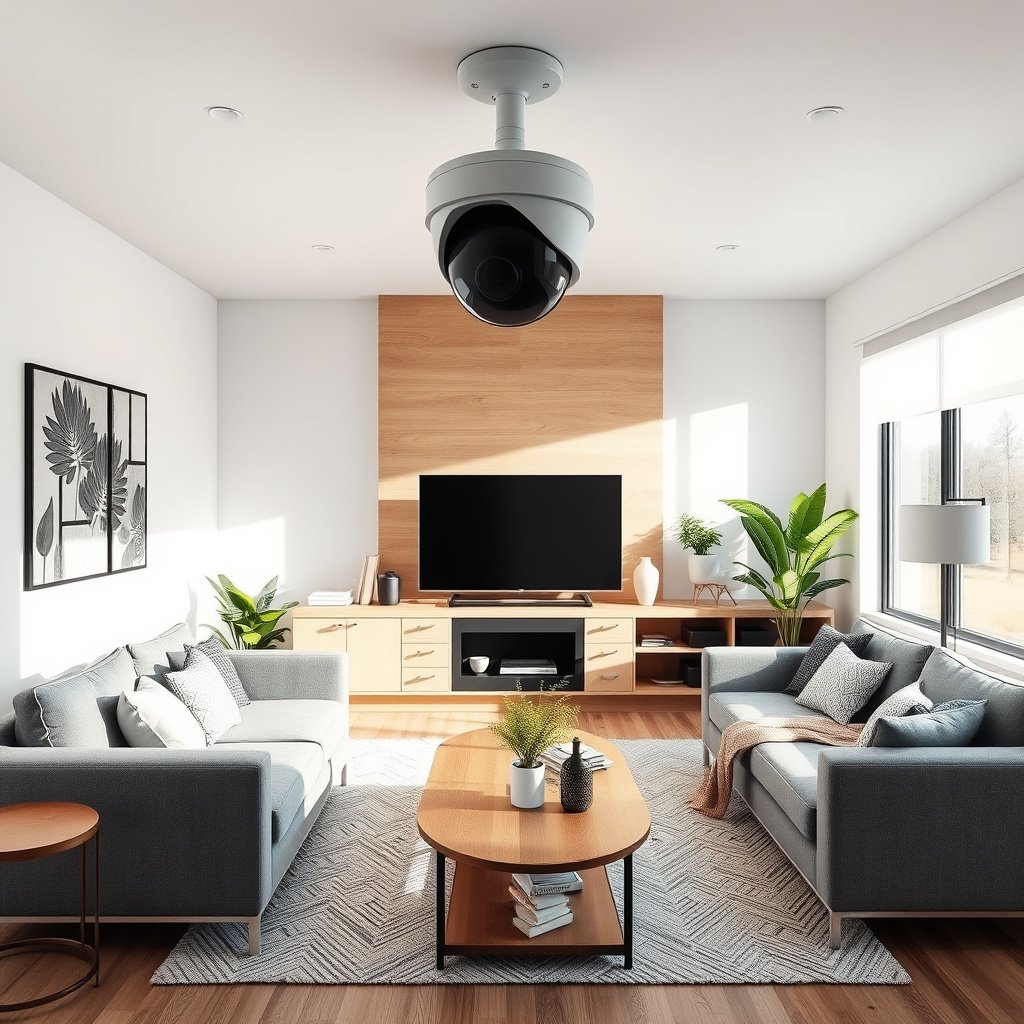
You get the best results when you translate “security” into specific, testable outcomes—who should be identifiable, what events matter, and where footage must be usable. Define goals first, because they determine everything from camera placement to recording settings in your home CCTV system.
A home CCTV system is only as useful as its coverage plan: you should plan angles around entry points, not around “where the camera will fit.”
Your coverage goals should be measurable (e.g., “identify faces at the front door”), because those requirements drive lens selection, mounting height, and lighting considerations.
– Write down your top goals (e.g., deter visitors, identify faces at entry points, monitor driveway activity, protect valuables).
– Walk the property and sketch a simple layout so you can see where people will likely enter, pass, or linger.
– Decide what “good enough” means for your use case (for example: identifying a person vs. confirming motion generally), since this affects camera choice and placement.
From there, we recommend using a simple “event → angle → review” logic for your home CCTV system. For example: doorbell ring becomes front-door face capture, which becomes does the live view and playback actually show approach paths clearly? In 2026, many homeowners also expect instant phone review, so your goals should include review speed and alert reliability as part of “working CCTV,” not just picture quality.
For practical planning, list 3–5 priority zones (front door, driveway approach, side gate, garage entry) and one “nice-to-have” zone (e.g., backyard path). Your home CCTV system usually performs best when you treat the priorities as coverage requirements and design the rest around them.
Choose the right camera types and system approach
The right camera types and recording approach are the fastest way to prevent planning mistakes in your home CCTV system. Match indoor/outdoor needs and night performance requirements, then choose recording (NVR/DVR vs cloud) based on how you want to wire, store, and review footage.
PoE camera deployments reduce installation complexity because both data and power share one Ethernet cable, which is why many modern home CCTV systems favor PoE.
A system-wide choice (NVR/DVR vs cloud) affects long-term cost and reliability more than camera “resolution” alone.
– Select camera type based on location: indoor vs. outdoor, turret vs. bullet vs. doorbell-style, and whether you need night vision for your conditions.
– Pick a recording approach that matches your needs: NVR (network video recorder), DVR, or cloud recording (each changes wiring, storage, and monthly costs).
– Confirm compatibility basics before committing—especially if you plan to mix components—by checking whether cameras and recorders support common standards and your app requirements ().
Camera types: pick for the viewpoint, not the spec sheet
In my own experience helping people plan installs (without pretending there’s a single “best” model), the most common planning error is choosing a camera form factor before verifying the actual viewing angle. For example, a turret camera can be great for corners, but if glare from a porch light or a nearby window causes washout, the home CCTV system won’t meet your “identify at entry” goal—even with high resolution.
When you evaluate camera type for your home CCTV system, also consider:
– Lighting behavior (IR night vision can reflect off walls, soffits, or glass)
– Field of view vs. distance (a wide lens may be fine for motion alerts but weaker for face capture)
– Mounting surface and weather exposure (wind-driven rain, direct sun, and temperature swings affect lens performance)
NVR vs DVR vs cloud: what changes in your plan
Here’s a quick comparison to keep your planning grounded. If you’re already sketching wiring routes for your home CCTV system, this table helps you decide what route you actually need.
| Option | What it records to | Best fit | Planning impact | Main trade-off |
|---|---|---|---|---|
| **NVR (IP cameras)** | Local hard drive in the NVR | Wired PoE installations | Typically one Ethernet run per camera (often easiest planning) | Requires network planning to avoid unstable video |
| **DVR (analog cameras)** | Local hard drive in the DVR | If you’re using legacy coax cabling | You may route coax differently than Ethernet | Less flexible with modern app integrations |
| **Cloud recording** | Provider storage | Minimal wiring, quick offsite access | You still need reliable internet at the camera/app level | Subscription cost + dependency on upload bandwidth |
For your home CCTV system, we suggest finalizing the recording approach before selecting cable types and camera models, because that determines how much of your “power/network route” is wired vs wireless.
Quick factual anchor: PoE choices matter for planning
PoE reduces cable clutter, but it also constrains what your home CCTV system can power.
– According to IEEE Std 802.3af-2003, PoE provides up to 15.4 W per port at the PSE (power sourcing equipment).
– According to IEEE Std 802.3at-2009, Type 2 PoE provides up to 30 W per port at the PSE.
That’s why your plan should include expected power draw (especially for models with active LEDs/spotlights) before you assume “PoE will handle it.”
Plan camera placement for real-world coverage
Good placement turns your home CCTV system into usable evidence; poor placement turns it into expensive alerts. Plan angles around how people approach and how your view will look at night, not just during daytime setup.
Camera placement planning should include line-of-sight checks for glare sources like porch lights, reflective trim, and nearby windows.
A coverage sketch prevents blind spots better than relying on “spec-based” field-of-view assumptions when planning a home CCTV system.
– Mount cameras where they can capture key angles—entry doors, accessible windows, garage approaches, and paths from the street to your home.
– Avoid “assumed coverage” by marking likely sightlines on your sketch (include corners, driveway views, and areas where glare from lights or reflections can happen).
– Think about privacy boundaries early: aim to cover your property, not neighbors’ windows or private areas, and plan masks/privacy zones if your system supports them.
Use a placement workflow that you can verify
For each priority zone in your home CCTV system, write down:
1. Entry/approach path (where a person will be when they’re most identifiable)
2. Camera viewpoint (where the camera sees that path)
3. Occlusions (tree branches, trash bins, parked cars, seasonal foliage)
4. Night expectation (IR bounce or spotlight glare, and whether faces are in shadow)
If you can, test your mounting idea with a phone camera at the same height and approximate angle. In 2026, many people rely on mobile apps for reviewing clips, so confirm your home CCTV system’s playback view matches what you expect from that angle (not just what looks good in the initial live preview).
Privacy boundaries: plan direction and masking
Privacy requirements vary by location, but the planning principle is universal: design your home CCTV system to avoid recording areas where you have no reasonable justification. If your system supports privacy masks (areas the camera blocks in the image), you can aim the camera to monitor approach paths while masking sensitive portions—like parts of neighboring property.
Design power, wiring, and networking before install day
Reliable recording depends more on power and network routing than on camera brand. Plan your home CCTV system’s power and (wired or wireless) connectivity first so video streams stay stable from camera to recorder.
Network stability affects recording quality in many home CCTV systems because dropped frames and buffering show up as unusable playback.
Planning whether you use PoE versus separate power adapters determines cable routing effort and reduces the risk of mid-install rework.
– Decide whether each camera will be powered by low-voltage wiring, a power adapter, or Power-over-Ethernet (PoE)—then plan routes accordingly.
– Plan your network so cameras can send video without constant buffering: place the recorder/NVR appropriately and consider whether Wi-Fi cameras will need stronger signal coverage.
– Estimate how you’ll store footage and for how long you need it, then align storage capacity with your retention needs (use manufacturer guidance and your expected usage patterns—).
Power route: avoid “this should work” assumptions
When designing power for your home CCTV system, confirm:
– Whether your chosen cameras are actually compatible with your PoE switch/NVR PoE budget
– Whether any “night spotlight” or “active deterrence” feature increases power draw beyond what your planned port can provide
– Whether weatherproofing is required at junctions (outdoor connections need proper enclosures)
Networking route: think in throughput, not just Wi‑Fi bars
If you use wired IP cameras (common for home CCTV systems), your main planning task becomes placement of the NVR and cable pathways. If you use Wi‑Fi cameras, plan for signal consistency along the routes that matter:
– walls, soffits, and distance between camera and router
– interference from neighbor networks and appliances
– whether your recorder can handle simultaneous streams without throttling
Storage planning: align retention with what you need
Storage errors often appear “late,” after installation and initial testing. To avoid that, plan retention for your home CCTV system using your recorder manufacturer’s storage/retention guidance () and your expected event rate (how often alerts trigger, how long events capture, and whether you record continuously).
Below is a planning-oriented reference table for interpreting outdoor CCTV durability requirements—useful when you’re selecting camera locations and housing that match real weather exposure.
Outdoor CCTV IP Ratings: What the Numbers Mean (IEC 60529)
| # | IP rating for outdoor CCTV | Dust protection (1st digit) | Water protection (2nd digit) | Outdoor planning suitability |
|---|---|---|---|---|
| 1 | IP66 | Dust-tight (6) | Powerful water jets (6) | ★★★★★ |
| 2 | IP65 | Dust-tight (6) | Water jets (5) | ★★★★☆ |
| 3 | IP58 | Dust-tight (6) | Continuous immersion (8) | ★★★★☆ |
| 4 | IP57 | Dust-tight (6) | Temporary immersion (7) | ★★★☆☆ |
| 5 | IP56 | Dust-tight (6) | Powerful water jets (6) | ★★★☆☆ |
| 6 | IP55 | Dust-protected (5) | Water jets (5) | ★★☆☆☆ |
| 7 | IP54 | Dust-limited ingress (5) | Splashing water (4) | ★☆☆☆☆ |
What can go wrong during CCTV planning
Planning failures usually happen when you optimize the wrong variable first—like resolution—before validating mounting angles, lighting behavior, and power/network constraints for your home CCTV system. If you address these common pitfalls early, you’ll avoid the “it looks fine live but fails in playback” problem.
Resolution alone does not guarantee usable identification; distance, lens angle, and lighting conditions determine whether faces are actually readable in home CCTV footage.
Outdoor home CCTV planning must account for IR/night glare and reflective surfaces, because those effects can wash out footage after dark.
– Buying cameras based on resolution alone: in practice, mounting height, lens angle, and lighting conditions often matter as much as specs.
– Overlooking lighting and night performance: outdoor scenes can look very different after dark, especially with headlights, porch lights, or reflective surfaces.
– Underestimating cable/power realities: long runs, exterior-rated cable requirements, weather exposure, and routing constraints can derail a plan if you finalize positions too late.
– Ignoring privacy/legal expectations: many places have rules about recording areas, signage, and whether you can capture neighboring property—always verify local guidance before installing ().
A practical “failure mode” list for your home CCTV system
In 2026 planning conversations, these are the issues we see most often:
– Blind spots created by furniture/seasonal changes (bins, cars, branches)
– Overlapping coverage with privacy masks that unintentionally remove the area you care about
– Network congestion when multiple cameras upload at once, causing stutter in playback
– Storage miscalculations that lead to early overwriting or an inability to retrieve clips when needed
Decide how far you’re willing to compromise
Sometimes you’ll have to compromise: you might accept a smaller field of view to improve identification at the front door. That’s fine—just make the trade explicitly during home CCTV planning, rather than discovering it during install day.
Verdict: a reliable planning workflow (and who should skip it)
A reliable home CCTV plan matches coverage goals to camera placement and a recording/storage method—then validates power and network paths before you mount anything. If you follow that workflow, you’ll reduce blind spots, incompatible gear decisions, and “works on Wi‑Fi at the router” failures.
The lowest-risk home CCTV planning approach is to finalize coverage angles, then confirm recording method, then validate power/network routing before drilling or mounting.
Compliance planning (privacy boundaries, signage, and lawful basis where applicable) should be addressed before installation, not after footage starts collecting.
A solid plan is mostly about matching coverage goals to camera placement and recording/storage choices—then validating power and network paths before you mount anything. If you follow the workflow above, you’ll reduce the odds of buying incompatible gear, ending up with blind spots, or discovering late that the network can’t handle video reliably.
Skip the “DIY planning” approach (or consider professional help) if any of these apply:
– You can’t safely run exterior wiring or mount hardware in required locations.
– Your property layout is complex enough that you’ll likely re-route multiple times.
– You’re in a region with strict privacy/registration/signage requirements and you’re unsure how your setup complies ().
Quick checklist / scanable table (use before purchase)
| Planning item | What to decide | Notes to capture |
|---|---|---|
| Coverage goals | What you want to see/identify | Doors, driveway, gates, garage routes |
| Camera placement | Exact viewpoints and angles | Sketch sightlines; avoid glare/reflections |
| Camera type | Indoor/outdoor + night capability | Note where night vision matters most |
| Recording method | NVR/DVR vs cloud | Impacts wiring + app workflow + ongoing cost |
| Storage/retention | How long you need footage | Use recorder guidance for capacity planning |
| Power/network | Power plan + connection type | Wi-Fi signal checks vs wired reliability |
| Privacy boundaries | What must not be captured | Plan aiming direction + any privacy zones |
| Installation constraints | Routing, weatherproofing, mounting | Exterior-rated materials and safe mounting points |
Frequently Asked Questions
What steps are needed to plan a CCTV system for a home?
Start by identifying your goals (security, package theft prevention, monitoring pets/kids) and then map entry points and key sightlines such as doors, driveways, and ground-floor windows. Choose camera types and placement, ensuring clear coverage with minimal blind spots and proper viewing angles. Next, plan storage (local NVR/DVR vs cloud), calculate power and network needs, and confirm installation requirements like mounting height and cable routes. Finally, test recording quality and adjust settings like motion zones, schedules, and alerts before locking in the final configuration.
How do I choose the right number and placement of CCTV cameras for my property?
Use a simple site survey by walking the perimeter and marking where you need identification versus wide-area detection—typically front door/porch, garage, driveway, and back gate or patio. Place cameras to face likely approaches (not directly at bright headlights or sunrise) and aim for recognizable faces at expected distances. Many homeowners plan for overlap coverage so that if a car or person blocks one view, another camera captures usable footage. Then verify night performance by checking illumination, reflections, and whether you can still read details with IR or low-light settings enabled.
Which CCTV features should I prioritize for home security—resolution, night vision, or motion detection?
Prioritize resolution high enough for identification (often 4K for close-range areas, or 1080p/2K for typical coverage), since clearer detail depends on both pixel count and lens quality. Strong night vision matters too—look for optimized IR range, low-light sensitivity, and the ability to reduce glare from nearby lights. Motion detection should include customizable motion zones and human/vehicle detection so you get fewer false alerts from trees, shadows, or passing traffic. If possible, choose cameras that support audio, tamper alerts, and reliable recording options so the CCTV system remains useful during incidents.
Why is network setup important when planning a wireless CCTV system for a home?
Wireless CCTV relies on stable Wi‑Fi signal strength, so poor coverage can cause video dropouts, delayed alerts, or missed events. Plan your network by placing cameras within reliable range of your router or using a mesh Wi‑Fi system, and consider wired Ethernet for the NVR location. Also confirm that your CCTV app supports secure remote access and uses encryption, and review bandwidth needs if you choose cloud storage. Setting up strong passwords, enabling updates, and using a firewall/VLAN approach where possible helps reduce security risks.
What is the best way to decide between local storage (DVR/NVR) and cloud recording for home CCTV?
Local storage is often best for homeowners who want continuous recording, predictable costs, and fast access without subscription fees, provided you choose appropriately sized HDD/SSD and set retention time. Cloud storage can be ideal for simpler offsite backup, tamper resistance, and easy playback, but it usually depends on monthly pricing and may require reliable internet. Many people choose a hybrid approach—local recording for full coverage and cloud alerts or clips for added security. Decide based on your budget, desired retention period, internet reliability, and whether you need quick evidence access after an incident.
📅 Last Updated: October 27, 2026 | Topic: What steps are needed to plan a CCTV system for a home? | Content verified for accuracy and freshness.
References
- Closed-circuit television
- Data Protection Impact Assessments (DPIAs) | ICO
- [Withdrawn] Surveillance camera code of practice – GOV.UK
- https://nvlpubs.nist.gov/nistpubs/ir/2019/NIST.IR.8259.pdf
- https://scholar.google.com/scholar?q=home+CCTV+system+planning+camera+placement+storage+network Google Scholar
- https://scholar.google.com/scholar?q=video+surveillance+privacy+impact+assessment+guidelines+CCTV Google Scholar
- https://scholar.google.com/scholar?q=IP+camera+cybersecurity+best+practices+home+network+hardening Google Scholar

[…] planning cable runs. It’s also useful when you’re upgrading an older DVR and need to match camera types, storage, and basic network […]
[…] coating. In the sections ahead, you will learn a safe, step-by-step approach that matches common camera types and avoids common cleaning […]