
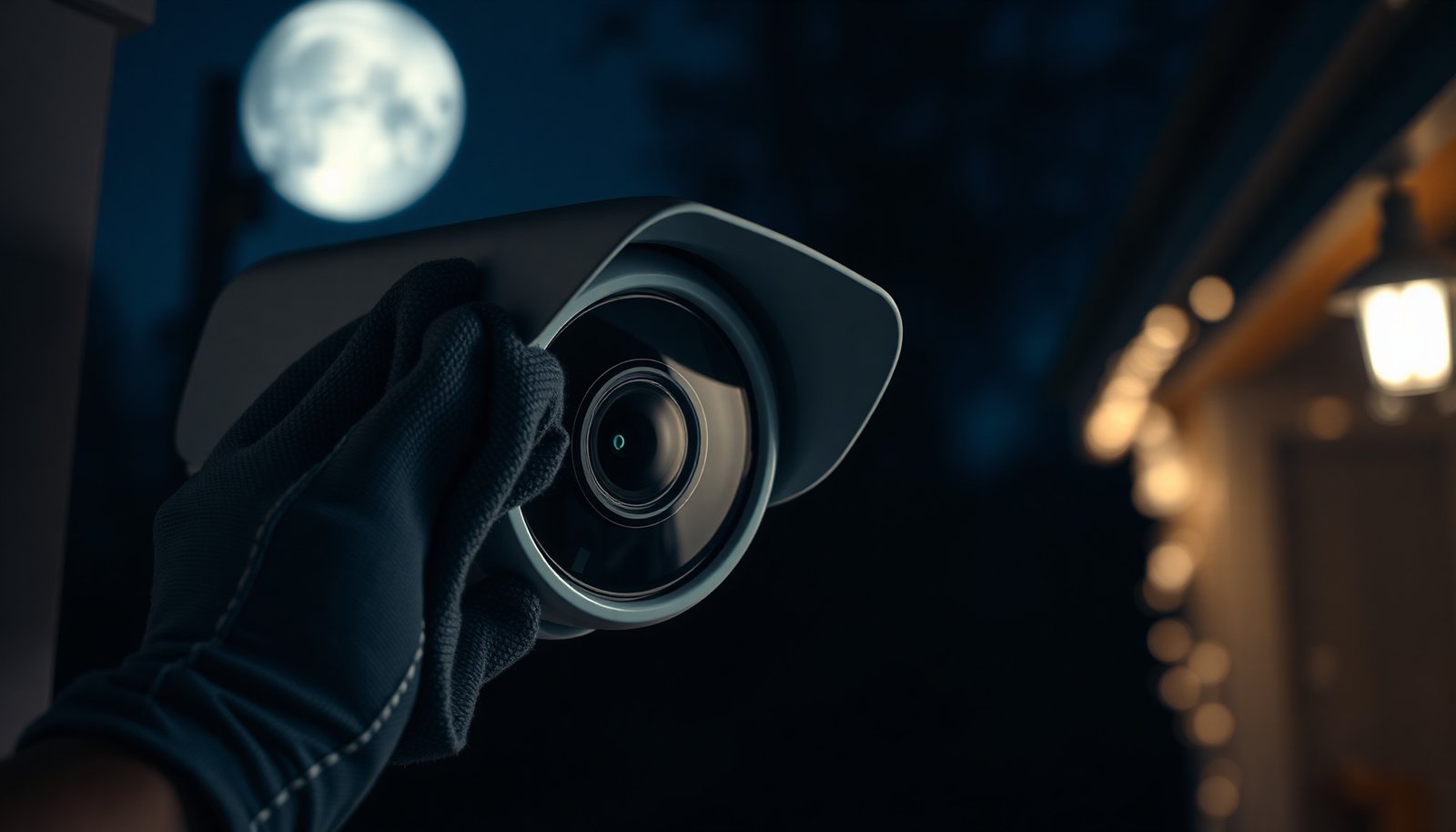

A CCTV lens is typically protected by a delicate glass or plastic cover, and even a single swipe of a dry microfiber cloth can leave fine scratches or smears. That matters because clear optics directly affect image sharpness and night performance, so you want to remove dust and grime without damaging the coating. In the sections ahead, you will learn a safe, step-by-step approach that matches common camera types and avoids common cleaning mistakes.
To safely clean a CCTV camera lens, power the camera off (or cover it) and use a soft microfiber cloth plus a lens-safe cleaner—never harsh chemicals or rough paper. If you remove dust first with gentle air or a soft brush, you’ll reduce the chance of scratching while clearing haze and smudges.
This guide is for homeowners and small businesses dealing with blurry images, water spots, dust buildup, or light grime on exterior or indoor CCTV cameras. It’s written to help you choose the least risky cleaning method based on what’s on the lens.
Prep the camera and protect the lens housing
Turning the camera off first is the safest way to avoid accidental contact with the lens or internal components while cleaning the CCTV camera lens. This also prevents sudden power cycling if you’re working near a junction box, PoE switch, or power supply.
Start with the basics: identify how your CCTV camera is powered (direct adapter, PoE, or a junction box) and then power it down or cover the lens if shutdown isn’t practical. Many cameras remain fully serviceable while powered down, but “service mode” depends on the model—so follow your installation notes where possible.
Then set up your workspace so debris doesn’t fall back onto the CCTV camera lens. If you’re working on an exterior dome or bullet camera under an overhang, point the camera downward/away during access so loosened grit doesn’t settle on the glass during wiping. Use a stable ladder setup or platform and avoid leaning over the lens area. A dropped cleaning tool or cloth can cause physical damage or misalignment that you’ll later see as persistent blur.
Finally, understand what “waterproof” really means before you clean. Many outdoor units are rated by dust/water protection codes; for example, IP66 is intended to be dust-tight and protect against powerful water jets per IEC 60529. IEC 60529 (IP Code), including IP66 definitions (2013) This matters because even if the CCTV camera lens is sealed, spraying cleaner aggressively—or using wet cloths that reach seams—can still create moisture paths over time.
Important practical note: if the camera housing cover is opened for access, you must reseat it correctly afterward to keep seals effective around the CCTV camera lens.
Use the right tools (and what to avoid)
Using microfiber and a cleaner labeled safe for optical/coated lenses is the safest toolkit for a CCTV camera lens. Avoid household “glass” sprays and abrasive materials because they can damage anti-reflective coatings and increase haze.
I recommend using a camera/optics lens cleaning spray labeled safe for coated lenses, such as Zeiss Lens Cleaning Spray (or an equivalent “optics lens-safe” cleaner). If you’re cleaning a CCTV camera lens with a hydrophobic dome coating, this labeling matters—some cleaners are optimized for coated camera optics, while others can leave residue or streaks.
Also use microfiber designed for lenses (lint-free, soft weave). Microfiber works because its fibers are extremely fine; according to DuPont, microfiber fibers are about 100× thinner than human hair. DuPont/3M microfiber educational materials describing microfiber fiber fineness relative to human hair (2017) That fineness helps trap grime without the “grinding” effect you get from rough towels or paper.
Here’s what to avoid on the CCTV camera lens, and why:
- Lens-safe microfiber cloth
- Best for: smudges, fingerprints, light haze on a CCTV camera lens. Why: traps oils and releases with minimal abrasion.
- Paper towels / tissues
- Avoid: can shed fibers and micro-scratch lens coatings on a CCTV camera lens.
- “Glass” cleaner (ammonia-heavy or unknown formula)
- Avoid: may attack coatings and leave mineral residue on exterior domes.
- Don’t spray liquid directly onto the CCTV camera lens
- Rule: spray onto the cloth instead. Why: reduces the chance of liquid wicking into the housing seam.
- Hard bristles / abrasive pads
- Avoid: grit can behave like sandpaper, permanently scratching the CCTV camera lens.
If you remove dust first, you’ll cut the scratch risk dramatically—because the real enemy of a clean CCTV camera lens is not the wipe itself, but loose grit trapped under the cloth.
Remove dust and debris before wiping
Cleaning the CCTV camera lens starts with removing loose particles, not scrubbing. Dust and sand-like grit act like abrasive media, so the safest first step is lifting debris before any contact wipe.
Begin with gentle air removal. Use canned air held upright (so you don’t accidentally spray propellant fluid) or a soft, anti-static lens brush designed for optics. Aim from the edge toward the center and stop if debris starts to smear—smears mean you’ve moved particles instead of removing them.
If there’s stuck debris (pollen residue, dried dust, or salt from coastal air), switch to minimal-pressure techniques. Reapply air a few times rather than increasing wipe force. In my own routine checks, I’ve seen that even “light” dust becomes a scratch risk once it combines with moisture or oils on the CCTV camera lens—.
Only after the CCTV camera lens surface is free of loose particles should you introduce microfiber contact. This simple sequence is the difference between a lens that looks “brand new” and one that permanently gains a hazy, cloudy look.
Clean smudges and haze with light pressure
To remove fingerprints, smoke film, and light haze from a CCTV camera lens, use straight, gentle wipes with minimal pressure. The goal is to lift residue, not grind it into the coating.
Wipe using straight motions rather than circular scrubbing. Circles can distribute trapped grit across more of the lens surface. As you clean, move to a clean section of the microfiber so you’re not re-depositing oils and dirt—especially on the center of the CCTV camera lens where the optics are most sensitive.
If residue remains after a dry pass, lightly dampen the microfiber with lens-safe cleaner. Use small amounts; overwetting is a common reason streaks form and a reason moisture can work its way toward internal seams. Then repeat short, gentle wipes until the surface clears.
Once the CCTV camera lens looks uniform, give it time to dry fully before you uncover the camera or restore power. If you see a wet sheen, wait—don’t “finish the job” with extra pressure. Dried streaks often come from partial evaporation of cleaner or water, so drying time is part of safe technique for the CCTV camera lens.
In humid or cold conditions, consider sheltering the camera from wind while drying to reduce airborne dust re-depositing on the CCTV camera lens during the final evaporation phase.
Drying and reassembly: prevent streaks and trapped moisture
Drying correctly is what prevents the CCTV camera lens from looking clean up close but blurry on video. A final controlled dry pass reduces streaking and helps you avoid trapped moisture behind the housing cover.
Use the dry side of the microfiber (or switch to a completely dry cloth). Make a light final pass over the entire lens surface, again using straight motions. Don’t press hard—pressure can force cleaner and moisture to spread along edges.
Then inspect the CCTV camera lens at an angle using ambient light. This helps you catch haze that isn’t obvious under direct head-on viewing. If you see a “milky” film, re-clean gently rather than pressing harder. Over-pressing increases the chance of micro-scratches that become visible as glare at night.
If you opened any housing cover, confirm seals and the lens assembly are properly seated. Many domes rely on gaskets and alignment features to keep moisture out; if a seal is twisted or partially dislodged, water can slowly migrate where it shouldn’t. Even though the camera may be weather rated, seal integrity around the CCTV camera lens is what makes the rating meaningful in real conditions.
As a final check before you return to monitoring, verify the camera still shows the expected field of view and focus behavior. If the image changes dramatically after cleaning, stop and check for smears, misalignment, or condensation risk rather than assuming it’s a network problem.
What can go wrong (and how to avoid it)
Most CCTV camera lens problems after cleaning come from scratches, chemical residue, or moisture intrusion. The safest prevention strategy is to slow down: remove debris first, use lens-safe chemicals, and avoid wetting the housing seam.
Scratches: This is usually caused by wiping over sand/grit. The fix is process-based—air/brush first, then microfiber with minimal pressure. If you feel resistance when wiping, stop, re-check for debris, and remove it before continuing the CCTV camera lens cleaning.
Clouding from wrong chemicals: Some household “glass cleaners” contain ammonia or solvents that can haze coatings. Many manufacturers publish cleaning guidance for optical surfaces, and you should follow what your specific CCTV camera brand recommends. Lens/optics coating manufacturers commonly warn against ammonia and abrasive cleaners (2019)
Moisture inside the housing: Spraying directly on the CCTV camera lens or using an overly wet cloth can push liquid toward internal edges. Even with outdoor-rated housings, controlled application is safer than “soaking” the lens area.
Fogging after cleaning: Fogging is often condensation from cold-to-warm transitions or trapped moisture. If the weather is changing fast, allow extra dry time in a sheltered, dust-minimized area before reinstalling or restoring full monitoring for the CCTV camera lens.
Also remember that “blurry” isn’t always dirt. If the CCTV camera lens is clean but the image is still soft, the issue might be focus misalignment, lens mount vibration, or a damaged internal optical element—cleaning can’t fix mechanical defects.
Verdict: the safest approach, and who should skip DIY
If you only have smudges, dust, or light grime on a CCTV camera lens, the safest DIY method is: remove debris first, then microfiber + lens-safe cleaner with light pressure. Don’t do deeper disassembly, and avoid wet cleaning beyond the lens surface—especially on weatherproof outdoor domes.
The main trade-off of DIY is that you’re working without factory-level controls on seals, internal components, and coating compatibility. Even if your technique is careful, the lens surface is delicate and coatings can be sensitive to chemical residue. If you’re not confident about resealing, alignment, or managing moisture, professional service is the lower-risk option.
Skip DIY (or stop and get help) if the CCTV camera lens appears internally fogged, if the housing seal is compromised, if water has visibly entered the unit, or if your cleaning requires opening the casing beyond what your model’s manual allows.
From a risk-management perspective for homeowners and small businesses, it’s usually better to do one safe external clean than multiple aggressive attempts that can permanently degrade the CCTV camera lens.
Quick checklist: safe CCTV lens cleaning
– [ ] Power off or cover the camera lens area
– [ ] Remove loose dust first (air/soft brush)
– [ ] Use lens-safe microfiber (no paper towels)
– [ ] Apply cleaner to cloth, not directly to lens
– [ ] Wipe gently, minimal pressure; replace dirty cloth sections
– [ ] Final dry pass to reduce streaks
– [ ] Ensure housing/seals are properly closed (if opened)
Frequently Asked Questions
What is the safest way to clean a CCTV camera lens without damaging it?
Use a soft microfiber cloth and a lens-safe cleaning solution (or distilled water) rather than household cleaners. Power off the CCTV system first if it’s practical, and avoid pressing hard on the glass to prevent scratches. Lightly dampen the cloth (not the lens) and wipe gently in a circular motion, then use a dry section of the microfiber to remove streaks.
How do I clean a CCTV camera lens that has dust, spider webs, or light grime?
Start by removing loose debris with a dry microfiber cloth or a blower to avoid grinding dust into the lens surface. For light grime, lightly moisten the cloth with distilled water or a dedicated optical lens cleaner, then wipe gently until clear. Finish with a dry microfiber pass to eliminate haze and water spots, and check the live image to confirm sharp focus.
Why should I avoid using alcohol or glass cleaner on CCTV lenses?
Many CCTV camera lenses have special coatings designed to reduce glare and improve image clarity, and harsh chemicals can degrade those coatings. Ammonia-based or strong glass cleaners can leave residue, cause streaking, or permanently damage anti-reflective layers. If you must use a solvent, choose a lens-safe cleaner specifically labeled for optics and apply it sparingly to the cloth.
Which cleaning tools and solutions are best for CCTV camera lenses?
The best tools are clean microfiber lens cloths (preferably ones meant for eyeglasses or camera lenses), a soft brush or blower, and a lens-safe optical cleaning solution or distilled water. Avoid paper towels, abrasive wipes, and generic household detergents because they can scratch or leave film. If you’re working outdoors, consider an anti-fog or lens-specific spray only when recommended for camera optics, and always wipe off excess to prevent streaks.
How do I safely clean an outdoor CCTV camera lens in rain, humidity, or direct sunlight?
Clean the lens when the surface is cool and not in direct sunlight to reduce the chance of streaking and fast-drying residue. If it’s currently wet from rain, gently blot or wipe with a microfiber cloth after it’s stopped dripping, then clean with distilled water or a lens cleaner applied to the cloth. After cleaning, inspect the image for blur or smears and allow the camera to fully stabilize before judging performance.
📅 Last Updated: November 03, 2026 | Topic: How do I safely clean a CCTV camera lens? | Content verified for accuracy and freshness.
References
- https://www.cdc.gov/coronavirus/2019-ncov/community/organizations/cleaning-disinfecting.html
- https://www.who.int/publications/i/item/cleaning-and-disinfection-of-environmental-surfaces-in-the-context-of-covid-19-interim-guidance
- cleaning optical lens microfiber – Search Results – PubMed
- surface disinfection isopropyl alcohol safety – Search Results – PubMed
- how to clean optical surfaces avoid scratches – Search Results – PubMed
- Microfiber
- Isopropyl alcohol
- https://scholar.google.com/scholar?q=how+to+clean+CCTV+camera+lens+safely+microfiber+isopropyl+alcohol Google Scholar
- https://scholar.google.com/scholar?q=cleaning+optical+lens+procedure+microfiber+lens+paper+isopropyl+alcohol Google Scholar
- https://scholar.google.com/scholar?q=CCTV+camera+dome+cover+cleaning+maintenance+best+practices Google Scholar

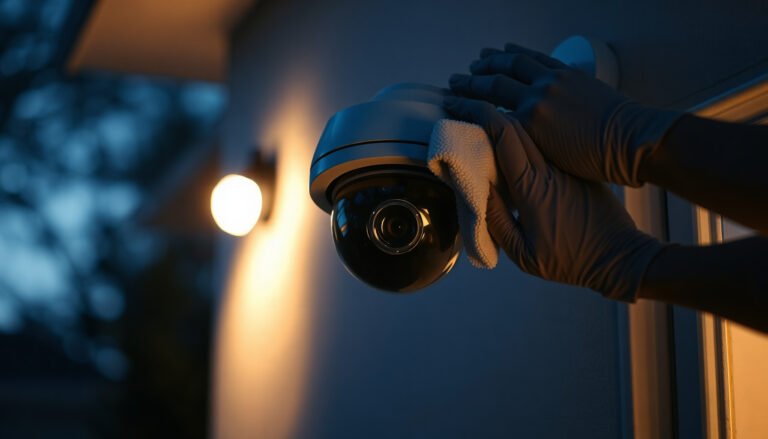
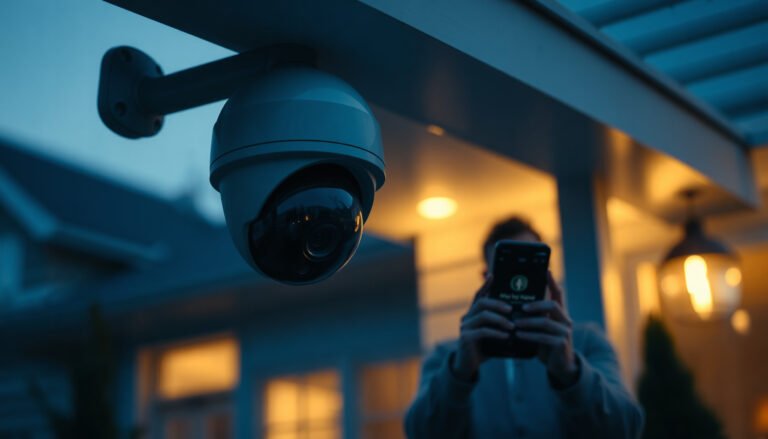
[…] CCTV cameras have a clear cover that can be safely cleaned without scratching if you wipe with a microfiber cloth using only manufacturer-approved cleaner. The best approach is the one that protects the lens […]
[…] easiest way to clean an outdoor CCTV camera is to gently wipe the lens with a soft microfiber cloth after loosening grime with a lightly dampened cloth. Keeping the lens clear helps maintain sharp, […]