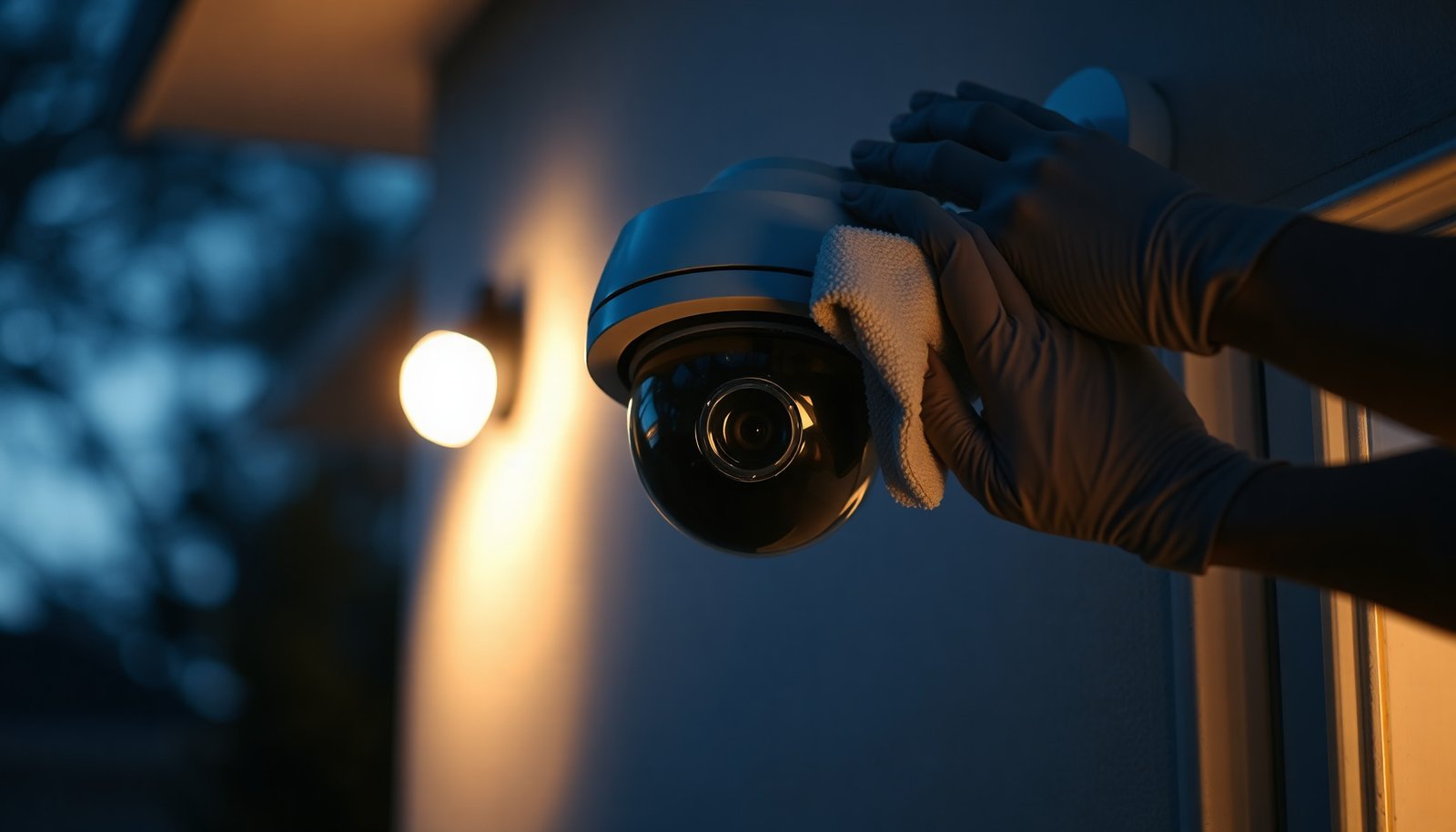

The easiest way to clean an outdoor CCTV camera is to gently wipe the lens with a soft microfiber cloth after loosening grime with a lightly dampened cloth. Keeping the lens clear helps maintain sharp, usable footage when weather, dust, or pollen leaves streaks or haze.
The easiest way is to safely power down the camera, then gently wipe the lens and housing with a microfiber cloth and a camera-safe cleaner, finishing with a dry buff. For stubborn grime, use a soft brush or low-pressure air instead of spraying water or pressure-washing—this keeps the image clear without stressing the lens coating or the weather seals.
If you’re dealing with dust, pollen, light rain streaks, spider webs, or “cloudy” night footage on an outdoor unit, this step-by-step approach is built for quick, low-risk cleaning. It works best when the camera is reachable from the ground or a stable ladder and you can access the housing without forcing anything.
Prep first: power, tools, and safety
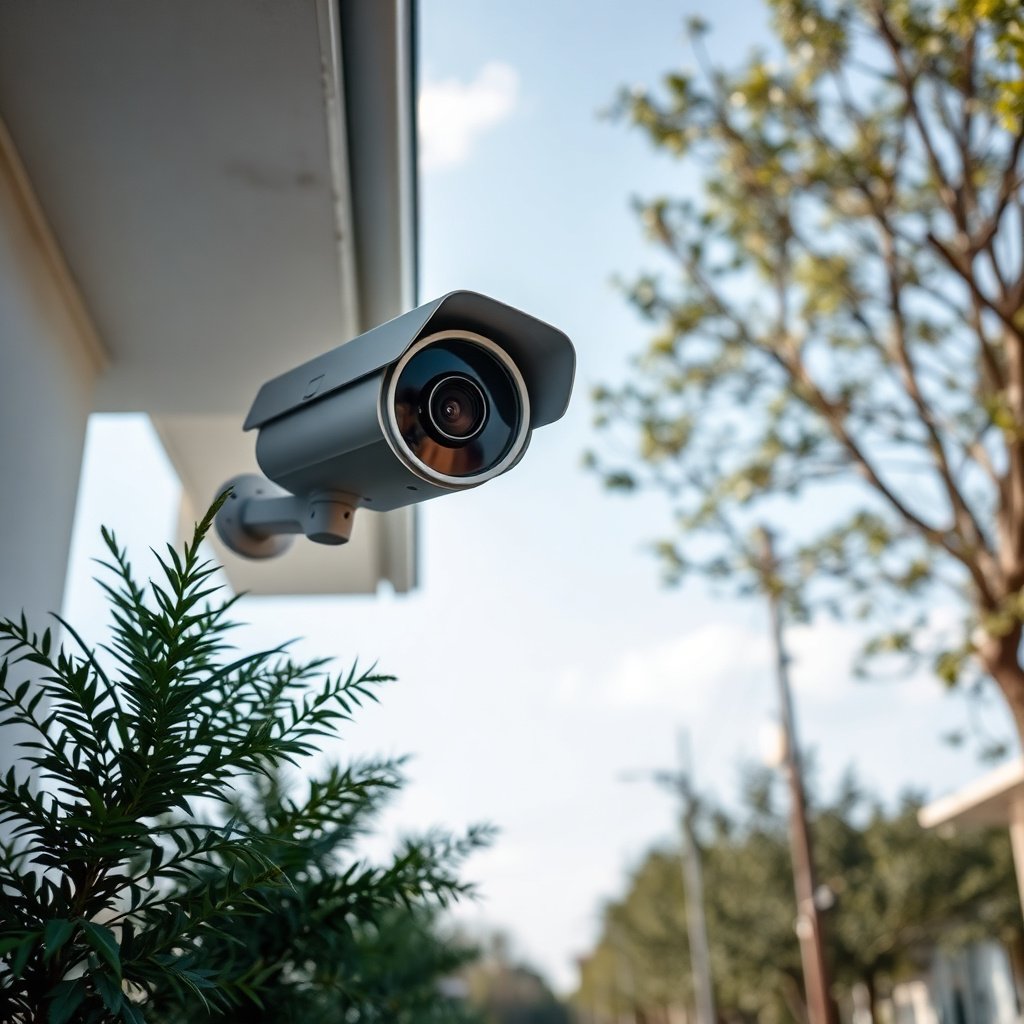
The safest first step is to power down the outdoor CCTV camera before touching the housing, cable connections, or mounting bracket. Then assemble only tools designed for optics so you don’t introduce scratches, residue, or excess moisture.
– Turn off power to the camera (or switch off the breaker/NVR channel) before you touch the housing or wiring. This reduces risk and prevents sudden power changes that can complicate system stability for an outdoor CCTV camera.
– Gather only low-risk tools: a clean microfiber cloth, cotton swabs (optional), a soft brush, and a camera-lens-safe cleaning solution. For the outdoor CCTV camera lens, avoid “multi-surface” cleaners and anything not labeled for optical coatings.
– Use ladder safety: stable footing, 3 points of contact, and don’t lean across the camera while wiping. Outdoor CCTV camera housings are usually sealed against weather, but leaning pressure and accidental impacts are a common way seals get stressed.
For safety-related energy control, OSHA’s lockout/tagout requirement exists specifically to control hazardous energy during servicing. According to OSHA’s Control of Hazardous Energy standard (29 CFR 1910.147) (1990), servicing should be done with energy isolated before work begins (OSHA 29 CFR 1910.147 (1990)). For ladders, always follow your local work-safety rules and your site’s access procedures before you clean an outdoor CCTV camera.
IP Ratings Common on Outdoor CCTV Cameras: What They Imply for Cleaning Risk
| # | IP Rating | Dust Protection | Water Protection Meaning | Water Exposure Allowance (Higher = Better) |
|---|---|---|---|---|
| 1 | IP44 | Protected vs. ≥1 mm objects | Splashing water | ★★☆☆☆ |
| 2 | IP45 | Dust protected | Water jets (low to moderate) | ★★★☆☆ |
| 3 | IP54 | Dust protected | Splashing water | ★★☆☆☆ |
| 4 | IP55 | Dust protected | Low pressure water jets | ★★★☆☆ |
| 5 | IP66 | Dust-tight | Powerful water jets | ★★★★☆ |
| 6 | IP67 | Dust-tight | Immersion up to 1 m for 30 min | ★★★★☆ |
| 7 | IP68 | Dust-tight | Continuous immersion beyond 1 m (conditions by manufacturer) | ★★★★★ |
Even if your outdoor CCTV camera is rated IP66 or IP67, cleaning method still matters. According to IEC 60529:2013, IP66 is designed for powerful water jets, while IP67 includes dust-tight protection with immersion up to 1 meter for up to 30 minutes (IEC 60529:2013). That rating describes ingress testing, not the safe practice of directing water or pressure at seams while cleaning.
Clean the lens (the part that matters most)
The fastest way to restore an outdoor CCTV camera’s image quality is a two-stage lens wipe: remove dry grit first, then remove smudges with cleaner applied to the cloth—not sprayed onto the lens. Finally, dry-buff to eliminate streaks that look like “cloudy night” footage.
– Start dry: wipe lightly with a dry microfiber cloth to remove dust before you add any liquid. In my routine maintenance of outdoor CCTV camera systems, this first dry pass is what prevents microscopic grit from acting like sandpaper.
– If smudges remain, apply cleaner to the cloth (not directly to the camera) and wipe in gentle, straight passes. Straight, controlled strokes reduce the chance of pushing residue outward into a hazy ring on the outdoor CCTV camera lens.
– Dry with a clean, dry microfiber to prevent streaks and water marks. Use a second dry cloth if the first one becomes damp—reusing a wet microfiber is a common cause of halos after cleaning an outdoor CCTV camera.
If you’re getting cloudy night footage after a cleaning session, it’s usually residue or micro-smears rather than “worse optics.” For an outdoor CCTV camera lens, avoid circular buffing patterns when the lens still has cleaner film—finish with a fresh dry pass.
Dry wipe vs “spray-and-rub” (what I recommend for outdoor CCTV cameras)
| Method | Pros for an outdoor CCTV camera | Cons / risk |
|---|---|---|
| Dry wipe → spot-clean cloth → dry-buff | Controls grit before liquid touches the outdoor CCTV camera lens; minimizes streaking; reduces stress on coatings and seals. | May require more than one pass for heavy buildup. |
| Spray directly on the lens, then rub | Looks quick. | Increases the chance of cleaner running into seams/ports and leaving residue that shows up as haze on an outdoor CCTV camera. |
Clear the housing and vents without soaking the camera
The easiest way to clean the housing of an outdoor CCTV camera is to remove loose debris first, then wipe only damp (not dripping) surfaces around openings and edges. This restores appearance and prevents clogged vents while avoiding moisture intrusion.
– Wipe the outer housing with a damp (not dripping) microfiber cloth, especially around edges where dirt collects. Keep pressure light—housings are rigid, but lens brackets and trim can flex.
– Remove debris like leaves, webs, or nesting materials using a soft brush or cotton swab. For an outdoor CCTV camera, this step also helps prevent insects from repeatedly building “new spider web coverage” right back onto the lens area.
– Keep water away from openings/ports and avoid saturating seams—outdoor cameras rely on seals for weather protection. If you see a vent or drainage point, treat it as a “no-wet-zone” unless the manufacturer explicitly instructs otherwise.
In coastal or high-humidity locations, an outdoor CCTV camera often fogs at night when moisture finds its way into the housing. That’s why “damp cloth only” matters more than trying to flood or soak exterior surfaces.
Avoid common “shortcuts” that damage outdoor cameras
The safest cleaning shortcut rule is: if the method increases liquid entry risk or introduces abrasive contact, skip it. For outdoor CCTV cameras, shortcuts tend to trade short-term speed for long-term image quality problems.
– Don’t pressure-wash or blast the camera with a strong hose stream—even briefly—because water can enter around seals. Even an outdoor CCTV camera with a high IP rating can suffer when water is directed at seams, mounting joints, or cable entry points.
– Avoid harsh chemicals on the lens (and generally avoid solvents not meant for optics); lens coatings can haze or degrade. If a cleaner doesn’t explicitly support optical surfaces, treat it as off-limits for an outdoor CCTV camera lens.
– Don’t rub aggressively: grit can scratch, and scratches won’t “clean away” later. If the outdoor CCTV camera lens still feels gritty, go back to the dry pass with a fresh microfiber and remove particles before continuing.
In practice, the biggest preventable damage I’ve seen on outdoor CCTV cameras comes from impatience—people try to “fix it faster” by increasing pressure or using the wrong liquid.
What can go wrong (and how to prevent it)
The most common outdoor CCTV camera issues after cleaning are streaking, fogging, and temporary connectivity quirks. You can prevent most problems by controlling where liquid goes and by handling power carefully.
– Streaky night footage after cleaning: usually means residue on the lens or wiping in circles. For an outdoor CCTV camera, switch to a clean dry microfiber and use gentle straight strokes, then dry-buff until no haze transfers to the cloth.
– Fogging or moisture inside the housing: often caused by soaking around openings or wiping while the unit is still wet. Let the area dry fully, keep liquids off ports, and don’t re-apply power until you’re confident the outside and edges are dry.
– Camera goes offline temporarily: happens when power is toggled while connected hardware is sensitive. If the manufacturer recommends a specific shutdown method for your outdoor CCTV camera/NVR combo, follow the manual instead of doing a quick cut without guidance.
– Warranty concerns: some manufacturers restrict cleaning products or methods. For an outdoor CCTV camera, check the cleaning guidance in your user documentation before using any solution you already own.
– You can’t safely reach it: if it requires working at height or in unsafe conditions, don’t improvise. Use safe access or hire help—accidents during cleaning are far more expensive than a professional wipe-down for an outdoor CCTV camera.
When something genuinely looks like moisture intrusion (droplets inside the lens cover, persistent internal fog), cleaning won’t fix it. That’s a seal or housing integrity problem, not a surface dirt problem on an outdoor CCTV camera.
Verdict: the easiest “safe clean” plan (and who should skip it)
The easiest reliable approach for an outdoor CCTV camera is power down → dry microfiber wipe → spot-clean lens with cleaner applied to the cloth → dry-buff → light housing wipe without soaking. This method is designed to preserve lens coatings, reduce streak risk, and avoid stressing the outdoor seals.
Here’s the downside: heavy, baked-on grime (caked dust + pollution film) may require more passes than the average wipe-down, and that sometimes tempts people to over-wet the outdoor CCTV camera. Avoid disassembly unless the manufacturer explicitly approves it—most outdoor units are not intended for casual opening.
Skip DIY cleaning if you can’t reach the camera safely, if the manufacturer warns against cleaning products you already have, or if the camera shows signs of water intrusion you can’t resolve (that’s more than “cleaning” for an outdoor CCTV camera).
Quick scan checklist (save this)
| Task | What to do | Avoid |
|---|---|---|
| Power | Turn off camera/NVR power before touching | Cleaning while energized |
| Lens first | Dry microfiber wipe | Scrubbing with grit |
| Spot smudges | Cleaner on cloth, gentle wipes | Spraying cleaner/liquid onto camera |
| Finish | Dry microfiber, light buff | Leaving moisture on edges |
| Housing | Light wipe only; remove webs/debris | Soaking, pressure washing |
| Safety | Stable ladder/secure access | Overreaching or unstable footing |
Frequently Asked Questions
What is the easiest way to clean an outdoor CCTV camera?
The easiest way is to start with a dry microfiber wipe to remove dust and loose debris, then use a camera-safe lens cleaning spray or 70% isopropyl alcohol on the cloth (not directly on the camera). Work gently around the lens and clear dome, avoiding pressure on seams or vents. Finish by wiping with a clean, dry section of the microfiber to prevent streaks and water spots.
How should I clean a weatherproof outdoor CCTV camera without damaging it?
Use only materials designed for optics: microfiber cloths and lens-safe cleaning solution, and never pour liquid directly onto the camera housing. Lightly dampen the cloth, then clean in small circular motions and let the lens fully dry before powering back on. If your camera has a cover dome or housing gasket, avoid getting cleaner into the edges where moisture could get trapped.
Why does my outdoor CCTV image look blurry after cleaning the camera?
Blurriness usually comes from streaks, residue, or smears left by the wrong cloth or cleaning spray. Another common cause is micro-scratches from abrasive paper, rough towels, or aggressive wiping. To fix this, use a fresh microfiber and optics-grade cleaner, then rewipe with a dry microfiber to remove any film.
Which cleaning solution is safest for CCTV lens glass on outdoor cameras?
For most outdoor CCTV lenses, 70% isopropyl alcohol is a safe choice when applied to the cloth rather than the lens. Use an optics or lens cleaning spray that’s specifically labeled safe for camera lenses if you prefer a non-alcohol option. Avoid harsh chemicals like bleach, ammonia, or window cleaners that may damage coatings and lead to haze or glare.
What’s the best method to clean an outdoor CCTV camera with heavy dirt, spider webs, or bird droppings?
Begin by removing spider webs and loose debris with a soft brush or microfiber wipe, so you don’t grind dirt into the lens. For bird droppings, let a damp cloth soften the mess first, then gently clean with optics-safe solution on the cloth and wipe clean with a dry microfiber. After cleaning, check the lens for smears and inspect the mounting area for recurring buildup to reduce future outdoor camera maintenance.
📅 Last Updated: November 03, 2026 | Topic: What is the easiest way to clean an outdoor CCTV camera? | Content verified for accuracy and freshness.
References
- IP code
- https://www.cdc.gov/coronavirus/2019-ncov/community/disinfecting-building-facility.html
- Cleaning and Disinfecting | Water, Sanitation, and Environmentally Related Hygiene (WASH) | CDC
- https://www.epa.gov/coronavirus/disinfecting-your-facility
- https://pubmed.ncbi.nlm.nih.gov/?term=cleaning+disinfecting+inanimate+surfaces+guidance
- https://www.sciencedirect.com/search?qs=cleaning+optical+surfaces+microfiber+alcohol
- https://www.sciencedirect.com/search?qs=security+camera+dome+cover+cleaning+procedure+maintenance
- https://scholar.google.com/scholar?q=cleaning+outdoor+CCTV+camera+lens+microfiber+isopropyl+alcohol Google Scholar
- https://scholar.google.com/scholar?q=procedure+to+clean+camera+lens+optical+window+outdoor+environment Google Scholar
- https://scholar.google.com/scholar?q=IP+code+outdoor+cctv+cleaning+water+ingress+pressure+washing Google Scholar