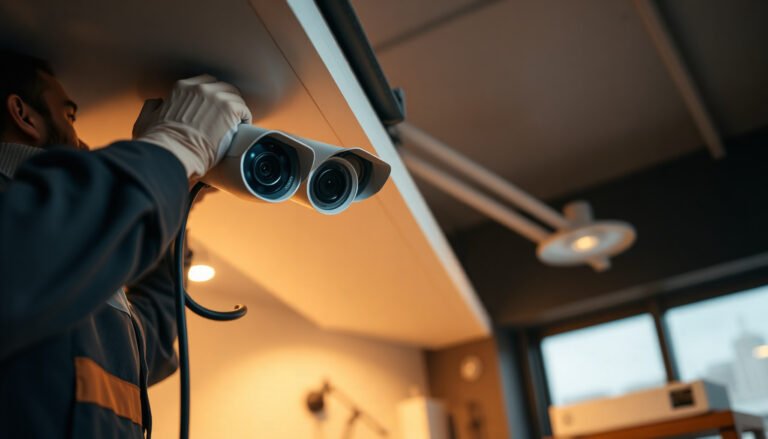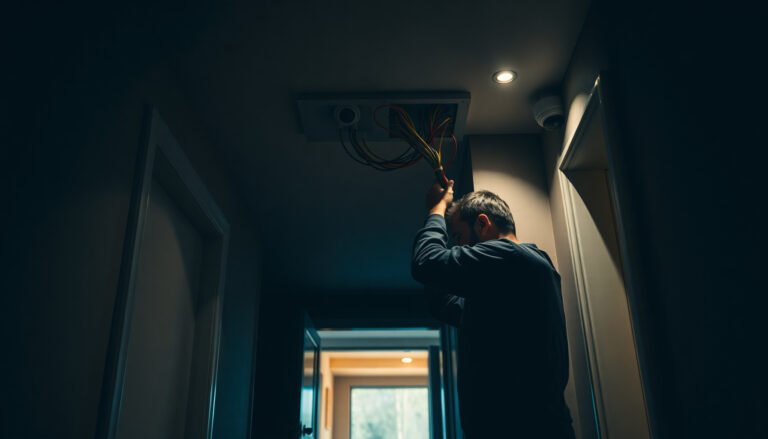

A practical CCTV plan for a small business ensures you place the right number of cameras in the right locations, with enough storage and recording settings to capture meaningful events. You can complete a clear checklist in a few hours by reviewing your floor plan, identifying entry/exit points, and confirming power, network, mounting surfaces, and retention requirements. Gather those details first, and you will be ready to select hardware and finalize a coverage layout with confidence.
Plan your CCTV system by mapping where incidents are most likely (entrances, cash areas, loading zones), then matching camera types and placement to your lighting and layout. After that, plan how footage will be recorded and stored, and confirm it complies with local privacy/signage expectations—so you don’t end up with gaps or unusable video.
If you run a small office, retail shop, warehouse, or home-based business with employees or customer traffic, this is for you—especially if you’re comparing DIY kits vs. hiring an installer and want a clear checklist before buying hardware.
Start with a coverage plan (what you must capture)
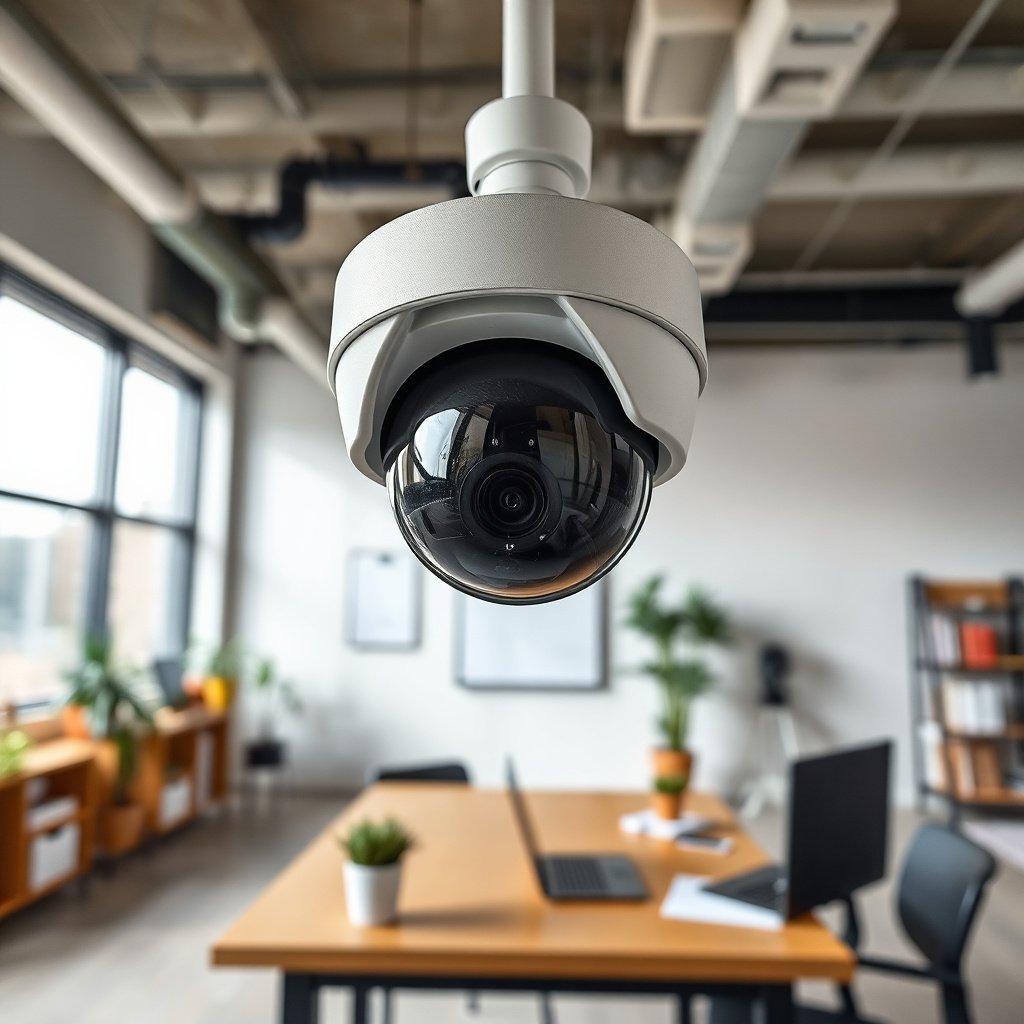
Start with a coverage plan that answers a simple question: where do you need usable evidence, not just “something on camera”? In 2026, the best CCTV systems for small businesses are planned by incident likelihood and viewing distance—because face quality depends on framing and proximity as much as it does on camera resolution.
– List the top priority locations: front/back doors, windows at street level, parking or bike racks, points-of-sale, and any back-of-house access. For many businesses, the “incident map” becomes the real design document: it’s where you place cameras that can capture faces during entry, hands during high-value handling, and vehicles during loading.
– Note conditions that affect video: indoor vs. outdoor, night lighting, glare (glass storefronts), and whether faces will be at close range or across a wide area. If your CCTV system has to work through reflections—like glass doors, polished floors, or overhead lighting—you’ll typically need different placement than you’d choose for a plain warehouse wall.
– Sketch your floor plan and mark “must-see” vs “useful context” views:
– Must-see: faces at entry, entry/exit routes where an ID might be needed.
– Useful context: approach paths, general activity outside the cash area, and where someone entered a blind zone.
A practical way to reduce blind spots is to define “events” rather than “camera angles.” For example, a retail store CCTV system should be planned around events like “someone arrives at the front door,” “someone reaches the counter,” and “a delivery enters the loading zone.” That mindset naturally prevents over-capturing low-value footage and under-capturing the moments you actually need.
Choose the right cameras and placement
Choose camera models based on what the CCTV system must reliably capture in your lighting and environment—not based on specs alone. The best placement decisions are driven by identification needs: wide coverage helps awareness, while tighter framing improves identification.
– Pick camera styles based on where they’ll be used: fixed indoor cameras, weatherproof outdoor units, and specialty needs like wide-angle for area awareness versus tighter views for identifications. If your doorways are narrow, you may need a camera position that “looks across” rather than straight at the entry to keep faces unobstructed.
– Plan placement height and angles so heads and faces aren’t blocked by doorframes, shelves, or posted signage. A common small-business mistake is mounting too high for “more coverage,” which makes faces smaller and turns evidence into silhouettes.
– Use a simple rule: wider coverage is good for awareness, but tighter framing is what helps with identification—so you may need multiple camera positions per area. For example, one camera can cover a lobby for context, while a second camera (slightly offset) captures faces when customers step into the most important zone.
From my experience reviewing CCTV system layouts with owners and managers, the biggest placement issue usually isn’t the camera—it’s the sightline test that never happens. Before you mount permanently, do a quick “walk test” from the most likely approach routes and confirm the face size is large enough when someone stops where your incident map says they’ll stop.
Outdoor CCTV IP Ratings That Commonly Match Small-Business Sites
| # | IP rating | Dust protection | Water protection | Typical CCTV mounting fit | Weather reliability |
|---|---|---|---|---|---|
| 1 | IP54 | Limited dust ingress | Splash resistant | Covered porches, sheltered entries | ★★ |
| 2 | IP55 | Dust protected (not dust-tight) | Water jets | Eaves with wind-driven rain | ★★★ |
| 3 | IP56 | Dust protected (not dust-tight) | Powerful water jets | Exposed areas with frequent washdown | ★★★ |
| 4 | IP57 | Dust protected (not dust-tight) | Temporary immersion (up to 1m, limited time) | Flood-prone door setbacks | ★★★★ |
| 5 | IP65 | Dust protected (dust-limited) | Water jets | Most retail exterior walls | ★★★★ |
| 6 | IP66 | Dust-tight | Powerful water jets | Loading bays, wind-driven rain | ★★★★★ |
| 7 | IP67 | Dust-tight | Temporary immersion (up to 1m, limited time) | Exterior near drainage or splash zones | ★★★★★ |
Plan recording, storage, and network access
Plan recording and storage so your CCTV system can keep the right footage long enough and still run reliably. The key decision isn’t “what resolution is best,” it’s how long you need retention, what triggers recording, and whether your network can support the data rate consistently.
– Decide how you’ll record: continuous recording vs. motion-triggered recording (understand that each affects storage needs). For many small businesses, motion-triggered recording reduces storage, but it can miss slow, non-motorized incidents or events that start before motion detection triggers.
– Choose storage with a realistic retention goal and resolution/bitrate expectations. If you’re unsure, use the manufacturer’s guidance and document assumptions using rather than guessing. A retention plan should also reflect how often managers actually review footage—if nobody checks it within a week, “30 days” may become an illusion rather than a benefit.
– Confirm remote viewing access (phones/laptops) and who will have it (e.g., owners, managers, IT). If you’re using Wi‑Fi, plan for signal strength and camera reliability in . In multi-tenant buildings or metal-laden warehouses, Wi‑Fi can look “connected” while frames drop—so plan for coverage testing before you commit.
Wired vs. Wi‑Fi: quick comparison for small-business CCTV systems
| Feature | Wired (Ethernet) | Wi‑Fi |
|---|---|---|
| Stability under load | Higher | Can vary |
| Latency & missed frames | Lower risk | Higher risk |
| Powering cameras | PoE common | Separate power or Wi‑Fi power |
| Installation time | More upfront work | Faster to deploy |
| Tamper resilience | Better with secure runs | Depends on mounting location |
| Troubleshooting | Predictable diagnostics | More variables (signal/roaming) |
| Future camera expansion | Straightforward | Can be limited by bandwidth |
| Network dependency | Largely deterministic | Dependent on RF environment |
| Power budget sizing | Use PoE switch capacity | Use camera power specs |
| Best fit for… | Critical-ID areas | Less critical spots |
| Best for row | Stable retention + fewer surprises | Quick installs where wiring is hard |
When you use PoE (Power over Ethernet), plan power budgets using real standards guidance: for example, IEEE defines PoE up to 15.4W per port for IEEE 802.3af-2003 and PoE+ up to 30W per port for IEEE 802.3at-2009. For larger camera loads, PoE++ increases availability; for example, IEEE 802.3bt-2018 supports higher wattage classes depending on type. These power ceilings matter because “it came online” is not the same as “it records consistently overnight.”
Installation, signage, and privacy basics
Install with tamper resistance and privacy compliance baked into the CCTV system plan—not treated as an afterthought. In many jurisdictions, privacy obligations apply to the way cameras are aimed, what areas they capture, and how you notify people, so you need to treat placement like a compliance deliverable.
– Run cables (or confirm wireless reliability) with tamper resistance in mind, especially where cameras are likely to be bumped or accessed. Use proper conduit or protective housings for runs near entry points, inventory shelving, or loading zones where staff and deliveries regularly pass.
– Follow local requirements for privacy notices/signage and camera placement rules; keep footage focused on your property and avoid capturing areas you don’t control (sidewalks, neighbors’ windows). If you can’t avoid capturing neighboring property, you may need repositioning, masking features (if supported), or a different camera field of view.
– Set up user permissions so not everyone can download footage—review access rules with . A permission system is part of privacy compliance, because the “who can export” decision often creates more risk than the number of cameras.
A good rule for small businesses: treat your CCTV system like an internal-records system. If you can’t explain who can view footage, how long it’s retained, and why, you’re not actually done with planning.
What can go wrong (and how to avoid it)
Avoid these failure modes by validating framing, lighting behavior, storage capacity, and downtime recovery before you finalize your CCTV system. Most problems show up at night, during peak activity, or after a network/power hiccup—precisely when you need the system most.
– “We installed cameras, but we can’t identify people.” Usually the camera is too high, too wide, or poorly angled for faces—tighten framing at entry points and test sightlines before final mounting. Do a face-size check by standing where someone would stop to enter, not where someone is walking past.
– “We have footage, but it’s useless at night.” Outdoor cameras may need appropriate night capability and careful placement away from direct light glare; verify lighting conditions for . Pay special attention to reflective surfaces and headlight exposure in parking areas.
– “Storage fills up or keeps overwriting.” Motion recording, higher resolutions, and busy zones can consume storage faster than expected—use and validate your retention goal before committing. If your DVR/NVR supports multiple stream profiles, separate “analytics” streams from “archive” streams to control storage growth.
– “The system works… until the network or power hiccups.” If outages are possible, plan for stable power and network resilience (and confirm how the system behaves during downtime using ). In 2026, many small businesses still discover the issue only after the first power flicker—so confirm whether recording stops, whether it buffers, and how it recovers.
DIY planning vs. hiring an installer (quick comparison)
| Feature | DIY planning & install | Installer-led planning & install |
|---|---|---|
| Time to design coverage | Variable | Typically faster |
| Framing & identification quality | At risk if requirements aren’t tested | More likely validated on-site |
| Storage sizing accuracy | Easy to underestimate | More likely based on vendor tools |
| Privacy signage & placement checks | Owner must research locally | Often handled as part of scope |
| Network troubleshooting | May require repeated adjustments | Commonized process |
| Cable/wireless reliability | Depends on site conditions & skill | More likely engineered for the site |
| Documentation & handover | May be incomplete | Typically stronger |
| Warranty/aftercare | Varies; may be limited | Often includes support options |
| Compliance defensibility | Harder to prove later | More likely documented |
| Best for… | Small layouts, low complexity | Complex buildings or strict compliance needs |
| Best For row | Owners who can validate framing and settings | Teams who need predictable outcomes and documentation |
Verdict + quick checklist (what to do next)
If you want the best chance of getting usable footage, plan before you buy: map coverage, match camera framing to identification needs, and size storage for your recording approach. Downsides: DIY planning can be time-consuming, and wrong camera placement is hard to fix after installation—so if your building is complex, you have limited networking skills, or you need guaranteed compliance documentation, consider a local installer instead. If you only need “general awareness” and don’t care about identifying details, keep it simpler—but don’t expect the same results as systems designed for face-level views.
CCTV planning “DIY vs Installer” scorecard (VS)
| Criteria | DIY-led | Installer-led |
|---|---|---|
| Coverage mapping quality | Depends on operator | More consistent |
| Face framing accuracy | Often needs iteration | More likely validated on-site |
| Night performance planning | Easy to miss glare | More likely considered |
| Storage retention sizing | Common underestimation | More likely sized correctly |
| Network reliability | Varies with Wi‑Fi | More likely engineered |
| Compliance documentation | May be incomplete | Often documented in handover |
| Downtime behavior | May be discovered later | More likely tested/confirmed |
| Future expansion planning | May be ad-hoc | More likely staged |
| Total cost predictability | Can balloon with rework | More predictable scope |
| Best outcome expectation | Good with correct planning | Good with correct planning |
| Verdict row | Choose DIY if your layout is simple and you can test framing | Choose installer if you need defensible compliance and reliable night evidence |
Scan-and-save checklist
– Coverage
– [ ] Mark entrances, cash/checkout, and high-risk paths
– [ ] Identify areas where faces will be close enough to matter
– Camera selection & placement
– [ ] Choose indoor vs. outdoor appropriate models
– [ ] Avoid blocked views (doorframes, shelves, signage)
– Recording & storage
– [ ] Decide motion vs. continuous recording
– [ ] Set retention goal and validate storage sizing using
– [ ] Confirm remote access and user permissions
– Install & compliance
– [ ] Plan cable/wireless reliability and tamper resistance
– [ ] Add required privacy notices/signage per local rules
– [ ] Document who can access or export footage
Frequently Asked Questions
What should I consider when planning a CCTV system for a small business?
Start by identifying the areas that need coverage, such as entrances, parking lots, cash registers, warehouses, and hallways. Consider the level of detail you need (faces vs. general activity), lighting conditions, and whether areas are indoors or outdoors. Also plan for data storage size, reliable power, and where the monitor/NVR will be located for secure access.
How do I choose the right number of CCTV cameras for my shop or office?
A good approach is to map your floor plan and list the key entry/exit points and high-value zones, then ensure each location has overlapping views where possible. Many small businesses use 4–8 cameras for typical coverage, but the exact number depends on layout, blind spots, and whether you need license plate capture in parking areas. If you’re unsure, prioritize coverage of doors, ATMs/counters, and corridors first, then expand based on where incidents occur.
Which camera resolution and night vision features are best for small business CCTV?
For most small business CCTV systems, 4MP to 8MP resolution (depending on your budget and viewing distance) provides useful facial and activity detail. Look for cameras with IR night vision or built-in low-light sensors, plus features like wide dynamic range (WDR) to handle storefront glare and headlight lighting. If you need recognition at night, test the camera’s stated “effective range” for your specific area rather than relying only on marketing specs.
How should I design camera placement to reduce blind spots and improve evidence quality?
Mount cameras at heights that deter tampering but still capture usable faces, typically around 8–10 feet indoors, and use weather-rated domes or turrets outdoors. Angle cameras to cover approaches to doors and checkout areas, avoid pointing directly into strong backlighting, and use overlapping fields of view at corners. Keep lenses clean, use appropriate mounting for vibration-free footage, and ensure cables are run through protected conduits where feasible.
Why is storage planning (NVR/Cloud) critical when installing CCTV for a small business?
Your recording method determines how long footage is retained, which directly affects your ability to review incidents after the fact. For small business CCTV, choose an NVR with enough drive capacity and confirm supported bitrates/resolutions for all cameras, or select a reputable cloud solution with clear retention rules. Also plan for cybersecurity basics like unique passwords, firmware updates, and restricted access to the CCTV system for staff and administrators.
📅 Last Updated: November 03, 2026 | Topic: How to plan a CCTV system for a small business? | Content verified for accuracy and freshness.
References
- https://ico.org.uk/for-organisations/guide-to-data-protection/cctv/
- [Withdrawn] Surveillance camera code of practice – GOV.UK
- https://ico.org.uk/for-organisations/guide-to-data-protection/face-recognition/
- Closed-circuit television
- Digital video recorder
- Network video recorder
- IP camera
- https://scholar.google.com/scholar?q=planning+CCTV+system+small+business Google Scholar
- https://scholar.google.com/scholar?q=CCTV+camera+placement+field+of+view+lighting+guidelines Google Scholar
- https://scholar.google.com/scholar?q=video+surveillance+system+requirements+IEC+62676+planning Google Scholar