
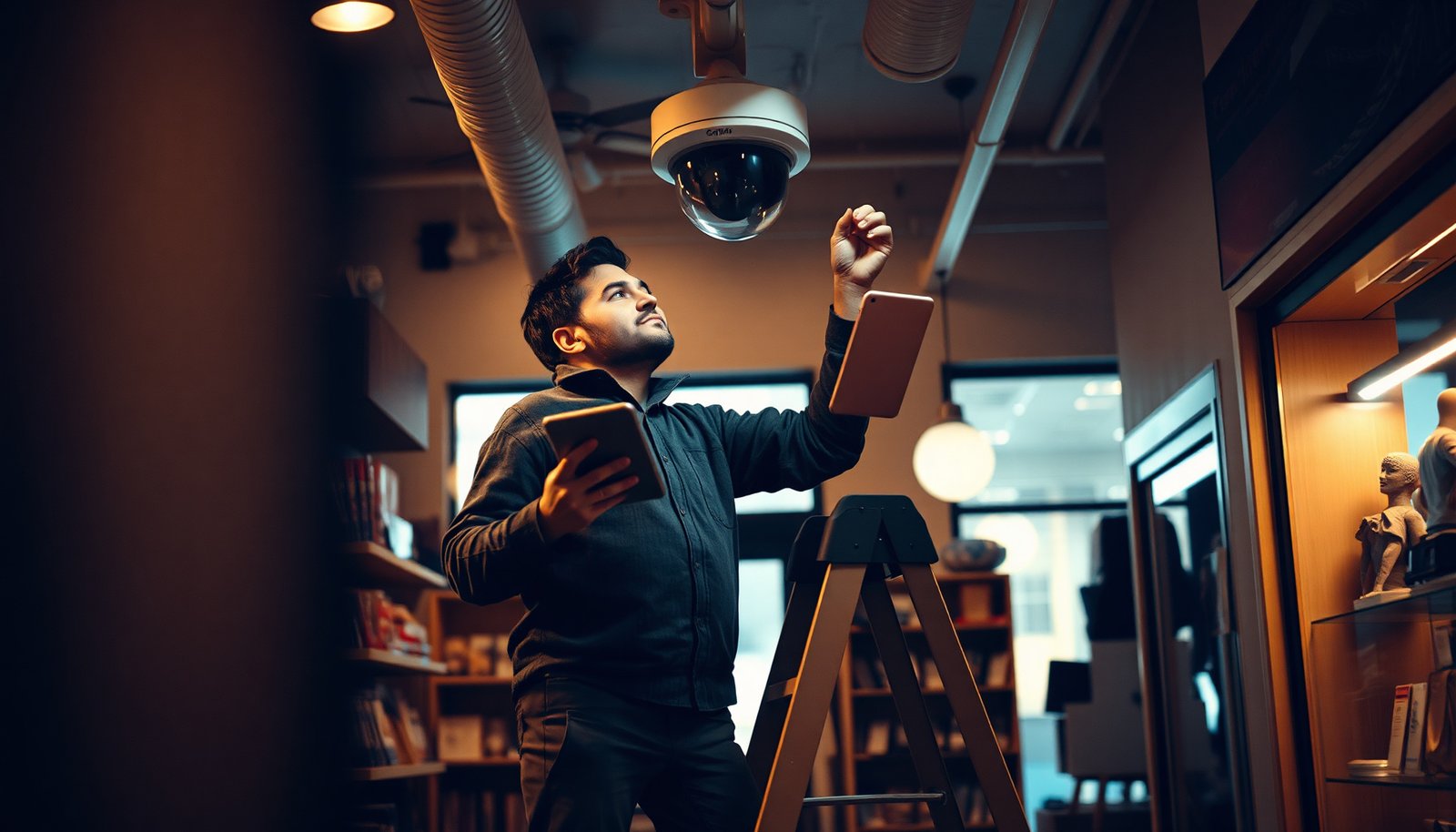

How should you plan a CCTV system for a small business so you capture the right evidence when something goes wrong? Begin by mapping your entry points, work areas, and valuables to define exactly what each camera must cover, then select mounting locations that minimize blind spots and avoid glare. Next, plan the recording method, retention time, and power/network needs so the system stays reliable from day one.
Plan your CCTV system by matching your coverage goals (what you need to see) to the right camera types and placement, then align recording and storage with how you’ll actually review footage. If you do that in order—coverage first, then hardware, then retention/review—you avoid the most common failures: blind spots, unreadable images, and systems that are a pain to access when something happens.
This guide is for small business owners and managers who want a practical CCTV plan without overbuying or ending up with blind spots, poor-quality footage, or a setup that’s hard to access later.
Start with coverage goals (what you’re protecting)
A good CCTV system starts with clarity: what must be visible, from what angle, and at what level of detail. If you can’t describe the scenes you’re protecting, every other decision—camera resolution, lens choice, even where you mount—becomes guesswork.
– Identify the exact moments that matter most: doors/entryways, reception, cash handling areas, back rooms, loading bays, and any outdoor walkways
– Prioritize “pre-incident” visibility (seeing who is approaching) over “incident-only” views (only capturing faces after someone is already inside)
– Sketch a simple floor plan and mark where you need recognition vs general monitoring (the goal changes what camera you choose)
In practice, “recognition vs monitoring” is the difference between a camera that supports “Who is this?” and one that supports “Someone entered.” For example, a reception camera often needs general monitoring plus situational awareness at wider angles, while an entrance approach camera needs enough detail to be useful if an incident is reported. In 2026, many small businesses also need to plan for remote viewing, which makes pre-incident coverage even more valuable—because remote checks often happen after an alert, not during the first seconds of an event.
When you sketch your floor plan, use two layers:
1. Approach paths: where a person can enter your scene (parking lot to door, walkway to side entrance, alley to loading bay).
2. High-stakes zones: where you want actionable detail (cash drawer area, safe room door, employee-only hallway, exterior gate latch).
Also note that a CCTV system is only as effective as its weakest sightline. I often see plans that protect “the door,” but fail to cover the approach to the door, which is where ID and context are most likely to be captured.
Choose camera types and placement for real coverage
Your CCTV system will only deliver useful footage if your camera types and mounting locations match your coverage goals. The main planning win here is choosing the right “view type” (wide vs tighter) per area, not just picking higher resolution.
– Use a mix based on location needs: indoor/outdoor-rated cameras for exterior areas, and wider vs tighter views depending on the space
– Plan for lighting and reflections (glare from windows, shadows from overhead lights, and headlights at night can ruin detail)
– Place cameras to reduce tampering and avoid aiming so directly into bright light that faces become silhouettes
A common mistake is treating camera resolution as a cure-all. If glare washes out a face, even a high-spec CCTV system won’t help. For example, if an entrance camera points toward an outdoor area with strong headlight exposure, the image may look fine in daylight but fail at night. In 2026, many businesses address this by combining smart placement (angles away from direct light) with cameras designed for low-light performance and appropriate lens selection—but placement still comes first.
Use placement tactics that support recognition:
– Avoid shooting against bright windows whenever possible; reposition so the camera “sees” faces under more even illumination.
– Use mounting height intentionally: too high often reduces face recognition; too low increases tampering and occlusion.
– Use overlap at boundaries: entrances that sit between two camera views usually get better continuity for ID and sequence.
H3: Don’t forget “who/what” questions
Your CCTV system should be planned around the “who/what” outcome you need from each camera. If you need to identify people, you’ll need the right angle, mounting height, and enough image clarity in your lighting conditions; if you only need to confirm activity, a wider monitoring view may be enough.
To make this concrete, label each camera on your sketch with one of these outcomes:
– Who: person identity or facial detail is required (typically entry approaches and key interior corridors).
– What: activity confirmation is sufficient (e.g., “someone entered the stockroom,” “a door opened,” “a vehicle was present”).
After you label your outcomes, choose camera “resolution tiers” that match the job. Below is a practical reference for how common surveillance resolutions translate into detail potential—higher pixel counts generally support better recognition when lighting is adequate.
Common CCTV Video Resolutions and Detail Potential (Pixel Count)
| # | Resolution label | Frame size (pixels) | Detail tier | Detail potential (MP) |
|---|---|---|---|---|
| 1 | HD 720p | 1280 × 720 | ★★☆☆☆ | 0.92 |
| 2 | Full HD 1080p | 1920 × 1080 | ★★★☆☆ | 2.07 |
| 3 | 3MP class | 2304 × 1296 | ★★★☆☆ | 2.99 |
| 4 | QHD / 4MP class | 2560 × 1440 | ★★★★☆ | 3.69 |
| 5 | 5MP class | 2560 × 1920 | ★★★★☆ | 4.92 |
| 6 | 8MP class (4K UHD) | 3840 × 2160 | ★★★★★ | 8.29 |
| 7 | Wide 2K / 1440p | 2560 × 1440 | ★★★★☆ | 3.69 |
Use this table as a sanity check: if you’re asking a CCTV system to identify faces at the far end of a loading bay, you’ll need enough pixel detail and suitable lighting. If you’re only monitoring general movement, you can often save budget by using wider/lower-tier configurations.
Plan recording and storage so footage lasts when you need it
Your CCTV system should record in a way that matches real incident timing, not just a default “record everything” setting. Decide the recording mode first, then size storage (or NVR/NAS capacity) so footage is available when you need it.
– Decide whether you’ll record continuously, only on motion, or a combination—then choose storage accordingly
– Ensure your retention plan covers your real operational window (for example: how long until incidents are typically reported/reviewed internally)
– Confirm you can back up/export clips easily and that playback is usable on the devices you actually have (office computer, manager phone, etc.)
In my experience helping small businesses plan CCTV systems, retention is where “it looked fine in the demo” usually becomes “we can’t find anything now.” A motion-only setup can be great, but only if motion detection zones are tuned so important events aren’t missed. A continuous setup is safer for continuity, but it can overwhelm storage if settings are too aggressive.
To keep the decision practical, start with your own review habit:
– How often do you review footage proactively? (weekly, daily, only when something is wrong)
– When something happens, how quickly do you usually need to pull clips? (within hours, next day, after several days)
Then align recording to that workflow.
| Recording mode | Best for | Tradeoffs to plan for |
|---|---|---|
| Continuous (24/7 or business hours) | Events where you need full context and sequence | Higher storage use; requires careful NVR sizing and disk health monitoring |
| Motion/event-based | Smaller sites where you want easier review and longer retention per GB | Needs tuned detection zones to avoid misses (shadows, swaying plants, reflections) |
| Hybrid (continuous on high-priority areas + motion elsewhere) | Most common “small business sweet spot” when budget is limited | More configuration complexity; still must define review expectations and retention windows |
H3: Match recording to review workflow
Your CCTV system should be set up so staff can pull relevant footage quickly, not only so it exists somewhere on a hard drive. Then you define who can view, download, and share clips, because access and process are part of whether the system works.
A review workflow sounds “soft,” but it’s operationally hard:
– If staff have no consistent search method (by camera, by time range, by motion events), valuable minutes disappear.
– If too many people have access, footage can be mishandled; if too few people have access, incidents slow down.
Practical steps:
– Use event/trigger capture (motion + door contact signals if you have them) so clips are segmented logically.
– Train staff on a single “how to export” routine, with an approved destination (email, secure drive, or internal case folder).
– Decide how long exports are kept after an incident (internal compliance and evidence-handling policy may require keeping some exports longer than raw recording).
Cover power, wiring, and network realities early
Your CCTV system planning should assume the hardware will be installed once and must work reliably without constant troubleshooting. If you rely on network cameras, your network and power strategy must be designed to match camera placement—because Wi‑Fi dropouts and weak cabling create blind gaps.
– If you’re using network cameras, confirm your Wi‑Fi/Ethernet strategy works where cameras will mount (signal dropouts can create gaps)
– Plan cable routes carefully to avoid easy tampering and to keep the system reliable during renovations or maintenance
– If you’re considering remote access (viewing outside the office), plan for secure logins and stable internet so you can actually check footage when away
Network reliability details to plan for:
– If cameras are on Wi‑Fi, test signal strength at the planned mounting point (not just near the router).
– If you can run Ethernet, do it—Ethernet reduces many failure modes compared to wireless.
– Keep the NVR/switch placement in a predictable, ventilated area where accidental unplugging is less likely.
For security and auditability, also plan access control early. According to NIST SP 800-53 Rev. 5 (2020), audit and accountability controls (AU family) are used to support traceability through system logging, which is directly relevant to CCTV access and evidence handling.
H3: Reduce failure points
Your CCTV system should reduce preventable downtime so coverage goals don’t silently degrade over time. The simplest wins are firmware discipline, storage sizing, and monitoring system health.
– Keep firmware/software up to date per the manufacturer’s guidance
– Use a storage/NVR setup that’s designed for the workload you expect (especially if multiple cameras record simultaneously)
In 2026, many small businesses also run multiple apps on the same office network. If you’re doing that, isolate CCTV traffic where possible, and confirm your switch/NVR can handle sustained video writes without latency spikes.
Privacy, signage, and access control (don’t skip the rules)
Your CCTV system must protect people’s privacy as well as your assets, and that means planning placement and access as part of the system design. The biggest compliance failure we see is over-broad camera coverage paired with weak controls around who can view footage.
– Post CCTV notices where required in your area and ensure camera placement avoids unnecessary views into private spaces (like neighboring properties)
– Limit access to footage to authorized staff only, and keep login details protected (no shared accounts)
– If you operate in locations with employee monitoring expectations, align your approach with your internal policies and local compliance requirements
Two practical rules help across jurisdictions:
1. Data minimization: capture only what you need for safety/security outcomes.
2. Controlled access: ensure staff access is role-based and traceable.
From a GDPR perspective, the storage limitation principle is explicit: personal data should not be kept longer than necessary for the purposes for which it’s processed (Article 5(1)(e)) (GDPR, Regulation (EU) 2016/679 (2016)). GDPR also requires “security of processing,” meaning appropriate technical and organizational measures to protect data (Article 32) (GDPR, Regulation (EU) 2016/679 (2016)). Even if you’re not under GDPR, these are strong, widely applicable planning principles for small businesses.
What can go wrong (and how to avoid it)
A CCTV system can fail even when the cameras are “good” if planning skipped a key constraint like lighting, reviewability, or privacy. These problems are predictable—so you can avoid them before installation.
– Blind spots from “pretty but wrong” angles: a camera that looks great in a showroom can fail in your real lighting and sightlines—verify coverage on your floor plan
– Low usability footage: if the system is set up to record everything but reviewed never, you still won’t solve incidents—build the review workflow in from day one
– Storage surprises: recording settings that seem minor (motion thresholds, compression settings, continuous vs event recording) can drastically change how much footage you retain
– Privacy and compliance missteps: cameras pointed too broadly (or signage/access handled loosely) can create legal and HR problems later
A quick pros/cons comparison can keep decisions grounded:
| Decision | Pros | Cons / what to watch |
|---|---|---|
| Prioritize pre-incident coverage | Better chances to identify approach and context | Requires you to cover walkways/approach paths, not only doors |
| Go event-based to save storage | More manageable footage volume | Poorly tuned detection can miss events during shadows/glare |
| Use higher resolution everywhere | More detail potential | Costs more storage/network capacity; may not help if lighting is poor |
Verdict / tip + quick planning checklist
If you want the simplest path to a working CCTV system, plan around coverage goals first, then pick camera types and recording/storage that match how you’ll actually review footage. The downside: a well-planned system can still fail if your placement doesn’t account for lighting/glare or if access/storage rules aren’t set up early.
Who should skip DIY planning: if you don’t have a consistent way to review/export footage, if wiring/network work is out of your comfort zone, or if you operate in a regulated environment where privacy/employee monitoring rules require careful handling. In those cases, consider a local installer to verify coverage and compliance.
Quick CCTV planning checklist (save this)
| Planning item | Done? | Notes |
|---|---|---|
| Mark priority areas on a floor plan (doors, cash, back rooms, exterior paths) | ☐ | |
| Confirm cameras won’t point into glare/headlights/windows | ☐ | |
| Decide recording approach (continuous vs motion vs mixed) | ☐ | |
| Choose retention window based on real incident reporting needs | ☐ | |
| Ensure remote viewing (if needed) is secure and reliable | ☐ | |
| Set user roles for viewing/downloading/sharing footage | ☐ | |
| Add CCTV signage and review privacy placement | ☐ | |
| Document your setup (camera locations, login info process, export steps) | ☐ |
Before you buy anything, take one hour to mark your coverage goals and retention needs on paper—then choose cameras and recording/storage that directly support those decisions.
Frequently Asked Questions
What’s the best way to plan a CCTV system for a small business?
Start by identifying what you need to protect—entries, cash handling areas, loading docks, hallways, parking lots, and any high-value storage. Do a quick risk assessment and map camera locations so each critical area has clear coverage without blind spots. Then choose appropriate camera types and plan for the recorder, monitor placement, power, and internet connectivity to support reliable CCTV monitoring.
How do I choose the right number of CCTV cameras for my shop or office?
Use floor layout and foot-traffic patterns to determine coverage: typically prioritize entrances/exits, points of sale, and routes people must pass through. A common small business approach is placing cameras to capture faces at close range near doors and to capture license plates at vehicle access points. If you’re unsure, count “decision points” (where someone can enter, access inventory, or approach staff) and place cameras to cover each point with overlap to reduce blind spots.
Which CCTV camera type should I use for indoor vs. outdoor areas?
For indoor CCTV, consider fixed bullet or dome cameras with good low-light performance to cover counters, corridors, and storage rooms. For outdoor CCTV, choose weather-rated (IP66 or similar) cameras with vandal resistance where needed, and ensure adequate night vision range for your exterior lighting conditions. If you need identifying faces or reading details like plates, look for cameras with higher resolution (e.g., 4K) and consider lens options such as varifocal for better control of field of view.
Why is placement and lighting important when planning a small business CCTV system?
Even a high-resolution CCTV system won’t perform well if cameras face glare, backlighting, or areas with poor illumination. Mount cameras at appropriate heights to capture faces while reducing tampering, and aim to minimize reflections from glass windows or bright signs. For night coverage, add or adjust exterior lighting and use cameras with smart infrared or wide dynamic range (WDR) to maintain usable images.
How should I design the CCTV recording, storage, and remote viewing setup?
Decide whether you need local recording (NVR with hard drive) or cloud backup, and set retention based on how long you may need footage (often 14–30 days for many small businesses). Ensure the network can handle live viewing and uploads if you plan remote CCTV monitoring from a phone or office. Confirm that your system supports notifications for motion/events, has proper user permissions for staff access, and includes secure passwords and firmware updates to protect your CCTV footage.
📅 Last Updated: November 03, 2026 | Topic: How should I plan a CCTV system for a small business? | Content verified for accuracy and freshness.
References
- https://ico.org.uk/for-organisations/uk-gdpr-guidance-and-resources/cctv/
- [Withdrawn] Surveillance camera code of practice – GOV.UK
- https://www.ncsc.gov.uk/guidance/securing-internet-connected-devices
- Closed-circuit television
- https://ico.org.uk/for-organisations/guide-to-data-protection/guide-to-the-general-data-protection-regulation/accountability-and-governance/data-protection-impact-assessments/
- https://ico.org.uk/for-organisations/guide-to-data-protection/guide-to-the-general-data-protection-regulation/principles/storage-limitation/
- https://ico.org.uk/for-organisations/guide-to-data-protection/guide-to-the-general-data-protection-regulation/accountability-and-governance/privacy-by-design/
- https://scholar.google.com/scholar?q=CCTV+system+planning+small+business Google Scholar
- https://scholar.google.com/scholar?q=video+surveillance+privacy+guidance+data+protection Google Scholar
- https://scholar.google.com/scholar?q=security+hardening+IP+CCTV+systems+best+practices Google Scholar

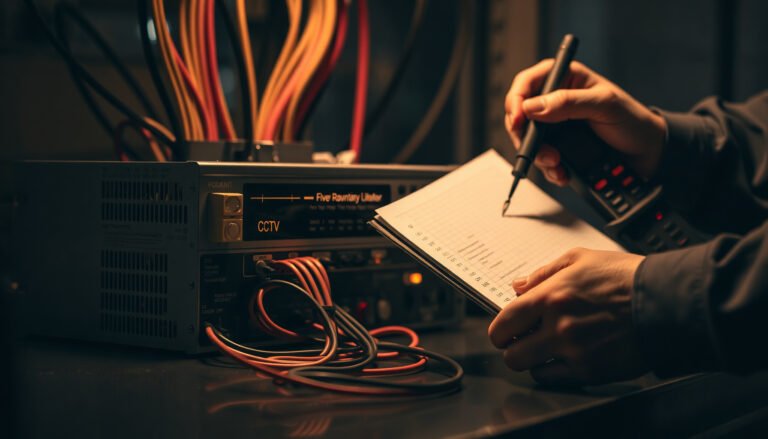
[…] will deliver clear live footage and alerts from the room you choose, without awkward cables or blind spots. You’ll learn how to pick the right location, mount it securely, route power or Ethernet, and […]