
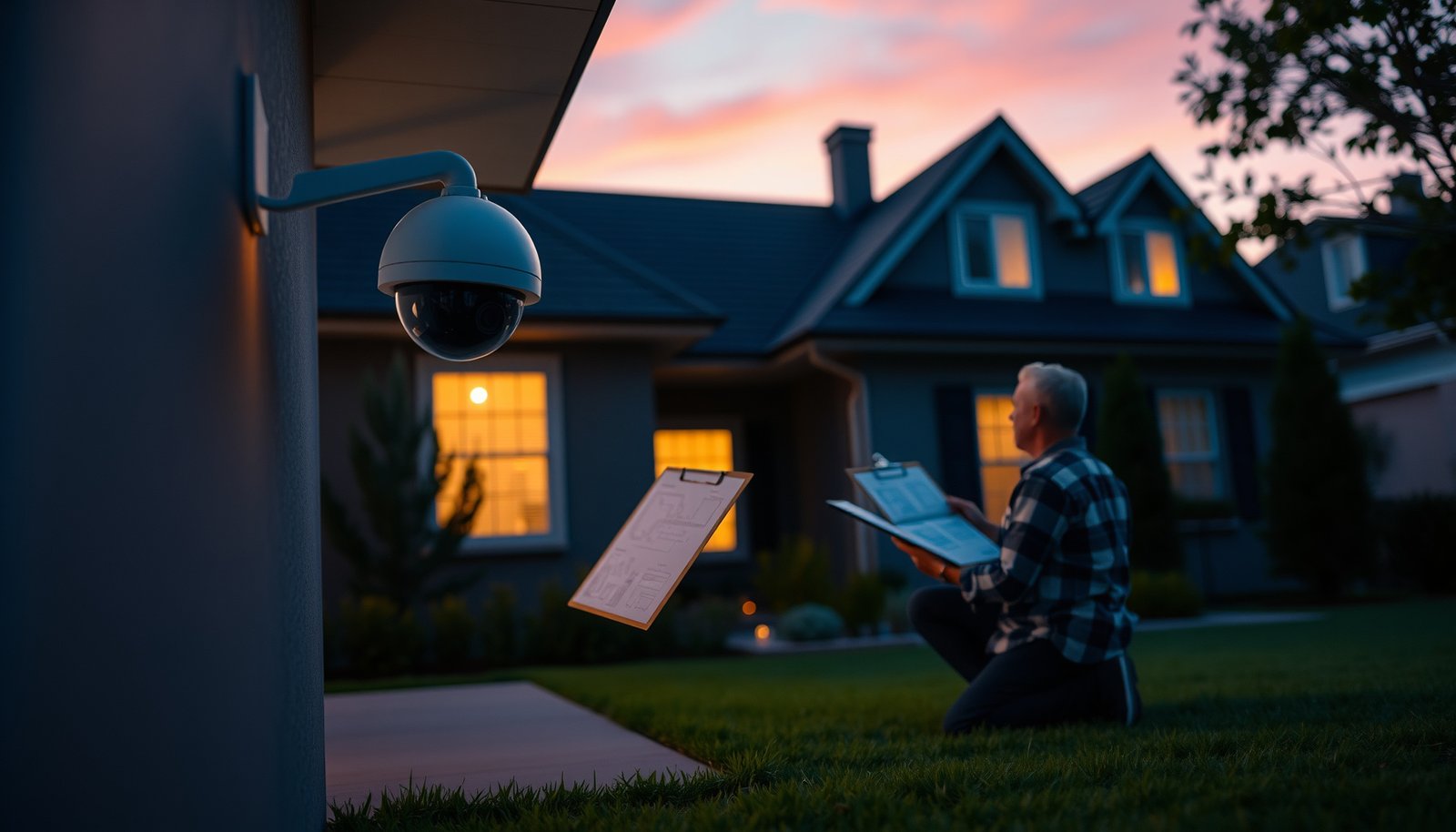

Plan your home CCTV system properly by starting with a coverage map, choosing the right camera types, and placing each lens to capture faces and key entry points without wasting feeds. This guide gives you a clear checklist that works whether you’re building from scratch or upgrading an existing setup—so you know exactly what to buy, where to mount, and how to avoid common blind spots and wiring mistakes. By the end, you’ll have a practical plan that balances visibility, privacy, storage, and budget.
Plan your CCTV system by first mapping what you need to cover (doors, driveway, garage, and pathways), then choosing cameras and a recorder that fit those viewing goals, and only then planning mounting, wiring, and network setup. If you do it in that order, you avoid the most common issues like blind spots, unreliable Wi‑Fi, and “wrong” footage quality. In this guide, you’ll learn a step-by-step way to design a home CCTV setup that’s actually usable day-to-day (and practical to maintain in 2025–2026).
This is for homeowners, landlords, and DIY installers planning a first CCTV setup (wired, PoE, or Wi‑Fi). It’s especially useful if you want something that’s reliable enough for real incidents—without overbuying gear you don’t need.
Start with a coverage map and clear security goals
If you want a home CCTV system that records the right moments, start by drawing exactly where people (and vehicles) will approach—and what you need to identify once they’re in view. A coverage map turns “more cameras” into “useful footage,” because it forces you to match camera placement to real approach paths, lighting, and obstruction risks.
A coverage map helps prevent blind spots by showing where faces, license plates, and key approach paths will (or won’t) be visible from the camera’s intended angle.
Night lighting and reflective surfaces (porch lights, white walls, car paint) can dramatically change image clarity, so you should plan for real nighttime viewing before final installation.
Fences, gates, and overhangs often block faces more than people expect, which is why a coverage map should include nearby structures and sight-line breaks.
Map the exact areas that matter (not just “the property”)
A solid home CCTV system plan starts with a simple list of zones you truly care about:
– front entry (door, porch, mailbox area)
– back door / rear patio access
– driveway or parking spot
– garage door / garage approach
– side gate and pathways (the “in-between” route burglars commonly use)
Then convert that list into placement intent: for each zone, write what success looks like. For example:
– Front entry: recognize a person approaching and determine direction of travel.
– Driveway: capture a vehicle clearly enough to support identification (and plate visibility if that’s a goal).
– Package drop-off: confirm delivery, what got dropped, and whether a person retrieved it immediately.
From my experience helping homeowners plan layouts, the most frequent planning failure is trying to do everything with one “wide” camera—rather than placing a second view where faces naturally appear during an approach. That’s usually not a hardware issue; it’s a coverage-map issue.
Decide recognition targets per camera view
In a home CCTV system, “good footage” depends on the task:
– Recognize people: needs stable framing, enough resolution, and proper exposure at night.
– Read plates: needs appropriate distance, angle, and lighting—plus glare control.
– Deter theft: benefits from visible coverage that makes intrusions harder.
– Confirm package events: usually needs consistent lighting and minimal false triggers.
Write these goals directly onto your coverage map as labels. This step helps you later when you choose between wide-angle vs tighter “approach” shots, and when you set motion zones so your system records meaningful events.
Anticipate conditions that affect image quality
A home CCTV system must be designed for the conditions where it will actually operate. Common “surprises” include:
– Night lighting changes: motion lights can cause exposure pumping (bright → dark), reducing face detail.
– Glare and reflections: porch lights shining directly into the lens or glossy surfaces can wash out features.
– Physical obstruction: lattice fences, bushes, narrow gates, or wall corners can block faces even when the camera “looks like it sees the area.”
– Seasonal changes: leaves and overgrown plants alter sight lines and increase occlusion.
As of 2026, many modern cameras support smarter exposure and advanced WDR (wide dynamic range), but they still can’t fix a view that’s blocked at installation time. Your coverage map is what prevents that.
Pick the right camera types and recording approach
The best camera and recorder choice for a home CCTV system comes from your coverage goals—not from what’s currently on sale. Choose camera connectivity (PoE vs Wi‑Fi vs hybrid) and the recording method (local NVR vs cloud) so you get reliable retention during real events.
PoE (Power over Ethernet) uses the same Ethernet cable to carry both power and data, reducing wiring complexity compared with separate power runs.
IEEE 802.3af (PoE) supports up to 15.4 W at the power source (PSE) and up to 12.95 W at the device (PD), which constrains what cameras with heaters or high-power IR can do.
IEEE 802.11n’s theoretical maximum PHY rate can reach 600 Mb/s under ideal conditions, but real-world home Wi‑Fi often drops significantly due to interference and distance.
Choose PoE vs Wi‑Fi (based on run length and stability)
For a home CCTV system, connectivity isn’t just a preference—it’s usually the difference between “events show up on time” and “footage is delayed or missing.”
– PoE cameras (recommended for critical entry points): use Ethernet cable and an NVR or PoE switch. PoE reduces dependence on Wi‑Fi performance for recording reliability.
– Wi‑Fi cameras: can be convenient where running cable is difficult, but they’re sensitive to signal strength, interference (neighbors, microwaves), and router congestion.
– Hybrid: common for first installs—PoE for doors/driveway, Wi‑Fi for a lower-priority location.
If you’re mixing brands, check for ONVIF compatibility (ONVIF is a standard that allows cameras and recorders from different vendors to communicate). For example, the ONVIF Device/Service specs help with interoperability planning (ONVIF Device and Profile Specifications).
Decide local recording vs cloud recording
A home CCTV system should also match the way you manage evidence:
– Local recording (NVR / SD / microSD): events are stored on a recorder you control; it’s typically more predictable for retention.
– Cloud recording: easier remote access for some setups, but it adds recurring cost and depends on stable internet connectivity.
Before you buy, make a retention plan in plain language:
– How many days do you need to keep footage?
– Do you need 24/7 recording, or is event-only / motion-triggered enough?
– Who can access the footage (landlords, family members, contractors)?
Storage planning: use the official bitrate/specs
Storage surprises are one of the most expensive planning mistakes. Your home CCTV system’s retention depends on actual bitrate under your selected recording mode and frame rate.
Use your camera/NVR documentation and apply it to your situation. The layout below calls out a placeholder you should fill with real model specs:
– Plan for storage realistically by using the official specs for bitrate/recording mode from your camera/NVR documentation (use ).
To make this more concrete, here’s an objective reference point you can use during camera selection: resolution directly impacts how much detail you can capture (and therefore how much storage you may need).
Typical Home CCTV Resolutions and Native Pixel Counts
| # | Resolution class | Native (H×V) | Aspect | Detail potential | Total pixels (MP) |
|---|---|---|---|---|---|
| 1 | 720p (HD) | 1280×720 | 16:9 | ★★☆☆☆ | 0.92 |
| 2 | 1080p (Full HD) | 1920×1080 | 16:9 | ★★★☆☆ | 2.07 |
| 3 | 2.9MP (3MP class) | 2304×1296 | 16:9 | ★★★★☆ | 2.99 |
| 4 | 4MP (2.4K class) | 2560×1440 | 16:9 | ★★★★☆ | 3.69 |
| 5 | 5MP (typical) | 2592×1944 | 4:3 | ★★★★★ | 5.04 |
| 6 | 8MP (4K UHD) | 3840×2160 | 16:9 | ★★★★★ | 8.29 |
| 7 | 12MP (typical) | 4032×3024 | 4:3 | ★★★★★ | 12.19 |
Use a quick PoE vs Wi‑Fi comparison to guide your final decision
For a home CCTV system, this is the practical trade-off summary most first-time installers need:
| Category | PoE (Wired) | Wi‑Fi (Wireless) |
|---|---|---|
| Reliability for critical events | Higher predictability because recording depends less on Wi‑Fi signal quality | Can suffer delayed/missed events if signal is weak or congested |
| Installation complexity | More upfront cable planning; fewer runtime surprises | Lower initial wiring; more attention to placement and interference |
| Power constraints | Camera power depends on PoE class (e.g., IEEE 802.3af vs 802.3at) | Powered locally (plug-in) but network performance can still limit video reliability |
Plan camera placement, angles, and power/network routes
The best home CCTV system placement balances coverage (context) with recognition (detail). Mount cameras where they face approach paths at a useful height and angle, then route power and network lines so the system stays stable after installation.
A good CCTV placement includes both context (wide enough to understand what’s happening) and detail (enough pixel density to recognize faces as people approach).
Outdoor cameras should be installed per manufacturer guidance for weatherproofing and mounting surfaces to avoid water ingress and premature corrosion.
For wired cameras, stable cable routing reduces the risk of intermittent faults caused by pinched or stressed Ethernet runs.
Follow outdoor mounting guidance (weatherproofing is not optional)
For a home CCTV system, outdoor survivability is part of “planning,” not an afterthought:
– Follow manufacturer installation guidance for outdoor rating/weatherproofing and recommended mounting surfaces (use ).
– Plan drainage and cable entry points so water doesn’t pool at junctions.
– Use proper outdoor-rated conduit or cable management where available.
Mounting height and angle: frame for how people move
Common home CCTV planning mistake: placing cameras where they capture “everyone in the yard” but not the moment someone comes up to an entry door. Instead:
– mount high enough to reduce tampering risk, but low enough to keep faces visible during approach
– point slightly downward where needed to reduce sky glare
– avoid camera placement directly behind glass or under heavy reflections
A practical method is to stand where the “approach” begins (driveway gate, sidewalk corner) and check the live view from the target camera position. Make sure the camera captures faces at the distance where you expect identification to matter most.
Run cables/routes (or plan Wi‑Fi placement) for real-world stability
For PoE installations:
– run cables so the route is consistent and protected
– avoid tight corners where cables can be pinched or stressed
– label both ends of every Ethernet run before you close walls/ceiling voids
For Wi‑Fi installations:
– place the camera where it has a stable signal in practice, not just in the router’s app “maybe” range
– consider a dedicated access point if your home Wi‑Fi is shared with heavy streaming or gaming
– keep the camera away from obvious interference sources (metal shelving, thick concrete, microwave hotspots)
In 2026, many homes add smart devices over time, which increases local network congestion. A planned route (wired or thoughtfully positioned Wi‑Fi) helps keep your home CCTV system dependable as usage grows.
Configure viewing, privacy, and reliability before final mounting
The fastest way to avoid rework in a home CCTV system is to configure and test settings at the mounting location while you still have flexibility. Get the live view, night performance, recording triggers, and privacy controls working before you permanently secure everything.
You should test live view and night performance at the final location before permanent mounting because glare and “faces too small” problems are often only obvious on-site.
Motion detection zones help reduce false alerts by limiting recording to the areas where meaningful movement occurs.
Strong password hygiene and least-privilege user roles reduce the risk of unauthorized access to CCTV management apps and NVR interfaces.
Test each camera where it will live (including night)
Before you fully secure a home CCTV system:
– check for glare from porch lights or street lamps
– confirm face size is adequate at approach distance
– verify that night IR lighting doesn’t create a “washed out” look on nearby walls
This step is where many first-time installers discover they mounted for daytime views only. Night changes contrast, highlights, and visibility—so test it under real lighting conditions.
Configure motion detection zones so recordings stay meaningful
For your home CCTV system, motion settings should reflect your goals:
– set detection zones around doors, gates, and approach paths
– exclude moving landscaping elements (trees, flags, hanging plants)
– avoid wide detection areas that pick up passing headlights unless you intend to record them
If your system supports object/people detection, still tune zones—classification accuracy depends on background clutter and lighting consistency.
Configure access controls early (security is part of planning)
A home CCTV system is only valuable if you can access it safely:
– use strong passwords
– create least-privilege user accounts (e.g., separate landlord/admin roles vs view-only access)
– enable multi-factor authentication (MFA) where supported in the app/NVR
Also plan a firmware update path. Vendors often patch vulnerabilities, and in 2025–2026 it’s common to see security updates released for popular camera/NVR models (Manufacturer camera/NVR installation manuals and technical specifications).
What can go wrong (and how to avoid it)
Most home CCTV problems come from planning gaps: wrong coverage, unreliable connectivity, or storage settings that don’t match your recording mode. If you address those three areas early, you’ll avoid most real-world failures that lead to missing or unusable footage.
Blind spots usually come from skipping a coverage map or assuming a “wide view” automatically produces usable facial detail.
Wi‑Fi cameras can record unreliably if signal strength and local interference are not validated at the installation location.
Event-only recording and 24/7 recording can require dramatically different storage sizes, so retention planning must use the actual bitrate figures from the selected hardware.
Blind spots / unusable angles
Common causes in a home CCTV system:
– assuming one camera can cover multiple zones without capturing faces during approach
– mounting too high/tilted so faces become small in the frame
– placing cameras behind corners, fences, or vegetation lines
Fix: build your coverage map first, then validate field-of-view in live view from expected approach points.
Unreliable Wi‑Fi
Wi‑Fi issues show up as delayed thumbnails, dropped sessions, or missing motion events in your home CCTV system.
What to check:
– camera distance to router/access point
– interference sources and channel congestion
– network congestion from other streaming-heavy devices
PoE is often more consistent for critical entry points because recording doesn’t depend on wireless reliability as much.
Storage surprises
Storage failure looks like “the system overwrote footage too soon,” not a broken camera.
Fix:
– decide local vs cloud early
– confirm whether you’re using event-only or continuous recording
– compute retention using official bitrate/storage specs from your chosen hardware (use )
According to IEEE 802.3af (2003), PoE can deliver power within defined limits, which affects whether your camera’s chosen configuration (high-power IR, analytics) can run reliably on the selected cable plan (IEEE Std 802.3af-2003). In practice, power and performance decisions can indirectly affect bitrate behaviors and recording modes.
Verdict: a practical planning workflow (with checklist)
If you want the best balance of reliability and clarity, plan coverage first, then choose camera/recording based on that plan, and only then finalize mounting and network. The main upside of this workflow for a home CCTV system is that you end up with footage that answers the questions you actually care about—without wasting money on cameras that don’t solve your specific problem.
Downsides to be honest about:
– DIY planning takes time, especially if you need to trial angles or Wi‑Fi placement.
– Cloud options can introduce ongoing subscription costs and depend on internet stability.
– If you skip the coverage map step, you may still “buy the right gear” and end up with footage that’s too wide, too dark, or blocked at the exact moment you need it.
Quick CCTV planning checklist (save this):
| Planning step | What to confirm |
|---|---|
| Coverage map | Which entry points + approach paths are covered? |
| Night visibility | Can you recognize people in the real lighting conditions? *(test before final mount)* |
| Recording method | Local vs cloud—and who can access footage? |
| Storage plan | Use official bitrate/storage mode specs for realistic retention (days/weeks). |
| Network approach | PoE vs Wi‑Fi—does your layout support stable performance? |
| Privacy settings | Motion zones + privacy masking so you don’t capture more than you intend. |
| Security setup | Strong passwords + MFA (if available) + updated firmware. |
Sources
– ONVIF Device and Profile Specifications (official ONVIF documentation) — useful if you’re mixing brands and want compatibility guidance.
– Manufacturer camera/NVR installation manuals and technical specifications (official documentation for your exact models) — mounting recommendations, weather ratings, supported recording modes, and storage behavior.
– Router/NAS/app security documentation from the specific vendor you use (official support pages/manuals) — for MFA, user roles, and remote access configuration.
Planning a home CCTV system correctly comes down to order and evidence: coverage map first, camera/recording fit second, installation and network reliability last. If you follow that workflow and anchor your storage and settings to the official specs, your system is far more likely to produce usable footage when you actually need it—especially as home networks keep getting busier in 2025–2026.
Frequently Asked Questions
What’s the best way to plan a CCTV layout for a home?
Start by mapping your home’s key entry points—front door, driveway, garage, backyard gates, and ground-floor windows—and ensure each area is covered with clear line-of-sight. Plan overlapping fields of view so one camera can cover an incident even if the subject moves out of another camera’s angle. Use a simple floor plan and measure mounting heights to avoid blind spots, glare, and reflections from nearby walls or windows. Finally, confirm camera placement avoids obstructing views from landscaping, porch covers, or fence lines.
How do I choose the right number and placement of cameras for home security?
A practical rule is to cover every “approach path” to your property, not just the doors—think side yards, walkways, and any path that leads toward the home. Place cameras to capture faces at typical approach distances, usually using a mix of wide-angle overview cameras and closer-range views where identification matters. Mount cameras high enough to deter tampering (often above easy reach) but not so high that faces become indistinct, and avoid aiming directly at bright lights or sunrise/sunset angles. If possible, include at least one camera covering the driveway and one covering the main entrance.
Why do resolution, field of view, and night vision matter when planning a CCTV system?
Resolution and field of view determine whether your CCTV footage is useful for identification versus just recording motion. For example, higher-resolution (often 4MP/8MP) cameras can capture more detail on faces, while a too-wide view may make people harder to recognize when reviewing evidence. Night vision performance is equally important—choose cameras with effective IR range or consider models with smart IR, and avoid placing cameras where headlights can cause IR “washout.” During planning, test camera angles with lighting conditions similar to real nighttime scenarios.
Which wiring and power options are best for a DIY home CCTV installation?
For many homeowners, PoE (Power over Ethernet) systems are a popular choice because they simplify planning with a single cable for both power and network connectivity. If you already have an existing low-voltage setup or you want flexibility, some wireless CCTV cameras can reduce wiring work, but you still must plan for battery life, Wi‑Fi coverage, and reliable outdoor signal strength. When planning, consider weatherproof conduit, cable lengths, and whether you’ll need a network switch or NVR (network video recorder). Ensure all outdoor power and network components are rated for outdoor use and that cables are protected from moisture and physical damage.
How can I design a CCTV system that’s reliable, secure, and compliant for my home?
Plan for reliable recording by using an NVR with sufficient storage, selecting the correct recording mode (continuous vs. motion-triggered), and ensuring your Wi‑Fi or Ethernet network can handle video bandwidth. For security and privacy, configure strong passwords, enable encryption where available, update firmware regularly, and restrict remote access to trusted users and devices. Place cameras to minimize capturing footage from neighbors’ properties when possible, and follow local regulations about CCTV signage and permitted monitoring areas. Finally, test the full system after installation—check motion detection zones, audio settings (if used), and night-time clarity before relying on the setup.
📅 Last Updated: October 27, 2026 | Topic: How do I properly plan a CCTV system for a home? | Content verified for accuracy and freshness.
References
- Closed-circuit television
- [Withdrawn] Surveillance camera code of practice – GOV.UK
- Regulation (EU) 2016/679 of the European Parliament and of the Council of 27 April 2016 on the pr…
- https://www.ncsc.gov.uk/guidance/secure-your-iot-devices
- https://pubmed.ncbi.nlm.nih.gov/?term=video+surveillance+system+design+requirements
- https://pubmed.ncbi.nlm.nih.gov/?term=cctv+privacy+impact+assessment
- https://scholar.google.com/scholar?q=home+cctv+system+planning+guidelines Google Scholar
- https://scholar.google.com/scholar?q=cctv+camera+placement+field+of+view+best+practices Google Scholar
- https://scholar.google.com/scholar?q=cctv+camera+cybersecurity+home+network+best+practices Google Scholar



