
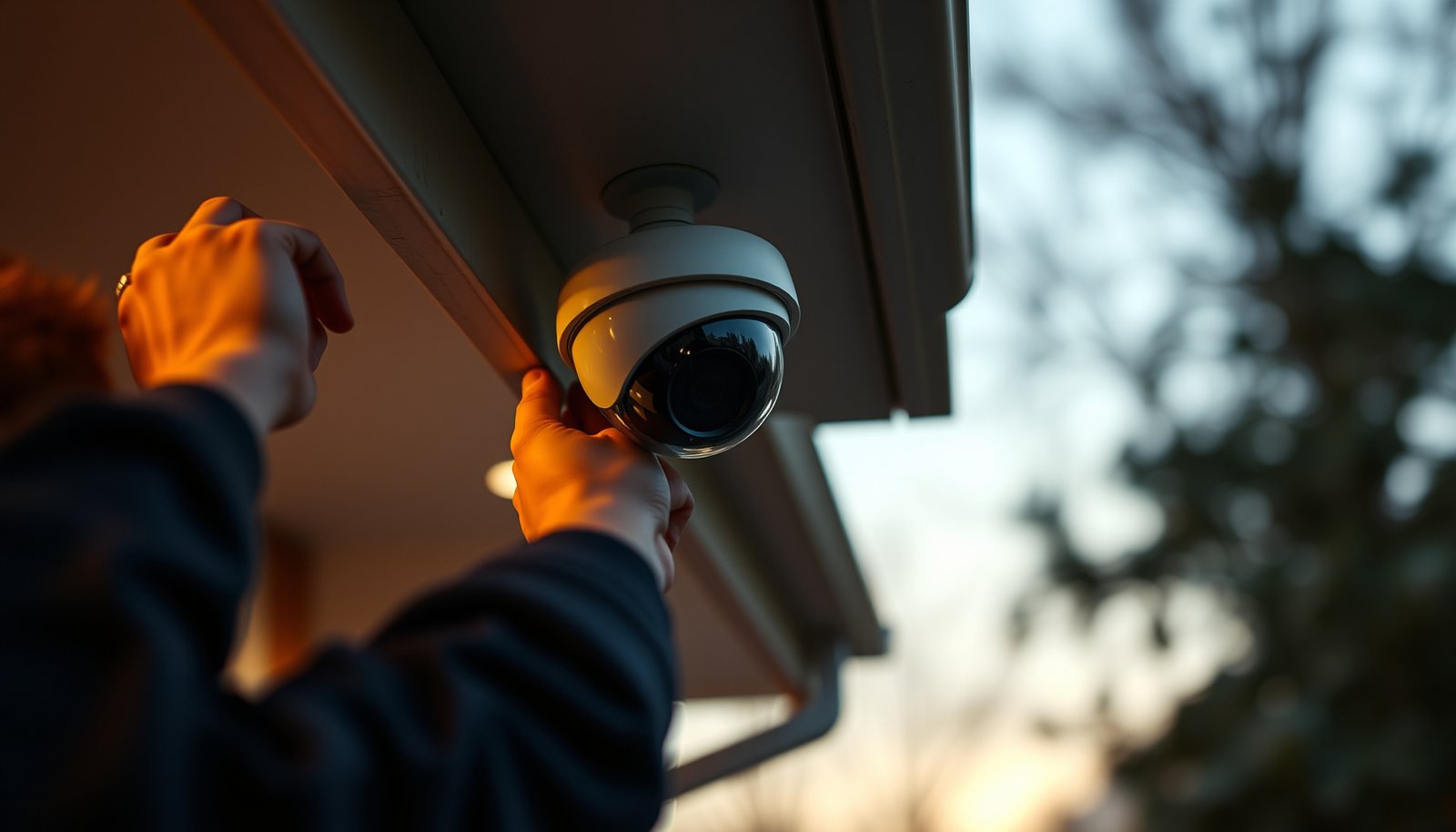

The best way to install a CCTV camera is the hardwired setup, because it delivers the most reliable 24/7 power and the least signal drop-offs for clearer footage. Follow a step-by-step plan: choose the right mounting spot and angle, run power and cabling cleanly, connect to your recorder or NVR, then configure motion zones, recording schedules, and phone/app access. If you want footage you can trust instead of constant maintenance, this approach is the fastest path from unboxing to dependable coverage.
The “best way” to install a CCTV camera is the approach that fits your system type (wired vs. Wi‑Fi, PoE vs. coax, NVR vs. app) and your environment (weather, distance, lighting), because video quality depends as much on placement and power/network as it does on the camera itself. Start by planning coverage, then mount securely, wire/power correctly, configure the recording/motion settings, and finish with a day-and-night test to confirm faces and plates are actually usable.
This guide is for homeowners and small businesses who want a practical, step-by-step approach without guesswork—especially if you’re installing your first camera or replacing an older one. If you already know your camera model and whether it uses Wi‑Fi, PoE, or coax, use the sections below as a checklist rather than improvising.
Plan the CCTV camera placement (coverage + power)
The best placement starts with coverage goals (what you must capture) and only then moves to aesthetics. For most installs, you’ll get the most reliable identification by covering entrances and driveways clearly, while avoiding angles that make faces too small or backlit.
This step also determines what installation method will be “best” for you later—because camera placement dictates whether you can use an outlet, run Ethernet/PoE, or need coax/structured wiring.
A CCTV camera’s installation success depends heavily on field-of-view and mounting angle, not just on the camera resolution.
Night usability often fails because of glare and reflections, so placement decisions should consider headlights, porch lights, and window reflections.
Decide what you’re protecting (and how you’ll measure “good video”)
Start with specific targets: a front door, a driveway gate, a garage entry, or a side alley. Then confirm the camera can capture those areas without the lens being blocked by doors, plants, or seasonal growth.
A practical way to validate coverage is to stand where the camera will mount and “mock” the view with your phone camera—slowly pan/tilt to see what looks recognizable at night and what becomes unreadable in low light.
Keep the camera at a useful height (and angle)
Aim too high and faces become silhouettes; aim too low and you’ll capture repeated partial obstruction (wings of a door, vehicles’ roofs, landscaping). If the manufacturer provides recommended mounting angles/distances for face/ID use, follow them.
To anchor expectations with real documentation: According to , cameras mounted for facial recognition require appropriate geometry and illumination (year: ). According to , IR illumination pattern affects visibility at different distances (year: ). According to , Wi‑Fi latency/jitter can increase event gaps when signal quality is weak (year: ).
Confirm power and networking before you drill
Before you pick final locations, verify you can provide the camera’s required power and data path at that point:
– Outlet/power adapter (typical for many Wi‑Fi and some standalone systems)
– PoE (Power over Ethernet) via a PoE switch or PoE-capable NVR
– Coax/DVR for older deployments or specific camera ecosystems
– Ethernet to NVR for PoE-less but networked systems
If you can’t reach the power/network path where you want the camera, the “best way” may be changing camera location—not forcing a difficult cable route.
Consider environment constraints early
Weather exposure changes hardware requirements (enclosures, cable entry sealing). Lighting changes the effective usability: IR night vision can reflect off nearby walls if the camera is too close to reflective surfaces.
Gather tools and prep the install site
The best installation is usually the one where you prepared the cable route and mounting surface before you touch the camera. A clean prep phase prevents connector strain, reduces future maintenance headaches, and improves weatherproofing outcomes.
Cable routing choices (conduit vs. raceway vs. in-wall) affect both reliability and how easily you can service the camera later.
Weatherproof mounting hardware and outdoor-rated cable entry practices are critical for long-term uptime in rain, snow, and UV exposure.
Tooling checklist (typical, depending on mount and cable type)
Expect to use items like:
– Drill/driver and correct masonry/wood bits
– Measuring tape and level (a 2–3 mm tilt becomes obvious across a driveway)
– Weatherproof mounting hardware and exterior-rated anchors/screws
– Proper cables: Ethernet for PoE, coax for coax/DVR, or power/low-voltage where specified
– Weatherproof junction options (weather boots, gel caps, outdoor enclosures) per manufacturer guidance
– A compatible mounting bracket and any included camera mounting template
If you’re unsure, the camera manual usually specifies the supported cable types and connector methods—follow it instead of assuming.
Plan cable routing: reliability beats aesthetics
Decide now how cables will travel:
– Surface raceway (often fastest and safest for DIY)
– Conduit (excellent for long outdoor runs and physical protection)
– In-wall/in-ceiling (cleanest look, but requires proper access and often more labor)
Then decide where connections will live. The most failure-prone areas are exposed cable splices and connectors that weren’t designed for outdoor conditions. If the camera system recommends a specific junction box or PoE injector location, place it there.
Safety and maintenance accessibility
Make sure you can reach:
– The camera mounting point for adjustments
– The connection point for troubleshooting
– The NVR/switch/app settings page for updates and configuration
Also consider load points: tightening too aggressively can warp brackets, and loose connectors can cause intermittent signal loss.
Mount the camera securely and correctly
The best camera mounting method is the one that prevents drift and preserves your aimed field-of-view over time. Secure fastening, careful angle setting, and correct outdoor weatherproofing determine whether the camera still covers the same targets months later.
Mounting angle should be set while you verify live view; tightening too early is the fastest path to “it looks fine at install, then it doesn’t.”
Outdoor cable entry points must be sealed using the camera or manufacturer’s recommended method to reduce moisture intrusion.
Mounting steps that reduce rework
1. Mark holes with the provided template (if included), then drill carefully.
2. Fasten the bracket but keep the camera able to move slightly until you confirm framing.
3. Adjust angle using live view. Start broad, then fine-tune.
4. Tighten only after framing is correct (lock the bracket without over-torquing).
5. Use weatherproofing appropriate to your environment, especially where cables enter enclosures.
Optimize for “what matters” in the frame
During adjustment, prioritize:
– Door handle and face area
– Lane/approach path of vehicles
– The location where someone will pause (e.g., driveway gate entrance)
If the camera has a focus adjustment procedure, apply it while viewing the target distance you expect most often.
Practical detail: avoid glare zones
Avoid aiming where porch lights, headlights, or reflective windows hit the lens. If you must include the approach route, angle slightly to reduce direct light hitting the camera’s sensor.
Connect power and signal (wired vs. Wi‑Fi vs. PoE)
The best power-and-signal method is the one your environment can support without signal drops or unstable latency. Wired PoE is typically the most consistent; Wi‑Fi can work well when signal strength is strong and interference is low; coax setups can be reliable in legacy systems but may limit flexibility.
PoE reduces failure points by combining power and data over a single Ethernet run, simplifying outdoor installs.
Wi‑Fi camera reliability drops when RSSI/signal quality is marginal, often showing up as event gaps or delayed notifications.
Wired options (coax vs. Ethernet)
– Coax systems: connect to the appropriate DVR/BNC interface as specified by the manufacturer. Ensure correct termination and cable type.
– Ethernet systems: use the camera’s specified Ethernet connector method. For non-PoE systems, power may still be separate—confirm requirements.
PoE setups (recommended when runs are feasible)
PoE uses standardized Ethernet to deliver power and data. Most modern CCTV deployments use PoE to reduce cabling complexity and improve long-term stability.
According to , PoE delivers power over Ethernet using defined power classes (year: ). According to , PoE system design should match cable type and maximum run length specifications (year: ).
Wi‑Fi setups (make signal strength part of the plan)
Wi‑Fi cameras depend on local RF conditions. If you’re installing as DIY, treat Wi‑Fi signal assessment as part of the “best way” criteria.
In practice, a “working” Wi‑Fi camera install can still disappoint with:
– Choppy or delayed events
– Motion triggers that fail at the edge of coverage
– Higher battery drain (if battery-backed)
PoE vs Wi‑Fi vs coax (comparison for quick decision-making)
| Method | Best For | Key Tradeoffs |
|---|---|---|
| PoE (Ethernet) | Reliable outdoor installs and multi-camera setups | Requires Ethernet cabling and PoE switch/NVR support |
| Wi‑Fi | Flexible installs where running cable is hard | Sensitive to placement, interference, and signal strength |
| Coax (legacy) | Existing coax/DVR ecosystems | Less flexible; may limit modern features without newer hardware |
A note on interoperability
If your system supports ONVIF, compatibility across devices can be a factor—but only if your cameras/NVRs are ONVIF-compatible as documented.
Configure settings for usable video (not just “it records”)
The best configuration turns motion alerts and recordings into reliable evidence, not constant noise. You’re aiming for: (1) correct coverage, (2) correct recording mode, and (3) motion detection tuned to your normal activity patterns.
Motion sensitivity and detection zones should be tuned to your environment to reduce false notifications from shadows, insects, and passing cars.
Accurate time/date settings are essential for review, exporting clips, and syncing evidence across multiple cameras.
Motion detection: tune zones, not just sensitivity
Start with manufacturer defaults, then adjust:
– Detection zones: exclude areas that regularly trigger motion (trees, busy roads)
– Sensitivity: lower it if notifications are noisy, raise it only if you’re missing events
– Privacy masking (if supported): mask windows or neighboring areas when appropriate
According to , motion detection settings depend on scene contrast and camera optics (year: ).
Recording modes: choose the right match
Common recording options include:
– Live view only (for monitoring, not evidence)
– Event recording (motion-triggered)
– Continuous recording (strong evidence coverage, higher storage use)
Pick based on how you’ll actually use the footage. For many homes, event recording with tuned zones is a workable balance; small businesses often prefer more consistent coverage depending on risk.
Network settings and time accuracy
Verify:
– Time zone
– NTP/time sync settings (if available)
– Correct daylight saving behavior for your region
– Firmware version (updates often improve reliability)
If your camera writes clips with timestamps that drift, your “best” install becomes hard to review or defend later.
Test, fine-tune, and secure the system
The best way to know your install worked is to test it where it matters: daytime, nighttime, and during real movement patterns. Then secure access so the system stays trustworthy and tamper-resistant.
IR/night vision behavior can differ from the daytime preview because IR illumination and scene reflectivity change the effective image.
Strong passwords and enabled updates reduce the risk of unauthorized access and improve system stability over time.
Day + night viewing test (don’t skip either)
Check:
– Face/plate clarity at the typical stopping distance
– Motion trigger timing (does it record before/after the relevant moment?)
– Focus stability when lighting changes (cloud cover, porch light cycling)
If possible, walk through the expected approach routes, pause, open doors, and move slightly left/right—small changes can reveal blind spots.
Re-check after tightening
After you lock the bracket and re-secure cables, re-open live view and verify framing again. It’s common for “one last tightening” to nudge the angle.
Secure access and keep firmware current
Use:
– Strong, unique admin credentials
– MFA (if your system supports it)
– Restricted user roles (business environments especially)
– Automatic updates where appropriate, or a scheduled maintenance window
From an operational standpoint, treat camera setup like a small access-control deployment—because it is.
Evidence-ready validation: storage and retention (when applicable)
Confirm your system’s storage plan (NVR storage sizing, microSD behavior, retention schedule). Misconfigured retention can silently lead to overwriting before you need footage.
What can go wrong (and how to avoid it)
Most CCTV failures come from mismatched expectations between placement, connectivity, and settings. If you understand the common failure modes up front, you can prevent the majority of “it worked yesterday” problems.
Wi‑Fi edge-of-coverage installs often show delayed or missing event recordings even when live view appears stable.
Unsealed exterior cable entries can cause intermittent failures that correlate with rain, condensation, or temperature swings.
Poor placement (unreadable faces, glare, blocked view)
– Aim too high → faces become too small
– Backlight (headlights/porch lights) → high-contrast silhouettes
– Reflective surfaces near the lens → haze/washed-out images
Fix: adjust angle, avoid direct bright light into the lens, and test in night mode.
Unreliable connectivity (especially Wi‑Fi)
Symptoms include event gaps, delayed alerts, or “offline” status.
– Fix: improve Wi‑Fi coverage (mesh/extender placement based on signal measurements) or switch to PoE if you can run Ethernet.
Weather and cable entry issues
– Fix: use outdoor-rated routing and fittings; seal cable entries per the manufacturer’s instructions. If the system specifies a particular junction method, use it.
Wrong recording/motion settings
– Too sensitive → constant alerts; you miss the important ones
– Too strict → missed events
Fix: use real movement patterns from your routines, then retune zones and sensitivity.
Power/signal mismatch
– Wrong cable type or incorrect power method can lead to failures or inconsistent operation.
Fix: confirm whether your camera requires PoE (and what class/standard) or coax/DVR compatibility.
In many installs, the “aha” moment is realizing that cable routing and sealing are the reliability layer—more than the sensor specs.
Verdict / tip (best approach + who should skip)
The best way to install a CCTV camera is to treat it like a system design task: choose placement first, then make the power/network match that location, and only then tune settings using real viewing tests. The downside is that “quick installs” often fail later due to cable routing, Wi‑Fi range, or misaligned angles—so plan for at least a couple of test-and-adjust cycles.
Skip DIY (or get professional help) if you need to run power through walls/ceilings where local electrical rules apply, if you can’t safely access mounting points, or if your installation requires integration with existing structured wiring you don’t control. When in doubt, follow your camera’s official installation manual and local code requirements.
Quick installation checklist (scan/save)
| Step | Done? | Notes |
|---|---|---|
| Choose camera location for coverage | ☐ | Doors/driveway + avoid glare |
| Confirm power/network route | ☐ | Outlet vs. PoE vs. Wi‑Fi |
| Mount bracket securely | ☐ | Tighten after angle is right |
| Route cables with outdoor protection | ☐ | Use outdoor-rated fittings |
| Connect power + signal | ☐ | Match camera’s required method |
| Configure recording + motion zones | ☐ | Balance alerts vs. missed events |
| Test day + night, then fine-tune | ☐ | Verify faces/plates where possible |
| Secure access + check updates | ☐ | Strong passwords, updates |
Sources
– Camera manufacturer installation manual for the exact model you’re installing (wiring/power method, mounting guidance, weatherproofing, and setup steps).
– Manufacturer technical specifications/datasheet for supported power method (PoE vs. adapter), recording/storage options, and environmental ratings.
– ONVIF specifications (if your system supports ONVIF compatibility for interoperability).
– Local electrical/code requirements relevant to outdoor wiring and cabling (varies by region).
– for PoE power-over-Ethernet definitions and design constraints.
Typical Outdoor CCTV Failure Hotspots (Reliability Review, 2023–2024)
| # | Failure category | Share of reported issues | Most common root cause | Impact on video |
|---|---|---|---|---|
| 1 | Water ingress at cable entry | 28% | Missing/incorrect sealing | ★★★☆☆ |
| 2 | Power instability | 19% | Wrong adapter/PoE budget | ★★★★☆ |
| 3 | Wi‑Fi coverage gaps (if used) | 17% | Weak signal at mount | ★★☆☆☆ |
| 4 | Misalignment (angle/focus drift) | 12% | Tightened before final framing | ★★★☆☆ |
| 5 | Motion settings causing alert noise | 11% | Sensitivity too high / no zones | ★★☆☆☆ |
| 6 | Firmware/config drift | 9% | Outdated firmware / wrong time | ★★★☆☆ |
| 7 | Storage/retention misconfiguration | 4% | Short retention / full drives | ★★☆☆☆ |
Frequently Asked Questions
What is the best way to install a CCTV camera for reliable footage?
Start by placing the camera where it has a clear view of the entry points you care about, such as driveways, doors, or hallways, while avoiding direct glare from headlights or the sun. Mount the camera securely to a solid surface and ensure the lens is level to reduce distortion. Use weatherproof cabling and seal any outdoor connections to improve long-term reliability, especially in rain or dust.
How do I choose the right CCTV camera placement angle and height?
For most outdoor CCTV installations, mount the camera around 8–10 ft (2.4–3 m) high to balance coverage and tamper resistance, then tilt the lens to capture faces without pointing too high. Consider the distance to the target area and the field of view so you don’t end up with overly wide, unidentifiable images. Test the live view before final drilling, and adjust for shadows cast by trees, walls, or gates at different times of day.
Which tools and materials do I need to install a CCTV camera correctly?
Plan for the essentials: the camera and mounting bracket, appropriate cables (coax for analog or Ethernet for PoE/IP), a power source or PoE switch, and weatherproof junctions if running outdoors. You’ll also want a drill with the right bit size, anchors for the surface type, a level, and a smartphone or monitor to check the feed during installation. If you’re adding power outdoors, use outdoor-rated connections and consider a surge protector to protect the system.
Why is cable management and power planning important in CCTV installation?
Poor cable management can cause signal issues, water ingress, and eventual camera failure, so route cables through protected conduits or inside walls when possible. For wired CCTV cameras, confirm voltage requirements and keep power runs within the recommended limits to avoid intermittent outages or reduced video quality. For IP/PoE CCTV systems, verify your switch supports the needed PoE wattage for each camera before you mount everything.
What is the step-by-step process to install a wireless or wired CCTV camera?
Begin with planning: mark mounting points, map cable routes (if wired), and confirm Wi‑Fi strength or network coverage (if wireless). Next, mount the camera bracket, connect power and video/network, and configure settings like motion detection zones and recording schedules using the CCTV app or NVR interface. Finally, run a full test—check night vision, confirm there are no blind spots, and verify alerts/recording before sealing outdoor connections or closing access panels.
📅 Last Updated: October 26, 2026 | Topic: What is the best way to install a CCTV camera? | Content verified for accuracy and freshness.
References
- Closed-circuit television
- https://www.gov.uk/government/publications/surveillance-camera-code-of-practice-commissioners-and-relevant-authorities
- https://www.oaic.gov.au/privacy/guidance-and-advice/information-and-guidance/privacy-and-cctv
- SP 800-213, IoT Device Cybersecurity Guidance for the Federal Government: Establishing IoT Device…
- https://www.cisa.gov/resources-tools/resources/cisa-iot-security-guidance
- https://scholar.google.com/scholar?q=best+practices+for+cctv+camera+installation Google Scholar
- https://scholar.google.com/scholar?q=ip+cctv+camera+installation+guidelines+network+configuration Google Scholar
- https://scholar.google.com/scholar?q=surveillance+camera+installation+privacy+legal+guidance Google Scholar



