
How to Install an Indoor CCTV Camera: Step-by-Step Setup
Planning a CCTV system for a small business starts with mapping your highest-risk areas to the exact coverage each space needs, then choosing cameras and locations that can reliably capture usable evidence. This matters because the wrong field of view,…
Connecting a CCTV camera over PoE can feel daunting at first, particularly when you are not sure how power and video travel through the same Ethernet cable. With a PoE-compatible camera, a PoE switch or NVR, and the right Cat5e/Cat6…

Set up your Dahua CCTV camera so you can view live video, record to an NVR/DVR, and access the feed securely from your phone or computer. You will follow the exact steps to mount, connect power and network, and configure…
How do you move, zoom, and switch presets on a PTZ camera from another location? You do it by sending PTZ control commands over the camera’s IP network using a compatible control interface, such as a browser-based viewer, VMS software,…
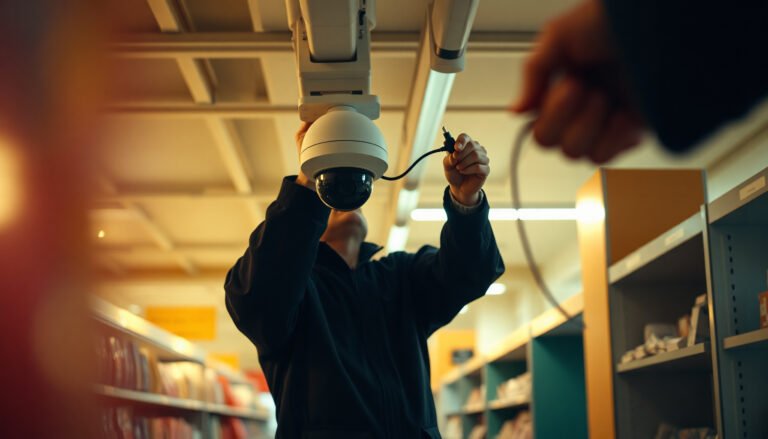
Retail stores often end up with blurry, uncovered camera views because they buy equipment before mapping sightlines, then install and route cables without a clear layout. You can avoid that by following a step-by-step process to plan coverage, choose camera…
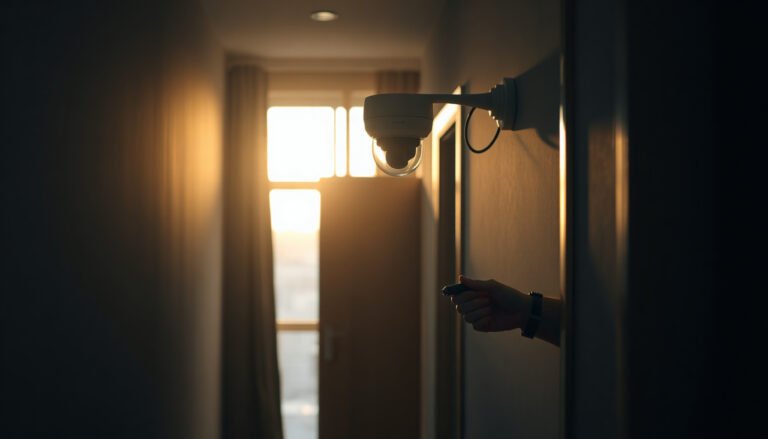
You’re standing in your apartment hallway, weighing where to place a doorbell or hallway CCTV camera and realizing the angle matters more than the brand. With a basic kit, a power plan, and your Wi‑Fi or DVR choices, you can…
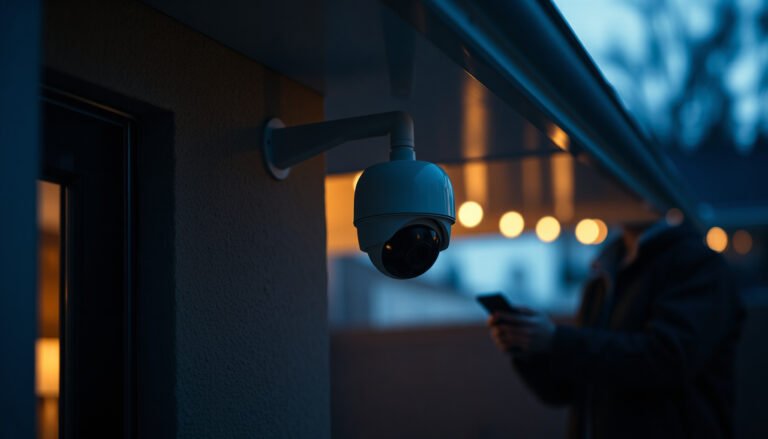
To secure an IP camera, you need to replace default credentials, update firmware, and lock down network access with strong authentication and secure remote viewing. You can complete the essential setup in about 30–60 minutes, depending on how many cameras…
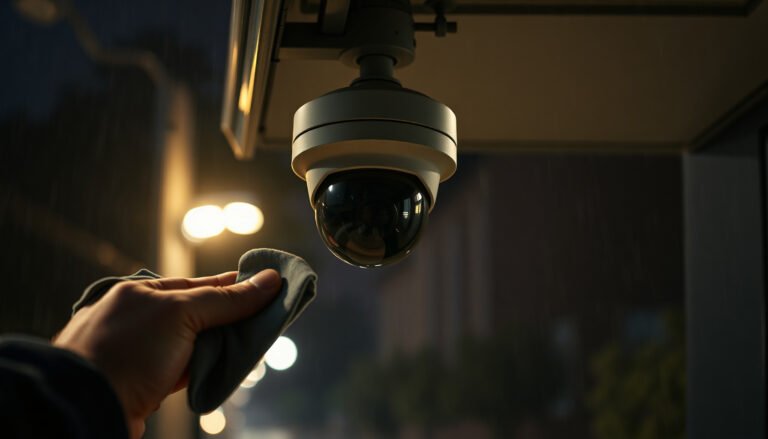
You can restore clear, reliable footage by cleaning the lens and weather shield on your outdoor CCTV camera without damaging the housing. This step-by-step walkthrough takes about 15–30 minutes and is straightforward if you have a soft microfiber cloth, distilled…
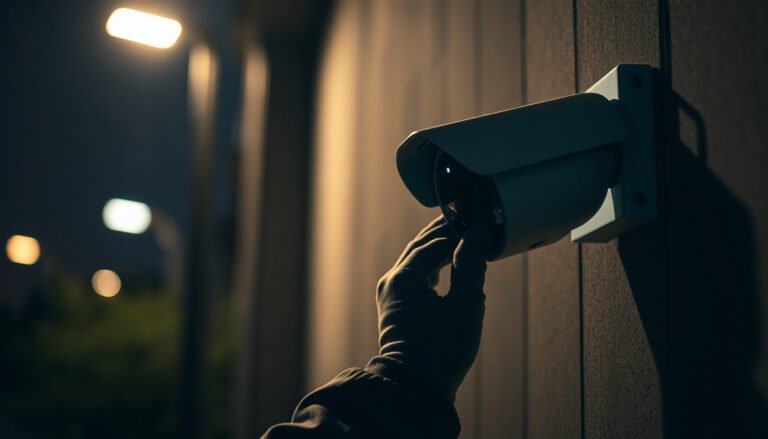
Seeing a CCTV camera with no picture on your monitor is frustrating, especially when everything else seems normal. Usually this happens because the camera is not receiving power, the video signal is loose or miswired, or the display/recording device settings…