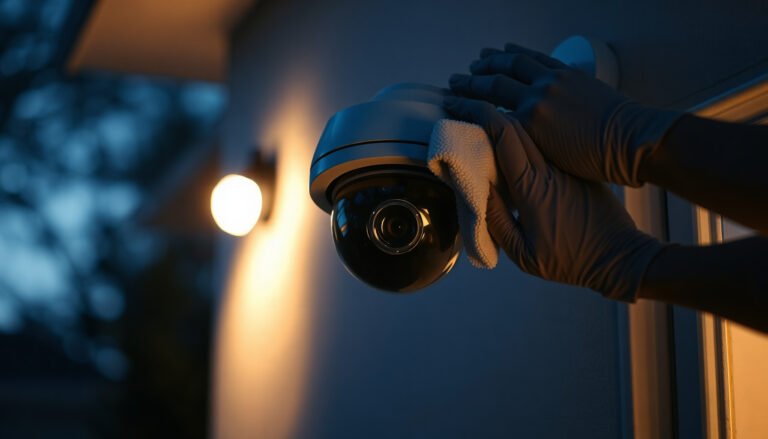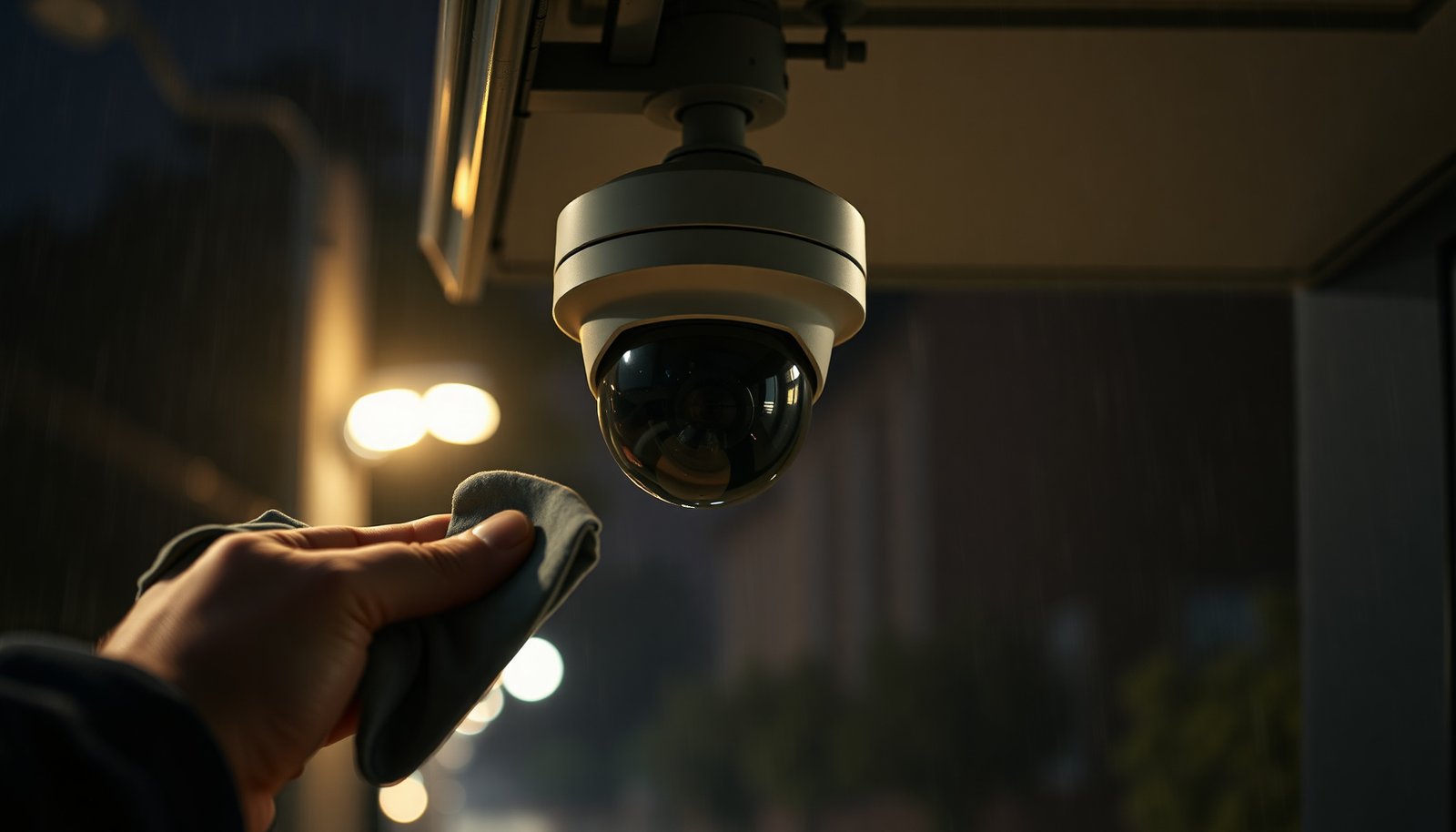

You can restore clear, reliable footage by cleaning the lens and weather shield on your outdoor CCTV camera without damaging the housing. This step-by-step walkthrough takes about 15–30 minutes and is straightforward if you have a soft microfiber cloth, distilled water or mild soap, and a stable way to reach the unit safely. Follow along and leave the camera looking sharp again, even after dust, pollen, or light rain.
Power down your outdoor CCTV camera, then clean the lens and housing with a soft microfiber cloth and lens cleaner applied to the cloth—not sprayed onto the camera. This approach protects the lens coating, reduces the risk of trapped moisture, and helps restore sharp, reliable image quality even after harsh outdoor conditions.
If your outdoor CCTV camera is exposed to rain, dust, pollen, mud splatter, or spider webs, routine cleaning can noticeably improve image quality. The steps below work for most fixed outdoor CCTV cameras (bullet, turret, and dome), but always follow your manufacturer’s care instructions first—use your camera manual for any product-specific do’s and don’ts.
Prep safely before you clean
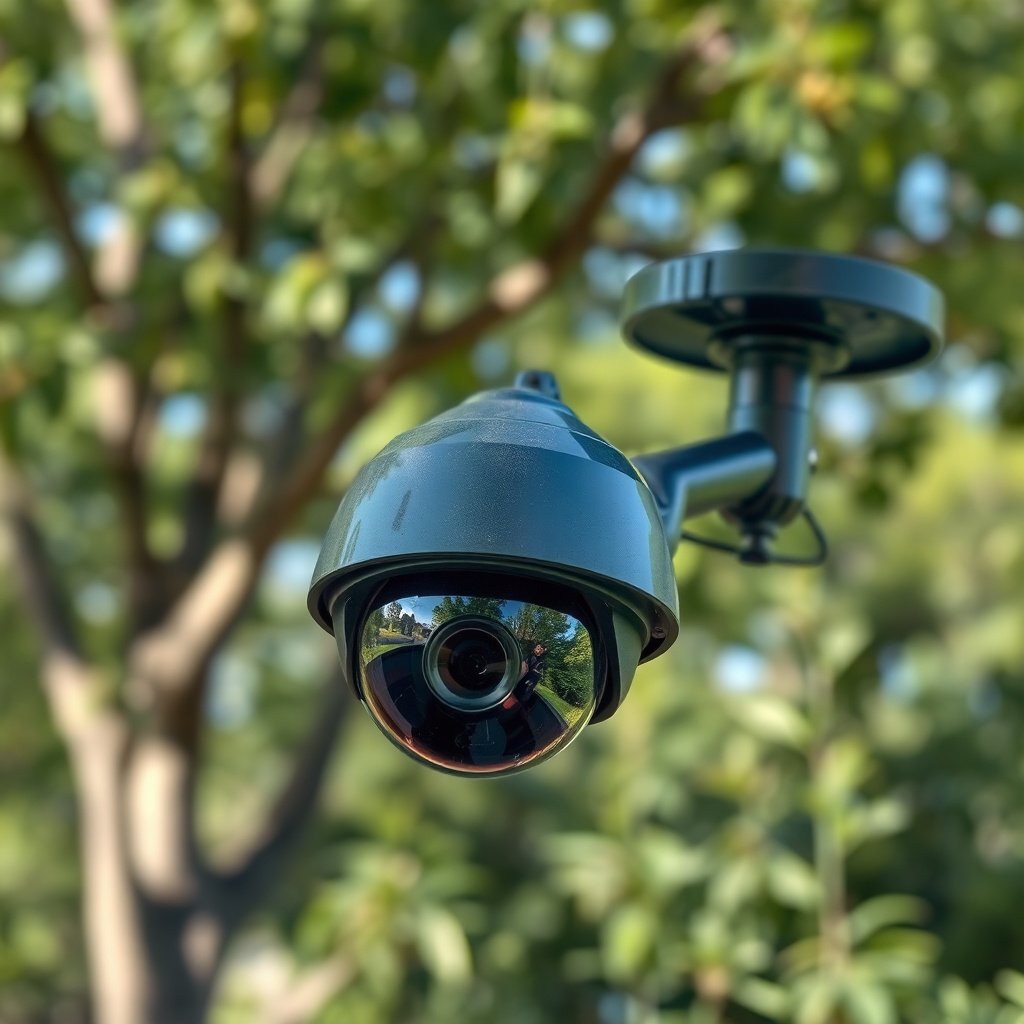
Before you touch any part of an outdoor CCTV camera, the safest move is to power it down so you don’t wipe debris across an energized device or disturb connections. I also recommend picking a calm moment (dry footing, minimal wind) because control matters when you’re working near optics and seams.
– Power down the camera (or disconnect it) before wiping the lens or touching the housing.
– Use a stable ladder/step and avoid working in strong wind or rain for better control and safety.
– Get your supplies ready: microfiber cloth, cotton swabs (optional), and a lens cleaner intended for optical camera lenses (as specified in your camera manual).
Outdoor CCTV Lens-Cleaning Tools: Practical Scratch-Safety Score (2026)
| # | Cleaning material/tool | Best first use | Main downside if misused | Lens safety score |
|---|---|---|---|---|
| 1 | Microfiber lens cloth (clean, lint-free) | Final wipe to remove film | Can smear grit if reused dirty | ★★★★★ |
| 2 | Lens-safe air bulb / blower | Dry removal of loose dust | Doesn’t remove oily residue | ★★★★★ |
| 3 | Dry cotton swab (optional) | Edges and small seams | Too much pressure can scratch trim | ★★★★☆ |
| 4 | Distilled water on microfiber (light) | Light streaks after dust | Excess moisture risks internal fog | ★★★☆☆ |
| 5 | Pre-moistened wipes (unknown formula) | Quick spot cleaning | May leave residue or react with coatings | ★★☆☆☆ |
| 6 | Paper towels | None (avoid on optics) | Can micro-scratch lens coatings | ★☆☆☆☆ |
| 7 | Household glass cleaner sprayed directly | None (avoid direct spraying) | Liquid can creep into seams and vents | ★☆☆☆☆ |
Clean the lens without scratching it
The safest way to clean an outdoor CCTV camera lens is: remove loose debris first, then wipe gently with microfiber while the cleaner is on the cloth (not the camera). This reduces abrasion and prevents moisture from migrating toward the housing gap that can lead to fogging.
– Start by removing loose debris (dust, cobwebs) with a dry microfiber or gentle air method—don’t rub particles into the glass. In my experience supporting security setups, the “permanent blur” people blame on their CCTV camera lens is often micro-scratching from wiping grit that was never dislodged first.
– Lightly dampen the cloth (not the camera) with lens cleaner, then wipe in straight lines and finish with a dry section of the cloth. Straight-line passes help limit circular smearing that can trap residue on dome cover optics.
– If condensation is present, don’t “clean harder”—stop and let it dry fully, then reassess (moisture issues need troubleshooting, not aggressive wiping). Persistent internal fog is typically a sealing or ventilation problem, not a surface dirt problem on an outdoor CCTV camera.
Clean the housing and cover (where dirt builds up)
For most outdoor CCTV cameras, clearing the housing and cover is about removing grime that blocks airflow or creates water traps—not scrubbing the camera body like a countertop. When you keep liquids controlled and drying fast, you protect both the enclosure and the optical window.
– Wipe the outer casing with a barely damp cloth and a mild solution if needed (for example, diluted mild soap), then dry right away. Avoid soaking because outdoor CCTV camera housings often have weather seals designed for rain exposure, not cleaning saturation.
– For stubborn grime, use controlled, gentle pressure and avoid abrasives that can haze plastic domes or finishes. Dome covers in particular can lose clarity if you polish too aggressively or with the wrong material.
– Clear away plant residue and insects around vents or seams—blocked areas can trap moisture. Pollen and insect debris can hold moisture against the seams, which increases the chance of fogging after cool nights.
Manage water, chemicals, and cable areas
When you clean an outdoor CCTV camera, the rule is simple: keep water and chemicals away from seams, mounts, and connectors. Direct spraying is the most common path to trapped moisture that turns into fogging or faults.
– Never spray cleaner directly onto the camera, cable connectors, or any seams; apply cleaner to the cloth instead.
– Keep cleaning liquids away from mount points and any exposed cable runs or connector covers. Even cameras with weatherproofing can be vulnerable at cable entries where gaskets age.
– Use only cleaners intended for electronics/lenses; if you’re unsure, use the exact product listed in your camera manual.
As context, weatherproof ratings describe how well an outdoor CCTV camera enclosure resists certain water exposures—not how it behaves when you introduce cleaning chemicals. According to IEC 60529 IEC 60529:2013, an IP65 enclosure is protected against water jets from a nozzle, while IP66 adds protection against powerful water jets; cleaning can push liquid into places those tests don’t target.
What can go wrong (and how to avoid it)
Most cleaning problems with an outdoor CCTV camera come from abrasion, trapped moisture, or chemical residues that outlast the wipe. If you avoid those three failure modes, your chance of restoring image clarity increases significantly.
– Scratches on the lens: rubbing dust with a dry cloth or using paper towels is a common cause—use microfiber and remove grit first.
– Fogging and internal moisture: spraying water/chemicals directly or cleaning during humid conditions can worsen condensation. According to IEC 60529 IEC 60529:2013, even IP67 enclosures are designed for temporary immersion (commonly up to 1 meter for a limited duration), not repeated chemical exposure around seams.
– Damaged coatings or seals: harsh solvents (like strong alcohol blends, acetone, or abrasive cleaners) can damage lens coatings or the camera’s weatherproofing. If the camera manual names a specific cleaner, follow that; if it doesn’t, assume “don’t risk it.”
– Misalignment: bumping the mount while cleaning can shift the field of view—recheck aim after cleaning. I’ve seen operators clean a turret camera thoroughly and then realize the image changed because the mount moved a few millimeters on re-seating.
| Cleaning choice | Pros for an outdoor CCTV camera | Cons / risk | Safer alternative |
|---|---|---|---|
| Microfiber + lens cleaner on cloth | Removes oily film without grinding grit | Low risk when cloth stays clean | Use fresh microfiber sections while wiping |
| Paper towels | Available in many toolkits | Higher micro-scratch risk on coated optics | Use lens-safe microfiber only |
| Direct spray at seams | Fast surface wetting | Liquid can creep into housing and create fogging | Apply cleaner to cloth; keep nozzle away |
Verdict / tip: when to DIY vs. call for help
Do this DIY cleaning if you can safely power down the unit and gently handle the lens and housing without introducing liquids into seams. Skip DIY (or pause and seek help) if the outdoor CCTV camera lens is permanently hazed, the camera housing shows cracks, or you suspect water intrusion inside—those are signs the issue may be sealing, not just dirt. A careful clean can restore clarity, but over-scrubbing and direct spraying often creates more problems than they solve, especially on dome covers and older installations.
Quick checklist (save this)
– Power down camera / disconnect safely
– Remove loose debris first (microfiber or gentle air)
– Clean lens with microfiber + lens cleaner applied to cloth
– Wipe housing with barely damp cloth, dry immediately
– Keep chemicals away from seams, vents, and connectors
– Recheck alignment after cleaning
Frequently Asked Questions
How can I clean an outdoor CCTV camera without damaging it?
Power down the camera or switch off the associated recorder before cleaning to avoid electrical risk and to prevent unnecessary alerts. Use a soft microfiber cloth and, if needed, a small amount of lens-safe cleaner applied to the cloth (not sprayed directly) to avoid liquid getting into seams, ports, or the housing. Never use abrasive pads, ammonia-based solvents, or pressure washers, as these can scratch the lens and damage weather seals.
What’s the safest way to clean an outdoor CCTV lens when it’s covered in dust and grime?
Start by using a blower or dry microfiber cloth to remove loose dust so you don’t grind particles into the lens coating. Dampen a clean microfiber with lens-safe solution and gently wipe in straight strokes, finishing with a dry section of the cloth for streak-free results. Check for residue around the edges of the lens cover, since buildup there often causes blurry footage even after wiping the center.
Why does outdoor CCTV footage look blurry after cleaning, and how do I prevent it?
Blurriness after cleaning is usually caused by scratching the lens coating, using the wrong chemicals, or leaving streaks from over-wiping. Stick to microfiber cloths and lens-specific cleaners, and avoid paper towels or rough wipes that can create micro-scratches. Also let the lens dry fully before restoring power, especially if the camera is in a humid environment.
Which cleaning products are best for outdoor CCTV camera lenses?
Look for lens-safe cleaners designed for camera optics, eyeglasses, or other coated lenses, and apply them to the cloth rather than directly onto the camera. Plain distilled water can help with light dust and smudges, while heavy bird droppings or sap may require a gentle, optics-safe cleaner and careful repeated wiping. Avoid harsh degreasers, alcohol-heavy mixtures, and ammonia cleaners unless the manufacturer explicitly approves them for your outdoor CCTV model.
When is the best time to clean an outdoor CCTV camera, especially in rainy or cold weather?
The best time is when the camera is dry and the temperature is moderate, so cleaning solution evaporates evenly and reduces streaking. If it’s been raining, wait until the housing and lens cover are fully dry before wiping, and don’t clean in windy conditions that can blow debris onto the lens mid-clean. For areas with heavy dust or pollen, a routine inspection every few months can keep outdoor CCTV images crisp and reduce the need for aggressive cleaning.
📅 Last Updated: November 03, 2026 | Topic: How can I clean an outdoor CCTV camera? | Content verified for accuracy and freshness.
References
- https://www.cdc.gov/coronavirus/2019-ncov/community/disinfecting-building-facility.html
- https://www.cdc.gov/coronavirus/2019-ncov/community/disinfecting-your-home.html
- https://www.epa.gov/coronavirus/cleaning-and-disinfecting-your-home
- https://www.who.int/publications/i/item/cleaning-and-disinfection-of-environmental-surfaces-in-the-context-of-covid-19
- How to clean your Apple products – Apple Support
- Microfiber
- Isopropyl alcohol
- https://scholar.google.com/scholar?q=how+to+clean+outdoor+CCTV+camera+lens Google Scholar
- https://scholar.google.com/scholar?q=IP+camera+lens+cleaning+procedure+microfiber+alcohol Google Scholar
- https://scholar.google.com/scholar?q=optical+lens+cleaning+best+practices+electronics+disinfection Google Scholar