
How to Connect Ezviz Camera to New Wifi

Join us to discover the simple steps to connect your Ezviz camera to a new Wi-Fi, ensuring you don't miss any crucial details!
Join us to discover the simple steps to connect your Ezviz camera to a new Wi-Fi, ensuring you don't miss any crucial details!
To check if your CCTV camera is working, start by confirming the power supply; verify it’s plugged in, and check for damaged cables. Next, observe the camera indicators—solid green lights typically mean it’s powered on. Access the live feed through…
You can't typically talk through Night Owl cameras since most standard models lack two-way audio functionality. However, some systems allow for the integration of external microphones that can record audio alongside video. If you're looking for real-time communication, consider specific…
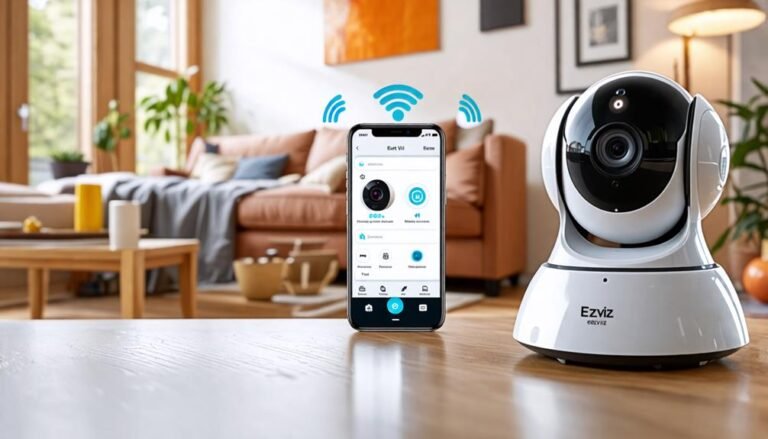
Unlock the simple steps to connect your Ezviz camera to mobile, but what if you encounter unexpected issues along the way?
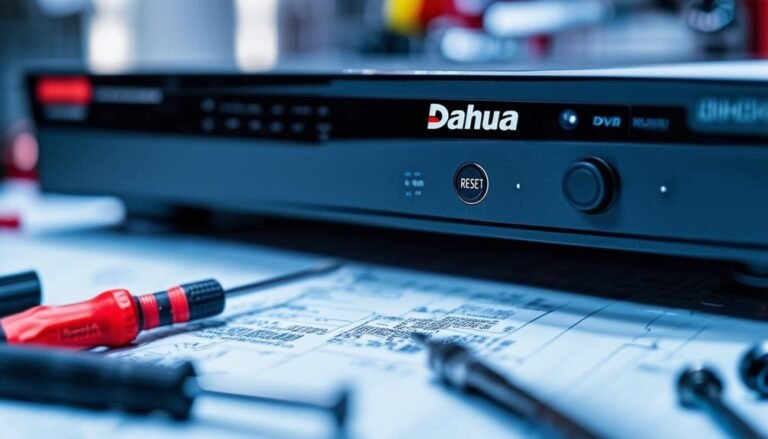
To reset your Dahua DVR to factory default, first, gather a monitor and mouse to access the interface. Power off the DVR and find the Reset button, typically located at the back. Press and hold this button while powering the…
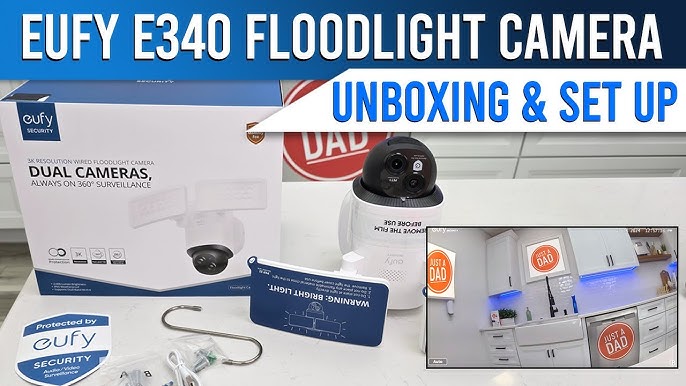
Hikvision offers advanced surveillance solutions with extensive features, while Eufy focuses on user-friendly smart home security products. Both brands cater to different needs and budgets. Hikvision and Eufy are two prominent names in the security camera market. Hikvision is renowned…
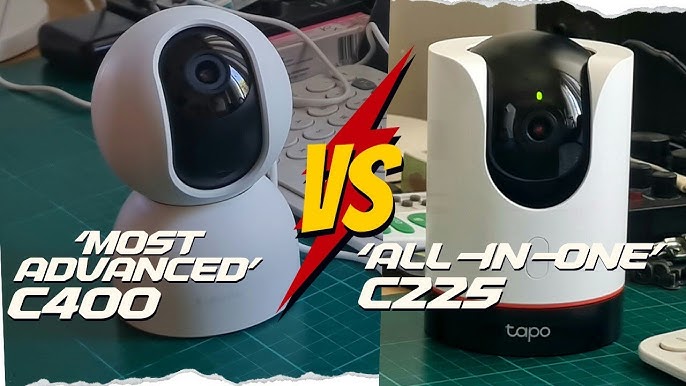
The Tapo C225 offers better night vision and a more user-friendly app than the Xiaomi C400. However, the Xiaomi C400 has superior video quality and a wider field of view. Choosing the right security camera can significantly enhance your home…
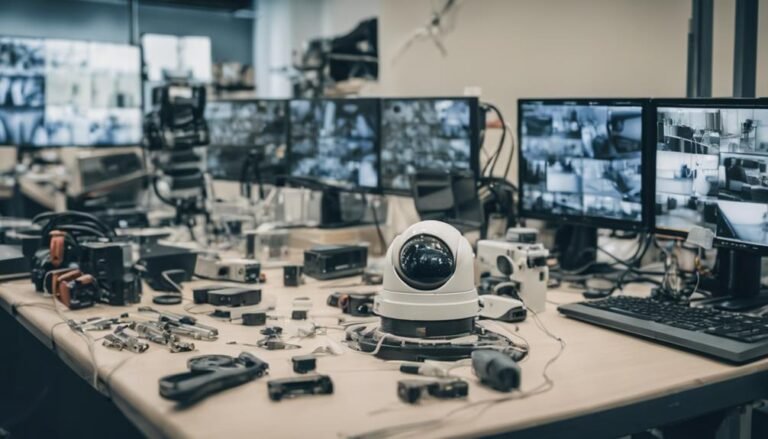
Common CCTV problems include blurry images, connectivity issues, night vision failures, recording interruptions, and power supply failures. For blurry footage, clean lenses and adjust camera angles. Connectivity can improve with strategic placement and upgraded routers. Enhance night vision clarity through…
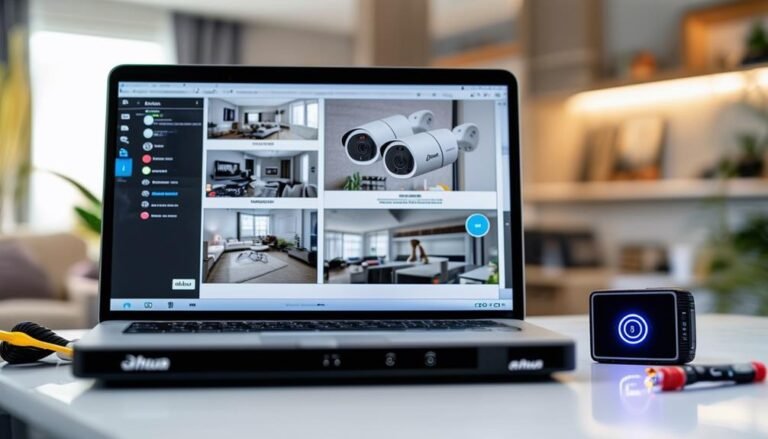
To reset your Dahua DVR password, first identify your DVR model and verify it's powered. You can start by using the default password found in the user manual. If that doesn't work, access the DVR's settings menu to change the…