
How to Pair Night Owl Camera
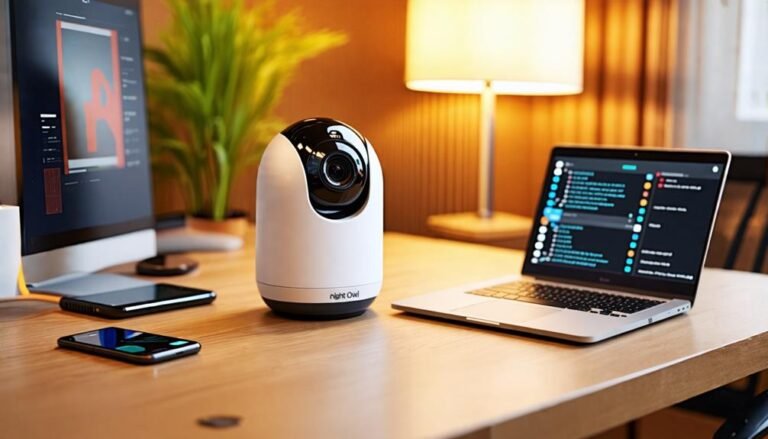
To pair your Night Owl camera, start by ensuring it's powered on and within Wi-Fi range. If you're using the Night Owl Protect app, log in and tap the plus button to add your camera. You can use the QR…

To pair your Night Owl camera, start by ensuring it's powered on and within Wi-Fi range. If you're using the Night Owl Protect app, log in and tap the plus button to add your camera. You can use the QR…
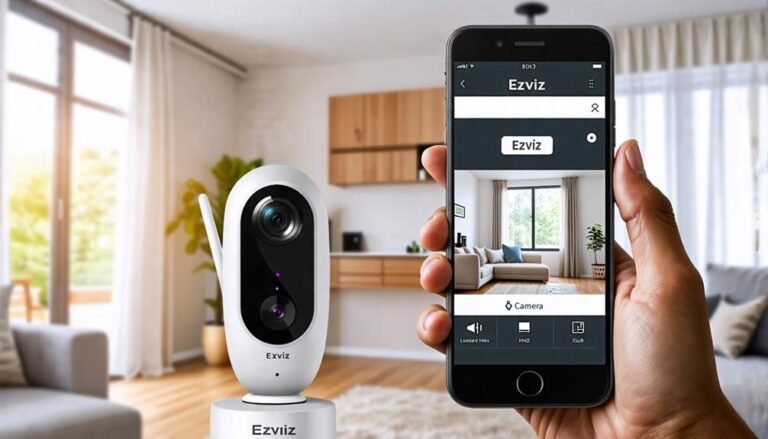
Navigate the simple steps to unlink your Ezviz camera from your account, and discover essential tips that will enhance your device management experience.
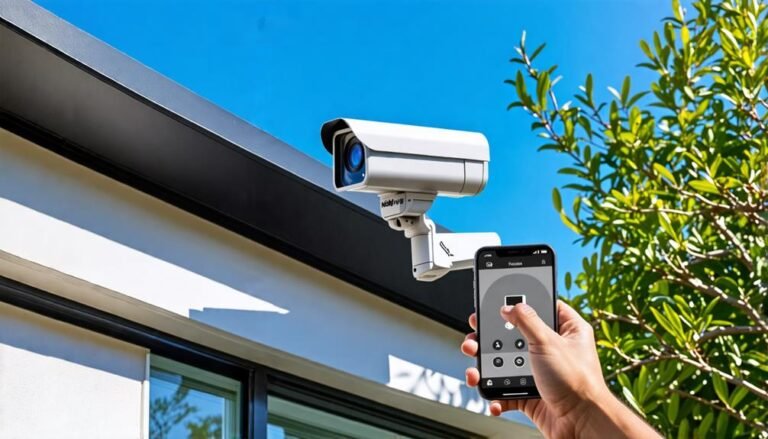
To install Night Owl wireless security cameras, start by selecting strategic locations that cover entry points while guaranteeing a strong Wi-Fi signal. Mount the cameras using the included template, securing them firmly. Next, connect to your Wi-Fi network using the…
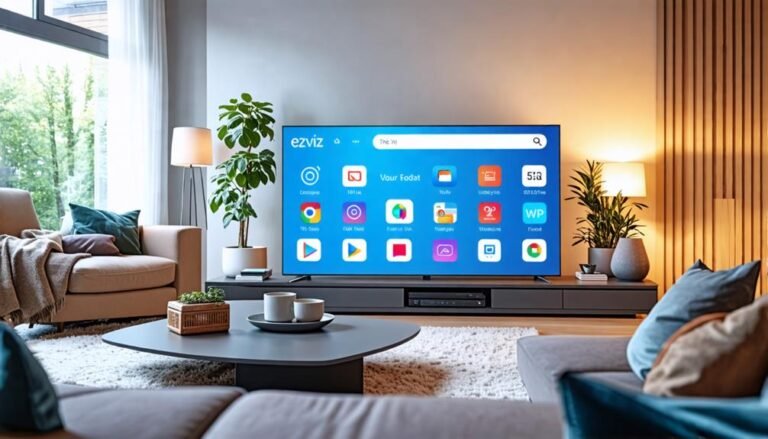
You can easily install Ezviz on your Smart TV, but do you know the key steps to ensure a smooth setup?
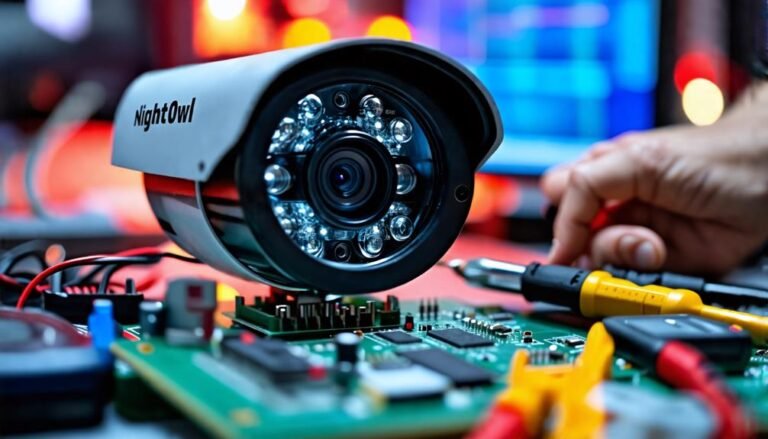
Fixing your Night Owl camera is simple if you know what to check. Start by making sure all cables and connections are secure. If there's no video signal, inspect the HDMI port and power supply. For image quality issues, clean…
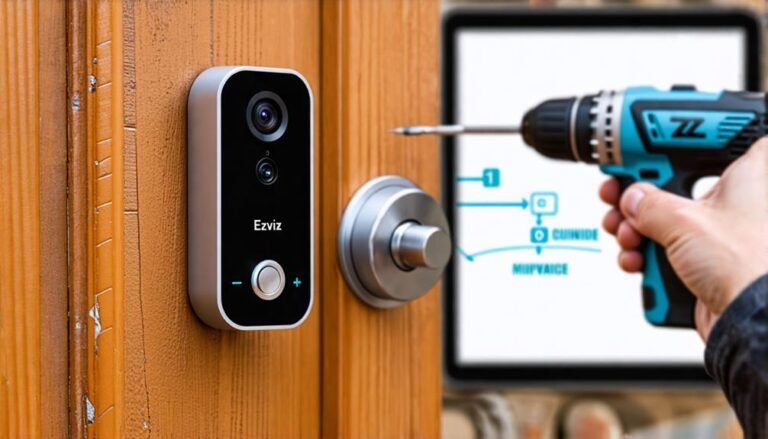
Begin your journey to effortlessly install the Ezviz doorbell with essential tips and tricks that will ensure a seamless setup experience. Discover the details inside!
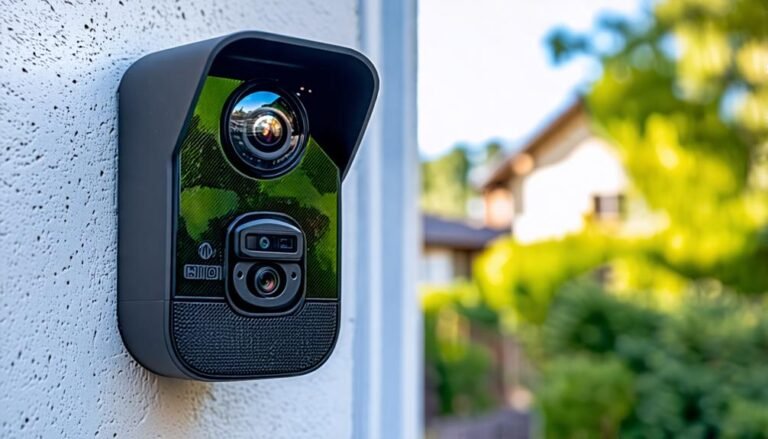
To enable audio on your Night Owl cameras, start by powering on the DVR and connecting it to a monitor. Right-click on the live feed to access the Main Menu, then go to the "Camera" section. Check the "Audio Video"…
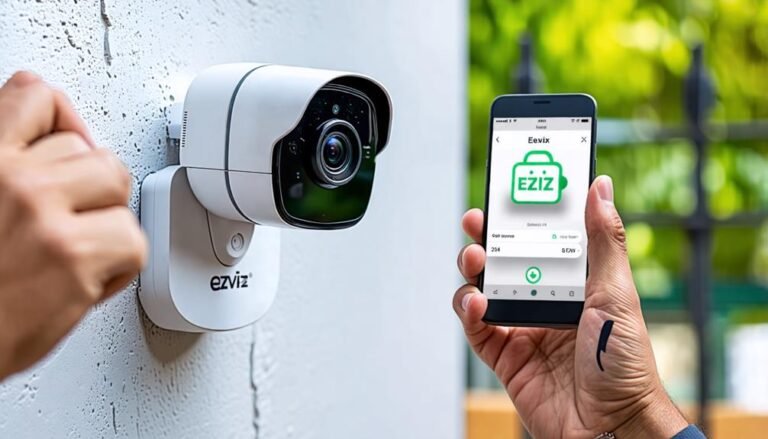
Learn how to easily install your Ezviz camera for optimal security; discover essential steps that ensure your setup is flawless and effective.
Dahua Wizsense is a state-of-the-art video surveillance system that enhances your security through intelligent features. It uses advanced AI to recognize people and vehicles, markedly reducing false alarms. With real-time alerts and powerful analytics, you can efficiently monitor your environment,…
To delete videos on your Night Owl camera, start by accessing the Night Owl Protect app or your DVR unit. Log in and navigate to the playback section. Use the timeline or calendar view to locate the footage you want…