
How to Hook up Night Owl Camera to Tv
To hook up your Night Owl camera to your TV, start by connecting the NVR to your TV using an HDMI or VGA cable. Make sure both your NVR and TV are powered on, then select the correct input source…

To hook up your Night Owl camera to your TV, start by connecting the NVR to your TV using an HDMI or VGA cable. Make sure both your NVR and TV are powered on, then select the correct input source…
Not needing a subscription for basic features, Ezviz offers options that could elevate your security system—discover the details that might surprise you.
Yes, Hikvision cameras can record audio, adding a significant layer to your surveillance systems. Many models come with built-in microphones or options for external audio devices, so you can capture sound along with high-definition video. This feature is especially useful…

Setting up a live feed camera is simple and rewarding. First, decide why you need it—like for security or streaming. Choose a camera that fits your needs, whether it's a webcam, action camera, or IP camera. Gather your gear: a…
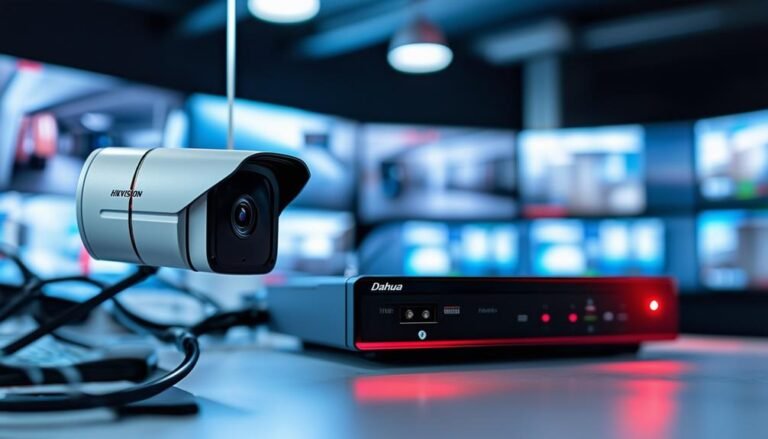
To connect your Hikvision camera to a Dahua NVR, start by ensuring both devices are ONVIF compliant, as this enables cross-brand compatibility. Make sure your camera’s IP address matches the NVR’s subnet. Log into the camera’s web interface to configure…
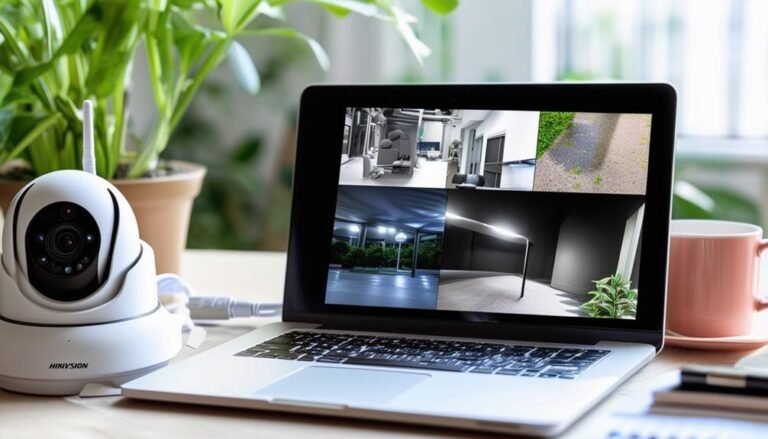
To connect your Hikvision device to a laptop, you'll need to verify both devices are on the same network, either via Ethernet or Wi-Fi. Start by installing the necessary Hikvision software, like iVMS-4200, from the official website. Power on your…
To set up a live outdoor webcam, start by choosing a high-quality, weatherproof camera with at least 1080p resolution and night vision. Pick an ideal location that offers stunning views and easy access for maintenance. Next, gather essential equipment like…
Keep your property safe with Anran CCTV; discover how their affordable security solutions might be the answer you've been looking for.
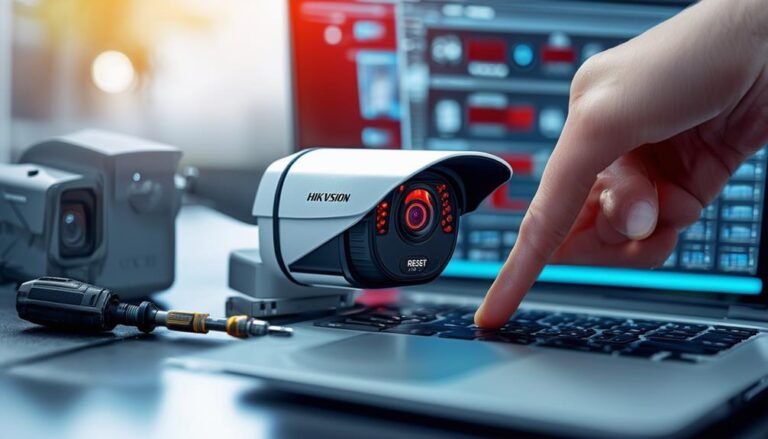
To reset your Hikvision camera, you can either perform a soft or hard reset. For a soft reset, access your camera's web interface using its IP address, log in, and navigate to the "Maintenance" tab to find reset options. For…
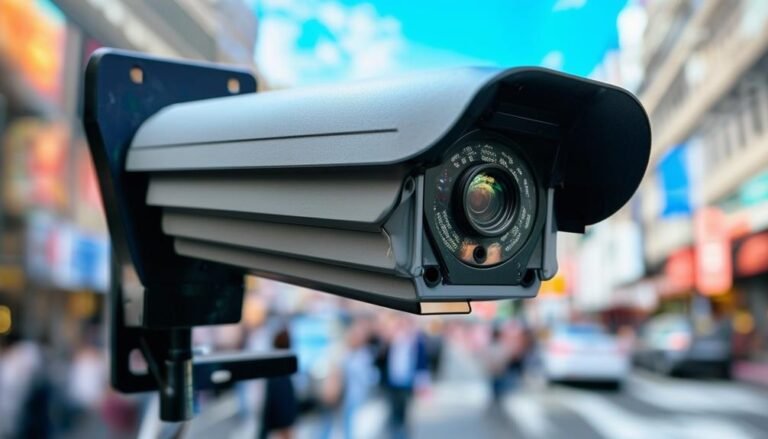
To get clear images from your CCTV footage, start with high-quality cameras—1080p or better works best. Place your cameras at an ideal height and angle, ideally 8-10 feet high, without obstructions. Adjust lighting conditions by adding external lights if necessary,…