
How to Change Wifi on Ezviz Camera
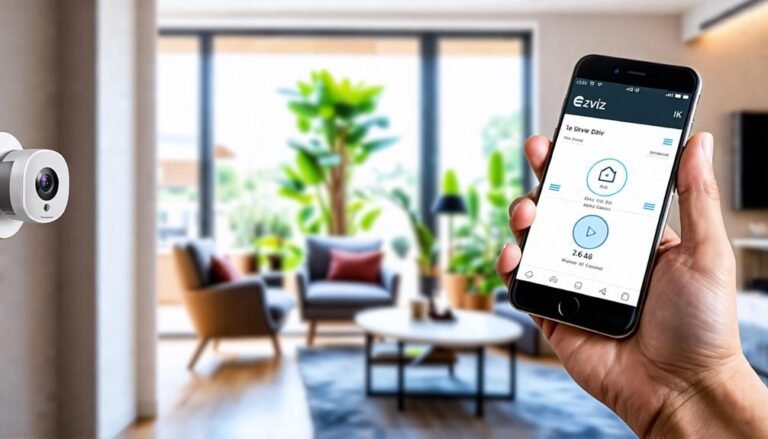
Change the Wi-Fi on your Ezviz camera effortlessly—discover the simple steps that will keep your surveillance seamless and reliable.

Change the Wi-Fi on your Ezviz camera effortlessly—discover the simple steps that will keep your surveillance seamless and reliable.
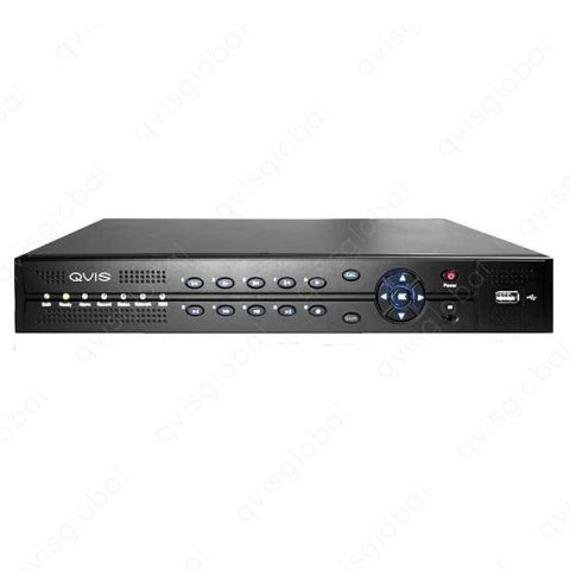
Qvis and Hikvision both offer advanced surveillance solutions, but Hikvision typically leads in market share and technology. Qvis focuses on user-friendly interfaces and competitive pricing. Choosing the right surveillance system is crucial for security. Qvis provides reliable products with a…
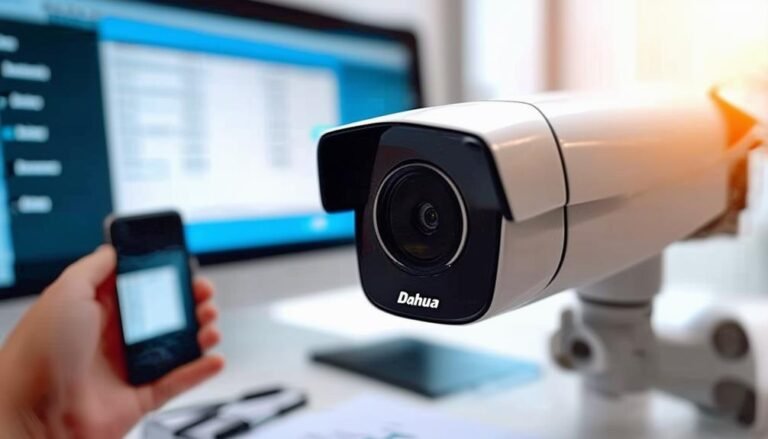
To reset your Dahua camera password, start by locating the reset button on the device. Power on the camera and press the reset button for 10 to 15 seconds until you see the LED indicators blink. This will restore factory…
When you’re deciding between AHD and SDI, consider your specific needs. AHD offers resolutions up to 1080p and is a cost-effective solution, easy to install using existing coaxial cables. It works well over longer distances without much quality loss. In…
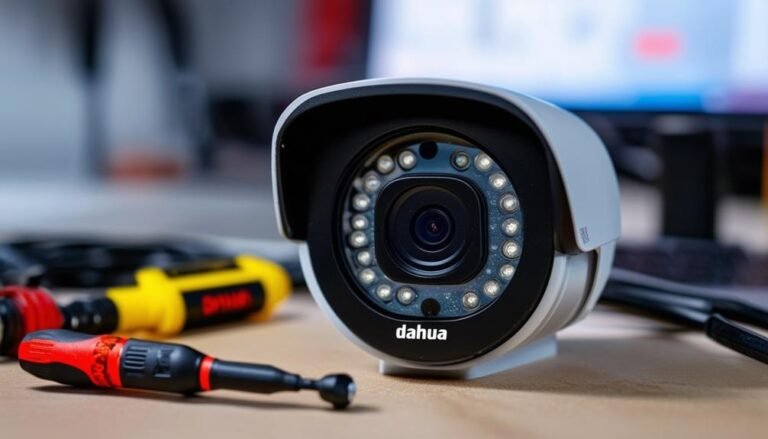
Resetting your Dahua camera is easy and can fix issues like forgotten passwords or connectivity problems. First, locate the reset button, usually found on the back. Power off the camera and press and hold the reset button while reconnecting power.…
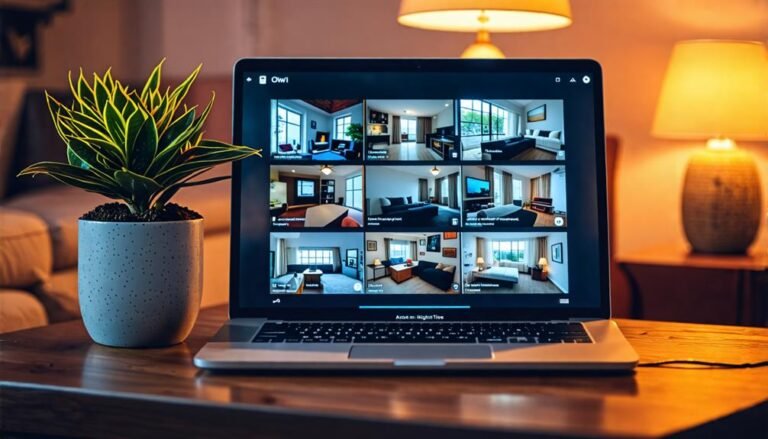
Yes, you can watch your Night Owl cameras online for real-time monitoring from anywhere. Just download the Night Owl Protect App from the App Store or Google Play Store. You'll be able to access live streaming and playback right from…
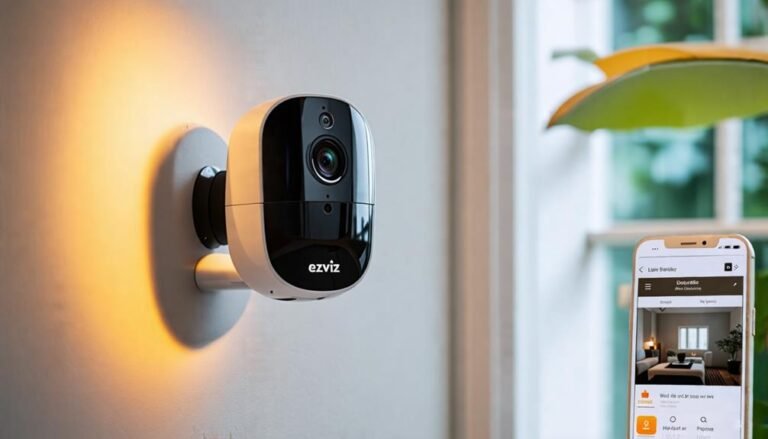
Discover the simple steps to arm your Ezviz camera for optimal security, but wait until you see our troubleshooting tips for potential issues!
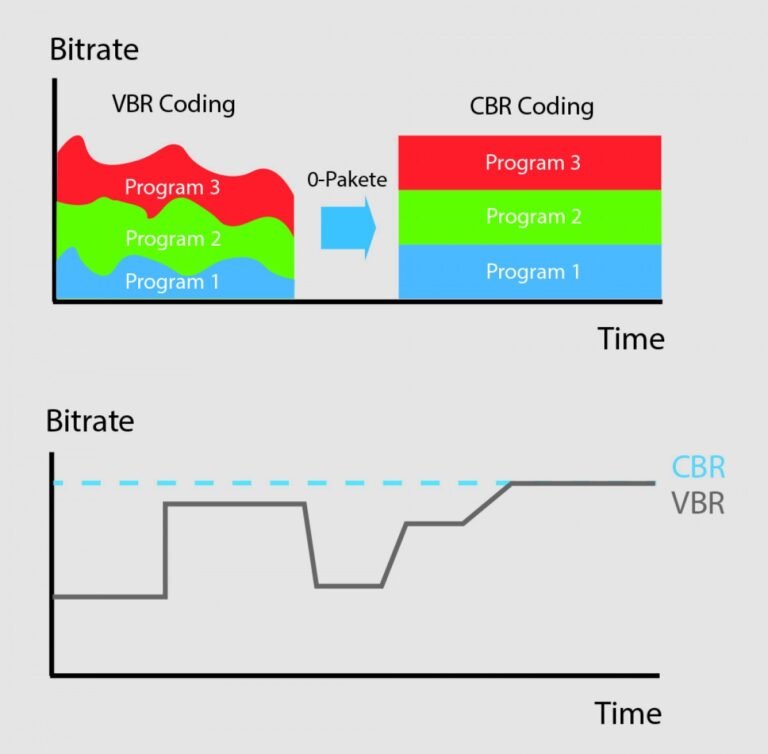
Constant Bit Rate (CBR) delivers a fixed data rate throughout the media, ensuring consistent playback. Variable Bit Rate (VBR) adjusts the data rate based on the complexity of the audio or video, optimizing quality and file size. Understanding the difference…
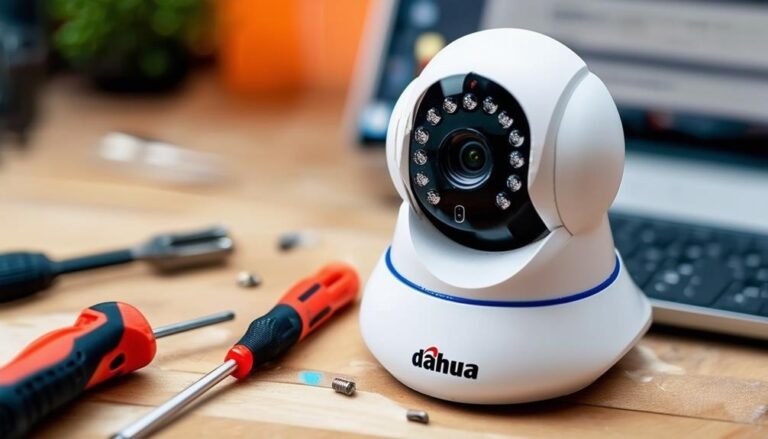
Resetting your Dahua IP camera can be done easily with a couple of methods. For a soft reset, locate the reset button—usually a small pinhole—then use a paperclip to press and hold it for 10-15 seconds. This keeps your settings…
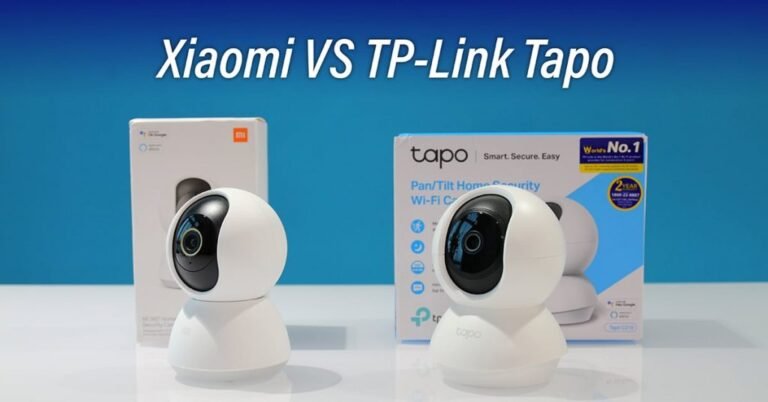
The Tapo C200 offers reliable performance with easy setup, while the Xiaomi C200 excels in video quality and smart features. Both cameras cater to home security needs but differ in functionality and user experience. Choosing the right security camera can…