
10 Steps to Check If Your CCTV Camera Is Working
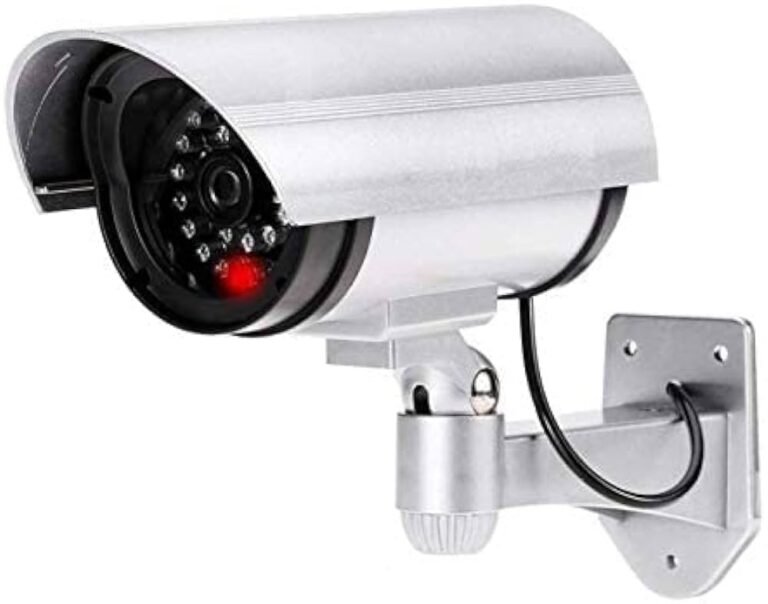
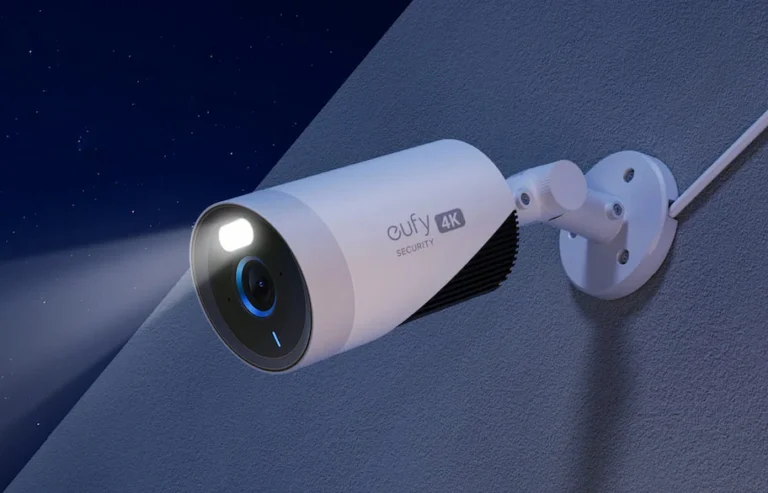
If your camera’s LEDs are on but there’s no video, start by checking all connections. Verify cables are secure and ports are clean. Next, confirm you have the latest camera drivers and reinstall them if necessary. Inspect software settings to…
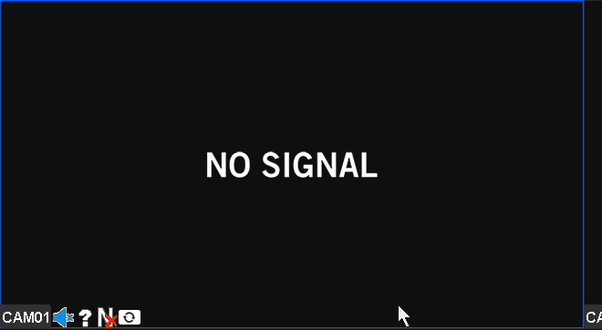
First, verify that your Hikvision DVR has a proper power connection and the power supply is functioning. Use a multimeter to check voltage, and consider a battery backup for power stability. Next, inspect all cable connections for security and quality;…

Ensuring night vision camera flickering starts by identifying when and where the flicker happens and considering environmental factors like lighting changes. Guarantee the power supply is stable; weak batteries or mismatched adapters can cause flickering. Inspect all camera connections for…
If you’re facing a black screen on your Hikvision DVR, follow these steps to troubleshoot: First, check the power supply and make sure it’s stable. Inspect all cable connections for any damage or looseness. Confirm your monitor’s functionality and compatibility.…
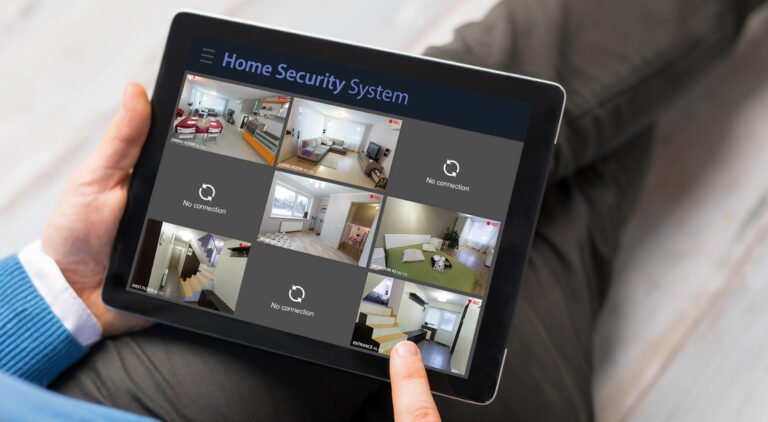
To fix your CCTV camera not working at night, start by checking the power supply and ensuring it’s stable. Inspect all cable connections for any damages and clean the camera lens for clearer night vision. Make sure the infrared LEDs…
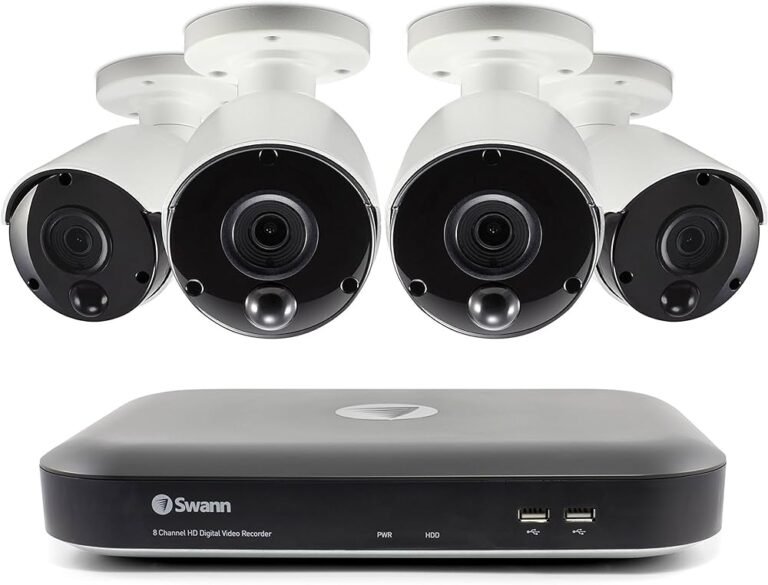
If your Swann camera isn’t recording, start by checking the power supply to make sure it’s properly connected and the battery’s charged. Next, verify the camera settings by enabling the motion detection feature and reviewing your recording schedules. Inspect all…
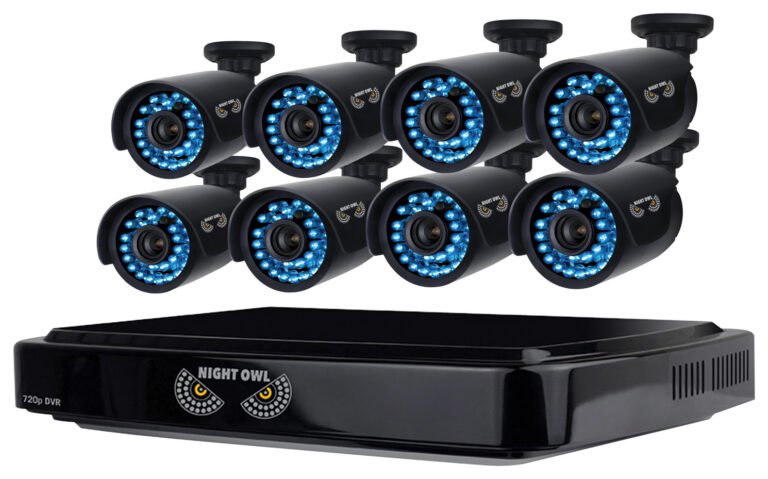
Resetting your Night Owl DVR is easy with just three steps. First, power on your DVR and connect it to a monitor. Use the remote or a mouse to access the main menu. Next, navigate to the system settings, usually…
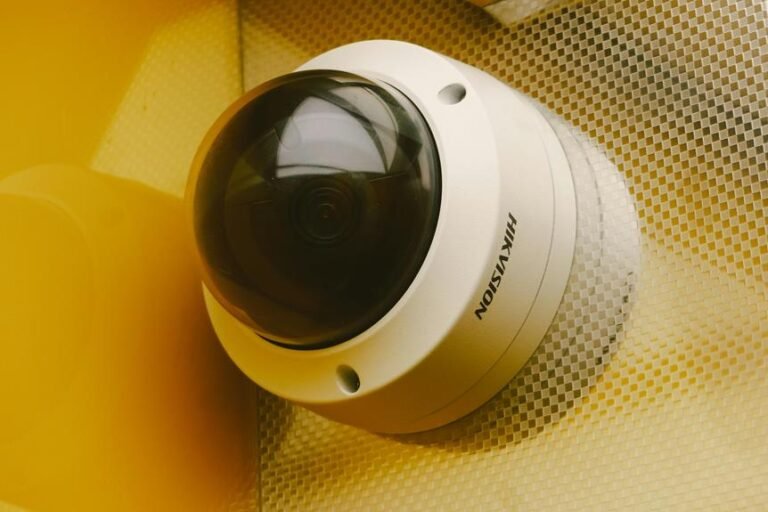
Don’t panic if your CCTV camera suddenly loses its video signal. First, check the power supply and make sure the adapter is securely connected. Next, inspect all cable connections and give them a gentle tug to confirm they’re secure. Verify…
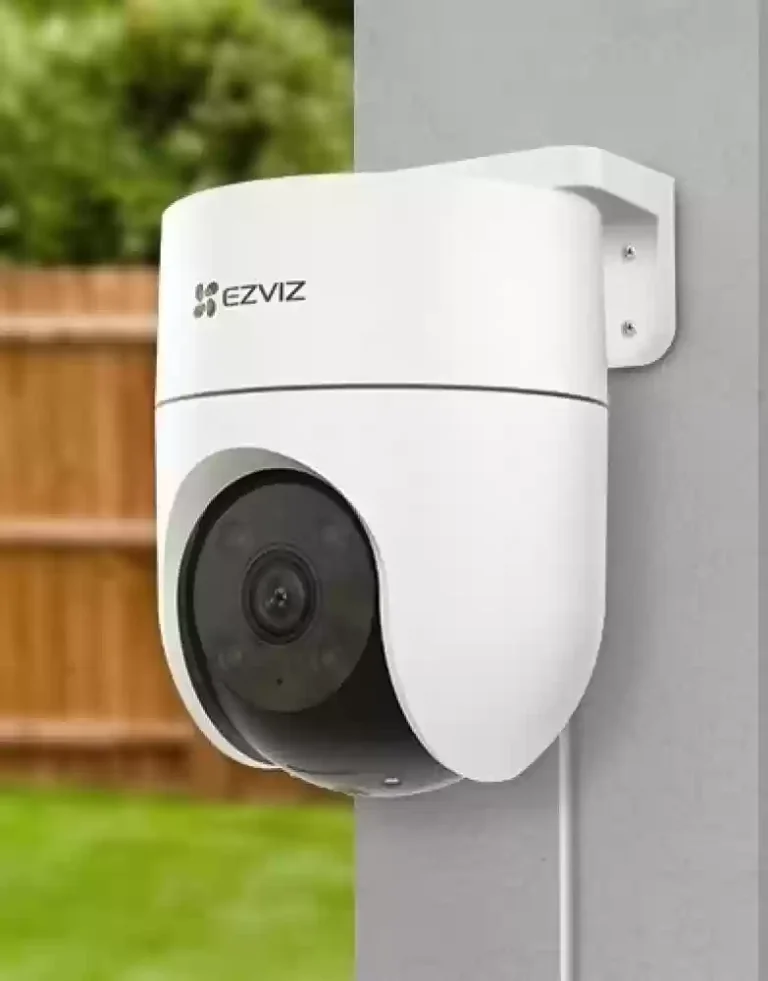
Fixing your CCTV camera’s rotation involves a few straightforward steps. First, assess the misalignment by examining distorted footage. Gather the necessary tools like screwdrivers, a small wrench set, and a sturdy ladder. Power down the system and wait 10-15 seconds…