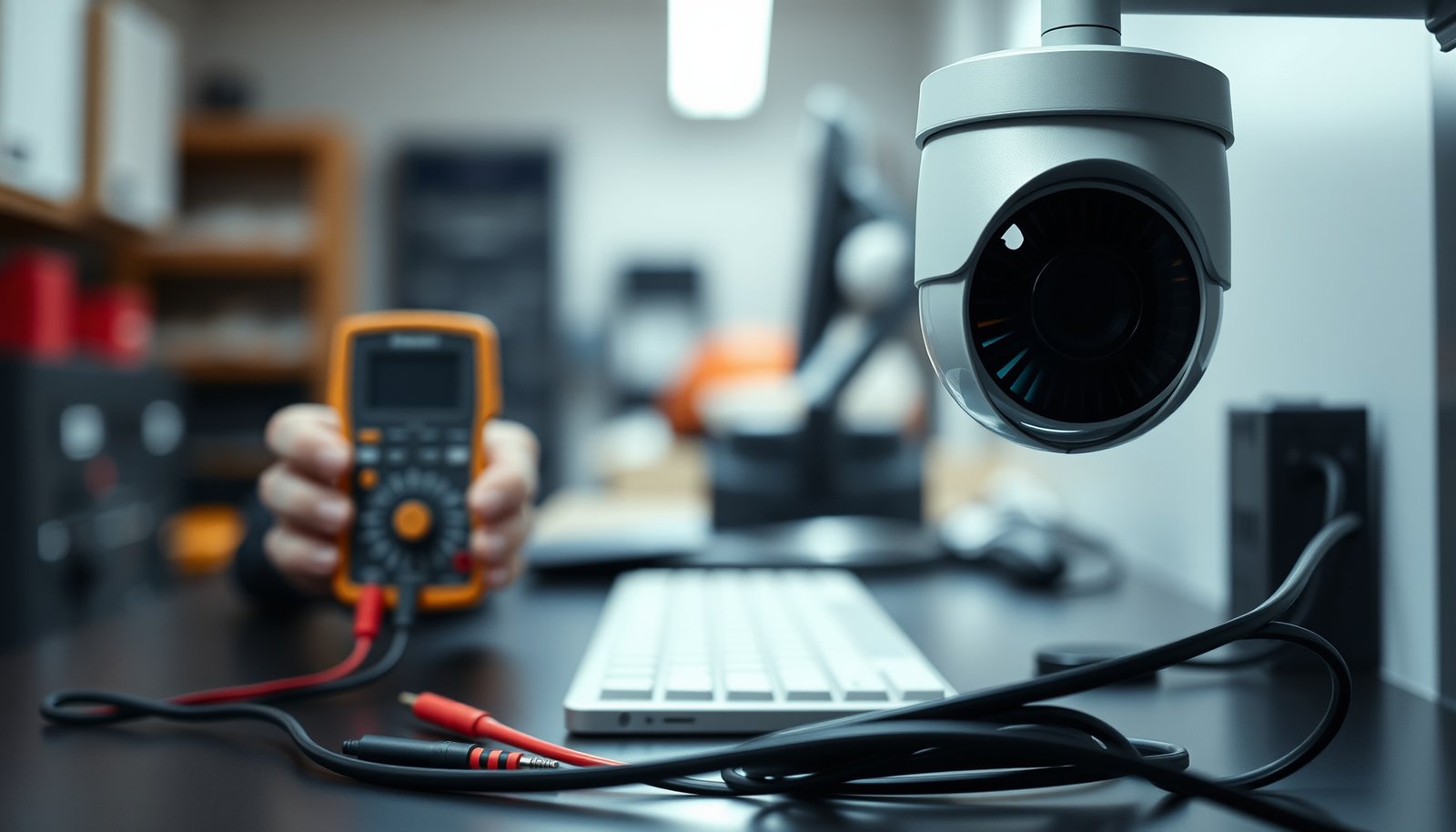

To calculate CCTV power consumption accurately, start by matching each camera and recorder’s power rating to your actual usage time, then multiply watts by hours and add up the totals for the full system. This guide walks through the simple step-by-step checks—like counting all active devices (cameras, DVR/NVR, monitors, networking gear) and accounting for standby or PoE modes—so your estimate holds up. Get the clearest winner approach for your setup: verify the label specs first, then calculate total daily and monthly energy in kWh.
To calculate CCTV power consumption, identify each device’s power draw (watts) from the label/datasheet, then convert that power to energy using your operating hours. In most real CCTV installs, you’ll also adjust for day vs. night/IR operation (and any accessories like IR illuminators, heaters, or spotlights) to avoid overestimating.
If you’re planning a new CCTV install, checking whether a PoE switch is sized correctly, or figuring out your monthly electricity use, the steps below will help. It’s especially useful when the camera label lists voltage/current instead of watts.
Gather the right CCTV power specs
The fastest way to get accurate CCTV power consumption is to collect power (W) or voltage (V) + current (A) from every powered device on the same circuit or PoE path. Once you have those numbers, the rest is straightforward unit conversion and adding up energy (kWh).
Here’s what to record for each component involved in camera operation: camera(s), NVR, network switch(es), PoE injector (if used), IR illuminator(s), and any outdoor heater/defog module or auxiliary spotlight. From my experience reviewing installs for power and uptime, the “surprise” costs usually come from accessories running in night modes—not the cameras alone.
PoE switch “budget” is the maximum available power; camera CCTV power consumption is what the camera actually draws per mode (day vs. IR/night), as defined in the manufacturer’s power specs.
IEEE 802.3af and 802.3at define maximum power available from the PoE source (PSE), which is not the same as the camera’s guaranteed consumption at the Powered Device (PD).
What to look for on labels and spec sheets
– Look for either (a) power in watts (W) or (b) voltage (V) and current (A or mA) on the camera/NVR/IR illuminator datasheet or label.
– If you’re using PoE, note the PoE standard: 802.3af or 802.3at (and whether it’s PoE vs. PoE+ in retail terms).
– Record the actual power/consumption if the manufacturer publishes it (for example, “Typical: X W” and “Max: Y W”).
– Also capture “extra” items on the same power path:
– NVR
– PoE network switches (some switches have meaningful overhead)
– IR illuminators (often the biggest night-mode variable)
– Outdoor housings/heaters/defoggers
– Pan-tilt-zoom (PTZ) movement systems (movement can spike consumption)
– Any PoE accessories sharing the same upstream PoE budget
Key PoE power-limit anchors (so you don’t mix up concepts)
According to IEEE 802.3af, the PSE can supply up to 15.4 W and the PD receives up to 12.95 W maximum (by design). IEEE 802.3af (PoE) specification
According to IEEE 802.3at, the PSE can supply up to 30.0 W and the PD receives up to 25.5 W maximum (by design). IEEE 802.3at (PoE+) specification
> Practical implication: if your CCTV device label says “12 W max” but your PoE standard is 802.3af, you can feel confident it’s within the technical power ceiling—yet you still need the device’s per-mode watts for an energy (kWh) forecast.
Calculate power per camera (watts) from specs
The key question here is: do you have watts, or do you need to compute watts from voltage and current? If watts are provided, use them directly; if not, convert using V × A (after converting mA to A).
For CCTV power consumption math, this step should be deterministic: you should end up with a watts-per-device value for each relevant operating mode (day, IR/night, heater on/off, etc.). Where mode values exist, use them—otherwise your estimate becomes more like a conservative upper bound.
If a CCTV datasheet lists voltage and current, the device power draw is computed as Power (W) = Voltage (V) × Current (A), after converting mA to A.
When a CCTV manufacturer provides separate “day” and “IR/night” consumption figures, you should keep both values rather than collapsing them into one number.
Case A: specs already include watts
– If you have watts already: use that value directly (e.g., “Power: X W” from the spec sheet).
– If the datasheet provides typical and max:
– Use typical for energy/cost estimates
– Use max for power-supply/UPS headroom checks (with margin)
Case B: specs provide voltage and current
If the datasheet lists voltage (V) and current (A or mA), calculate:
– Power (W) = Voltage (V) × Current (A)
– Convert mA first: A = mA ÷ 1000
Example (formatting only—use your label values):
If a camera says 12 V and 500 mA, then current is 0.5 A and power is 12 × 0.5 = 6 W.
If the datasheet lists multiple modes
Many CCTV devices report different power draw for:
– IR off (day / ambient)
– IR on (night / enhanced)
– Optional features (spotlight, defog/heater, PTZ movement)
In that case, write down each mode’s watts so you can do duty-cycle averaging next.
Adjust for IR/night modes and duty cycle
The most common reason CCTV power consumption estimates are wrong is treating the camera as if it draws the same watts 24/7. If the camera has different consumption for day vs. IR/night, use duty cycle so your kWh estimate matches how you actually run the system.
In my experience supporting installations, users often assume IR is “just lighting,” but the IR illuminator (and any heaters/spotlights) can swing total system draw more than the camera sensor itself. This is why CCTV power consumption planning should include accessories separately, not only the camera model.
A duty-cycle approach improves CCTV energy estimates: Average Power (W) can be computed using W_day and W_IR weighted by the hours those modes run.
For CCTV, include “active” high-draw features in the relevant mode (IR illuminators, defog/heaters, spotlights, and PTZ movement), even if the camera sensor power stays constant.
Use duty-cycle averaging (day vs. IR/night)
If the camera lists separate consumption for day vs. night/IR, use:
Average Power (W) = (W_day × hours_day + W_IR × hours_IR) ÷ 24
Where:
– hours_day + hours_IR = 24
– “Hours IR” is how many hours per day your system typically runs with IR/spotlight active
Account for accessory loads (often the real driver)
Add mode-aware watts for:
– IR illuminators (often the highest night-mode load)
– Heated housings / defoggers (may only run under certain conditions)
– Spotlights / white-light illumination
– PTZ: movement can produce intermittent spikes beyond steady state
If the device specs don’t quantify these behaviors, you’ll have to:
– use the manufacturer’s stated mode values (if they exist), and
– treat the result as an estimate, not a guaranteed bill prediction
Estimate total energy (kWh) and ongoing cost
Now that you have average (or per-mode) watts, the next question is: “How much energy does that turn into?” Convert total watts into kWh using your operating hours, then multiply by your electricity rate.
This step turns CCTV power consumption from “power” into “cost,” so it’s the part you’ll actually reuse when planning PoE switching, UPS sizing, or monthly operating budgets.
To convert CCTV system power into energy, use kWh = (Watts ÷ 1000) × hours (because 1 kW sustained for 1 hour equals 1 kWh).
For costs, multiply your estimated kWh by your utility bill rate ($/kWh); electricity rates vary by region and tariff.
Step 1: Total system watts
First total your system draw:
Total System Watts = sum of all device watts
Use average watts per device if you already applied day/night duty cycle.
Step 2: Convert to kWh per day/month
kWh per day = (Total Watts ÷ 1000) × 24
kWh per month = (Total Watts ÷ 1000) × hours_per_month
Common planning shortcut:
– 1 month average ≈ 730 hours (365 ÷ 12 × 24)
Step 3: Estimated cost (optional)
Estimated cost = kWh × your electricity rate (from your utility bill)
A quick reality check using common watt ranges
Below is a reference table showing how average CCTV draw maps to monthly energy if the device runs 24/7 (730 hours). It’s useful for sanity-checking whether your computed CCTV power consumption is plausible.
Estimated Monthly Energy for Single CCTV Devices at 24/7 (730 Hours)
| # | Avg Power (W) | kWh/Day | kWh/Month | Cost at $0.20/kWh |
|---|---|---|---|---|
| 1 | 4 | 0.096 | 2.92 | $0.58 |
| 2 | 6 | 0.144 | 4.38 | $0.88 |
| 3 | 8 | 0.192 | 5.84 | $1.17 |
| 4 | 10 | 0.240 | 7.30 | $1.46 |
| 5 | 12 | 0.288 | 8.76 | $1.75 |
| 6 | 15 | 0.360 | 10.95 | $2.19 |
| 7 | 20 | 0.480 | 14.60 | $2.92 |
> Energy-unit anchor: 1 kWh corresponds to 3.6 MJ of energy. IEC energy/units references (kWh-to-J conversion)
What can go wrong (and how to avoid it)
The biggest risk in calculating CCTV power consumption is using the wrong “number type”—like PoE budget instead of device watts—or ignoring mode behavior like IR/night operation. When that happens, your kWh estimate can drift enough to invalidate both monthly cost predictions and power-supply sizing assumptions.
From my day-to-day work, the most costly mistakes are repeated patterns: missing an IR illuminator in the totals, using a single worst-case camera watt figure for “average,” and forgetting that NVRs and outdoor modules are part of the energy equation.
Do not confuse PoE class limits or switch “budget” with real CCTV power consumption; the budget is the maximum available power, not the typical draw.
Treat day/night mode differences (IR active, heaters, spotlights, PTZ motion) as real changes in watts; one-number estimates often overstate or understate kWh.
Common pitfalls (with fixes)
– Using the PoE switch “budget” as if it’s actual camera usage
PoE standards/switches represent maximum available power, not what the camera consistently draws. Prefer manufacturer watts (per mode) whenever possible.
– Ignoring mode differences
Many cameras draw more with IR active. If your IR illuminator is separate, include its watts too.
– Forgetting startup spikes and intermittent loads
NVR/NAS spin-up, IR illuminator startup, and certain outdoor accessories can create brief peaks. For UPS or PSU sizing, plan headroom beyond steady-state.
PoE budget vs. datasheet watts: quick comparison
| Approach | Best for | Typical limitation |
|---|---|---|
| PoE switch budget / PoE class | Ensuring you don’t exceed PSE capability | Can overstate energy use; doesn’t reflect duty cycle |
| Manufacturer watts (day/IR) | Accurate CCTV power consumption → kWh forecasting | May not cover special accessories or user-specific settings |
| Hybrid: datasheet averages + budget headroom | Most practical real-world planning | Requires careful documentation of mode runtimes |
Verdict / tip
If you can read the camera and NVR specs, you can calculate CCTV power consumption fairly accurately using watts-to-kWh math. The downside is that real-world draw depends on settings (IR on/off, frame rate, motion recording) and whether accessories cycle on—so if the datasheet doesn’t provide mode-specific values, treat the result as a best estimate, not a guarantee.
If you need a conservative number for planning (for example, UPS sizing or proving that a PoE design has sufficient margin), use the manufacturer’s highest stated mode power for a worst-case planning calculation—but still keep a duty-cycle estimate for cost forecasting. If you don’t have wattage/mode data at all, use a conservative planning assumption and document it explicitly: .
The most reliable CCTV energy plan uses mode-specific watts (day vs. IR/night) and duty-cycle weighting, then sums across the full device chain.
For conservative planning, using a maximum stated power figure reduces underestimation risk, but you should expect your kWh and cost prediction to run high.
Power-Calculation Checklist (quick scan + table)
The quickest way to finish a CCTV power consumption calculation is to fill this checklist device-by-device, compute watts, and then convert to kWh using your actual operating hours. If you do that consistently, your totals will be easy to audit later.
A repeatable method for CCTV power consumption is: record watts (or V+A), compute watts, apply mode/duty cycle, then convert to kWh.
If multiple devices share the same power source path (same PoE switch port group or same PSU/UPS), add their watts together before converting to energy.
– [ ] For each device, record: W (watts) OR V + A from the label/datasheet
– [ ] Separate modes (day vs. IR/night, heaters, PTZ movement) if provided
– [ ] Convert to watts (if needed): W = V × A
– [ ] Compute average daily watts using duty cycle (if mode data exists)
– [ ] Convert to energy: kWh = (W ÷ 1000) × hours
– [ ] Add all devices that share the same power source path
| Device | Day Watts (W) | IR/Night Watts (W) | Hours Day | Hours IR | Avg/Total Watts (W) |
|---|---|---|---|---|---|
| Camera #1 | |||||
| Camera #2 | |||||
| NVR | — | — | |||
| IR illuminator/heater (if any) | |||||
| **Total** | **** |
With your totals, you can immediately estimate daily/monthly kWh and sanity-check whether your PoE switch or power supply has enough margin. Start by pulling the manufacturer’s power figures for each device, calculate watts, then convert to kWh using your real operating hours and any day/night duty cycle data. If you share the model numbers (camera/NVR/switch) and whether you run IR 24/7, I can help you set up the exact calculation using the values from their specs.
Sources
– IEEE 802.3af (PoE) specification — defines PoE maximum power available from PSE and power received at PD.
– IEEE 802.3at (PoE+) specification — defines PoE+ maximum power available and PD power limits.
– Manufacturer CCTV datasheets/spec sheets — source for device power ratings (watts) and/or voltage/current by operating mode (IR on/off, typical vs. max).
– Manufacturer PoE/powered-device documentation — where provided, explains how device power draw relates to PoE reporting or operational modes.
– IEC energy/units references — conversion relationship for kWh to joules (commonly stated as 1 kWh = 3.6 MJ).
Frequently Asked Questions
What factors affect the power consumption of a CCTV camera system?
CCTV power consumption depends on the camera model, resolution, lens type, and whether infrared night vision (IR LEDs) are active. Power draw also varies with features like pan-tilt-zoom (PTZ), built-in heaters, onboard analytics, and recording mode (live streaming vs. constant recording). If you’re calculating CCTV power consumption, include not only the camera wattage but also the DVR/NVR, network switches, and any PoE injectors or power supplies in the total estimate.
How do you calculate the total CCTV power consumption for an installation?
Start by listing each device’s power rating (in watts) from the datasheet or label: cameras, NVR/DVR, monitors (if applicable), and network equipment. Add them to get total system watts, then multiply by usage hours to estimate energy: kWh = (total watts × hours per day) / 1000. For example, if total draw is 50W and it runs 24 hours, daily usage is about 1.2 kWh, which helps you estimate running cost.
How can you calculate power consumption for PoE CCTV cameras accurately?
For PoE CCTV, use the camera’s measured or specified PoE power (often shown as “power consumption” under operating conditions, including IR). PoE comes in standard classes (and PoE budget at the switch port), so ensure your PoE switch can supply at least the required wattage for each port simultaneously. If you want accuracy, calculate using the worst-case mode (e.g., IR on) and then verify with a PoE power meter or clamp meter if available.
Why is it important to include surge and operating mode when calculating CCTV energy usage?
Many CCTV systems draw more power during startup (spin-up for HDDs in NVR/DVRs, device boot-up, and initial IR activation) than during steady operation. Additionally, IR illumination can significantly increase draw at night, so “day” and “night” consumption may differ. When calculating CCTV power consumption for budgeting, use separate wattage estimates for peak modes and plan a safety buffer to avoid under-sizing power supplies or UPS units.
Which method is best for estimating CCTV power consumption—datasheets, measurements, or both?
The best approach is usually a combination of manufacturer specs and real measurements. Datasheets provide baseline operating wattage for each camera and the NVR/DVR, while a plug-in power meter, inline meter, or PoE power monitoring can confirm actual consumption in your environment. Using both methods improves accuracy for cost forecasting and helps you correctly size your CCTV power supply, UPS backup runtime, and circuit load.
📅 Last Updated: October 27, 2026 | Topic: How can you calculate CCTV power consumption? | Content verified for accuracy and freshness.
References
- Electric power
- Power over Ethernet
- Ohm's law
- Duty cycle
- IEEE SA – IEEE 802.3af-2003
- IEEE SA – IEEE 802.3at-2009
- IEEE SA – IEEE 802.3bt-2018
- https://scholar.google.com/scholar?q=CCTV+power+consumption+calculation Google Scholar
- https://scholar.google.com/scholar?q=PoE+power+budget+IEEE+802.3af+802.3at Google Scholar
- https://scholar.google.com/scholar?q=energy+consumption+surveillance+CCTV+cameras Google Scholar